6 Best Event Feedback Survey Software for Organizers for 2026, Vetted and Compared
Best event feedback Survey software for organizers in 2026: 6 contenders with entry costs and free tiers. Each listing flags where it falls short. No hype.
- Editor's choice
 Google Forms
Straightforward surveys inside Google Workspace
Starts atSee websiteVisit workspace.google.comFull review - Great alternative
 Microsoft Forms
Surveys and polls in Microsoft 365
Starts atSee websiteVisit microsoft.comFull review - Also consider
 Typeform
Conversational attendee feedback forms
Starts atSee websiteVisit typeform.comFull review
Direct answer
Our first pick is Google Forms, best for straightforward surveys inside Google Workspace. Listed starting prices: Jotform from $34 a month and SurveyMonkey from $25 per user per month. Microsoft Forms is better for surveys and polls in Microsoft 365, and Typeform is better for conversational attendee feedback forms. Details, prices and limits for the rest of the 6 tools are below.
TL;DR:
- Number one here is Google Forms, a fit for straightforward surveys inside Google Workspace.
- Qualtrics XM fits deep experience analytics programs.
- Before buying Typeform, weigh this: long surveys can feel slow to complete.
- Jotform, SurveyMonkey: these are the 2 tools out of 6 that offer a free plan.
Last checked November 2026. Prices and plan details were read from the vendors' own pages in November 2026; vendors change plans often, so confirm the current price on the vendor site before you buy.
Quick comparison
| Tool | Best for | Starts at | Free plan? | |
|---|---|---|---|---|
| Google Forms | Straightforward surveys inside Google Workspace | See website | Not stated | Visit |
| Microsoft Forms | Surveys and polls in Microsoft 365 | See website | Not stated | Visit |
| Typeform | Conversational attendee feedback forms | See website | Not stated | Visit |
 Jotform | Quick form building with surveys | $34 a month | Yes | Visit |
 SurveyMonkey | All-around event feedback surveys | $25 per user per month | Yes | Visit |
 Qualtrics XM | Deep experience analytics programs | See website | Not stated | Visit |
The 6 tools in detail
If you are comparing event feedback Survey software for organizers, this page covers 6 tools in one place: what each is best for, what it costs to start, whether it has a free plan, and the main limit to know about.
Choose Google Forms for straightforward surveys inside Google Workspace. Design and advanced logic choices are restricted compared to dedicated survey products, so complicated feedback programs may feel constrained. Reporting is functional but not deeply analytical.
Straightforward setup makes it accessible to volunteers and staff alike. For organizers already using Google tools, it is a low-friction way to collect post-event feedback and share results with colleagues. Check the vendor site for Google Forms pricing; none is listed in this comparison. Free options: Not stated.
Where it falls short: Restricted design customization.
- Suits Workspace workflows
- Straightforward form building
- Entry-level question logic compared with specialists
In short, Microsoft Forms is for surveys and polls in Microsoft 365. Microsoft Forms spans surveys, polls and quizzes with a focus on collecting data to support decisions. For everyday use, organizers working in Microsoft 365 can use it to gather attendee feedback without adding another system, and the quiz and poll formats suit fast session-level reactions along with longer post-event surveys.
Best features of Microsoft Forms: polls and quizzes.
Its feature set is more simplified than dedicated survey systems, so advanced branching and deep reporting may be restricted. In daily use, choose Microsoft Forms for straightforward feedback inside Microsoft 365, and a specialist tool when survey complexity grows. This comparison lists no price for Microsoft Forms; ask the vendor. Free access: Not stated. Trade-offs to know: Best value inside the Microsoft ecosystem.
- Straightforward feedback collection
- Surveys
- Fewer advanced survey features
Typeform is built with conversational attendee feedback forms in mind. The conversational format works less well for very long questionnaires, where respondents may tire of clicking through screens. Organizers who want a distinctive, branded experience and richer open-ended answers tend to favor it.
For everyday use, Typeform builds AI-powered forms built to feel like a conversation, which can boost completion on post-event feedback. Its homepage emphasizes triggering automatic workflows after responses, handy for following up with attendees or routing feedback to the right team. No starting price is listed for Typeform here; confirm pricing on the vendor site. On free options: Not stated.
Where it is weaker: Long surveys can feel slow to complete.
- AI-powered form building
- Engaging one-question-at-a-time layout
- Advanced features may need premium levels
For quick form building with surveys, Jotform is a natural candidate. Jotform is an online form builder that also handles surveys, and its homepage stresses creating forms in seconds. That makes it a practical choice for organizers who require registration forms and feedback surveys from the same tool without much setup.
Choose Jotform when speed and simplicity matter, and a research-focused survey tool when analysis is the priority. Organizers with complicated branching or advanced analytics needs may outgrow it. More specifically, volunteers and small teams with restricted technical background can typically begin rapidly. What you pay to start with Jotform: $34 per month. Jotform offers a free plan.
Limits to weigh: Survey analytics may be entry-level.
- Surveys and forms in one tool
- Approachable for non-technical teams
- Advanced choices can require premium levels
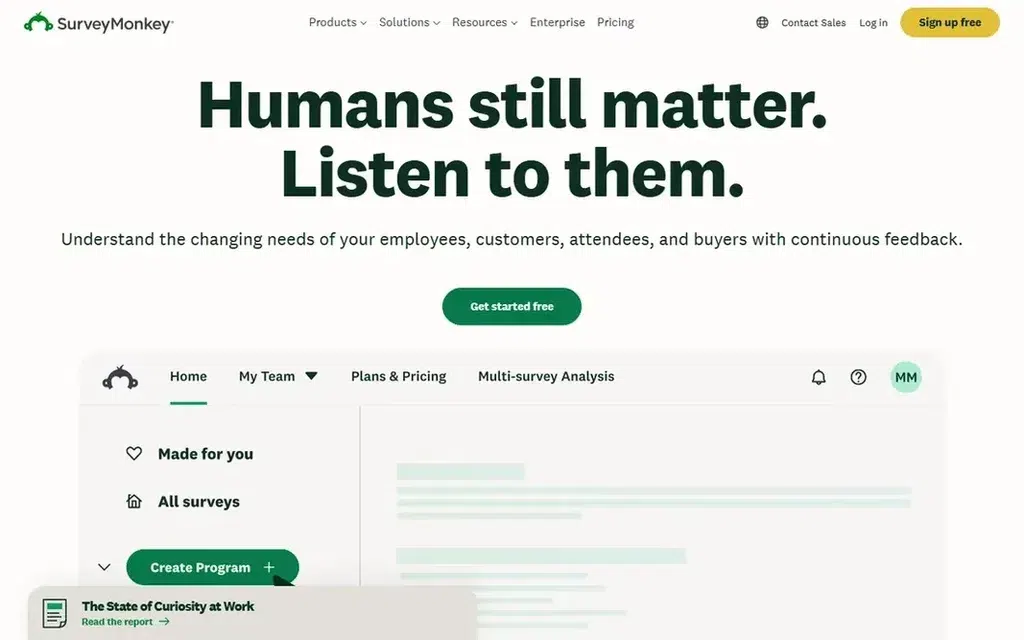
Pick SurveyMonkey if this describes you: all-around event feedback surveys. SurveyMonkey is a general-purpose survey system used for customer feedback, research and event registrations. Its homepage flags AI and templates that accelerate survey building, which fits organizers who want to launch post-event feedback rapidly without designing questions from scratch.
Drawbacks to consider: Advanced analysis may need premium levels.
The product handles a lot, so smaller events may not need its full range of features, and advanced reporting and logic can sit behind higher levels. On top of that, choose SurveyMonkey when feedback quality and template variety matter more than minimal setup. If you only need a straightforward internal poll, a lighter form builder may be enough. Teams that run multiple events and need a familiar, adaptable tool will find it a dependable default. Entry price for SurveyMonkey: $25 per user per month. SurveyMonkey includes a free tier.
- AI-assisted survey creation
- Large template library
- Interface can feel dense for beginners
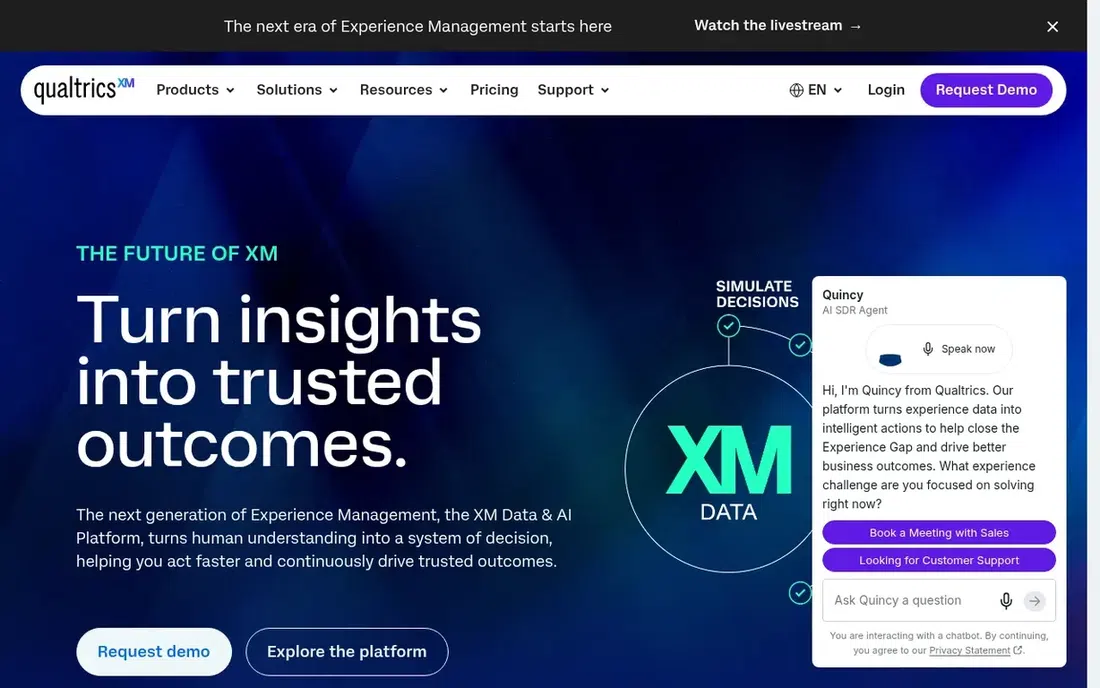
Qualtrics XM targets deep experience analytics programs. Qualtrics XM positions itself around experience management, using AI to simulate, predict and act on customer and employee experiences. Consider Qualtrics XM when feedback is part of a structured, continuing experience program.
Downsides: Can be complicated for one-off events.
For organizers running recurring events or multi-touchpoint programs, that framing fits teams that want to link attendee feedback to broader experience data instead of treat each survey in isolation. Its breadth can be more than a single event needs, and getting value from the analytics features normally needs someone to own the setup. Qualtrics XM does not show a starting price in this comparison, so check the vendor site for current pricing. Trial and free access: Not stated.
- Predictive analytics messaging
- Experience management focus
- Setup may need dedicated admin time
How we chose
LinkVetted used vendor pricing pages and product documentation as the base, then compared plans, free access and documented limits for 6 tools. Seat minimums, billing terms and add-ons can move the real cost, so the starting prices here are a guide and not a quote. Tools are placed by general fit for event feedback Survey software for organizers, with price clarity and free access as tie-breakers. A different team can reasonably rank them differently.
What to confirm before you sign up
- Get a written quote from Google Forms, Microsoft Forms, Typeform and Qualtrics XM; the list shows no starting price for them.
- Read the fine print on the free plans from Jotform and SurveyMonkey; seat, project and feature caps differ.
- Read the limits listed for Google Forms first: restricted design customization.
- Confirm minimum seats and billing terms with SurveyMonkey before you commit to an annual plan.
- Map your must-have features to a specific Qualtrics XM plan before you compare prices.
FAQ
Which options for event feedback Survey software for organizers have a free plan?
On this list, Jotform and SurveyMonkey include a free plan. Caps on seats, usage or features are common, so test the free plan against your real workload. All 6 picks in this event feedback Survey software for Organizers comparison list a starting price, free plan details and the main limits on their cards above.
When does a conversational form tool make sense?
Conversational formats like Typeform can boost completion and yield more thoughtful open-ended answers. Also, for long questionnaires, a traditional layout may be more practical.
Is a straightforward form builder enough for post-event feedback?
Google Forms, Microsoft Forms and Jotform handle entry-level feedback well. Choose a dedicated survey system when you need advanced logic, richer templates or deeper analysis.
Do these tools publish their prices?
Not all of them. Google Forms, Microsoft Forms, Typeform and Qualtrics XM publish no starting price, so expect a quote request for those. The rest, Jotform included, show a starting price, though seats and billing terms still change the final cost.
Is Google Forms the right pick for everyone comparing event feedback Survey software for organizers?
No single tool suits every team. Google Forms comes first because it fits simple surveys inside Google Workspace, while Microsoft Forms suits surveys and polls in Microsoft 365 and Typeform suits conversational attendee feedback forms. Match the tool to your own size, budget and workflow before deciding.
How do experience management products differ from survey builders?
Systems for example Qualtrics XM are built around continuing experience programs, connecting feedback across touchpoints and supporting predictive analysis. Survey builders focus on creating and collecting responses.
Sources
- https://workspace.google.com/products/forms
- https://www.microsoft.com/en-us/microsoft-365/online-surveys-polls-quizzes
- https://www.typeform.com
- https://www.jotform.com
- https://www.surveymonkey.com
- https://www.qualtrics.com