Internal Linking Tools in 2026: The 6 Best Options Side by Side
A practical comparison of the best internal linking tools in 2026, covering features, free plans and limits, based on vendor documentation and public sources.
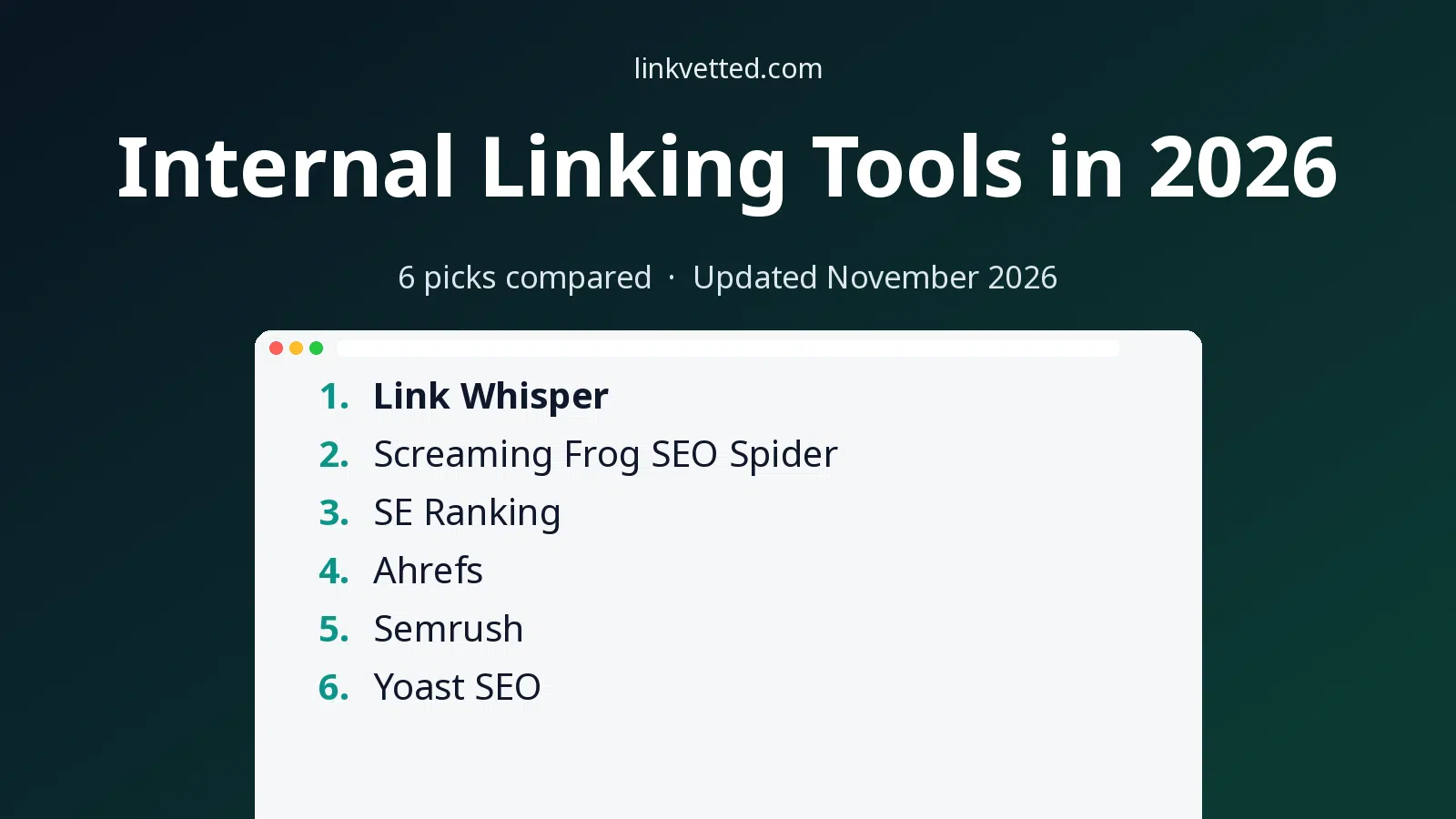
- Editor's choiceLink Whisper
Internal linking inside WordPress
Starts atSee websiteVisit linkwhisper.comFull review - Great alternative
 Screaming Frog SEO Spider
Crawling and auditing internal links
Starts atSee websiteVisit screamingfrog.co.ukFull review - Also consider
 SE Ranking
Cloud platform with site audit
Starts atSee websiteVisit seranking.comFull review
Direct answer
My top pick is Link Whisper, because it builds internal link suggestions inside the WordPress editor where most of my clients publish. For sites outside WordPress, Screaming Frog SEO Spider is the better fit since it crawls any site and reports internal link data. If you want a cloud platform that combines internal linking with broader on-page work, SE Ranking is a reasonable third option.
TL;DR:
- Internal linking tools help you find orphan pages, weak anchor text and missing links between related pages.
- The right tool depends mostly on your CMS, because a WordPress plugin and a desktop crawler solve the same problem in different ways.
- Crawler-based tools give you a full picture of site structure, while editor-based tools make linking part of the writing workflow.
- Free plans and trials vary a lot, so check limits before you commit to a paid tier.
- No tool guarantees rankings; internal linking is one part of a wider content and site structure plan.
Last checked November 2026. Plan prices are not quoted in this guide because they change often; see each vendor's own pricing page for current figures before you buy.
Quick comparison
| Tool | Best for | Starts at | Free plan? | |
|---|---|---|---|---|
| Link Whisper | Internal linking inside WordPress | See website | No free plan | Visit |
| Screaming Frog SEO Spider | Crawling and auditing internal links | See website | Free plan | Visit |
| SE Ranking | Cloud platform with site audit | See website | Free trial | Visit |
 Ahrefs | Research plus site audit data | See website | No free plan | Visit |
 Semrush | All-in-one SEO and content workflows | See website | No free plan | Visit |
 Yoast SEO | Basic internal linking checks in WordPress | See website | Free plan | Visit |
The best internal linking tools compared
I put this comparison together from vendor documentation, public product pages and published help guides. I did not run hands-on tests of each tool, so treat the notes below as a starting point for your own trial. I focused on how each product handles internal link discovery, suggestions and reporting, and on where each one fits best.
Link Whisper
Best for: Internal linking inside WordPress
Link Whisper is a WordPress plugin built around internal linking. It scans your existing content and proposes links between related posts and pages, and it shows reports on how your internal links are distributed. For a small agency like mine, that matters because most publishing work happens in the WordPress editor, and a tool that lives there saves a separate step.
The workflow is straightforward: you open a post, review suggested links, and add the ones that make sense. It also flags pages that receive few internal links, which helps when you plan a content update. Because suggestions are automated, you still need to read them and check that the anchor text fits the sentence.
The main limit is platform. If your site runs on another CMS or a custom stack, Link Whisper will not help. It also does not replace a full crawl for technical issues, so I would pair it with a crawler rather than rely on it alone.
- Suggests internal links as you write
- reports on internal links
- works inside the WordPress editor
- Tied to WordPress
- not a full site crawler
Screaming Frog SEO Spider is a desktop crawler that many SEOs use to audit site structure. It lists internal links, shows which pages are orphaned, and reports on link depth and anchor text. Because it crawls the rendered site, it works regardless of CMS, which makes it a useful baseline tool for client sites on different platforms.
For internal linking work, the crawl data helps you spot pages that sit too deep or receive no internal links. You can export the data and turn it into a task list for content updates. The tool also shows how links are followed, which matters when you plan site structure changes.
The trade-off is that it is a desktop app with a lot of settings, so new users need time to learn it. It also does not suggest links inside your editor; it gives you data, and you decide what to change. If you want writing-time suggestions, a plugin is a better fit.
- Crawls any site
- detailed internal link reports
- export options
- Desktop application
- steeper learning curve
SE Ranking is a cloud SEO platform with a site audit that includes internal link checks. It reports on broken internal links, redirect chains and pages with few incoming links, and it keeps the data in a dashboard you can share with a team. For agencies that want one place for audits and rank tracking, that combination is convenient.
On the internal linking side, the audit helps you find problems at scale rather than suggesting links as you write. I would use it to build a list of pages to fix, then handle the edits in the CMS. The platform also covers competitor research and keyword tracking, so it suits teams that want fewer separate subscriptions.
The limit is depth. If internal linking is your only task, a dedicated tool may be more direct. Plan tiers also cap how much you can crawl and track, so check the limits against your site size before choosing a tier.
- Cloud-based
- site audit covers internal links
- combines several SEO tasks
- Internal linking is one part of a larger suite
- plan limits apply
Ahrefs is a well-known SEO platform with a site audit that reports on internal links, orphan pages and redirect issues. Its broader dataset is useful when you want to connect internal linking decisions to keyword and content research. For example, you can review which pages attract traffic and then plan internal links toward them.
The internal linking work happens through audit reports and exports rather than editor suggestions. That suits teams that plan link changes in a spreadsheet and hand them to writers or developers. The platform also covers backlink analysis and rank tracking, so it fits teams that need several research tasks in one place.
The main drawback is that there is no free plan, and the platform is large enough that new users need time to find the relevant reports. If you only need internal link suggestions inside WordPress, a smaller plugin is simpler.
- Large link and content dataset
- site audit includes internal link checks
- useful reporting
- Paid plans only
- broad platform to learn
Semrush is an all-in-one marketing platform with a site audit that includes internal link analysis. It flags broken internal links, redirects and pages with thin internal linking, and it presents the findings in reports you can share. For teams already using Semrush for keyword and content work, keeping internal link checks in the same platform reduces tool switching.
The internal linking part is audit-driven: you review issues, export them and make changes in your CMS. It does not write suggestions into your editor, so the workflow depends on how your team handles content edits. The platform also covers content templates and competitor tracking, which helps when internal linking is part of a larger content plan.
The limits are cost and complexity. There is no free plan, and the number of features can be overwhelming for a small team. If you want a narrow tool for internal links only, a dedicated product is easier to justify.
- Site audit covers internal links
- content tools in one platform
- team reporting
- Paid plans only
- many features to learn
Yoast SEO is a WordPress plugin that many sites already use for on-page basics. Its editor checks include internal link counts and suggestions for related content, and the plugin flags some internal linking issues in its analysis. For a small site that wants basic checks without another subscription, the free plan covers a lot of ground.
The internal linking features are modest compared with dedicated tools. You get prompts and checks, but not a full site-wide suggestion engine or deep link reports. I would use it as a baseline and add a dedicated tool if internal linking becomes a regular task.
The limit is scope. Yoast is an on-page plugin first, and internal linking is one part of it. If you need detailed reports on orphan pages or link distribution across a large site, a crawler or a dedicated plugin will do more.
- Free plan available
- internal link checks in the editor
- familiar WordPress interface
- Limited internal link suggestions
- premium features cost extra
How I chose
I started from the job internal linking tools actually do: finding missing links, flagging orphan pages and helping writers add relevant links without breaking the reading flow. I reviewed vendor documentation and public help pages for each product to see which of those jobs it covers, and I noted where each one sits in the workflow, such as inside the editor or in a separate audit report. I also looked at platform fit, because a WordPress plugin and a desktop crawler are not interchangeable.
I did not run hands-on tests, so I did not score speed, accuracy or support response. Instead I weighed fit and limits: which CMS each tool supports, whether a free plan or trial exists, and how much of the product is dedicated to internal linking versus being one feature in a larger suite. That is why the list includes both narrow tools and broad platforms. Your site size, CMS and team workflow should decide which one you trial first.
What to check before you buy
- Confirm the tool supports your CMS or can crawl your site as it is built.
- Check whether internal link suggestions appear in the editor or only in audit reports.
- Look at crawl or page limits on each plan against your current site size.
- Check whether the tool reports orphan pages and link depth, not just broken links.
- Confirm you can export data, so link tasks can be shared with writers or developers.
- Review whether a free plan or trial lets you test the internal linking features specifically.
FAQ
What are internal linking tools used for?
They help you find pages that need more internal links, spot orphan pages and review anchor text across a site. Some tools suggest links while you write in a CMS, while others crawl the site and produce reports. Most teams use them to plan content updates and keep site structure tidy.
Do I need a paid tool for internal linking?
Not always. A free plan or trial can cover a small site, and a crawler with a free tier can produce useful internal link reports. Paid plans matter more when you need site-wide suggestions, larger crawl limits or team reporting. Start with a free option and upgrade when the limits get in the way.
Can internal linking tools improve rankings?
They can help you fix structural problems and add relevant links, which supports how search engines understand your site. But no tool guarantees rankings. Internal linking works best as part of a wider plan that includes useful content, clear site structure and regular audits.
Which tool is best for WordPress sites?
Link Whisper is built for WordPress internal linking and works inside the editor. Yoast SEO also offers basic internal link checks in WordPress. If you want site-wide crawl data as well, pair either one with a crawler such as Screaming Frog SEO Spider.
How often should I review internal links?
A regular review, such as after a batch of new content or a site restructure, keeps link gaps from building up. Crawl reports help you spot orphan pages and redirect chains, while editor tools help with links as you publish. The right frequency depends on how often your site changes.
Sources
- https://linkwhisper.com
- https://www.screamingfrog.co.uk
- https://seranking.com
- https://ahrefs.com
- https://www.semrush.com
- https://yoast.com