6 Best LinkedIn Outreach Tools for PR for 2026, Vetted and Compared
A practical 2026 guide to the best LinkedIn outreach tools for PR, compared from vendor documentation and public sources, with limits and fit.
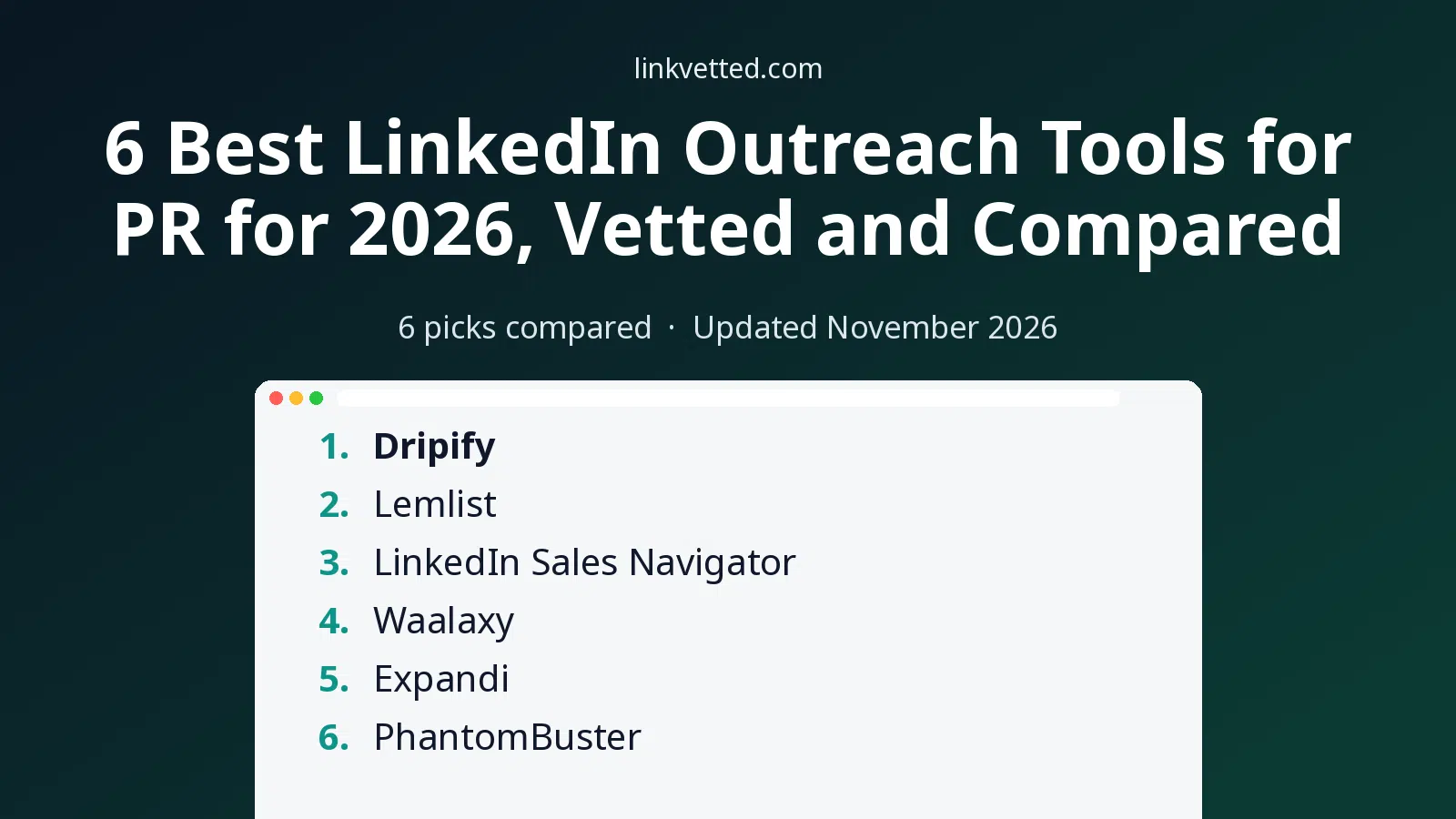
- Editor's choice
 Dripify
LinkedIn-only PR sequences
Starts atSee websiteVisit dripify.ioFull review - Great alternative
 Lemlist
Multi-channel PR campaigns
Starts atSee websiteVisit lemlist.comFull review - Also consider
 LinkedIn Sales Navigator
Finding journalists and editors
Starts atSee websiteVisit business.linkedin.comFull review
Direct answer
My top pick is Dripify for PR teams that want a LinkedIn-focused sequencing tool with a visual campaign builder and lead management in one place. For teams that already run multi-channel outreach and want LinkedIn alongside email, Lemlist is a stronger fit. If your PR work leans on finding the right journalists and editors first, Sales Navigator is the research layer I would start with before any sending tool.
TL;DR:
- LinkedIn outreach for PR works best when you separate prospect research from message sending, so pick tools that cover the part you actually lack.
- Dripify fits PR teams that want LinkedIn-only sequences with a visual builder and a simple lead database.
- Lemlist suits agencies that need LinkedIn steps and email steps in the same campaign.
- Sales Navigator is a research and filtering tool, not a sending tool, so pair it with a sequencer if you need automation.
- Check each vendor's current documentation for limits, compliance terms and account-safety rules before you commit.
Last checked November 2026. Plan prices are not quoted in this guide because they change often; see each vendor's own pricing page for current figures before you buy.
Quick comparison
| Tool | Best for | Starts at | Free plan? | |
|---|---|---|---|---|
| Dripify | LinkedIn-only PR sequences | See website | Free trial | Visit |
| Lemlist | Multi-channel PR campaigns | See website | Free trial | Visit |
| LinkedIn Sales Navigator | Finding journalists and editors | See website | Not stated | Visit |
 Waalaxy | Small teams starting LinkedIn outreach | See website | Free plan | Visit |
 Expandi | Cloud-based LinkedIn automation | See website | Not stated | Visit |
 PhantomBuster | Custom LinkedIn data extraction | See website | Free trial | Visit |
The best LinkedIn outreach tools for PR compared
I compared these tools from vendor documentation and public sources, not from hands-on tests. I looked at what each product says it does, how it fits PR workflows, and where the limits sit. My agency runs PR and SEO outreach, so I care about finding the right contact and keeping messages personal rather than sending at volume.
Dripify is a LinkedIn automation and lead management tool built around drip campaigns. For PR work, that means you can build a sequence of profile views, connection requests and follow-up messages aimed at journalists, editors or partners, then track where each contact sits. It fits small PR teams and agencies that want one place to run LinkedIn outreach without adding a separate CRM.
In a PR workflow, I would use Dripify after building a list of target publications and reporters. You load the list, build a campaign with a few steps, and review replies in the lead view. The value is the structure: every contact has a status, so you can see who replied and who needs a manual follow-up. That matters when a pitch needs a personal reply rather than another automated message.
The limit is that Dripify is LinkedIn-centric. If your PR outreach also runs through email, you will need another tool or a manual process. Teams that want one campaign across LinkedIn and email should look elsewhere.
- Visual campaign builder
- lead database with status tracking
- team collaboration features
- Focused on LinkedIn rather than multi-channel
- automation limits depend on plan
Lemlist is an outreach platform that supports email and LinkedIn steps in the same campaign. For PR, that is useful when you want to reach a journalist by email and also connect on LinkedIn without managing two separate lists. You can build a sequence that starts with a LinkedIn view or connection and follows with an email, then track replies in one place.
The practical benefit for PR is continuity. A reporter who does not answer an email may respond to a LinkedIn message, and Lemlist keeps both touches in one campaign view. Personalization fields and templates help you avoid identical messages, which matters when you are pitching the same publication more than once.
The drawback is complexity. Multi-channel campaigns take more planning than a LinkedIn-only sequence, and the LinkedIn side depends on the vendor's current automation terms. Solo PR consultants may find it heavier than they need.
- LinkedIn steps alongside email steps
- Personalization features
- Campaign reporting
- More setup work for multi-channel flows
- LinkedIn automation depends on plan and account rules
Sales Navigator is LinkedIn's own research and prospecting product. For PR, its main job is finding the right people: reporters who cover your sector, editors at target publications, and analysts or partners worth a relationship. The search filters let you narrow by role, company, geography and seniority, and you can save leads into lists for later outreach.
I treat Sales Navigator as the research layer. You build the list there, note who covers what, and then move to a sending tool or reach out manually. The alerts on job changes and company news are useful for timing a pitch, because a reporter who just moved to a new publication is often open to new sources.
It is not an outreach automation tool. If you expect sequences and automated follow-ups, you will need to pair it with something else. It also carries its own subscription, so budget for two tools if you go this route.
- Advanced search filters
- Saved leads and lists
- Alerts on profile and company changes
- No built-in sending automation
- Requires a separate outreach tool for sequences
Waalaxy is a LinkedIn prospecting and outreach tool that runs in the browser. It is aimed at teams that want to build prospect lists and run connection and message sequences without a heavy setup. For PR, it can handle the first-touch and follow-up steps for a list of journalists or media contacts.
The appeal for a small PR team is the lower barrier to entry. You can import a list, build a sequence, and track replies, and the free plan lets you try the workflow before committing. That suits consultants who want to test LinkedIn outreach on a few campaigns before standardizing on a tool.
The limits show up as you scale. Feature depth varies by plan, and the automation side depends on the vendor's current terms and your LinkedIn account. Teams with complex multi-channel needs will likely outgrow it.
- Browser-based setup
- Campaign and sequence builder
- Prospect list import
- Feature depth varies by plan
- Automation limits depend on plan and account rules
Expandi is a LinkedIn automation platform that runs campaigns from the cloud rather than a browser extension. For PR teams, that means sequences can run without keeping a browser session open, which helps when you manage outreach alongside other work. It supports personalized messages and campaign analytics.
In practice, I would use Expandi for structured outreach to a defined media list: a first message, a follow-up, and a final touch, with personalization fields for the publication and the reporter's beat. The analytics help you see which steps get replies so you can adjust the sequence.
Before committing, review the vendor's current documentation on automation limits and account safety, because cloud tools carry different risks from browser-based ones. There is no free plan stated, so you need to be confident in the fit before subscribing.
- Cloud-based campaigns
- Image and message personalization
- Campaign analytics
- No free plan stated
- Setup and account-safety review needed
PhantomBuster is an automation and data extraction platform with prebuilt templates, including ones for LinkedIn. For PR, it is most useful when you need to pull structured data, such as a list of people who engaged with a post or a set of profiles matching a search, and then work with that data in a spreadsheet.
I see it as a supporting tool rather than a core outreach suite. You might use it to build a media list from LinkedIn search results, then enrich and review that list before any outreach. The templates reduce the setup work compared with writing your own scripts.
The trade-off is maintenance. Automations need checking when pages or templates change, and it is not a place to manage replies or campaigns. Teams that want a single tool for research, sending and tracking will find it fragmented.
- Prebuilt automation templates
- Data export to spreadsheets
- Flexible workflow options
- Requires setup and maintenance
- Not a full outreach suite
How I chose
I built this list from vendor documentation and public sources. I read each product's own description of its features, its help pages where available, and public write-ups about how the tools are used. I did not run hands-on tests, and I have not measured reply rates or campaign results for any of them. The comparison is about fit and stated capability, not performance claims.
The main filter was relevance to PR work: finding journalists and editors, running a short sequence of touches, and keeping replies organized. I also weighed the limits each vendor states, such as whether a tool is LinkedIn-only, whether it needs a separate research product, and whether it requires technical setup. Where a tool is better as a supporting layer than a full suite, I said so. Prices change often, so I have pointed you to each vendor's site rather than quoting figures.
What to check before you buy
- Confirm whether the tool is LinkedIn-only or supports email steps too, because PR outreach often needs both.
- Read the vendor's current automation and account-safety terms, since rules and limits change.
- Check how replies are handled, because a PR pitch usually needs a personal response rather than an automated one.
- Ask whether the tool exports your contact lists, so you are not locked in if you switch.
- Review team seats and permissions if more than one person will run outreach.
- Test the research and filtering features against your actual media list before committing to a plan.
FAQ
What is the best LinkedIn outreach tool for PR?
There is no single best tool, because PR workflows differ. Dripify fits LinkedIn-only sequences, Lemlist fits teams that need LinkedIn and email together, and Sales Navigator fits research. Start with the step you lack, whether that is finding contacts, sending sequences or tracking replies, and choose the tool that covers it.
Can I use LinkedIn automation for journalist outreach?
You can use automation tools, but keep the messages personal and check the vendor's current terms and LinkedIn's rules. Journalists receive a lot of pitches, so a short, specific message tied to their beat works better than a generic sequence. Use automation for the structure and follow-ups, not for identical bulk messages.
Do I need Sales Navigator if I already use an outreach tool?
Not always. Sales Navigator is strongest for search and filtering, saved leads and alerts. If your outreach tool already gives you good list-building and filtering, you may not need it. If finding the right reporters is the hard part, Sales Navigator is worth considering alongside a sending tool.
Are free plans enough for a small PR team?
Free plans and trials are useful for testing a workflow, but they usually limit the number of contacts or features. For a small team, a trial is a good way to check whether the sequence builder and reply tracking fit how you work. Plan on a paid tier once you run regular campaigns.
How do I keep LinkedIn outreach from feeling spammy?
Keep lists small and targeted, reference the reporter's actual work, and write each first message yourself. Use automation for follow-ups and status tracking rather than for the opening pitch. If a contact replies, stop the sequence and respond personally.
Sources
- https://dripify.io
- https://lemlist.com
- https://business.linkedin.com/sales-solutions/sales-navigator
- https://www.waalaxy.com
- https://expandi.io
- https://phantombuster.com