Best LinkedIn Automation Tools in 2026: 8 Tools Compared
Best linkedin automation tools compared for safety, pricing, and campaign control, with honest notes on LinkedIn rules in 2026. now with honest limits
- Editor's choice
 Expandi
Cloud LinkedIn and email outreach
Starts at$99 per monthVisit expandi.ioFull review - Great alternative
 Dripify
Visual LinkedIn drip campaigns
Starts at$59 per monthVisit dripify.comFull review - Also consider
 Linked Helper
Granular desktop automation
Starts at$15 per monthVisit linkedhelper.comFull review
TL;DR:
- Expandi and Dripify lead on cloud safety, while Linked Helper and Octopus lead on price.
- Automation always carries account risk, so limits, warm up, and personalization matter.
- Start with a small, targeted campaign and a human reply process before scaling.
Quick comparison
| Tool | Best for | Starts at | Free plan? | |
|---|---|---|---|---|
| Expandi | Cloud LinkedIn and email outreach | $99 per month | Free trial | Visit |
| Dripify | Visual LinkedIn drip campaigns | $59 per month | Free trial | Visit |
| Linked Helper | Granular desktop automation | $15 per month | No | Visit |
 Lemlist | Multichannel LinkedIn and email | $39 per month | Free trial | Visit |
 Octopus CRM | Budget LinkedIn automation | $9.99 per month | Free trial | Visit |
 Waalaxy | Templated LinkedIn outreach for small teams | €19 per month | Free trial | Visit |
 MeetAlfred | Multichannel outreach and publishing | $59 per month | Free trial | Visit |
 We-Connect | Branching LinkedIn workflows | $49 per month | Free trial | Visit |
The best LinkedIn automation tools
We compared tools on execution model, safety controls, campaign building, pricing, and team features. The list mixes cloud, desktop, and multichannel tools, so solo users, sales teams, and agencies can each find a fit.
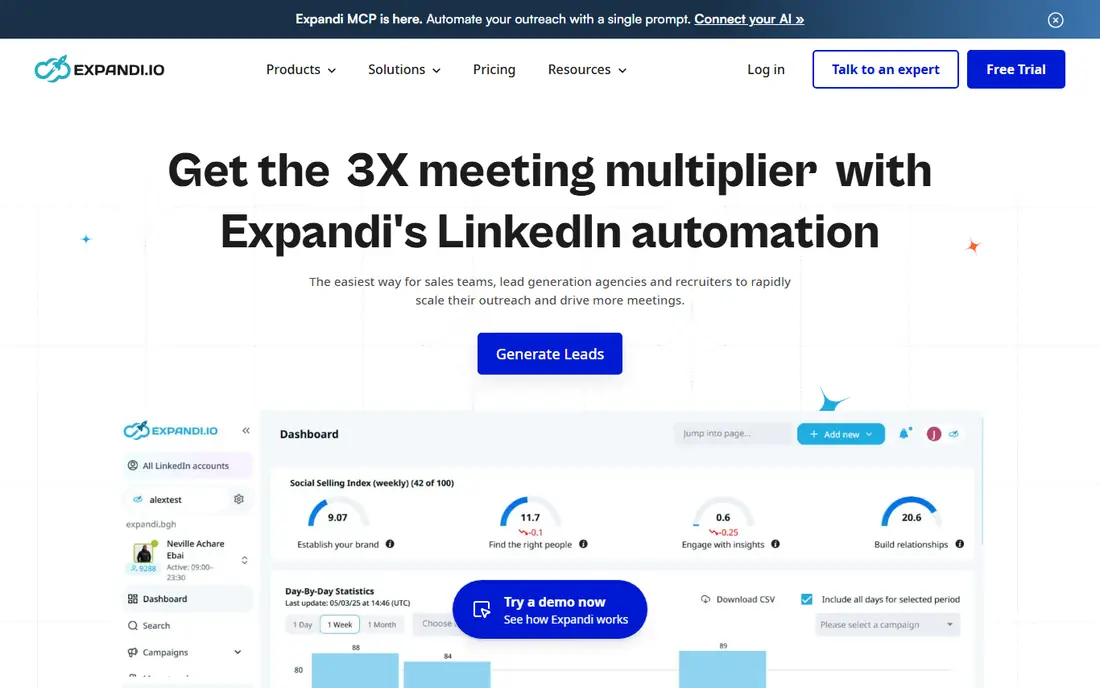
Expandi suits teams that want cloud outreach with strong safety controls. It fits buyers who want a clear fit for that need without sorting through vague claims, and it works best when the buyer knows what outcome matters most before signing up.
Its dedicated IP and limit controls help teams run campaigns without leaving a computer running. In practice, that strength shows up in day to day use, where clear limits, honest pricing pages, and a support path matter more than a long feature list.
The catch is price, since solo users may find cheaper tools that cover basic sequences. Even so, the right choice depends on budget, team size, and how much help is wanted after the first month, so compare the terms on the official site before committing.
- Cloud based with dedicated IP
- Smart inbox
- Conditional campaigns
- Higher price
- Personalized images are a paid add on
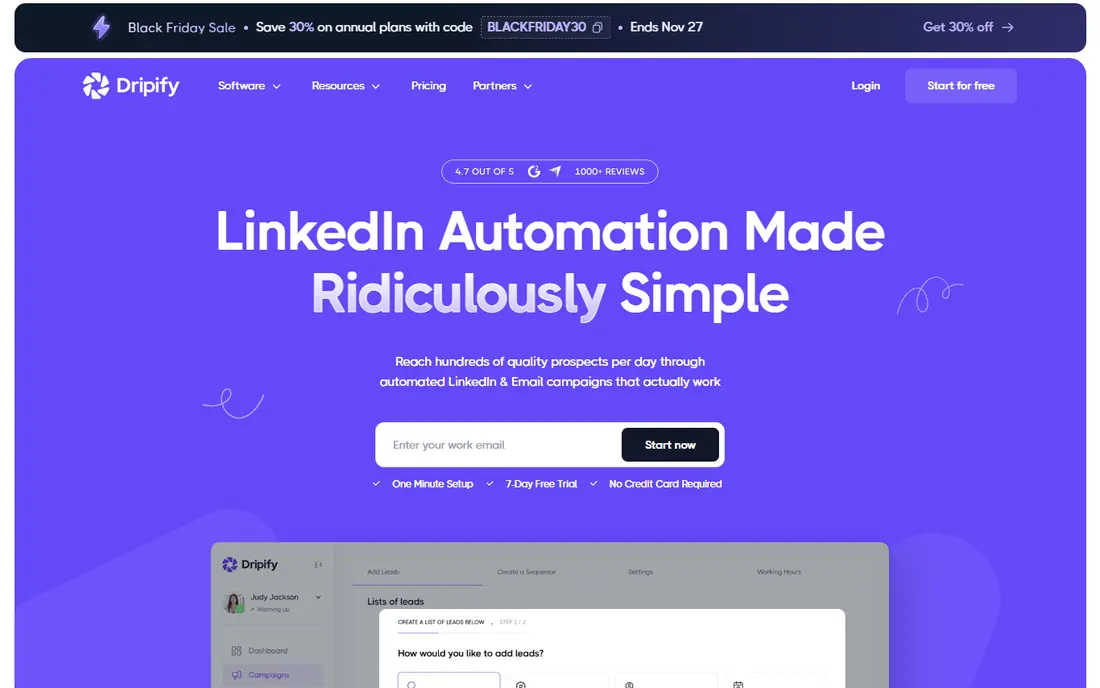
Dripify suits sales teams that want to build sequences visually and track replies. It fits buyers who want a clear fit for that need without sorting through vague claims, and it works best when the buyer knows what outcome matters most before signing up.
Its builder makes it easier to see each step, delay, and condition before a campaign goes live. In practice, that strength shows up in day to day use, where clear limits, honest pricing pages, and a support path matter more than a long feature list.
The limit is the entry plan, which restricts campaign count and daily quotas. Even so, the right choice depends on budget, team size, and how much help is wanted after the first month, so compare the terms on the official site before committing.
- Visual campaign builder
- Dedicated IP
- Analytics and team options
- Basic plan limits campaigns
- Quotas vary by plan
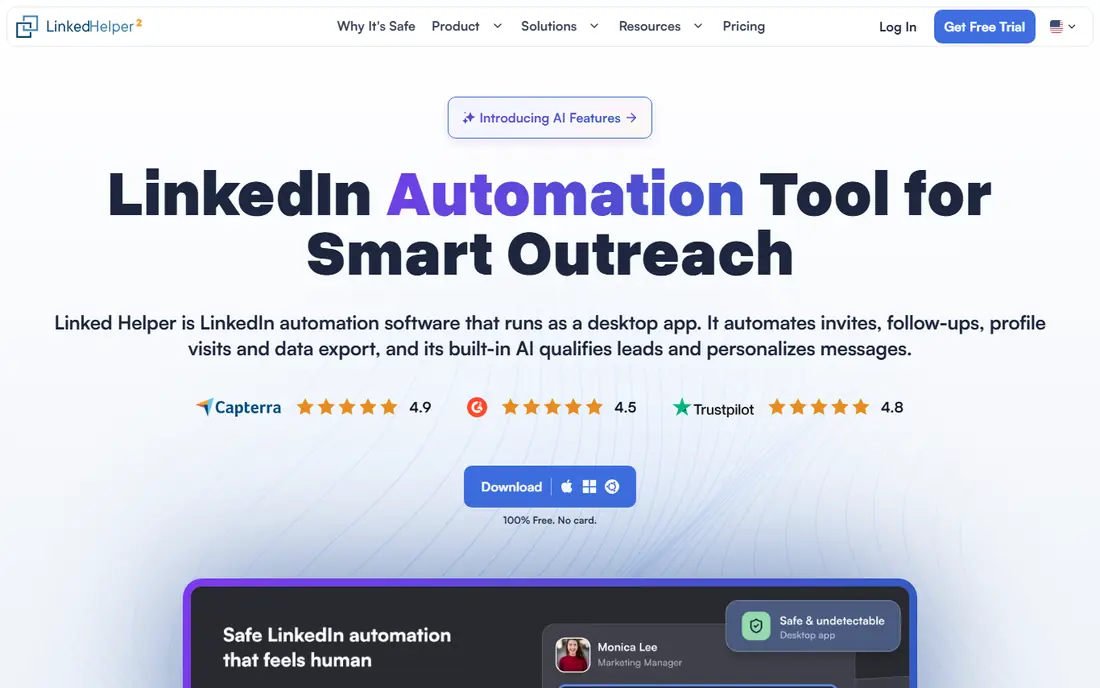
Linked Helper suits power users who want detailed control at a low price. It fits buyers who want a clear fit for that need without sorting through vague claims, and it works best when the buyer knows what outcome matters most before signing up.
Its desktop model uses your own IP, which can feel more natural than shared cloud infrastructure. In practice, that strength shows up in day to day use, where clear limits, honest pricing pages, and a support path matter more than a long feature list.
The catch is upkeep, since the app must run and limits must be set with care. Even so, the right choice depends on budget, team size, and how much help is wanted after the first month, so compare the terms on the official site before committing.
- Low price
- Detailed controls
- Rolling daily caps
- Desktop app needs a running machine
- Cloud storage is not cloud execution
Lemlist suits teams that combine LinkedIn with email in one sequence. It fits buyers who want a clear fit for that need without sorting through vague claims, and it works best when the buyer knows what outcome matters most before signing up.
Its multichannel design helps teams follow up on email when LinkedIn replies are slow. In practice, that strength shows up in day to day use, where clear limits, honest pricing pages, and a support path matter more than a long feature list.
The limit is focus, since pure LinkedIn users may pay for email features they do not use. Even so, the right choice depends on budget, team size, and how much help is wanted after the first month, so compare the terms on the official site before committing.
- Multichannel sequences
- Personalization tools
- Team features
- LinkedIn automation is part of a wider suite, not a pure LinkedIn tool
Octopus CRM suits solo users who want working automation at the lowest price. It fits buyers who want a clear fit for that need without sorting through vague claims, and it works best when the buyer knows what outcome matters most before signing up.
Its simple setup helps beginners start a campaign without a long learning curve. In practice, that strength shows up in day to day use, where clear limits, honest pricing pages, and a support path matter more than a long feature list.
The catch is depth, since advanced teams may soon need stronger analytics or safety controls. Even so, the right choice depends on budget, team size, and how much help is wanted after the first month, so compare the terms on the official site before committing.
- Very low entry price
- CRM features
- Simple campaign setup
- Feature depth is lower than premium tools
- Support varies
Waalaxy suits small teams that want templated LinkedIn outreach without a long setup. It fits buyers who want a clear fit for that need without sorting through vague claims, and it works best when the buyer knows what outcome matters most before signing up.
Its ready-to-use sequences and follow-ups help teams start outreach quickly, and the dashboard shows reply rates so campaigns can be adjusted. In practice, that strength shows up in day to day use, where clear limits, honest pricing pages, and a support path matter more than a long feature list.
The catch is volume, since the entry plan caps monthly invites and email outreach needs the higher plan. Even so, the right choice depends on budget, team size, and how much help is wanted after the first month, so compare the terms on the official site before committing.
- 99 plus ready-to-use sequences
- LinkedIn and email outreach on higher plans
- CRM sync with HubSpot and Pipedrive
- Invite limits are low on the entry plan
- LinkedIn Inbox is a paid add-on
- Automation carries account risk
MeetAlfred suits small teams that want outreach plus social publishing in one tool. It fits buyers who want a clear fit for that need without sorting through vague claims, and it works best when the buyer knows what outcome matters most before signing up.
Its CRM and publishing features help teams keep prospect notes and posts in one place. In practice, that strength shows up in day to day use, where clear limits, honest pricing pages, and a support path matter more than a long feature list.
The catch is plan gating, since the cheapest plan may not include every channel. Even so, the right choice depends on budget, team size, and how much help is wanted after the first month, so compare the terms on the official site before committing.
- Multichannel campaigns
- Built in CRM
- Social publishing
- Email and wider campaigns need higher plans
- Pricing varies by plan
We-Connect suits teams that want branching logic based on prospect replies. It fits buyers who want a clear fit for that need without sorting through vague claims, and it works best when the buyer knows what outcome matters most before signing up.
Its workflows can change the next step when a prospect accepts, replies, or ignores a message. In practice, that strength shows up in day to day use, where clear limits, honest pricing pages, and a support path matter more than a long feature list.
The limit is maturity, since beta features should be tested on a small campaign first. Even so, the right choice depends on budget, team size, and how much help is wanted after the first month, so compare the terms on the official site before committing.
- Branching workflows
- AI replies
- Email on higher plans
- Some features are in beta
- Learning curve for branching logic
How we picked these
We compared official pricing pages, safety documentation, and public tool comparisons from 2026, and we favored tools with clear limit controls and a current product. We noted where LinkedIn automation can breach LinkedIn terms, since that risk applies to every tool in this list. We did not claim hands-on account testing.
How to choose a LinkedIn automation tool
Start with safety, not speed. Use conservative daily limits, warm up a new account slowly, and personalize first messages with a real reason to connect. A tool that promises very high volume is a warning sign, since LinkedIn limits and account reviews are real risks.
Check the execution model. Cloud tools run without your computer, desktop tools use your own IP but need upkeep, and multichannel tools add email complexity. Choose the model your team can monitor daily, and keep a human in charge of replies, since automated replies can damage trust quickly.
FAQ
What is the best linkedin automation tool for beginners?
Octopus CRM and We-Connect are accessible starting points, while Dripify offers a clearer visual builder. Start with one campaign, low limits, and manual replies. Avoid high volume settings in the first weeks.
Are LinkedIn automation tools safe?
No tool removes risk, since LinkedIn restricts automated activity. Tools with dedicated IPs, limits, and warm up controls reduce risk but do not remove it. Use conservative settings and stop if LinkedIn sends a warning.
What are the best platforms for linkedin automation for agencies?
Expandi, Dripify, and HeyReach style agency models suit multi account work, but this list focuses on widely available tools. Agencies should check per sender pricing, team controls, and account isolation before scaling.
How much does LinkedIn automation software cost?
Prices in this list range from about 10 dollars to 197 dollars per month per seat, depending on features. Team and agency plans cost more. Always check whether the price is per seat or per account.