Best LinkedIn Analytics Tools in 2026: 9 Tools Compared
The best linkedin analytics tools compared for creators, teams and brands, with pricing, post insights and company page reporting in one full 2026 guide.
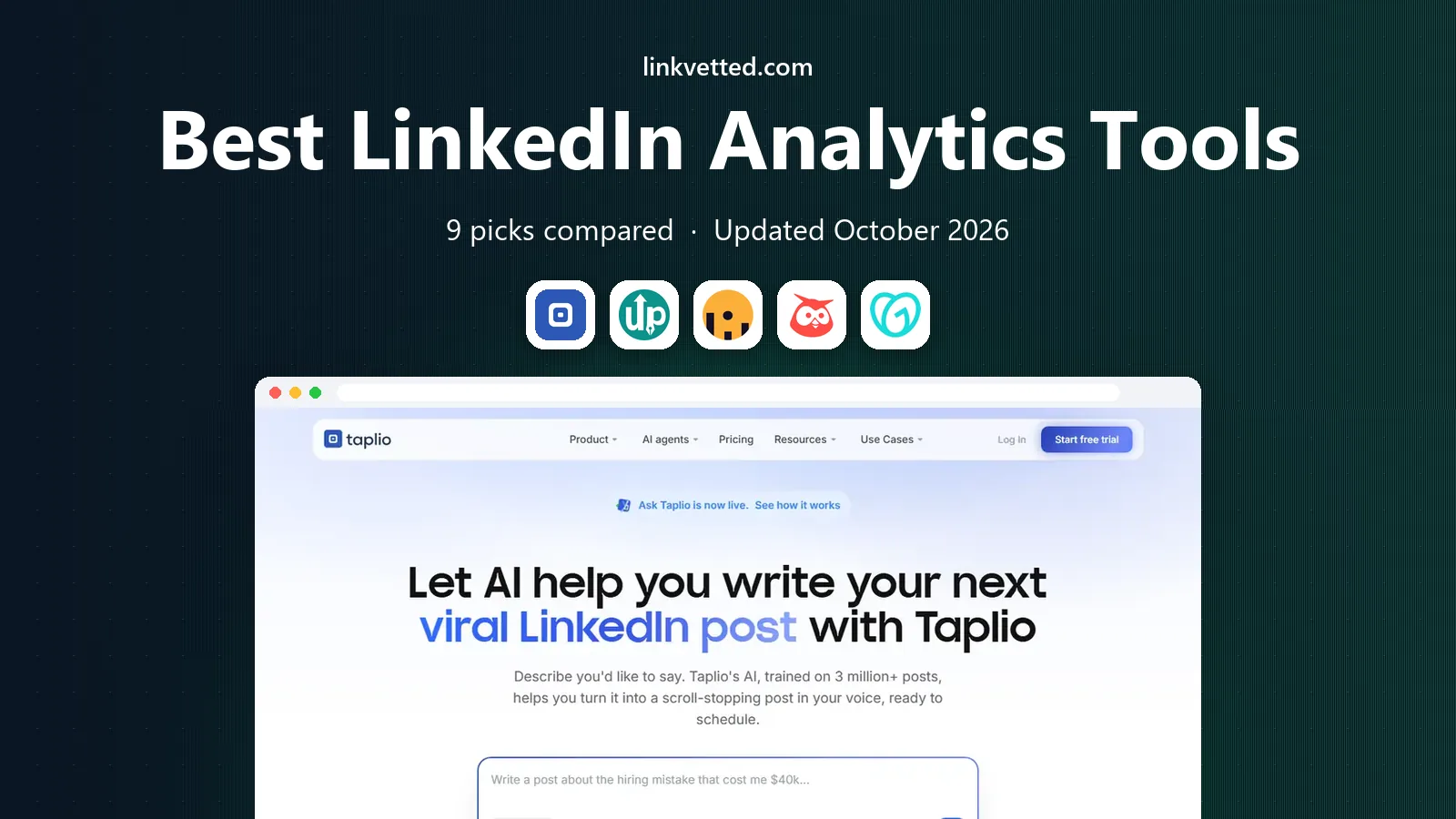
- Editor's choice
 Taplio
Creators growing a personal brand
Starts atSee websiteVisit taplio.comFull review - Great alternative
 AuthoredUp
Writing and post analytics for creators
Starts at$19.95 per monthVisit authoredup.comFull review - Also consider
 Socialinsider
Benchmarks and cross-channel reports
Starts atSee websiteVisit socialinsider.ioFull review
TL;DR:
- Personal profile tools and company page tools solve different problems, so check which profile type a tool supports before you pay.
- Taplio and AuthoredUp suit creators who want writing help plus analytics, while Hootsuite and Sprout Social suit teams managing many channels.
- LinkedIn native analytics are free and useful, but third-party tools add longer history, team views and clearer post comparisons.
- Avoid tools that promise automated liking, commenting or mass outreach, since those practices can put an account at risk under LinkedIn rules.
Quick comparison
| Tool | Best for | Starts at | Free plan? | |
|---|---|---|---|---|
| Taplio | Creators growing a personal brand | See website | Free trial | Visit |
| AuthoredUp | Writing and post analytics for creators | $19.95 per month | Free trial | Visit |
| Socialinsider | Benchmarks and cross-channel reports | See website | Free trial | Visit |
 Hootsuite | Teams managing many social channels | See website | Free trial | Visit |
 Sprout Social | Large teams and client reporting | See website | Free trial | Visit |
 Buffer | Simple scheduling and basic analytics | Free | Yes | Visit |
 Metricool | Affordable multi-channel analytics | Free | Yes | Visit |
 Keyhole | Hashtag and campaign tracking | See website | Free trial | Visit |
 Inlytics | Personal profile insights on a budget | See website | Free trial | Visit |
The best linkedin analytics tools
We kept tools that report LinkedIn post, profile or page performance in a clear dashboard, and noted whether each tool covers personal profiles, company pages, or both.

Taplio pairs analytics with content help, which suits creators who post often. Its dashboard shows which posts earned views, engagement and followers, while its post library and AI drafts help turn a winning format into a new idea. Scheduling keeps posting steady without a separate tool. For a solo creator, that mix of insight and drafting in one login is the main draw.
The limit is scope. Taplio is LinkedIn only, so a team managing other channels still needs another tool for those networks. AI drafts also vary in quality and need a human edit for voice and facts. If LinkedIn is your main channel, Taplio gives a practical creator workflow.
- Post analytics plus AI writing help
- Viral post library
- Scheduling in one tool
- LinkedIn only, so other channels need another tool
- AI drafts need editing
AuthoredUp starts from writing, then adds analytics on top. Its editor helps shape hooks, line breaks and formatting for LinkedIn, and its analytics show which posts and formats performed best over time. That link between how a post was written and how it did helps a creator repeat what worked, rather than guessing from raw view counts.
Publishing runs through a browser extension, which some users find clunky, and company page reporting is not its strength. For personal profile creators, though, AuthoredUp is one of the clearest tools in this list. The entry price is also easier to justify than a full social suite for one person.
- Clear post analytics
- Strong writing editor
- Hook and format previews
- Needs a browser extension to publish
- Company page support is limited
Hootsuite is a full social suite, not a LinkedIn-only tool. It schedules posts across channels, pulls analytics into shared dashboards and adds listening and team approval flows. For a marketing team that runs LinkedIn alongside other networks, that single workflow saves time and keeps reporting consistent.
The price is the barrier for small teams, and personal profile analytics are thinner than company page analytics, since LinkedIn limits what third parties can pull for personal accounts. If you manage company pages and several channels, Hootsuite is a solid, if costly, choice.
- Scheduling, listening and analytics in one suite
- Team roles
- Strong reporting
- High starting price for small teams
- LinkedIn personal profiles are limited
Sprout Social offers polished analytics and reporting for teams and agencies. LinkedIn company page reports cover reach, engagement, follower growth and post detail, and the same dashboard handles publishing, inbox replies and approvals. Client-ready reports with your own branding help agencies share results without building slides from scratch.
Solo creators will find the price hard to justify, and a large team should allow time for setup, roles and approval flows. For a brand or agency that needs reliable LinkedIn page reporting plus team workflow, Sprout Social is one of the most complete options here.
- Polished reports
- Inbox and publishing in one place
- Good team permissions
- Expensive for solo creators
- Setup takes time for large teams
Buffer is the simplest tool in this list, and that is its strength. Connect a LinkedIn page or profile, schedule posts, and see basic reach and engagement per post. The free plan covers a small number of channels and scheduled posts, which is enough for a solo user testing a posting habit. The interface needs almost no training.
Depth is limited. You will not get rich audience breakdowns, benchmarks or long custom reports on the lower plans. For a small business that wants steady posting and a quick sense of what worked, Buffer is a low-cost, low-friction start.
- Very easy to learn
- Free plan for a few channels
- Clear post performance view
- Analytics depth is basic
- LinkedIn personal profile limits apply
Metricool gives a lot of analytics for its price. It covers LinkedIn pages alongside other social channels, plus website and ad data on some plans, and its competitor view helps a small team compare posting and growth with rivals. The free plan lets you test the dashboard before paying, and paid plans stay cheaper than large suites.
The dashboard can feel busy at first, with many charts and tabs, and some deeper reports sit on higher tiers. For a small team that wants multi-channel analytics without a large suite budget, Metricool is one of the best value picks in this list.
- Good value on paid plans
- Competitor tracking
- Clear dashboards
- Interface can feel busy
- Some advanced reports need higher plans
Keyhole suits campaign work. Track a hashtag, keyword or campaign across social networks, including LinkedIn, and see volume, reach, top posts and sentiment over time. That view helps a team judge whether a launch hashtag gained traction or fizzled, and which accounts drove the conversation. Account tracking also supports rival comparisons.
Pricing varies and can be high for a small team that only needs basic post analytics. Keyhole is also less useful as a daily personal profile tool than Taplio or AuthoredUp. For campaign and hashtag reporting, it adds a layer the other tools here do not cover as well.
- Tracks hashtags, keywords and campaigns
- Influencer and account reports
- Alerts
- Quote-style pricing on some plans
- Less suited to everyday personal analytics
Inlytics focuses on personal LinkedIn profiles, with clear charts for follower growth, post reach and engagement trends. That focus helps creators who want to know which topics and formats grew their audience, without paying for a full social suite. Setup is quick, and the dashboard stays easy to read.
The trade-off is scope. Inlytics does not cover company pages, so a brand team will need another tool for page reporting. Its feature set is also narrower than Taplio, with less writing and scheduling help. For a creator on a budget who mainly needs personal profile insight, Inlytics is a practical pick.
- Focused personal profile analytics
- Follower and post trends
- Simple dashboard
- No company page analytics
- Smaller feature set than full suites
How we picked these
We compared official feature and pricing pages, LinkedIn support notes and public reviews, and kept tools that report LinkedIn performance today. We excluded tools that rely on automation that breaks LinkedIn rules, and we noted where a tool covers personal profiles only or company pages only. We did not claim hands-on testing; our picks rest on published features, plan limits and widely reported strengths.
How to read LinkedIn analytics without chasing vanity numbers
Start with follower growth and profile views over a month, not a single viral post. A post with huge views but no new followers or profile visits may have entertained people without building an audience. Next, compare formats: text posts, documents, polls and video often perform differently for the same audience, and your own history is a better guide than generic advice.
Set a simple monthly review. Note your top three posts, the topic they covered, and the format they used, then plan one repeat of each winning pattern. Also check audience data, such as job titles and locations, to see whether you reach the people you want to serve. That habit turns analytics into better posts, not just bigger charts.
FAQ
What is the best linkedin analytics tool for creators?
Taplio and AuthoredUp lead for personal profile creators, with Taplio stronger on scheduling and idea help and AuthoredUp stronger on writing and post detail. Inlytics is a cheaper option if you only need profile trends and no writing help.
Does LinkedIn have free analytics?
Yes. LinkedIn gives free analytics for personal profiles and company pages, including post views, engagement and follower growth. Third-party tools add longer history, team views, benchmarks and clearer comparisons across posts.
What is the best linkedin analytics tool for company pages?
Hootsuite, Sprout Social and Socialinsider suit company pages best, with Hootsuite and Sprout adding publishing and team workflow and Socialinsider adding benchmarks. Buffer and Metricool work for smaller teams that need simpler page reports.
Can analytics tools track LinkedIn personal profiles?
Some can, including Taplio, AuthoredUp and Inlytics, but LinkedIn limits personal profile data for third parties. Expect post and follower trends rather than the full audience detail you get for a company page you manage.
How much do LinkedIn analytics tools cost?
Prices range from free plans at Buffer and Metricool to around $19.95 per month for AuthoredUp and much higher for Hootsuite and Sprout Social. Check the vendor pricing page, since profile counts and team seats change the total.
Are LinkedIn automation tools safe?
No, not if they automate liking, commenting, connection requests or scraping. LinkedIn rules restrict those practices, and accounts can face limits. Use analytics and scheduling tools that work within LinkedIn approved access, and write your own posts and replies.
Socialinsider
Best for: Benchmarks and cross-channel reports
Socialinsider suits marketers who need to compare LinkedIn performance with rivals and with other channels. Benchmark reports show how your engagement, growth and posting rate compare with similar pages, while campaign reports pull posts into one view for a client or manager. That comparison view is more useful than a single page chart when you need to explain results.
Costs rise as you add profiles, so a team tracking many pages should check the total before signing up. Personal profile analytics are less deep than company page reporting in some plans. For brand and agency reporting, Socialinsider still stands out for readable benchmarks.