The 5 Best Website Security Scanner for WordPress Sites in 2026, Ranked
Best website security scanner for WordPress sites in 2026: 5 tools with starting prices, free plans and limits. Short verdicts, no fluff. Jump to the table.
- Editor's choiceMalCare
Attack blocking and one-click cleanup
Starts at$99 per site a monthVisit malcare.comFull review - Great alternativeJetpack
Security inside the WordPress dashboard
Starts at$29.00 a monthVisit jetpack.comFull review - Also considerPatchstack
Vulnerability alerts and virtual patching
Starts at$69 per monthVisit patchstack.comFull review
Direct answer
Start with MalCare if you need attack blocking and one-click cleanup. Listed starting prices: MalCare from $99 per site a month, Jetpack from $29.00 a month and Patchstack from $69 per month. Alternatives: Jetpack for Security inside the WordPress dashboard, and Patchstack for vulnerability alerts and virtual patching. Details, prices and limits for the rest of the 5 tools are below.
TL;DR:
- MalCare takes the first slot, best suited to attack blocking and one-click cleanup.
- Sucuri suits scanning with cleanup and monitoring.
- One limit worth knowing about Patchstack: less emphasis on cleanup.
- The cheapest monthly starting price in the list is $29.00 per month, offered by Jetpack.
Last checked November 2026. Prices and plan details were read from the vendors' own pages in November 2026; vendors change plans often, so confirm the current price on the vendor site before you buy.
Quick comparison
| Tool | Best for | Starts at | Free plan? | |
|---|---|---|---|---|
| MalCare | Attack blocking and one-click cleanup | $99 per site a month | Yes | Visit |
| Jetpack | Security inside the WordPress dashboard | $29.00 a month | Yes | Visit |
| Patchstack | Vulnerability alerts and virtual patching | $69 per month | Free trial | Visit |
| iThemes Security | Security within a broader site toolkit | See website | Not stated | Visit |
| Sucuri | Scanning with cleanup and monitoring | $229 a year | Not stated | Visit |
Tool-by-tool breakdown
Choosing website security scanner for WordPress sites usually comes down to price, fit and limits. This LinkVetted guide sets 5 tools side by side on those three points, with the facts kept short and checkable.
MalCare
Best for: Attack blocking and one-click cleanup
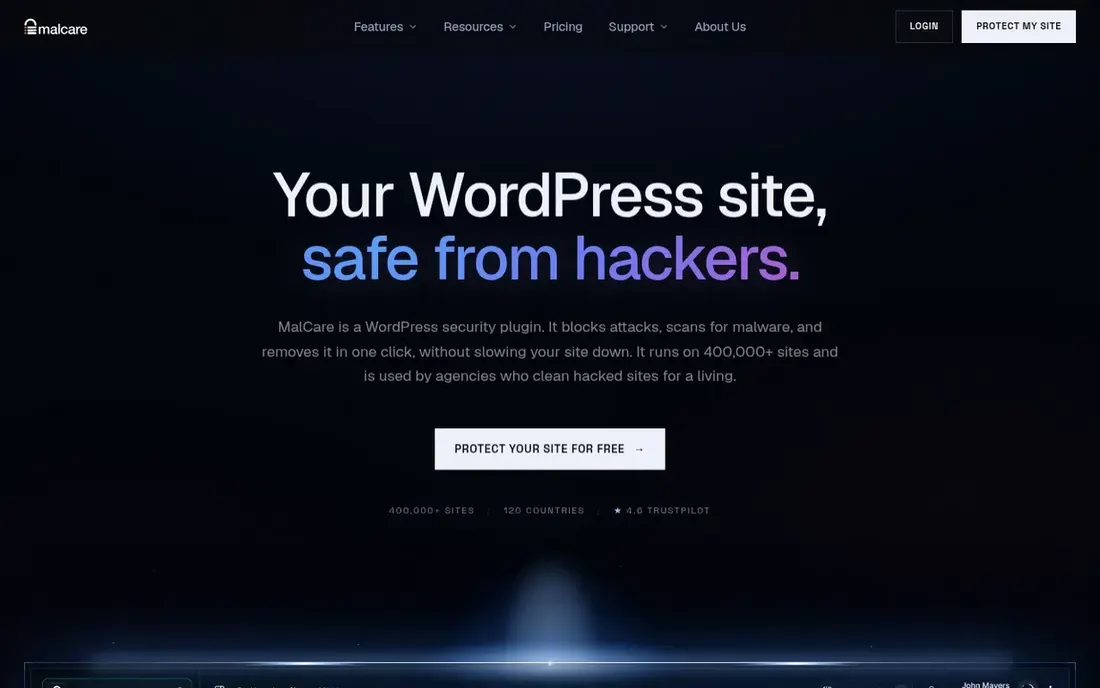
MalCare is designed for attack blocking and one-click cleanup. As a WordPress-only plugin, it has little to offer for other products or broader application estates. In daily use, the one-click approach trades some granular control for simplicity, which may not fit teams needing custom rules.
Drawbacks to consider: Centred on WordPress only.
In daily use, MalCare is a WordPress security plugin that blocks attacks, scans for malware and removes it in one click. More specifically, the workflow is pitched at site owners who want a straightforward plugin experience without managing a separate security console. MalCare pricing: $99 per site per month. MalCare has a free plan.
- One-click malware removal
- Scans for malware
- Restricted value outside WordPress sites
Jetpack
Best for: Security inside the WordPress dashboard
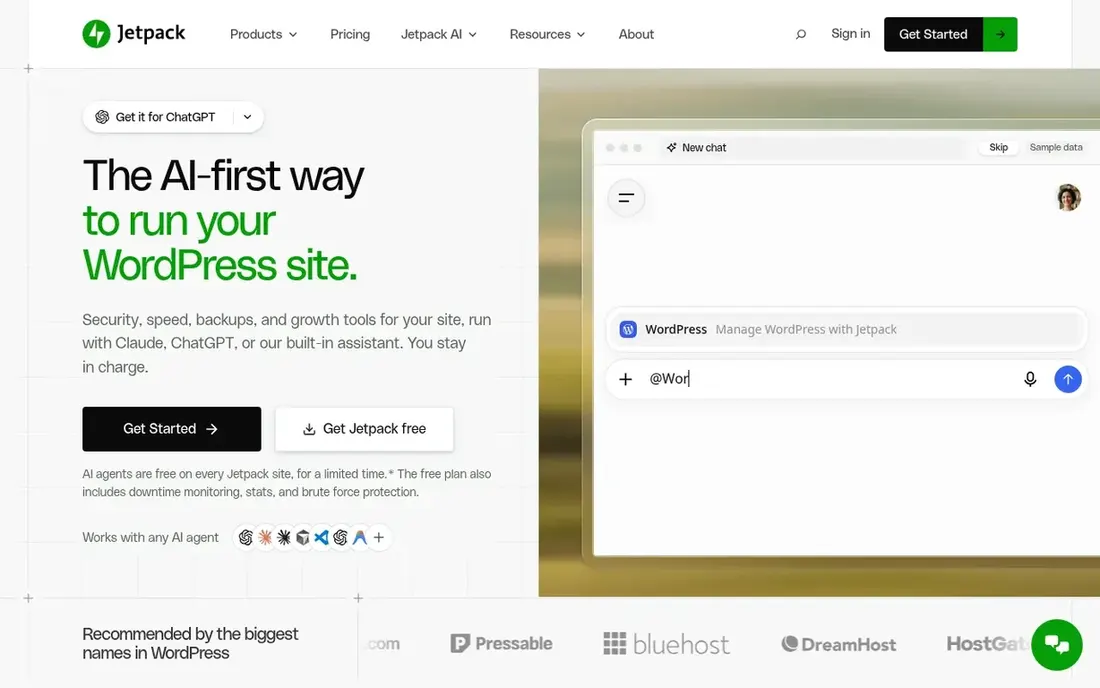
Jetpack works best for Security inside the WordPress dashboard. Its primary appeal is convenience: scanning and backups live inside the WordPress dashboard, so routine checks do not need a separate console.
The starting price for Jetpack: $29.00 per month. You can start on Jetpack without paying.
Downsides: Feature access varies by configuration.
- Speed tools included
- Malware scanning
- Security is one part of a broader toolkit
Patchstack
Best for: Vulnerability alerts and virtual patching
Patchstack targets vulnerability alerts and virtual patching. Patchstack promises quick protection for WordPress security vulnerabilities, keeping sites and JavaScript apps safe from vulnerable plugins, themes and npm packages through virtual patching. Cleanup of an already infected site is not the core pitch, so pair it with a scanner that removes malware if that is a concern.
As for the details, the focus is prevention instead of cleanup. Choose it when vulnerability intelligence is the central requirement. Price to start with Patchstack: $69 per month. Trial and free access: Free trial.
What to check first: Less emphasis on cleanup.
- Also addresses JavaScript packages
- Virtual patching
- Targeted at vulnerability protection instead of full security suites
iThemes Security
Best for: Security within a broader site toolkit
In short, iThemes Security is for Security within a broader site toolkit. Buyers should verify the exact security capabilities on the vendor site.
The main drawbacks: Security is bundled with other extras.
It is a practical fit when you are already standardizing on the Kadence toolset. No starting price is listed for iThemes Security here; confirm pricing on the vendor site. On free options: Not stated.
- Security add-on for WordPress
- Multi-site management choices
- Homepage emphasizes the bundle over scanning detail
Sucuri
Best for: Scanning with cleanup and monitoring
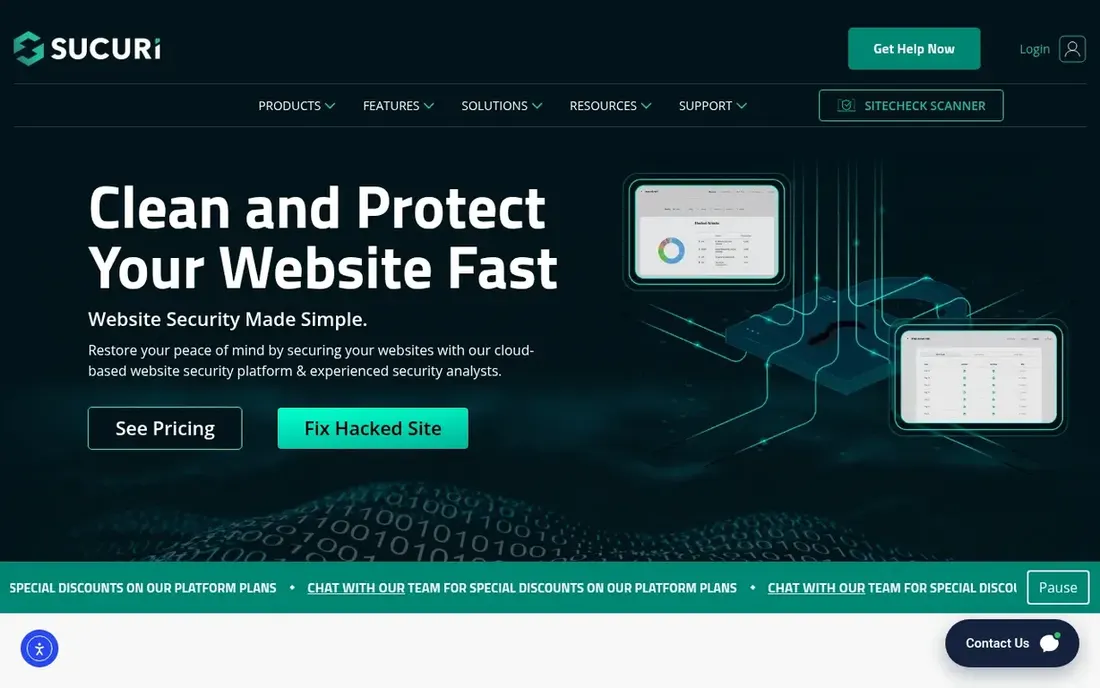
Sucuri works best for scanning with cleanup and monitoring. Cleanup is handled as a distinct service, so budget and workflow should be checked on the vendor site.
If you chiefly want virtual patching for vulnerable plugins, a WordPress-native choice may be a better match. It is a reasonable fit for WordPress users who prefer an external security layer that watches the site continuously. On cost, Sucuri starts like this: $229 per year. Trial and free access: Not stated.
Downsides: Cleanup is a separate service from scanning.
- Works with any CMS
- Dependable monitoring
- Less centred on WordPress plugin patching
Our selection method
We compared the tools on published pricing, free plan or trial availability, feature coverage for website security scanner for WordPress sites, and the limits each vendor documents. Where a price is missing, the vendor does not list one publicly or ties it to a quote. Always confirm before budgeting. Position on the page reflects fit for a typical buyer first, with price clarity and free access breaking ties. Treat it as a guide, not a ruling.
Things to verify first
- Get a written quote from iThemes Security; the list shows no starting price for them.
- Read the fine print on the free plans from MalCare and Jetpack; seat, project and feature caps differ.
- Take the trial from Patchstack and push a live task through it before you pay.
- Read the limits listed for MalCare first: centred on WordPress only.
- Confirm that iThemes Security connects to the apps your team already uses, on the plan you would actually buy.
- Compare total cost, not headline price: for MalCare, add extra seats, add-ons and any usage-based charges.
FAQ
Can a scanner remove malware automatically?
Some tools emphasize cleanup, for example Sucuri's malware cleanup service and MalCare's one-click removal. Others focus on detection and prevention. Check whether cleanup is included or handled separately before you commit.
Do I need a WordPress plugin or an external scanner?
An external service watches the site from outside and can add cleanup and monitoring. Plenty of owners combine a plugin with an external layer for coverage.
Is MalCare the right pick for everyone comparing website security scanner for WordPress sites?
No single tool suits every team. MalCare comes first because it fits attack blocking and one-click cleanup, while Jetpack suits Security inside the WordPress dashboard and Patchstack suits vulnerability alerts and virtual patching. Match the tool to your own size, budget and workflow before deciding.
Do these tools publish their prices?
Not all of them. iThemes Security publishes no starting price, so expect a quote request for it. The rest, MalCare included, show a starting price, though seats and billing terms still change the final cost.
What is the cheapest option for website security scanner for WordPress sites in this list?
On published monthly entry prices, Jetpack is the lowest here at $29.00 per month. Entry price is only part of the cost, because seats, add-ons and billing terms can change the total.
How are the tools for website security scanner for WordPress sites ordered?
The order follows typical fit for website security scanner for WordPress sites, with MalCare first and Sucuri last, then price clarity and free access. It is editorial judgement, not a score, so another team could rank the tools differently.
Sources
- https://www.malcare.com
- https://jetpack.com
- https://patchstack.com
- https://ithemes.com
- https://sucuri.net