Website Security Scanner for WordPress in 2026: The 6 Best Options Side by Side
Weighing the best website security scanner for WordPress? We lined up 6 products by cost, free access and fit. With pricing notes and limits. Compare quickly.
- Editor's choiceiThemes Security
Security within a broader site toolkit
Starts atSee websiteVisit ithemes.comFull review - Great alternative
 Acunetix
Web application and API scanning
Starts atSee websiteVisit acunetix.comFull review - Also considerMalCare
One-click malware removal for WordPress
Starts at$99 per site a monthVisit malcare.comFull review
Direct answer
If you need Security within a broader site toolkit, iThemes Security is the first tool to look at here. Listed starting prices: MalCare from $99 per site a month, Jetpack from $29.00 a month and Patchstack from $69 a month. For a different need, Acunetix covers web application and API scanning and MalCare covers one-click malware removal for WordPress. All 6 tools are compared below on price, free plan and limits.
TL;DR:
- iThemes Security is the opening pick, best for Security within a broader site toolkit.
- For all-in-one cleanup, monitoring and protection, Sucuri is worth a look.
- Free plans exist at 2 of 6 tools (MalCare, Jetpack).
- Check the limits for iThemes Security before you commit: Security is one add-on among multiple.
- The lowest published monthly entry price here is $29.00 per month, from Jetpack.
Last checked November 2026. Prices and plan details were read from the vendors' own pages in November 2026; vendors change plans often, so confirm the current price on the vendor site before you buy.
Quick comparison
| Tool | Best for | Starts at | Free plan? | |
|---|---|---|---|---|
| iThemes Security | Security within a broader site toolkit | See website | Not stated | Visit |
| Acunetix | Web application and API scanning | See website | Not stated | Visit |
| MalCare | One-click malware removal for WordPress | $99 per site a month | Yes | Visit |
| Jetpack | WordPress sites wanting backups and speed too | $29.00 a month | Yes | Visit |
| Patchstack | Virtual patching of plugin vulnerabilities | $69 a month | Free trial | Visit |
| Sucuri | All-in-one cleanup, monitoring and protection | $229 per year | Not stated | Visit |
Our 6 picks for website security scanner for WordPress
LinkVetted compared 6 tools for website security scanner for WordPress. The goal is a practical shortlist: published prices, free plan facts, best-fit use cases and honest limits for every entry.
iThemes Security
Best for: Security within a broader site toolkit
iThemes Security is aimed squarely at Security within a broader site toolkit. iThemes Security now appears within the Kadence extras bundle, which bundles Security, Backups, Shop Kit and Kadence Central for multi-site management.
Details of the security feature set are best confirmed on the vendor site. On top of that, since security is one add-on in a bigger bundle, buyers who only need a scanner may be paying for features they will not use. Pricing for iThemes Security is not stated here, so ask the vendor for current figures. As for free access: Not stated.
Drawbacks to consider: Bundle-oriented positioning.
- Backups included in the bundle
- Multi-site management tools
- Security is one add-on among multiple
Think of Acunetix for web application and API scanning. It is not built around WordPress plugin vulnerabilities, so a WordPress-focused scanner is typically a better daily fit for site owners.
Setup and interpretation assume security expertise. Choose it when application and API coverage across plenty of properties matters more than CMS-specific checks. Pricing for Acunetix is not stated here, so ask the vendor for current figures. Trial and free access: Not stated.
Points against: Not WordPress-specific.
Where Acunetix stands out: End-to-end web security scanning; Includes applications.
- Wide organizational view
- Services and APIs
- Needs more technical setup
MalCare
Best for: One-click malware removal for WordPress
Pick MalCare if this describes you: one-click malware removal for WordPress. One-click removal is convenient but may not resolve every complicated infection, so heavily compromised sites might need manual help.
In daily use, consider a service-led cleanup choice when an incident is already advanced. MalCare cost at the entry level: $99 per site per month. MalCare offers a free plan.
Watch-outs: Cleanup depth varies by infection.
- One-click removal
- Scans for malware
- WordPress only
Jetpack
Best for: WordPress sites wanting backups and speed too
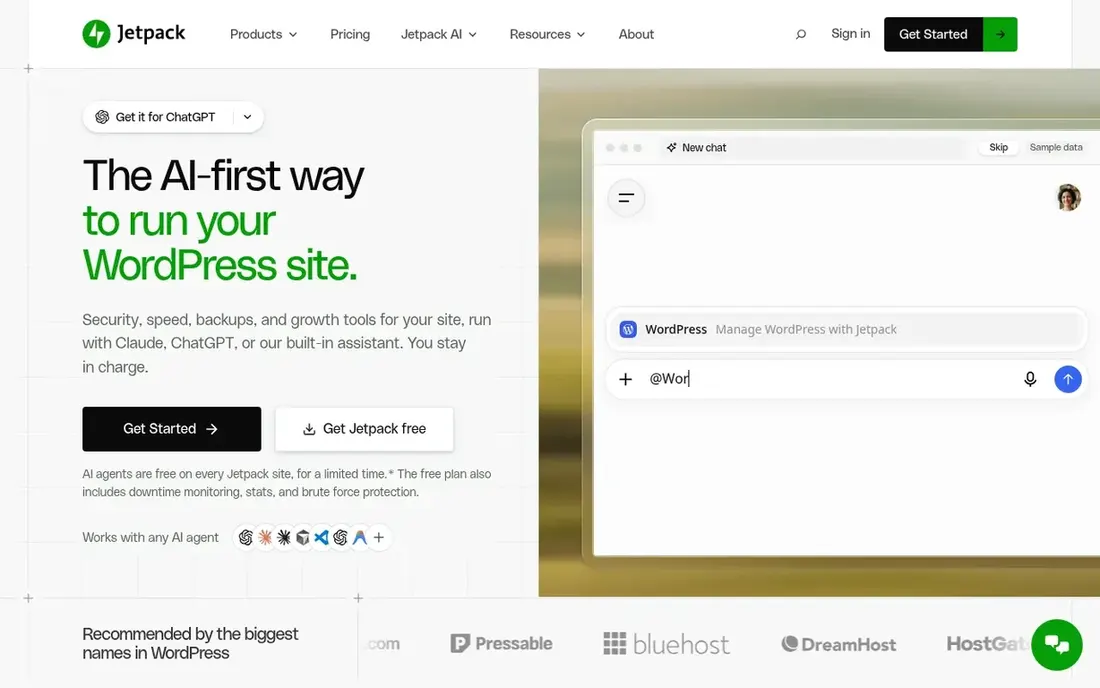
Jetpack targets WordPress sites wanting backups and speed too. In daily use, Security scanning is only one piece of a wider product, so buyers wanting a dedicated scanner with in-depth vulnerability reporting may find it less specialized.
Its value depends on how much of the bundled performance and backup functionality a site actually uses. Also, pick a focused scanner when scanning depth is the central requirement. Jetpack cost at the entry level: $29.00 per month. Jetpack has a free plan.
Honest limits: Deepest features tied to the WordPress ecosystem.
- Live backups
- Performance and AI tools
- Security is one part of a bigger bundle
Patchstack
Best for: Virtual patching of plugin vulnerabilities
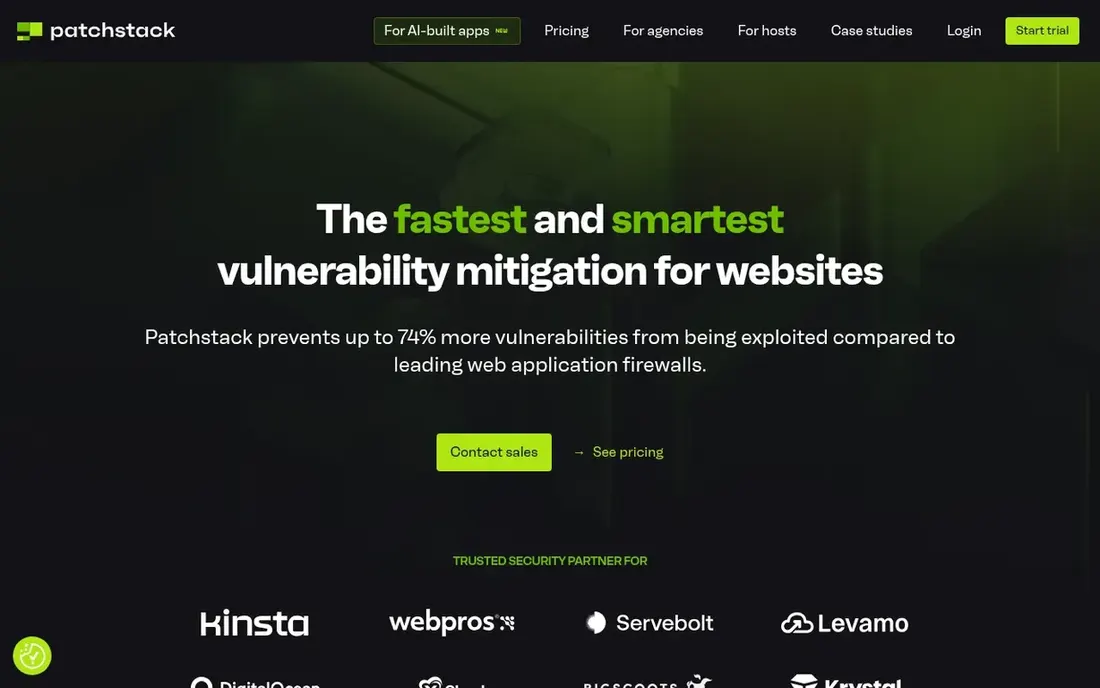
Patchstack is designed for virtual patching of plugin vulnerabilities. Patchstack markets itself as quick protection for WordPress security vulnerabilities, keeping WordPress sites and JavaScript apps safe from vulnerable plugins, themes and npm packages through virtual patching.
Watch-outs: Narrower than full malware cleanup suites.
On cost, Patchstack starts like this: $69 per month. On free options: Free trial. Where Patchstack stands out: Concentrated on vulnerability protection.
- Themes and npm packages
- Handles plugins
- Geared toward technical users
Sucuri
Best for: All-in-one cleanup, monitoring and protection
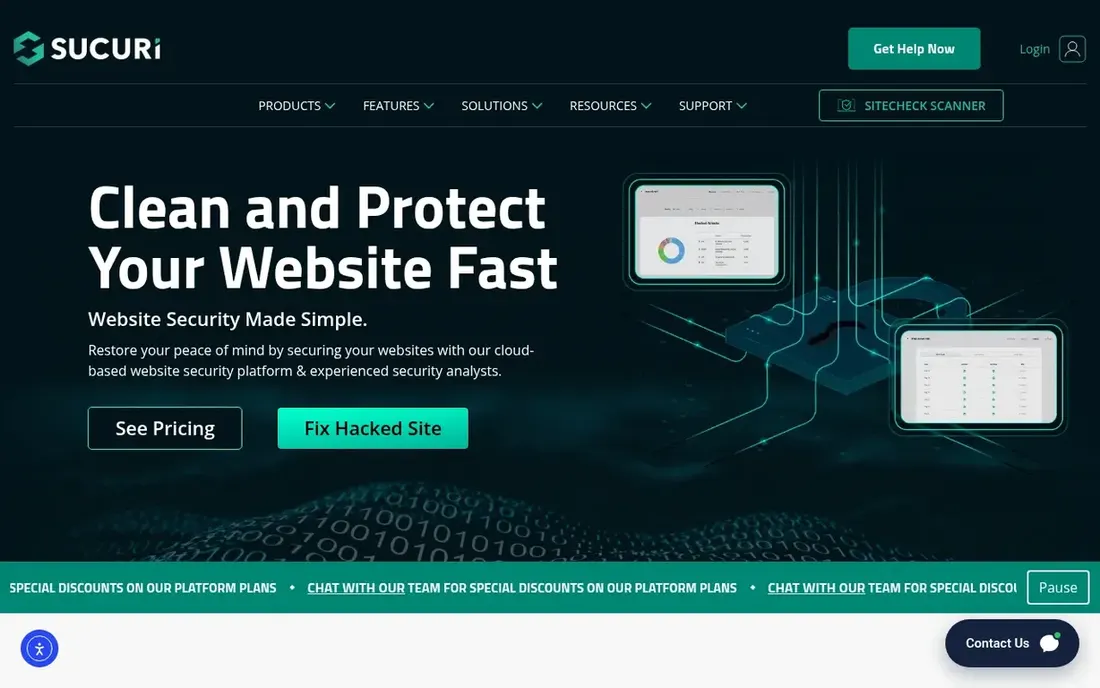
Sucuri serves all-in-one cleanup, monitoring and protection. Since it works with any CMS, it fits mixed portfolios and WordPress sites alike.
What to check first: Overlaps with host-level security.
Its overlap with security features already provided by some hosts can also mean paying for coverage twice. The starting price for Sucuri: $229 per year. As for free access: Not stated.
- Steady monitoring
- Works with any CMS
- Less centred on plugin vulnerability feeds
Our selection method
For each of the 6 tools we noted price, free plan or trial, fit for website security scanner for WordPress and the main limit, using vendor pages and documentation. Plan names, prices and limits change often. Treat the figures here as a starting point and verify them with the vendor. Position on the page reflects fit for a typical buyer first, with price clarity and free access breaking ties. Treat it as a guide, not a ruling.
What to confirm before you sign up
- Confirm the entry price on the vendor page. For iThemes Security and Acunetix that means a quote rather than a fixed price.
- Check what the free option really includes: MalCare and Jetpack offer a free plan, and usage caps differ.
- Use real work to test the free trial from Patchstack, rather than a demo project.
- Read the limits listed for iThemes Security first: Security is one add-on among several.
- Look at which plan of Patchstack unlocks the features you need; entry tiers are often cut down.
- Ask the daily users to test MalCare on a live task before you roll it out to everyone.
FAQ
How are the tools for website security scanner for WordPress ordered?
iThemes Security sits first and Sucuri last because the order follows typical fit for website security scanner for WordPress, then price clarity and free access. It is a judgement call, so read each profile for fit and limits.
Which options for website security scanner for WordPress have a free plan?
On this list, MalCare and Jetpack include a free plan. Caps on seats, usage or features are common, so test the free plan against your real workload. One other tool offers a trial instead.
Is malware cleanup always included?
Some tools emphasize detection and monitoring, whereas others like Sucuri and MalCare highlight cleanup or one-click removal. In daily use, check the vendor's description of what happens after an infection is found.
Is iThemes Security the right pick for everyone comparing website security scanner for WordPress?
No single tool suits every team. iThemes Security comes first because it fits Security within a broader site toolkit, while Acunetix suits web application and API scanning and MalCare suits one-click malware removal for WordPress. Match the tool to your own size, budget and workflow before deciding.
What is the cheapest option for website security scanner for WordPress in this list?
On published monthly entry prices, Jetpack is the lowest here at $29.00 per month. Entry price is only part of the cost, because seats, add-ons and billing terms can change the total. For the full picture, the cards above cover all 6 entries of this website security scanner for WordPress list, including price, free plan and limits.
Sources
- https://ithemes.com
- https://www.acunetix.com
- https://www.malcare.com
- https://jetpack.com
- https://patchstack.com
- https://sucuri.net