6 Best CDN for WordPress Sites for 2026, Vetted and Compared
Best CDN for WordPress sites, compared. 6 tools with published prices, free plans and limits. Short, factual notes on every option. Updated November 2026.
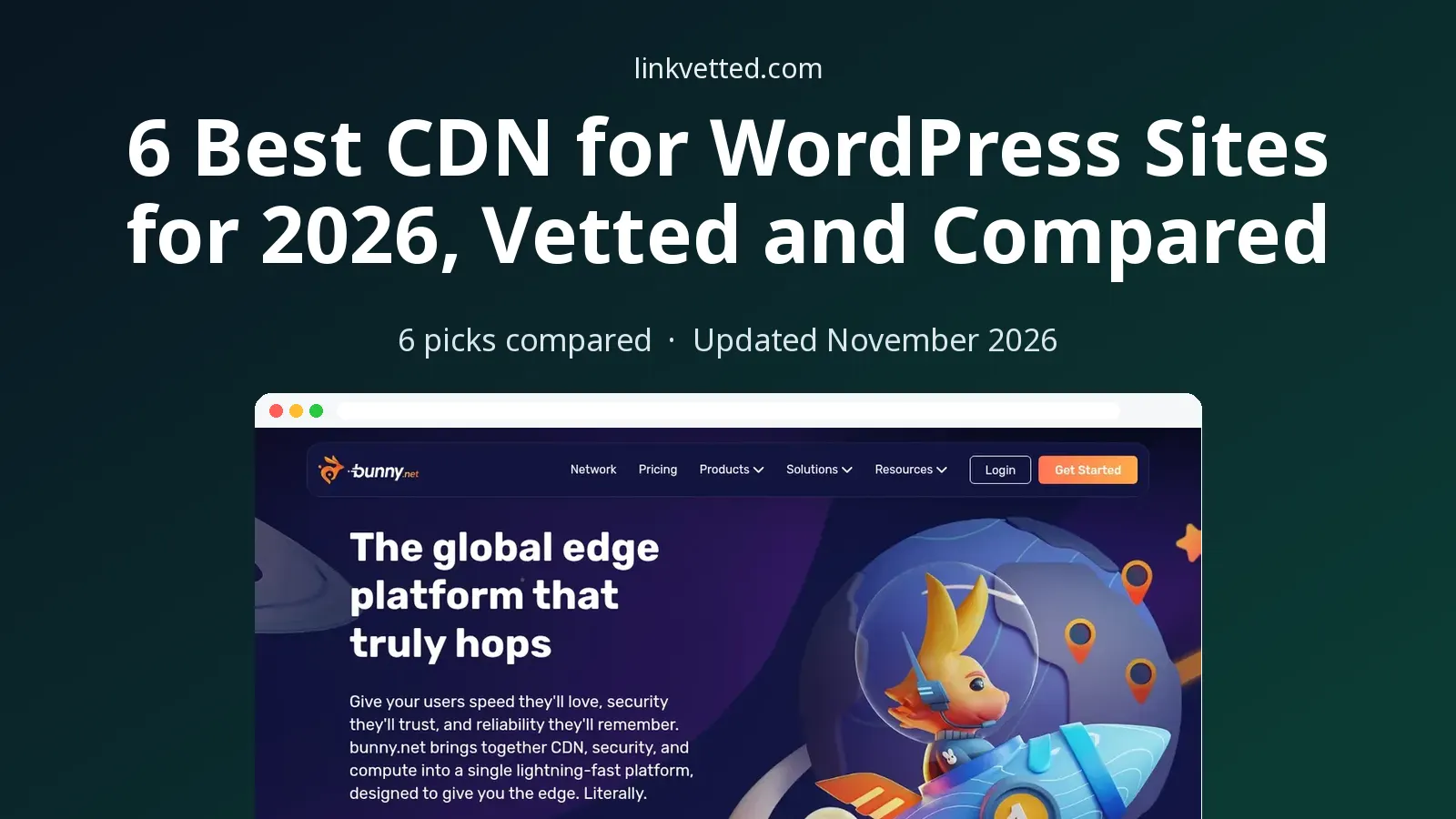
- Editor's choice
 Amazon CloudFront
AWS-integrated content delivery
Starts atSee websiteVisit aws.amazon.comFull review - Great alternativeBunny CDN
Straightforward delivery and edge storage
Starts at$1 a monthVisit bunny.netFull review - Also consider
 KeyCDN
Straightforward content delivery setup
Starts at$4 a monthVisit keycdn.comFull review
Direct answer
Amazon CloudFront comes first here, mainly for AWS-integrated content delivery. Listed starting prices: Bunny CDN from $1 a month, KeyCDN from $4 a month and Cloudflare from $7 a month. Bunny CDN fits straightforward delivery and edge storage; KeyCDN fits straightforward content delivery setup. The full list of 6 tools follows, with prices and free plan facts.
TL;DR:
- Amazon CloudFront takes the first slot, best suited to AWS-integrated content delivery.
- A free plan is available from 3 of the 6 tools: Amazon CloudFront, Cloudflare, Fastly.
- What to know about KeyCDN first: fewer adjacent product features.
- The cheapest monthly starting price in the list is $1 per month, offered by Bunny CDN.
Last checked November 2026. Prices and plan details were read from the vendors' own pages in November 2026; vendors change plans often, so confirm the current price on the vendor site before you buy.
Quick comparison
| Tool | Best for | Starts at | Free plan? | |
|---|---|---|---|---|
| Amazon CloudFront | AWS-integrated content delivery | See website | Yes | Visit |
| Bunny CDN | Straightforward delivery and edge storage | $1 a month | Free trial | Visit |
| KeyCDN | Straightforward content delivery setup | $4 a month | Not stated | Visit |
 Cloudflare | Wide edge network and security | $7 a month | Yes | Visit |
 Akamai | Large-scale security and delivery | $100 per compute instance a month | Free trial | Visit |
 Fastly | Developer-controlled edge delivery | $2.50 per 10,000 requests | Yes | Visit |
The best CDN for WordPress sites
Choosing CDN for WordPress sites usually comes down to price, fit and limits. This LinkVetted guide sets 6 tools side by side on those three points, with the facts kept short and checkable.
Where Amazon CloudFront fits: AWS-integrated content delivery. Amazon CloudFront is a content delivery network that distributes static and dynamic content rapidly and steadily, with an emphasis on performance, security, and developer ease-of-use.
Where it is weaker: Console can be complex for newcomers.
Pick a more straightforward service if you want a short setup path and do not need AWS integration. This comparison lists no price for Amazon CloudFront; ask the vendor. Amazon CloudFront has a free plan.
- Gives static and dynamic content
- Suits AWS-based workflows
- Setup assumes some cloud familiarity
Bunny CDN
Best for: Straightforward delivery and edge storage

Where Bunny CDN fits: straightforward delivery and edge storage. Bunny CDN describes itself as a global edge product offering content delivery, edge storage, and optimization services at any scale. It appeals to site owners who prefer a delivery-first service over a wide security system.
It does not present itself as a full WordPress management layer, so caching rules and DNS changes are part of setup. As for the details, choose it when delivery speed and edge storage are the primary goals. What you pay to start with Bunny CDN: $1 per month. Trial and free access: Free trial.
Points against: Needs some DNS and cache setup.
- Clear focus on CDN and edge storage
- Optimization services included
- Fewer built-in WordPress-specific tools
KeyCDN works best for straightforward content delivery setup. WordPress site owners who want a dedicated delivery layer without a wide product can use it to offload static content.
Watch-outs: Needs DNS and cache configuration.
As for the details, setup still involves DNS changes and cache rules. Choose a broader product if you want delivery and security managed together. Entry price for KeyCDN: $4 per month. Free access: Not stated.
- Global network for digital content
- Straightforward positioning
- Fewer adjacent system features

Cloudflare is designed for wide edge network and security. Cloudflare positions itself as infrastructure for the next generation of applications, with a global network that manages delivery and security.
Drawbacks to consider: Numerous settings can overwhelm beginners.
Consider a more straightforward CDN if you only need static asset offloading and prefer fewer controls. Users who want a minimal, set-and-forget delivery layer may find it heavier than needed. The starting price for Cloudflare: $7 per month. Cloudflare offers a free plan.
- Large global edge network
- Security and performance features
- Advanced features need configuration
Akamai targets large-scale security and delivery. Akamai describes itself as a cybersecurity and cloud computing company that powers and guards firms online, including content delivery.
In daily use, a lighter CDN may be a better match for straightforward blogs or small business sites. In daily use, WordPress sites with enterprise requirements can benefit from its combined security and delivery focus. On cost, Akamai starts like this: $100 per compute instance per month. Free options: Free trial.
Limits to weigh: Can be complex for small sites.
- Aimed at business environments
- Content delivery and security combined
- Pitched at bigger organizations
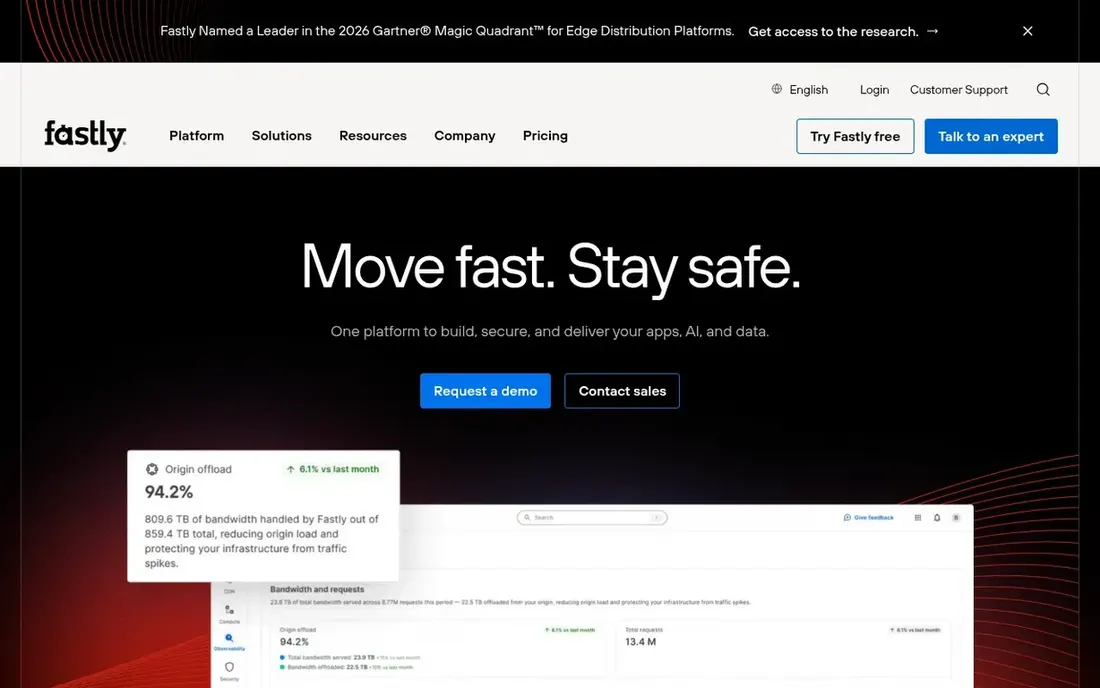
For developer-controlled edge delivery, Fastly is a natural candidate. Fastly presents itself as powering the best of the internet, with an edge product made for performance and control.
Where it is weaker: Configuration can be technical.
The service leans technical, so site owners without development help may find configuration and troubleshooting harder. Consider a more guided CDN if you want minimal configuration. What you pay to start with Fastly: $2.50 per 10,000 requests. Fastly offers a free plan.
- Edge system focus
- Suited to custom configurations
- Less targeted at non-technical users
Selection criteria
Things to verify first
- Ask Amazon CloudFront for a written quote, since no starting price is shown.
- Read the fine print on the free plans from Amazon CloudFront, Cloudflare and Fastly; seat, project and feature caps differ.
- Run a trial of Bunny CDN and Akamai with real work before paying for a year; your own workflow is the best test.
- Read the limits listed for Amazon CloudFront first: console can be complicated for newcomers.
- The entry price of Bunny CDN is only the starting point; model the full cost with seats and extras.
- Confirm that Amazon CloudFront connects to the apps your team already uses, on the plan you would actually buy.
FAQ
Do WordPress sites need a CDN?
A CDN can accelerate delivery of static assets and cut load on the origin server, which helps sites with global visitors or heavy media. The decision relies on traffic patterns and performance goals.
Do these tools publish their prices?
Not all of them. Amazon CloudFront publishes no starting price, so expect a quote request for it. The rest, Bunny CDN included, show a starting price, though seats and billing terms still change the final cost. For the full picture, the cards above cover all 6 entries of this CDN for WordPress sites list, including price, free plan and limits.
Is Amazon CloudFront the right pick for everyone comparing CDN for WordPress sites?
No single tool suits every team. Amazon CloudFront comes first because it fits AWS-integrated content delivery, while Bunny CDN suits straightforward delivery and edge storage and KeyCDN suits simple content delivery setup. Match the tool to your own size, budget and workflow before deciding.
What is the cheapest option for CDN for WordPress sites in this list?
On published monthly entry prices, Bunny CDN is the lowest here at $1 per month. Entry price is only part of the cost, because seats, add-ons and billing terms can change the total.
Can I try these tools before paying?
Often, yes. Amazon CloudFront, Cloudflare and Fastly have a free plan and Bunny CDN and Akamai offer a free trial. Use your own data and a real task during the test, and check what the free tier or trial limits before you rely on it.
Can a CDN break my WordPress site?
Incorrect caching or DNS settings can cause issues for example stale pages or mixed content. Most problems are avoidable by testing configuration before switching live traffic.
Sources
- https://aws.amazon.com/cloudfront
- https://bunny.net
- https://www.keycdn.com
- https://www.cloudflare.com
- https://www.akamai.com
- https://www.fastly.com