6 Backlink Monitoring Tools for Small Business Worth Shortlisting in 2026
A practical guide to the best backlink monitoring tools for small business in 2026, compared from vendor documentation and public sources.
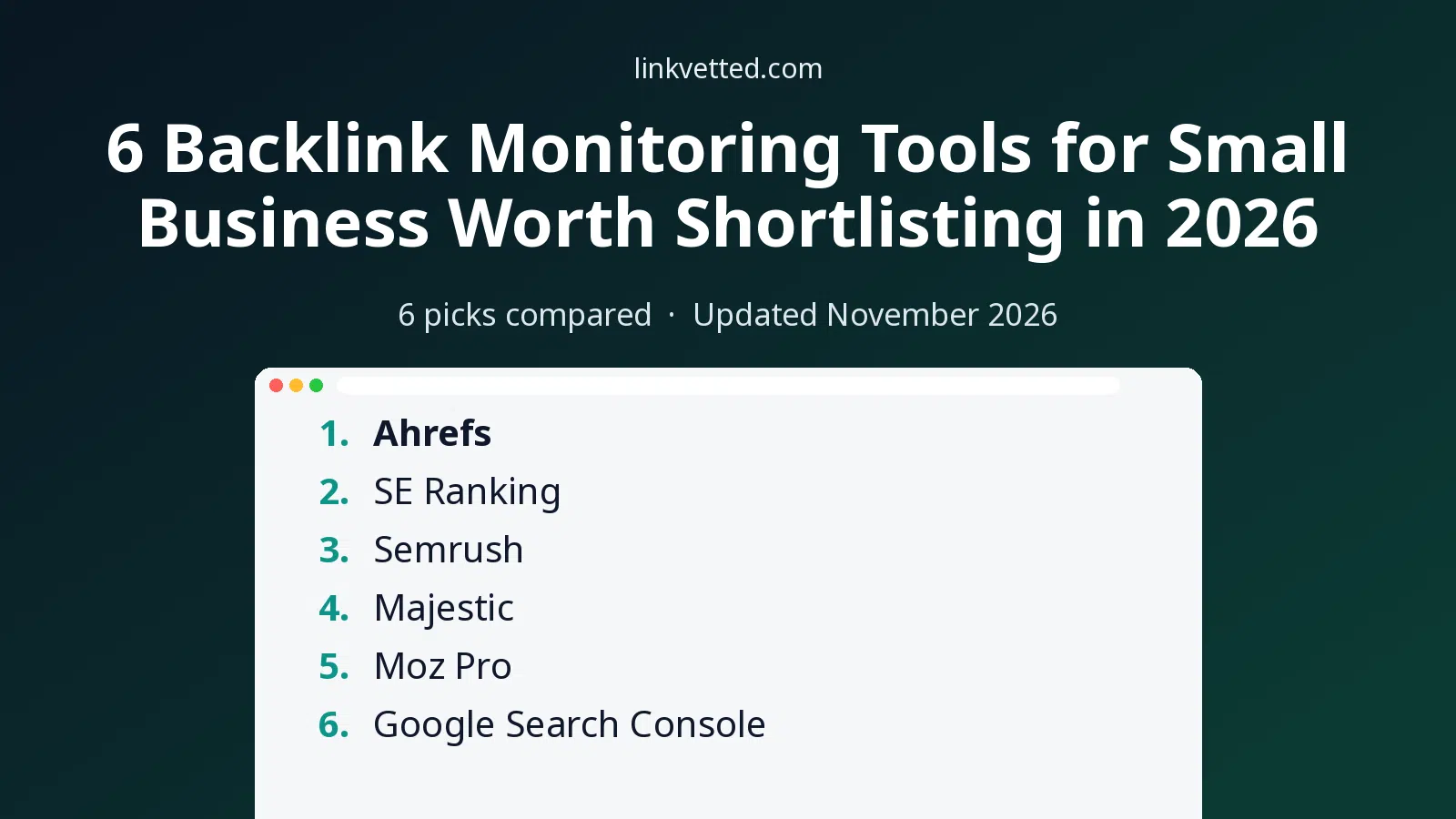
- Editor's choice
 Ahrefs
All-in-one backlink monitoring and research
Starts atSee websiteVisit ahrefs.comFull review - Great alternative
 SE Ranking
Budget-friendly backlink checks for small teams
Starts atSee websiteVisit seranking.comFull review - Also consider
 Semrush
Backlink monitoring inside a wider SEO toolkit
Starts atSee websiteVisit semrush.comFull review
Direct answer
My first pick for most small businesses is Ahrefs, because its backlink index, alerts and reporting cover the core monitoring job in one place. If budget is the main concern, SE Ranking gives a smaller team a clean backlink checker with regular updates. If you want a free starting point, Google Search Console shows the links Google actually credits to your site. I based this on vendor documentation and public sources, not hands-on testing.
TL;DR:
- Pick a tool that sends alerts when new or lost links appear, not just a static report you check once a month.
- Google Search Console is free and shows links Google has indexed, so it belongs in every small business stack.
- Match the tool to your workload: a single site owner needs alerts and a simple export, while an agency needs multi-site dashboards.
- Check how often each tool refreshes its link index, since stale data makes lost-link alerts unreliable.
- Read the cancellation and export terms before you commit, because moving your link history later is painful.
Last checked November 2026. Plan prices are not quoted in this guide because they change often; see each vendor's own pricing page for current figures before you buy.
Quick comparison
| Tool | Best for | Starts at | Free plan? | |
|---|---|---|---|---|
| Ahrefs | All-in-one backlink monitoring and research | See website | Not stated | Visit |
| SE Ranking | Budget-friendly backlink checks for small teams | See website | Free trial | Visit |
| Semrush | Backlink monitoring inside a wider SEO toolkit | See website | Free plan | Visit |
 Majestic | Deep link history and trust metrics | See website | Not stated | Visit |
 Moz Pro | Simple authority tracking and link alerts | See website | Free trial | Visit |
 Google Search Console | Free baseline of links Google credits | See website | Free plan | Visit |
The best backlink monitoring tools for small business compared
I compared these tools from vendor documentation, help centre articles and public sources, and I did not run hands-on tests. My focus was on what a small business actually needs: new and lost link alerts, a readable link list, export options and a price you can justify. Each entry below explains where the tool fits and where it stops being a good match.
Ahrefs is a full SEO platform built around a large crawl of the web, and its backlink tools are the part most small businesses use first. You paste in your domain, get a profile of referring domains, anchor text and follow status, and then set alerts so you hear about new links without checking manually. It suits an owner or marketer who wants link data plus keyword and competitor research in one subscription.
For backlink monitoring specifically, the workflow is straightforward: add your domain to the alerts, choose whether you want new, lost or both, and route notifications to email. You can then filter the link list by follow status or by whether a link sits in main content, and export a spreadsheet for a client or stakeholder. That combination of alerts plus a clean export is what most small teams need.
The limits are cost and complexity. If you only want to know when a link disappears, a cheaper checker does that. Skip Ahrefs if you have one small site and no plans for keyword or competitor work.
- Large link index
- new and lost link alerts
- clean export and reporting
- Pricier than single-purpose checkers
- steep learning curve at first
SE Ranking is an SEO platform aimed at agencies and in-house marketers, and its backlink module covers referring domains, anchors, new and lost links and competitor comparison. It fits a small business that wants a tidy dashboard without paying for the biggest index on the market. The interface is easier to hand to a non-specialist than some rivals.
In day-to-day use you set up a project per site, review the new and lost link tabs on a schedule, and export the list for a monthly report. The competitor view helps when you want to see which sites link to a nearby business and not to you. Alerts and scheduled reports reduce the manual checking.
The trade-off is index depth. If you need the widest possible link coverage for a competitive niche, a larger index tool is the better call. Skip it if you need deep historical link data going back many years.
- Backlink checker with regular updates
- multi-site dashboard
- simple client reporting
- Link index smaller than the largest tools
- some depth sits in higher tiers
Semrush is a large marketing platform with a backlink analytics section, a backlink audit tool and a link-building interface. For a small business already using it for keyword tracking or site audits, adding backlink monitoring means no second subscription. The audit view flags links that may need review, which helps when you inherit a site with an old link profile.
The monitoring workflow is to add your domain, review the new and lost links report on a schedule, and set up email alerts. You can compare your profile against competitors and export the data. The audit tool lets you mark links as disavow candidates, though I would treat that carefully and only after review.
The drawback is breadth: the platform does a lot, and a beginner can spend time on features that do not matter for a small site. Skip it if you want a narrow, cheap link checker and nothing else.
- Backlink audit and toxic link review
- alerts for new and lost links
- broad SEO feature set
- Many features you may not use
- interface can feel crowded
Majestic is a link intelligence service that has indexed the web for years, and its strength is historical link data. If you need to see how a domain's link profile changed over time, or you want to check the quality of sites linking to you through its Trust Flow and Citation Flow metrics, it does that job well. It suits a business that cares mainly about links rather than a full SEO suite.
For monitoring, you can track a site and review new and lost links, then dig into the referring domains behind them. The topical trust scores help you judge whether a link comes from a relevant site. Exports are available for reporting.
The interface is the main complaint I see in public reviews: it works, but it feels older than rivals. Skip Majestic if you want a modern dashboard or if you need keyword and content tools alongside link data.
- Long-running link history
- Trust Flow and Citation Flow metrics
- detailed referring domain data
- Dated interface
- less useful for broader SEO tasks
Moz Pro is an SEO toolkit best known for Domain Authority, a metric many small businesses use as a rough quality signal. Its Link Explorer shows referring domains, anchor text and spam scores, and you can set up alerts for new and lost links. It fits an owner who wants a readable overview without a heavy data interface.
The monitoring routine is to save your site in Link Explorer, check the new and lost link tabs, and review the spam score on anything unfamiliar. Reports can be exported for a stakeholder update. The interface is friendly for someone new to link analysis.
The limit is index size: Moz does not crawl as widely as the largest link tools, so some links may not appear. Skip it if complete link coverage is your priority over simplicity.
- Clear Domain Authority metric
- link explorer with spam scoring
- approachable interface
- Smaller link index than top rivals
- some limits on rows per report
Google Search Console is the free tool every site owner should verify, and its Links report shows which sites Google has credited with linking to you. It is not a monitoring platform in the alert sense, but it is the ground truth to compare against any paid tool. If a paid tool shows a link and Search Console does not, that tells you something.
The workflow is simple: check the top linking sites and top linking pages periodically, export the list, and compare it with your paid tool's data. When you review a disavow file, Search Console is the source that matters most, because it reflects Google's own view.
The limits are real: there are no lost-link alerts, no competitor data and the exported list is a sample. Use it as a baseline alongside a paid tool, not as your only monitoring method.
- Free and official
- shows links Google has indexed
- useful for disavow decisions
- No lost-link alerts
- no competitor data
- sampled link list
How I chose
I built this list from vendor documentation, help centre articles, public product pages and independent commentary, and I did not run hands-on tests of these tools. My filter was fit for a small business: does the tool show new and lost links clearly, can you export the data, and is the entry point reasonable for a team without a dedicated SEO analyst? I also weighed how often each vendor says its link index updates.
I then looked at limits. A tool that only works well at a higher tier, or that hides basic exports, is a poor fit for a small team even if its index is large. I kept Google Search Console in the list because it is free and official, and left out tools whose public documentation was too thin to judge. Where I was unsure about a free plan, I wrote "Not stated" rather than guess.
What to check before you buy
- Confirm the tool sends alerts for both new and lost links, and check whether alerts are included at the entry tier.
- Ask how often the link index refreshes, because weekly or monthly updates change how fast you hear about lost links.
- Check the export format and row limits, since you will likely need a spreadsheet for reporting.
- Confirm you can track more than one site if you own several domains or manage client sites.
- Look at whether competitor link tracking is included, as it helps you spot link opportunities nearby.
- Read the cancellation terms and whether your historical link data stays accessible after you leave.
FAQ
Do I need a paid backlink tool as a small business?
Not always. Start with Google Search Console, which is free and shows the links Google credits to your site. Add a paid tool when you need lost-link alerts, competitor comparisons or regular exports for reporting. Many small businesses run fine on the free baseline plus one modest paid subscription.
How often should I check my backlinks?
A monthly review is enough for most small businesses, with alerts switched on so you hear about sudden losses sooner. If you run active outreach or digital PR, check weekly during a campaign. The point of monitoring is to catch problems early, not to stare at the data every day.
What is a lost backlink and should I worry?
A lost backlink is a link that used to point to your site and no longer does, often because a page was removed or edited. Some loss is normal. Worry when a valuable link from a relevant site disappears, and then check whether the page moved or the link was removed by mistake before you ask for a fix.
Can these tools remove bad links for me?
No. They flag links and help you build a disavow file, but the decision and the submission are yours. Review each flagged link manually, because automated spam scores produce false positives. Disavow only links you are confident are manipulative, and keep a record of what you submitted.
Is one tool enough, or do I need several?
For most small businesses one paid tool plus Google Search Console is enough. The paid tool handles alerts and reporting, and Search Console gives you the official view. Adding a second paid tool only makes sense if you need deeper historical data or a much larger index for a competitive niche.
Sources
- https://ahrefs.com
- https://seranking.com
- https://www.semrush.com
- https://majestic.com
- https://moz.com
- https://search.google.com/search-console