Best Av Software Windows for 2026: Our 5 Vetted Picks
Comparing the best av software windows? 5 contenders, each with entry cost, free tier and best-fit buyer. Each pick lists its main limit. Easy to scan.
- Editor's choice
 Bitdefender Total Security
Capable threat prevention and detection
Starts atPricing on requestVisit bitdefender.comFull review - Great alternative
 Avast Premium Security
Everyday Windows protection with VPN choice
Starts atPricing on requestVisit avast.comFull review - Also consider
 Norton 360
All-around Windows protection with scam detection
Starts atPricing on requestVisit us.norton.comFull review
Direct answer
Start with Bitdefender Total Security if you need strong threat prevention and detection. Avast Premium Security fits Everyday Windows protection with VPN choice; Norton 360 fits all-around Windows protection with scam detection. The remaining 2 options are covered below with pricing notes and limits. None of these vendors publish plan prices, so pricing is on request for every option.
TL;DR:
- Bitdefender Total Security is the opening pick, best for strong threat prevention and detection.
- ESET Home Security is the one to check for cross-platform home device security.
- Bitdefender Total Security, ESET Home Security and the 3 others all sell by quote; expect sales conversations before you see a price.
- What to know about Bitdefender Total Security first: interface may take time to learn.
- A permanent free plan is missing from all 5 tools, Bitdefender Total Security and ESET Home Security included; plan for a trial or a premium start.
Last checked November 2026. Pricing on request: vendors did not publish plan prices when this guide was last checked (November 2026), so ask each vendor for a written quote.
Quick comparison
| Tool | Best for | Starts at | Free plan? | |
|---|---|---|---|---|
| Bitdefender Total Security | Capable threat prevention and detection | Pricing on request | Not stated | Visit |
| Avast Premium Security | Everyday Windows protection with VPN choice | Pricing on request | Not stated | Visit |
| Norton 360 | All-around Windows protection with scam detection | Pricing on request | Not stated | Visit |
 McAfee Total Protection | AI-powered antivirus with identity and privacy tools | Pricing on request | Not stated | Visit |
 ESET Home Security | Cross-platform home device security | Pricing on request | Free trial | Visit |
The best av software windows
LinkVetted put together this guide to av software windows for readers who want a clear shortlist without reading every vendor page. It compares 5 tools on starting price, free plans, who each one suits and where each one falls short.
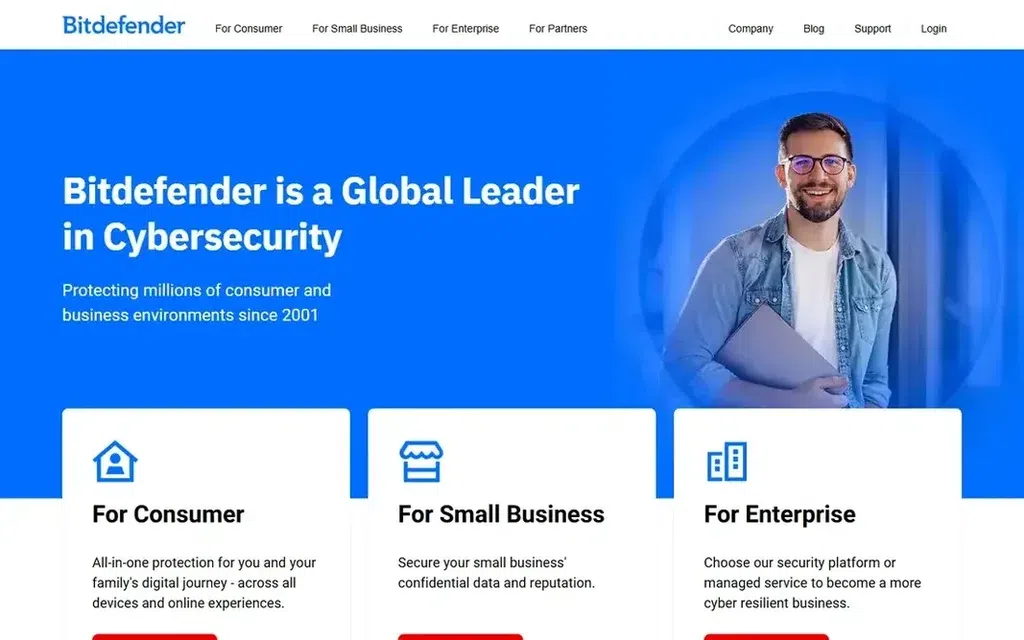
Bitdefender Total Security targets solid threat prevention and detection. Bitdefender Total Security comes from a company that describes itself as a cybersecurity software leader centred on threat prevention, detection, and response. If you prefer a minimal tool, a more straightforward antivirus may be less distracting.
What to check first: Advanced settings can overwhelm beginners.
The feature depth can mean a busier interface and more settings to review. Choose Bitdefender when detection strength and a wide security suite are your main concerns. This comparison lists no price for Bitdefender Total Security; ask the vendor. On free options: Not stated.
- Focus on threat prevention and response
- Includes several device types
- Interface may take time to learn
Choose Avast Premium Security for Everyday Windows protection with VPN choice. Avast Premium Security builds on Avast's consumer antivirus lineup, which the company presents for PC, Mac, and Android along with VPN access.
Avast Premium Security shows no starting price here, so confirm the cost on the vendor site. Trial and free access: Not stated.
What Avast Premium Security does well: Well-known consumer brand.
Drawbacks to consider: Upsell prompts in consumer products.
- Mac and Android
- Handles PC
- Additional features vary by product
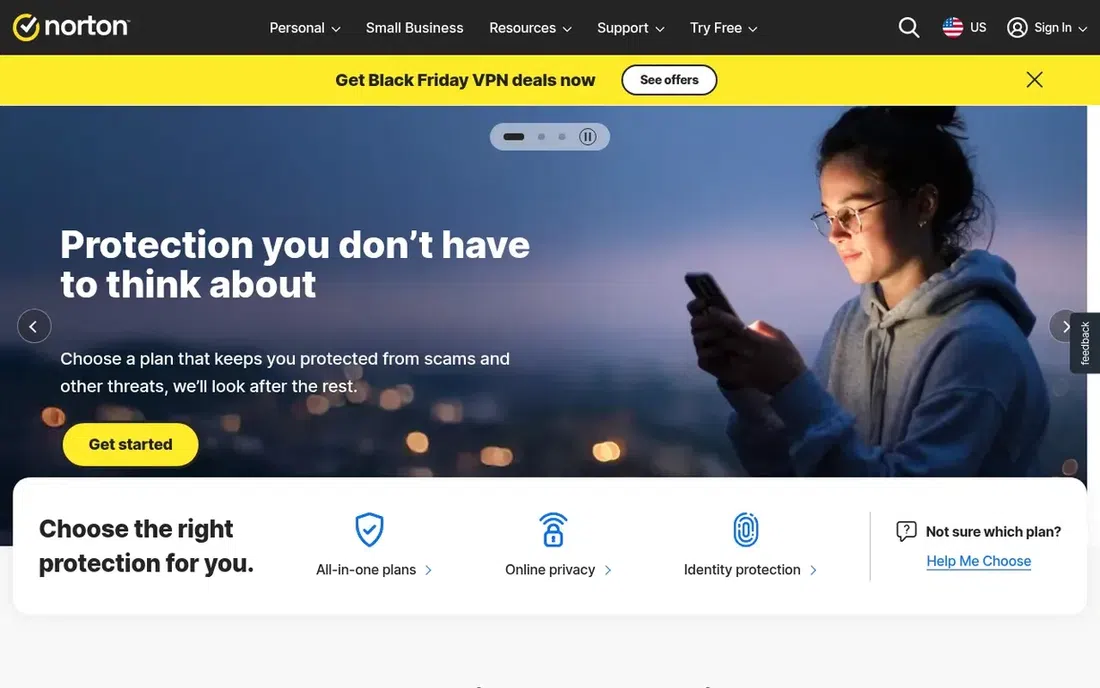
For all-around Windows protection with scam detection, Norton 360 is a natural candidate. The suite carries plenty of features, which can make setup and navigation busier than a straightforward antivirus.
Also, if you only need entry-level malware scanning, a lighter product may be simpler. Norton 360 shows no starting price here, so confirm the cost on the vendor site. Free options: Not stated.
Downsides: Feature-rich suites can feel complicated.
- Contains Genie AI Scam Detection
- Merges antivirus with privacy and identity tools
- Additional tools may overlap with built-in Windows features
McAfee Total Protection
Best for: AI-powered antivirus with identity and privacy tools

McAfee Total Protection works best for AI-powered antivirus with identity and privacy tools. McAfee Total Protection is positioned as an all-in-one package that merges AI-powered antivirus with identity theft and privacy tools. If simplicity is the priority, a narrower tool could fit better.
Since it bundles numerous modules, the suite may feel overpacked for users who just want scanning. Pick McAfee when identity and privacy coverage are as important as antivirus for your Windows devices. No starting price is listed for McAfee Total Protection here; confirm pricing on the vendor site. On free options: Not stated.
Limits to weigh: All-in-one suites can be heavy.
- Bundles identity theft and privacy options
- Markets AI-powered antivirus
- Some features need account setup
ESET Home Security is designed for cross-platform home device security. ESET Home Security is part of ESET's lineup of IT security options for home and business devices, with products listed for Windows, Android, Mac, and Linux. From a buyer's view, choose ESET when cross-platform coverage and an established security brand matter.
What ESET Home Security does well: Handles Windows, Mac; Android and Linux.
ESET supplies several product lines, so matching the right edition to your needs takes some reading. In practice, if you only use Windows, a Windows-focused suite may be more straightforward. ESET Home Security shows no starting price here, so confirm the cost on the vendor site. Free plan details: Free trial.
Downsides: Several editions can confuse buyers.
- Home and business product lines
- Established security vendor
- Feature set varies by product level
Selection criteria
The comparison looks at four things: starting price, free access, how well the feature set matches av software windows, and the main limit of each tool. Prices and plan limits come from vendor pages and can change, so confirm them on the vendor site before you buy. The ranking is editorial: typical fit first, then clear pricing, then free access. If your needs are unusual, read the profiles rather than relying on position.
Questions to settle before buying
- Confirm the entry price with every vendor: no tool from Bitdefender Total Security to ESET Home Security shows a fixed starting price.
- Use real work to test the free trial from ESET Home Security, rather than a demo project.
- Before choosing Bitdefender Total Security, weigh its main limit: interface may take time to learn.
- Check whether the features you need in ESET Home Security sit on the entry plan or only on higher tiers.
- Check whether Bitdefender Total Security bills monthly or annually, and what cancelling early costs.
FAQ
Does any tool for av software windows here have a free plan?
No tool in this list, Bitdefender Total Security and ESET Home Security included, has a permanent free plan. ESET Home Security offer a trial. Trials and quotes are the usual route, so plan a short evaluation period. For the full picture, the cards above cover all 5 entries of this Av software windows list, including price, free plan and limits.
Can I try these tools before paying?
Often, yes. ESET Home Security offers a free trial. Use your own data and a real task during the test, and check what the free tier or trial limits before you rely on it. Prices, free plan details and limits for all 5 tools in this Av software windows roundup sit on the individual cards above.
Do I need a full security suite or just antivirus for Windows?
Windows bundles built-in protection, so an external suite is optional. A full suite brings extras like scam detection, identity tools, or VPN features. Choose based on whether those extras matter to you.
How are the av software windows ordered?
Bitdefender Total Security sits first and ESET Home Security last because the order follows typical fit for av software windows, then price clarity and free access. It is a judgement call, so read each profile for fit and limits.
Which antivirus is a good match for families?
Bitdefender Total Security is the pick this page puts first, mainly for capable threat prevention and detection. If your situation differs, Avast Premium Security suits Everyday Windows protection with VPN choice, and Norton 360 suits all-around Windows protection with scam detection. Compare price and limits before you decide.
Is Bitdefender Total Security the right pick for everyone comparing av software windows?
No single tool suits every team. Bitdefender Total Security comes first because it fits strong threat prevention and detection, while Avast Premium Security suits Everyday Windows protection with VPN option and Norton 360 suits all-around Windows protection with scam detection. Match the tool to your own size, budget and workflow before deciding.
Sources
- https://www.bitdefender.com
- https://www.avast.com
- https://us.norton.com
- https://www.mcafee.com
- https://www.eset.com