Best Automox Alternatives in 2026: 9 Patch Management Tools Compared
Looking for automox alternatives? We compare 9 patch and endpoint management tools on OS support, third-party patching, price per device, and ease of use.
- Editor's choice
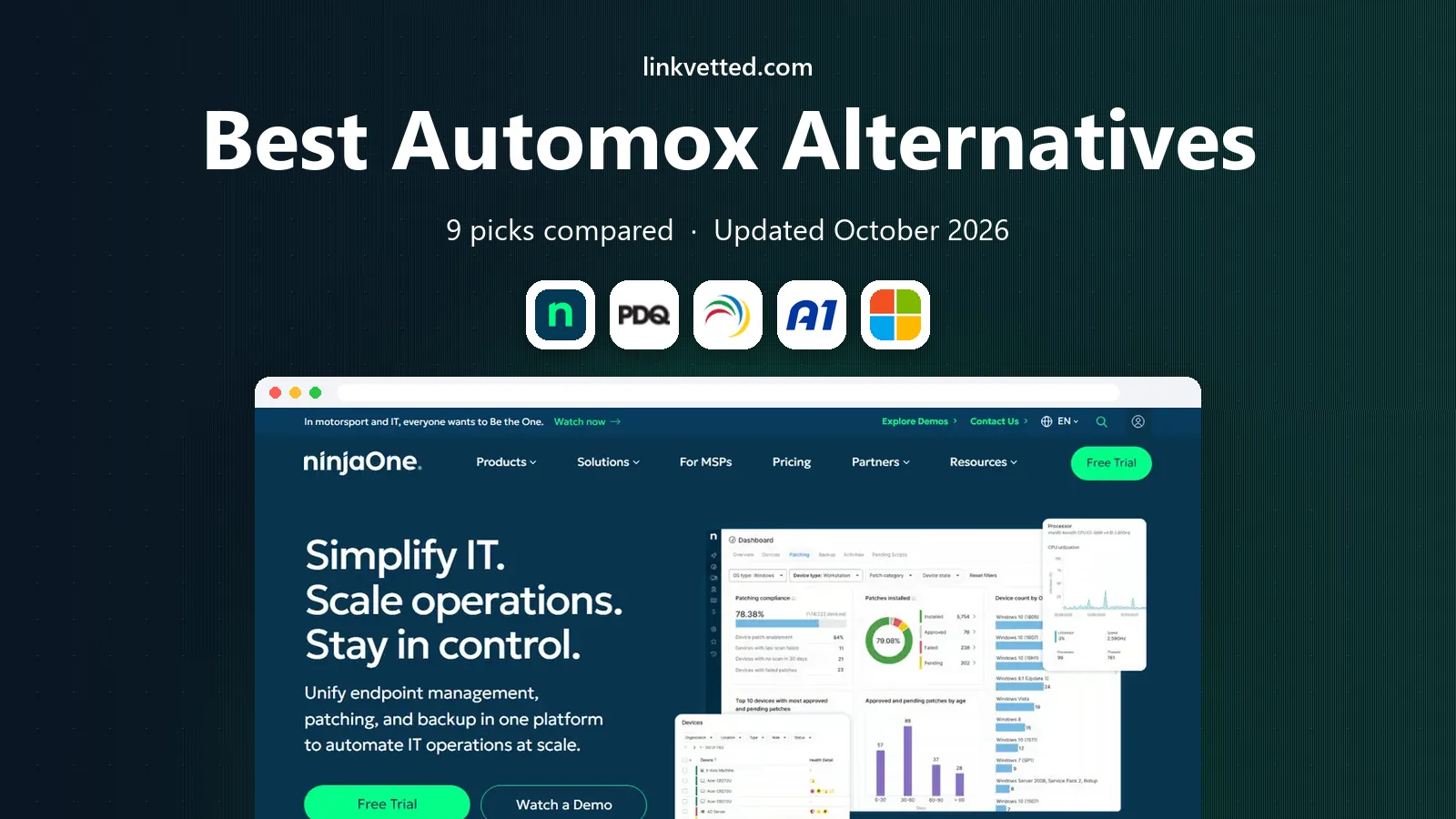
 NinjaOne
Full RMM with patching
Starts atSee websiteVisit ninjaone.comFull review - Great alternative
 PDQ
Focused Windows and Mac patching
Starts at$12 per device per yearVisit pdq.comFull review - Also consider
 ManageEngine Patch Manager Plus
Broad patching with on-prem option
Starts at$245 per yearVisit manageengine.comFull review
TL;DR:
- Automox charges from about $1 per endpoint per month on annual billing, so per-device rivals must be compared at your real fleet size, not on headline rates alone.
- Action1 is free for up to 200 endpoints, which makes it the obvious first test for very small fleets.
- PDQ publishes clear per-device pricing, while NinjaOne, Heimdal, and Ivanti quote by fleet and features, so ask for a full quote.
- Per-technician pricing from Atera can beat per-device pricing once endpoints per technician grow large.
- Our pick for most IT teams is PDQ for transparent pricing and focused patching, with NinjaOne as the pick for teams that want a full RMM.
Quick comparison
| Tool | Best for | Starts at | Free plan? | |
|---|---|---|---|---|
| NinjaOne | Full RMM with patching | See website | No | Visit |
| PDQ | Focused Windows and Mac patching | $12 per device per year | No | Visit |
| ManageEngine Patch Manager Plus | Broad patching with on-prem option | $245 per year | Yes | Visit |
 Action1 | Free patching for small fleets | Free | Yes | Visit |
 Microsoft Intune | Microsoft shops with device management | $8 per user per month | No | Visit |
 JumpCloud | Cloud directory plus device management | See website | Yes | Visit |
 Atera | Per-technician RMM with patching | See website | No | Visit |
 Heimdal Patch Management | Patching plus vulnerability management | See website | No | Visit |
 Ivanti Neurons | Enterprise patch and endpoint management | See website | No | Visit |
The best automox alternatives
Automox is a cloud native patch tool for Windows, Mac, and Linux, with policy based patching and third-party app support. The tools below replace it in different ways, from focused patchers to full remote monitoring platforms. Start with OS mix, third-party app needs, and fleet size, since those decide the bill.
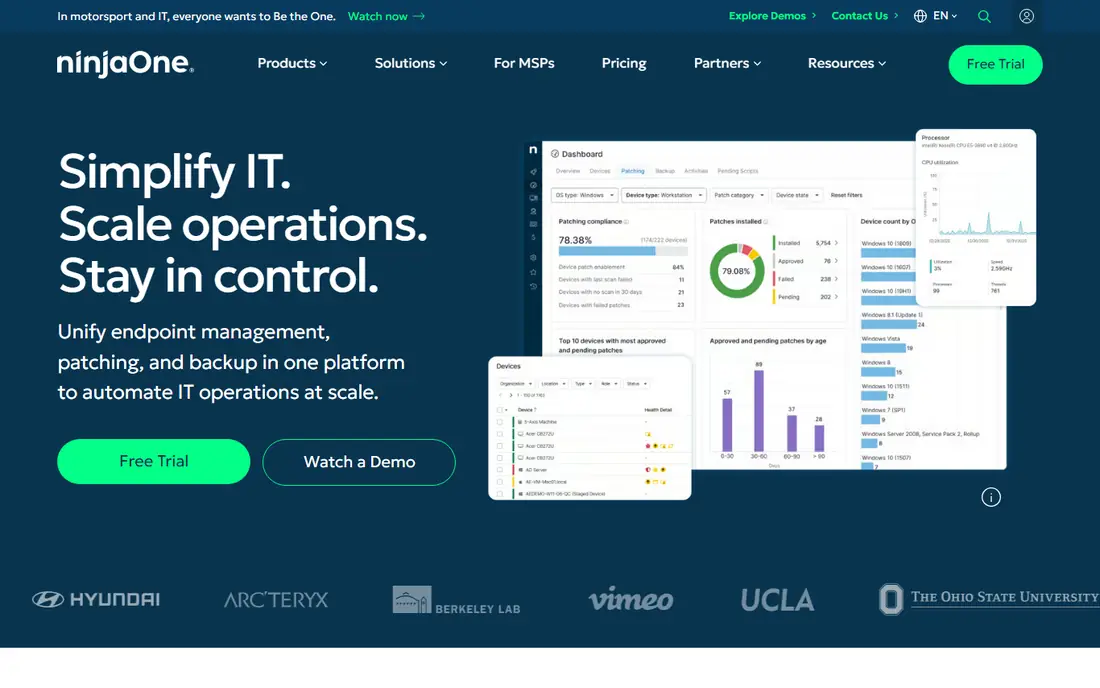
NinjaOne is our full platform pick for IT teams and MSPs that want patching inside a wider endpoint tool. Patch management sits next to monitoring, software deployment, backup, and remote access, so one agent covers many jobs. Automation and scripting help teams enforce patch policies without manual work per device.
Quote based pricing is the main friction. Published benchmarks put NinjaOne at roughly $1.50 to $3.75 per device per month depending on volume and products, so small fleets should get a firm quote. If you only need patching, PDQ or Action1 will be simpler and cheaper.
- Full RMM with patching, monitoring, backup, and remote access
- Supports Windows, Mac, and Linux
- Strong automation and scripting
- Pricing is quote based and varies by endpoint count and products
- More platform than a team that only needs patching
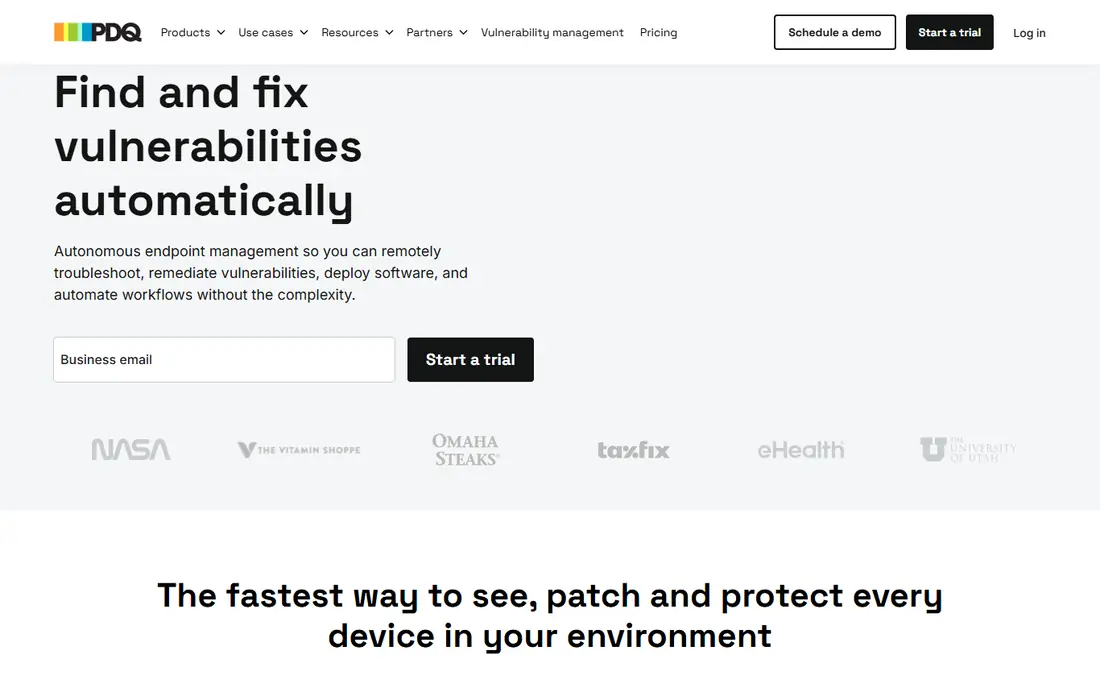
PDQ is our pick for most IT teams because pricing is clear and the tool stays focused. Basic starts at $12 per device per year, Plus at $18, and Premium at $28, with a 100-device minimum. The package library covers common Windows and Mac apps, and Premium adds vulnerability scanning with one-click fixes for known issues.
Limits are clear. There is no Linux agent, and teams that need ticketing or backup must pair PDQ with other tools. For Windows and Mac fleets that mainly need patching and deployment, PDQ is transparent, capable, and easy to justify.
- Published per-device pricing with Basic, Plus, and Premium tiers
- Curated package library for software deployment
- Vulnerability scanning on Premium
- No Linux support
- 100-device minimum on published plans
- No ticketing, backup, or documentation tools

ManageEngine Patch Manager Plus suits larger IT environments that need broad OS and app coverage. It patches Windows, Mac, and Linux, covers more than 1,000 third-party apps in published material, and offers both cloud and on-prem versions. A free edition for up to 25 computers lets small teams test real patching.
Pricing needs care. Professional on-prem pricing starts at $245 per year for 50 computers, with cloud pricing higher, and technician seats add cost on some editions. For teams that want an on-prem option and deep patch catalogs, ManageEngine is a strong, mature choice.
- Supports Windows, Mac, and Linux with a large third-party catalog
- Cloud and on-prem deployment
- Free edition for up to 25 computers
- Technician licensing adds cost on some editions
- Interface feels enterprise dense at first
Action1 is the first tool to test for a small fleet, because the first 200 endpoints are free. Setup is cloud based, patching covers OS and many third-party apps, and real-time vulnerability data helps prioritize urgent patches. For a small business or a school with under 200 devices, the price is hard to beat.
Growth changes the deal. Above 200 endpoints, pricing is quote based, and paid support tiers matter for larger teams. Start free, prove patch compliance, and get a quote well before you cross the free limit.
- Free for up to 200 endpoints
- Cloud setup with no VPN needed
- Patching for Windows, Mac, and Linux plus third-party apps
- Paid pricing above 200 endpoints is quote based
- Support and advanced features sit on paid plans
Microsoft Intune is the natural pick for teams already invested in Microsoft 365. Plan 1 starts at $8 per user per month, and many Microsoft subscriptions already include Intune, which can make the marginal cost zero. Device compliance, app deployment, and Windows update rings cover core patch needs in a Microsoft shop.
Third-party app patching is the gap. Intune handles OS and Microsoft app updates well, but many third-party apps need packaging, scripts, or a companion tool. If your fleet is mostly Microsoft apps on Windows, Intune is enough. If third-party apps dominate, pair it with a dedicated patcher.
- Deep integration with Microsoft 365 and Entra ID
- Device compliance, app deployment, and update rings
- Often already included in Microsoft licensing
- Third-party patching needs extra tools or packaging work
- Learning curve for policies and update rings
JumpCloud suits small teams that need identity and device management together. Users, groups, and device policies live in one cloud directory, which simplifies onboarding for Mac, Windows, and Linux fleets. A free tier helps very small teams start without a sales call.
Patching is not as deep as PDQ, ManageEngine, or Automox. OS updates and app policies are covered, but large third-party catalogs and vulnerability workflows are thinner. Choose JumpCloud when directory and device management matter most, and patching is one job among several.
- Cloud directory with device management in one platform
- Supports Windows, Mac, and Linux
- Free tier for small teams
- Patching depth is lighter than a dedicated patch tool
- Pricing for full device features needs a quote
Atera suits small IT teams and MSPs with many devices per technician. Per-technician pricing with unlimited endpoints means a solo tech with 500 devices pays one license, while per-device tools charge per endpoint. A built-in helpdesk, remote access, and patching keep common jobs in one console.
Team growth flips the math. Every technician needs a license, so a larger team pays more even if device count stays flat. For a lean team with a large fleet, Atera is often the cheapest full RMM option, and patching is a solid part of that bundle.
- Per-technician pricing with unlimited endpoints
- Built-in helpdesk and remote access
- Patching for Windows and Mac with third-party support
- Costs rise with team size, since every console user needs a license
- Linux support is limited
Heimdal Patch Management suits mid-market and enterprise teams that link patching to security posture. It covers OS and more than 350 third-party apps in published material, adds vulnerability data, and offers rollback for OS patches that cause problems. That link between patching and risk helps security teams prioritize.
Modular pricing means you need a quote for your endpoint count and modules, and the wider Heimdal platform adds cost if you enable it. For teams whose main driver is compliance and vulnerability reduction, Heimdal is a strong Automox rival.
- Patching for Windows, Mac, and Linux with a large app catalog
- Vulnerability management and OS rollback options
- Unified security platform
- Pricing is modular and quote based
- Full platform can be more than a patch-only team needs
Ivanti Neurons is the enterprise pick for large fleets with complex patch and risk needs. It combines patch management with vulnerability prioritization, endpoint management, and automation, so IT and security teams can work from shared risk data. Large organizations with compliance demands will find its depth useful.
Small teams should look elsewhere. Pricing is quote based, implementation takes effort, and the platform is built for dedicated IT staff. For a large enterprise replacing Automox at scale, Ivanti is a credible, full featured option.
- Enterprise patching across Windows, Mac, and Linux
- Risk based vulnerability prioritization
- Broad endpoint management and automation
- Enterprise pricing and implementation effort
- Interface and setup suit larger IT teams
How we picked these
We compared official pricing pages, product documentation, and published benchmarks for patch management tools available in October 2026. We favored tools with clear OS support, third-party patching, and honest pricing on devices, technicians, or users. Where vendors quote by fleet or contract, we marked the price as See website rather than guessing a figure.
How to choose an Automox replacement
Count devices, technicians, and apps together
Per-device tools bill by fleet size, per-technician tools bill by team size, and per-user tools bill by staff count. Model all three at your real numbers, and add third-party app coverage, since a cheap OS-only patcher can leave common apps unpatched.
Test patching on your hardest apps
OS patching is table stakes. Test third-party apps your team actually uses, offline devices that miss a window, and rollback after a bad patch. A tool that handles browsers, PDF readers, and dev tools cleanly will save more time than one with a long catalog you never use.
Check reporting before you buy
Patch compliance reports are what auditors and managers see. Confirm you can report by device, app, severity, and deadline, and that failed patches are easy to retry. A patcher with weak reporting creates manual work every month.
FAQ
What is the cheapest automox alternative?
Action1 is free for up to 200 endpoints, which beats every paid tool for small fleets. Above that limit, PDQ published pricing and ManageEngine starter pricing are among the clearest low cost options, depending on OS mix and device count.
Is PDQ a good automox alternative?
Yes, for Windows and Mac fleets. PDQ offers clear per-device pricing, a curated package library, and vulnerability scanning on Premium. It lacks Linux support and has a 100-device minimum, so Linux heavy teams should look at NinjaOne, ManageEngine, or Action1 instead.
Can Microsoft Intune replace Automox?
For Microsoft shops, often yes for OS and Microsoft app updates, especially when Intune is already included in licensing. Third-party app patching is the gap, so teams with many third-party apps may still need a dedicated patcher next to Intune.
What is the difference between per-device and per-technician pricing?
Per-device pricing charges for each endpoint, so the bill tracks fleet size. Per-technician pricing charges for each IT staff member with console access, with unlimited endpoints, so the bill tracks team size. Large fleets with few technicians often save with per-technician pricing.
Do these tools patch third-party apps?
Yes, with different catalog sizes. ManageEngine, Heimdal, Automox, and Action1 publish large third-party catalogs, while Intune and JumpCloud handle third-party apps through packaging or lighter policies. Check your specific apps during a trial.
How long does it take to switch patch tools?
Small fleets can switch in days, with agent deployment and policy setup as the main work. Larger fleets need a phased rollout, testing on pilot groups, and reporting checks before full deployment. Keep the old tool running until the new one shows clean compliance.
Sources
- https://www.ninjaone.com/pricing
- https://www.pdq.com/pricing
- https://www.manageengine.com/patch-management/pricing
- https://www.action1.com/pricing
- https://intune.microsoft.com
- https://jumpcloud.com/pricing
- https://www.atera.com/pricing
- https://heimdalsecurity.com/pricing
- https://www.ivanti.com/pricing