5 Best Screenshot Software Windows for 2026, Vetted and Compared
Best screenshot software windows in 2026: 5 tools with starting prices, free plans and limits. Strengths and weak spots are spelled out. Jump to the table.
- Editor's choicePicPick
All-in-one screen utility set
Starts atSee websiteVisit picpick.appFull review - Great alternativeFastStone Capture
Capture plus built-in recording
Starts atSee websiteVisit faststone.orgFull review - Also considerNimbus Capture
Browser-based capture and screencasts
Starts at$32 a monthVisit nimbusweb.meFull review
Direct answer
For all-in-one screen utility set, PicPick is where this list starts. Listed starting prices: Nimbus Capture from $32 a month. Look at FastStone Capture for Capture plus built-in recording, and at Nimbus Capture for browser-based capture and screencasts. All 5 tools are compared below on price, free plan and limits.
TL;DR:
- This list starts with PicPick, which is built for all-in-one screen utility set.
- Neither PicPick nor Snagit, nor any of the other 3 tools, has a permanent free plan; trials and quotes are the norm.
- Nimbus Capture has the lowest monthly starting price in this list: $32 per month.
- One limit worth knowing about FastStone Capture: interface is dated compared to newer tools.
Last checked November 2026. Prices and plan details were read from the vendors' own pages in November 2026; vendors change plans often, so confirm the current price on the vendor site before you buy.
Quick comparison
| Tool | Best for | Starts at | Free plan? | |
|---|---|---|---|---|
| PicPick | All-in-one screen utility set | See website | Not stated | Visit |
| FastStone Capture | Capture plus built-in recording | See website | Not stated | Visit |
| Nimbus Capture | Browser-based capture and screencasts | $32 a month | Free trial | Visit |
| Greenshot | Quick everyday productivity screenshots | See website | Not stated | Visit |
 Snagit | Capture plus recording and editing | See website | Not stated | Visit |
Screenshot Software Windows profiles
LinkVetted compared 5 screenshot software windows. The goal is a practical shortlist: published prices, free plan facts, best-fit use cases and honest limits for every entry.
PicPick
Best for: All-in-one screen utility set
For all-in-one screen utility set, PicPick is a natural candidate. PicPick presents itself as every screen tool you need in one place, including capture, recording, editing and sharing along with an image editor, color picker, pixel ruler and more.
Strengths: Contains image editor.
Downsides: Not open source.
Also, since it bundles so much, the interface can feel busy for someone who only takes occasional screenshots. PicPick does not show a starting price in this comparison, so check the vendor site for current pricing. Free options: Not stated.
- Capture, record
- Edit and share in one place
- Plenty of features can overwhelm new users
FastStone Capture
Best for: Capture plus built-in recording
FastStone Capture was built for Capture plus built-in recording. Pick FastStone Capture when solid capture and recording matter more than a modern design. As for the details, FastStone Capture is a Windows utility that merges screen capture with a screen recorder.
Drawbacks to consider: Commercial product.
So you can take still images and record on-screen activity from the same tool. Its interface feels older than some modern alternatives, and it is a commercial product instead of open source. Pricing for FastStone Capture is not stated here, so ask the vendor for current figures. On free options: Not stated.
- Manages both still images and video
- Capable screen capture and screen recorder
- Interface is dated compared to newer tools
Nimbus Capture
Best for: Browser-based capture and screencasts
Nimbus Capture is designed for browser-based capture and screencasts. Nimbus Capture is a screenshot extension for Chrome, Firefox and Edge that also records video. That makes it a practical fit for people who work largely in the browser and want capture and recording available right where they browse.
Where it falls short: Tied to browser extension model.
Also, choose Nimbus Capture when your screenshots and recordings happen largely inside the browser and you want a light extension. In daily use, Snagit and PicPick offer more built-in editing depth. Starting cost for Nimbus Capture: $32 per month. Trial and free access: Free trial.
- Works as an extension for major browsers
- Records tabs or the desktop
- Less suited to deep desktop editing
Greenshot
Best for: Quick everyday productivity screenshots
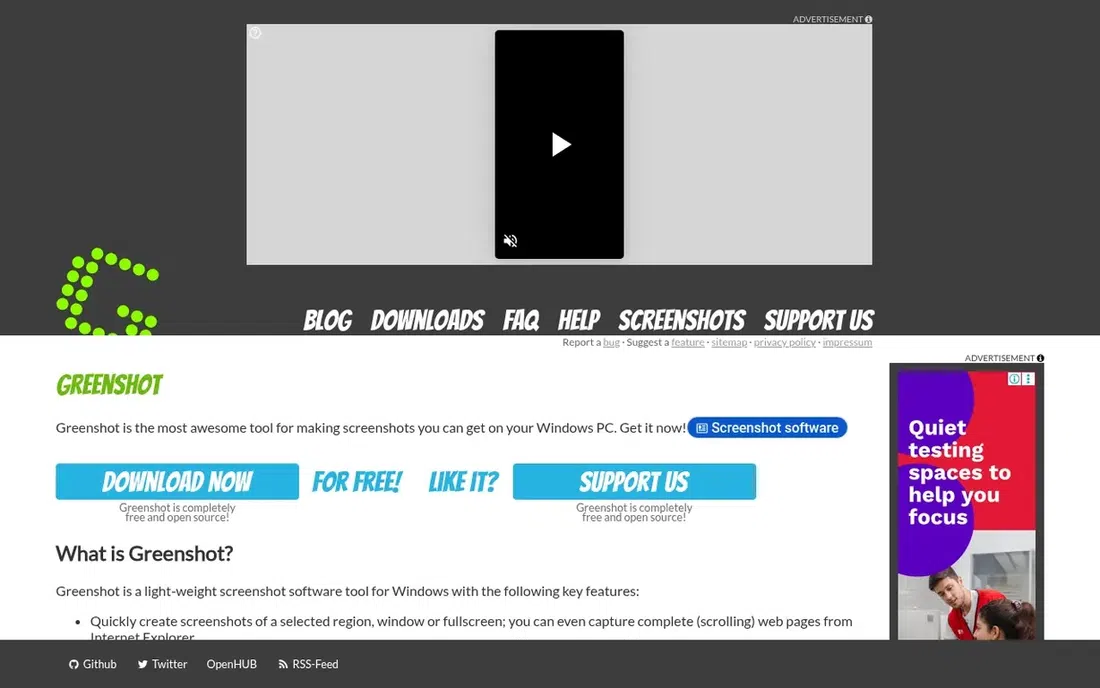
Choose Greenshot for quick everyday productivity screenshots. Greenshot is a screenshot tool optimized for productivity, which means it keeps the path from capture to use short.
What to check first: Not centred on video recording.
The interface stays out of the way so you can capture a region, window or full screen and move on with your task. This comparison lists no price for Greenshot; ask the vendor. Free access: Not stated.
- Free and open source
- Optimized for fast productivity capture
- Fewer built-in editing extras
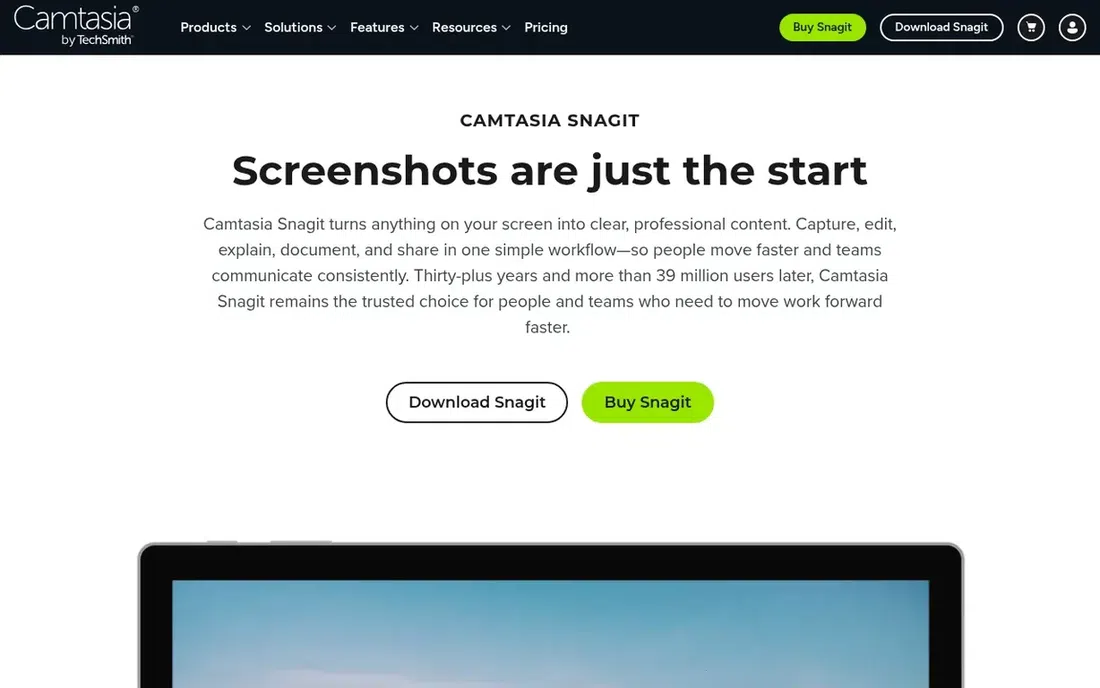
Pick Snagit if this describes you: Capture plus recording and editing. Since it is a commercial product with a wide feature set, it may be more than someone who only needs occasional region grabs. Choose Snagit when recording and editing are part of your everyday capture routine.
What to check first: premium product instead of open source.
In practice, Snagit is a screen capture and screen recording tool from Techsmith for Windows and Mac. It is pitched at people who on a regular basis turn screenshots into annotated images or short videos for documentation, training or communication. This comparison lists no price for Snagit; ask the vendor. Trial and free access: Not stated.
- Made for creating shareable images and videos
- Available for both Windows and Mac
- More than casual users may need
How we compared the tools
For each of the 5 tools we noted price, free plan or trial, fit for screenshot software windows and the main limit, using vendor pages and documentation. Figures are shown as the vendors publish them. Billing terms, seat minimums and add-ons can change the real cost. Tools are placed by general fit for screenshot software windows, with price clarity and free access as tie-breakers. A different team can reasonably rank them differently.
Pre-purchase checklist
- Ask PicPick, FastStone Capture, Greenshot and Snagit for a written quote, since no starting price is shown.
- Take the trial from Nimbus Capture and push a live task through it before you pay.
- Before choosing PicPick, weigh its main limit: numerous features can overwhelm new users.
- Before you load data into Snagit, check what an export looks like and who can run it.
- Run a one or two week pilot of FastStone Capture with the people who will use it every day.
FAQ
Which screenshot tool is a good match for straightforward, quick records on Windows?
This list starts with PicPick, which fits all-in-one screen utility set. For other needs, FastStone Capture is aimed at Capture plus built-in recording, and Nimbus Capture at browser-based capture and screencasts. Check each tool's price and main limit first.
Can I try these tools before paying?
Often, yes. Nimbus Capture offers a free trial. Use your own data and a real task during the test, and check what the free tier or trial limits before you rely on it.
Do these tools publish their prices?
Not all of them. PicPick, FastStone Capture, Greenshot and Snagit publish no starting price, so expect a quote request for those. The rest, Nimbus Capture included, show a starting price, though seats and billing terms still change the final cost.
Is PicPick the right pick for everyone comparing screenshot software windows?
No single tool suits every team. PicPick comes first because it fits all-in-one screen utility set, while FastStone Capture suits Capture plus built-in recording and Nimbus Capture suits browser-based capture and screencasts. Match the tool to your own size, budget and workflow before deciding.
Does any tool for screenshot software windows here have a free plan?
No tool in this list, PicPick and Snagit included, has a permanent free plan. Nimbus Capture offer a trial. Trials and quotes are the usual route, so plan a short evaluation period.
Sources
- https://picpick.app
- https://www.faststone.org/FSCaptureDetail.htm
- https://nimbusweb.me/screenshot.php
- https://getgreenshot.org
- https://www.techsmith.com/screen-capture.html