6 Best Utility Software Windows for 2026, Vetted and Compared
Best utility software windows: 6 tools compared on price, free plans and fit. Top pick: WinZip, aimed at zipping and protecting files. Reviewed this month.
- Editor's choiceWinZip
Zipping and protecting files
Starts atSee websiteVisit winzip.comFull review - Great alternativeAshampoo WinOptimizer
Windows tuning from a wide software maker
Starts atSee websiteVisit ashampoo.comFull review - Also consider
 CCleaner
Everyday PC cleaning and privacy
Starts at$44.95Visit ccleaner.comFull review
Direct answer
WinZip comes first here, mainly for zipping and protecting files. Listed starting prices: CCleaner from $44.95. Ashampoo WinOptimizer fits Windows tuning from a wide software maker; CCleaner fits Everyday PC cleaning and privacy. Details, prices and limits for the rest of the 6 tools are below.
TL;DR:
- WinZip takes the first slot, best suited to zipping and protecting files.
- The main caution on WinZip: not a system optimizer.
- CCleaner stands alone as the one tool in this list with a free plan.
- Pricing for WinZip, Ashampoo WinOptimizer, Norton Utilities and others is quote-based, which adds a sales step before you can compare cost.
- IObit Advanced SystemCare is the one to check for all-in-one cleanup and tuning.
Last checked November 2026. Prices and plan details were read from the vendors' own pages in November 2026; vendors change plans often, so confirm the current price on the vendor site before you buy.
Quick comparison
| Tool | Best for | Starts at | Free plan? | |
|---|---|---|---|---|
| WinZip | Zipping and protecting files | See website | Free trial | Visit |
| Ashampoo WinOptimizer | Windows tuning from a wide software maker | See website | Not stated | Visit |
| CCleaner | Everyday PC cleaning and privacy | $44.95 | Yes | Visit |
| Norton Utilities | Maintenance inside a security brand | See website | Not stated | Visit |
| Glary Utilities | All-in-one utility with a freeware angle | See website | Not stated | Visit |
| IObit Advanced SystemCare | All-in-one cleanup and tuning | See website | Not stated | Visit |
Utility Software Windows, one by one
Choosing utility software windows usually comes down to price, fit and limits. This LinkVetted guide sets 6 tools side by side on those three points, with the facts kept short and checkable.
WinZip
Best for: Zipping and protecting files
WinZip is built with zipping and protecting files in mind. WinZip centres on zipping, unzipping and protecting files on Windows, which makes it a different kind of utility from cleaners and optimizers. More specifically, the tool is mature and widely recognized for archive work.
Points against: Not a system optimizer.
It will not clean your disk or tune performance, so pair it with a maintenance tool if that is your goal. From a buyer's view, choose WinZip when archive features and file protection matter. Check the vendor site for WinZip pricing; none is listed in this comparison. Free access: Free trial.
- Standard archive handling
- File protection features
- Narrower than maintenance suites
Ashampoo WinOptimizer
Best for: Windows tuning from a wide software maker
Ashampoo WinOptimizer is a good fit for Windows tuning from a wide software maker. Ashampoo WinOptimizer is the tuning entry in Ashampoo's catalog of PC productivity software, aimed at making Windows work more efficiently. Worth adding: the homepage excerpt is general, so specifics of the current WinOptimizer edition should be confirmed on the vendor site.
It is not the most specialized choice for any single task. More specifically, if you need only cleaning or only security, a focused tool is commonly more straightforward to evaluate. This comparison lists no price for Ashampoo WinOptimizer; ask the vendor. As for free access: Not stated.
Points against: Feature details need vendor confirmation.
- Geared toward efficiency and tuning
- Part of a wide software catalog
- Less focused than single-purpose tools
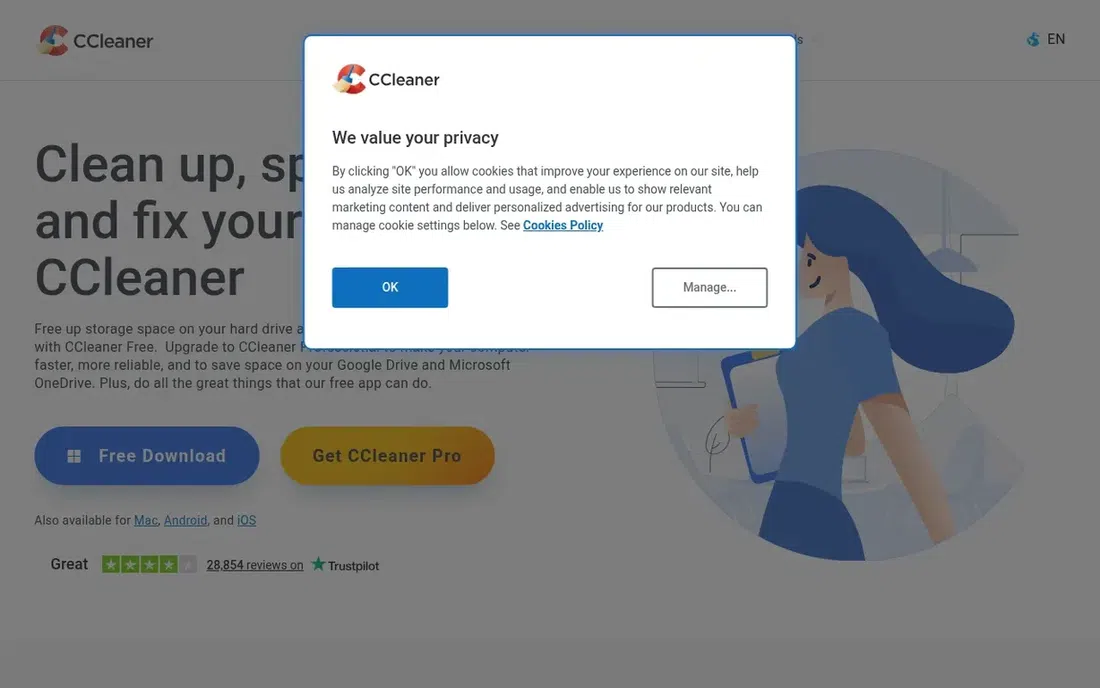
For Everyday PC cleaning and privacy, CCleaner is a natural candidate. People who want registry repair, startup management and security in one dashboard should look at a broader suite instead.
Upsides: focused purpose.
CCleaner is a cleaning-focused utility that removes temporary files and other clutter to help a PC run quicker, with privacy protection as a stated goal. Its scope is deliberately narrow, so it will not replace antivirus or backup tools. Entry price for CCleaner: $44.95. A free plan is available with CCleaner.
Limits to weigh: Narrower than all-in-one suites.
- Cleans junk files and clutter
- Straightforward
- Deep system tuning is restricted
Norton Utilities
Best for: Maintenance inside a security brand

Norton Utilities is built with maintenance inside a security brand in mind. Norton Utilities comes from a vendor known for antivirus and identity protection, and the homepage flags advanced scam detection alongside privacy features. Those already using Norton products may find the ecosystem convenient.
On top of that, since offerings shift between plans, the exact utility features you get can differ, so check the vendor page for the current lineup. Beyond that, the product is broader and heavier than a straightforward cleaner. Norton Utilities does not show a starting price in this comparison, so check the vendor site for current pricing. Free plan details: Not stated.
Honest limits: Feature set varies by plan.
- Backed by a long-standing security vendor
- Comes with scam detection features
- Heavier than single-purpose tools
Glary Utilities
Best for: All-in-one utility with a freeware angle
Where Glary Utilities fits: all-in-one utility with a freeware angle. The all-in-one approach cuts the number of separate programs to install.
From a buyer's view, some modules are more refined than others. Glary Utilities shows no starting price here, so confirm the cost on the vendor site. Free plan details: Not stated.
Points against: Interface depth varies by module.
- Includes typical cleanup tasks
- All-in-one maintenance package
- Marketing claims should be verified
IObit Advanced SystemCare
Best for: All-in-one cleanup and tuning
Where IObit Advanced SystemCare fits: all-in-one cleanup and tuning. IObit Advanced SystemCare bundles cleaning, registry repair, malware handling and game optimization, and the vendor lists support across plenty of Windows versions.
Drawbacks to consider: Registry fixing is debated by experts.
Users who prefer minimal intervention should choose a more straightforward cleaner. In practice, the breadth of features can be overwhelming, and registry cleaning is a topic experts disagree on, so back up before making changes. Check the vendor site for IObit Advanced SystemCare pricing; none is listed in this comparison. As for free access: Not stated.
- Registry and malware in one
- Supports plenty of Windows versions
- Plenty of features can overwhelm beginners
Our selection method
For each of the 6 tools we noted price, free plan or trial, fit for utility software windows and the main limit, using vendor pages and documentation. Where a price is missing, the vendor does not list one publicly or ties it to a quote. Always confirm before budgeting. Order on the page follows fit for the typical buyer first, then price transparency and free access. Your own requirements should decide the final pick.
Things to verify first
- Get a written quote from WinZip, Ashampoo WinOptimizer, Norton Utilities and others; the list shows no starting price for them.
- Test the free plan from CCleaner against your real workload before relying on it.
- Use real work to test the free trial from WinZip, rather than a demo project.
- Before choosing WinZip, weigh its main limit: not a system optimizer.
- Add up seats, add-ons and usage charges for CCleaner before comparing it with cheaper entries.
- Ask Norton Utilities how an export works before you move any records in; an easy exit lowers the risk.
FAQ
Which tool manages file compression?
Windows can open entry-level zip files without additional software, so a dedicated tool matters primarily for advanced archive features and protection.
Is WinZip the right pick for everyone comparing utility software windows?
No single tool suits every team. WinZip comes first because it fits zipping and protecting files, while Ashampoo WinOptimizer suits Windows tuning from a broad software maker and CCleaner suits Everyday PC cleaning and privacy. Match the tool to your own size, budget and workflow before deciding.
Do these tools publish their prices?
Not all of them. WinZip, Ashampoo WinOptimizer, Norton Utilities and others publish no starting price, so expect a quote request for those. The rest, CCleaner included, show a starting price, though seats and billing terms still change the final cost.
How are the utility software windows ordered?
WinZip sits first and IObit Advanced SystemCare last because the order follows typical fit for utility software windows, then price clarity and free access. It is a judgement call, so read each profile for fit and limits.
Which utility software windows have a free plan?
CCleaner is the only tool in this list with a free plan. Free plans usually cap users, projects or features, so check the limits on the vendor page. One other tool offers a trial instead. All 6 picks in this utility software windows comparison list a starting price, free plan details and the main limits on their cards above.
Sources
- https://www.winzip.com
- https://www.ashampoo.com
- https://www.ccleaner.com
- https://www.norton.com
- https://www.glarysoft.com
- https://www.iobit.com