The 6 Best Windows Encryption Software in 2026, Ranked
Best windows encryption software in 2026: 6 contenders with entry costs and free tiers. Fit, price and catches for every tool. Built for quick decisions.
- Editor's choice
 Cryptomator
Encrypting files stored in the cloud
Starts at€29.99Visit cryptomator.orgFull review - Great alternative
 AxCrypt
Everyday file encryption and sharing
Starts atSee websiteVisit axcrypt.netFull review - Also consider
 Sophos Central Device Encryption
Managed full disk encryption across devices
Starts atSee websiteVisit sophos.comFull review
Direct answer
Our first pick is Cryptomator, best for Encrypting files stored in the cloud. Listed starting prices: Cryptomator from €29.99. For a different need, AxCrypt covers everyday file encryption and sharing and Sophos Central Device Encryption covers managed full disk encryption across devices. The remaining 3 options are covered below with prices and limits.
TL;DR:
- Cryptomator is the opening pick, best for Encrypting files stored in the cloud.
- Before buying AxCrypt, weigh this: file-level instead of full disk.
- For Encryption alongside Dell data protection offerings, Dell Data Protection Encryption is worth a look.
- Pricing for AxCrypt, Sophos Central Device Encryption, Microsoft BitLocker and others is quote-based, which adds a sales step before you can compare cost.
Last checked November 2026. Prices and plan details were read from the vendors' own pages in November 2026; vendors change plans often, so confirm the current price on the vendor site before you buy.
Quick comparison
| Tool | Best for | Starts at | Free plan? | |
|---|---|---|---|---|
| Cryptomator | Encrypting files stored in the cloud | €29.99 | Yes | Visit |
| AxCrypt | Everyday file encryption and sharing | See website | Free trial | Visit |
| Sophos Central Device Encryption | Managed full disk encryption across devices | See website | Not stated | Visit |
| Microsoft BitLocker | Built-in full disk encryption on Windows | See website | Not stated | Visit |
 VeraCrypt | Open-source disk encryption with capable security | See website | Not stated | Visit |
| Dell Data Protection Encryption | Encryption alongside Dell data protection offerings | See website | Not stated | Visit |
Windows Encryption Software, one by one
LinkVetted put together this guide to Windows encryption software for readers who want a clear shortlist without reading every vendor page. It compares 6 tools on starting price, free plans, who each one suits and where each one falls short.
In short, Cryptomator is for Encrypting files stored in the cloud. If your main concern is a stolen laptop instead of cloud privacy, a full disk tool like BitLocker or VeraCrypt addresses that require more straight.
Entry price for Cryptomator: €29.99. Cryptomator offers a free plan.
Where it falls short: Cloud-focused instead of full disk.
- Works with major cloud providers
- Built for cloud storage
- Brings a step to file workflows
AxCrypt is built with everyday file encryption and sharing in mind. Since it works at the file level, it does not replace whole-disk encryption for protecting a lost or stolen device.
Limits to weigh: File-level instead of full disk.
More specifically, choose AxCrypt when targeted file protection and sharing are the priority. Check the vendor site for AxCrypt pricing; none is listed in this comparison. On free options: Free trial.
- Available across desktop and mobile
- Straightforward file-level focus
- Less suited to enterprise fleet management
Sophos Central Device Encryption
Best for: Managed full disk encryption across devices
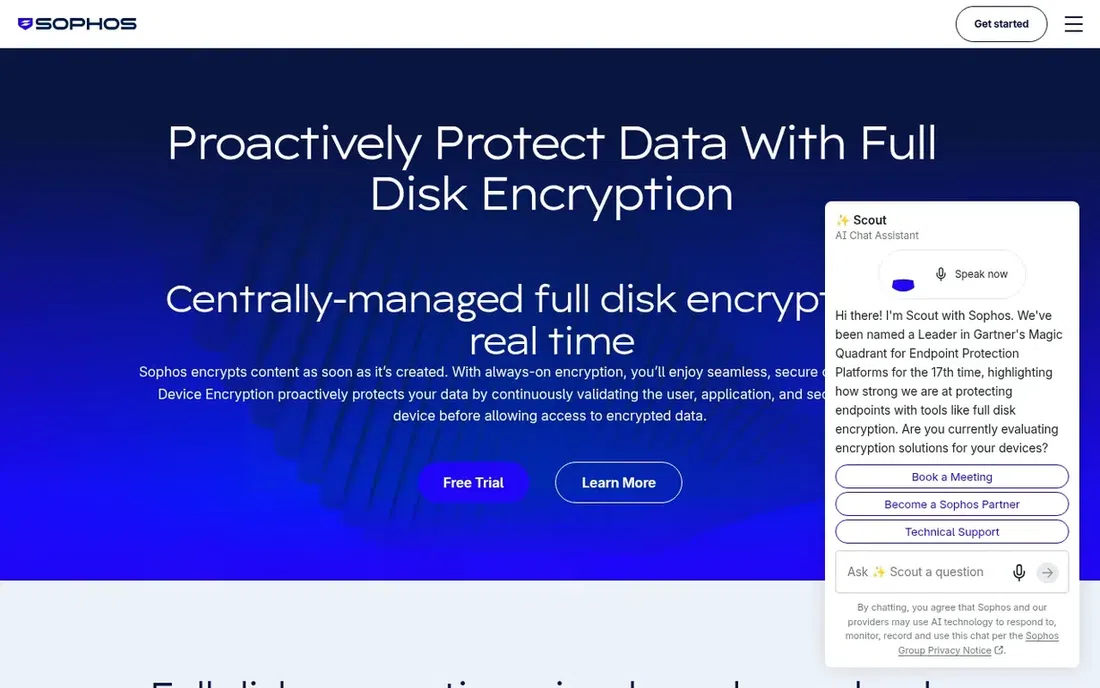
Sophos Central Device Encryption is designed for managed full disk encryption across devices. It suits organizations that already use Sophos security tools and want encryption administered alongside other endpoint controls from a single console.
The product is designed around the Sophos management ecosystem, so standalone users or teams without Sophos tooling may find it a heavier fit. Sophos Central Device Encryption shows no starting price here, so confirm the cost on the vendor site. Free options: Not stated.
Drawbacks to consider: Centered on the Sophos ecosystem.
- Synchronizes encryption in live
- Concentrated on proactive file protection
- Less suited to standalone personal use
Microsoft BitLocker
Best for: Built-in full disk encryption on Windows
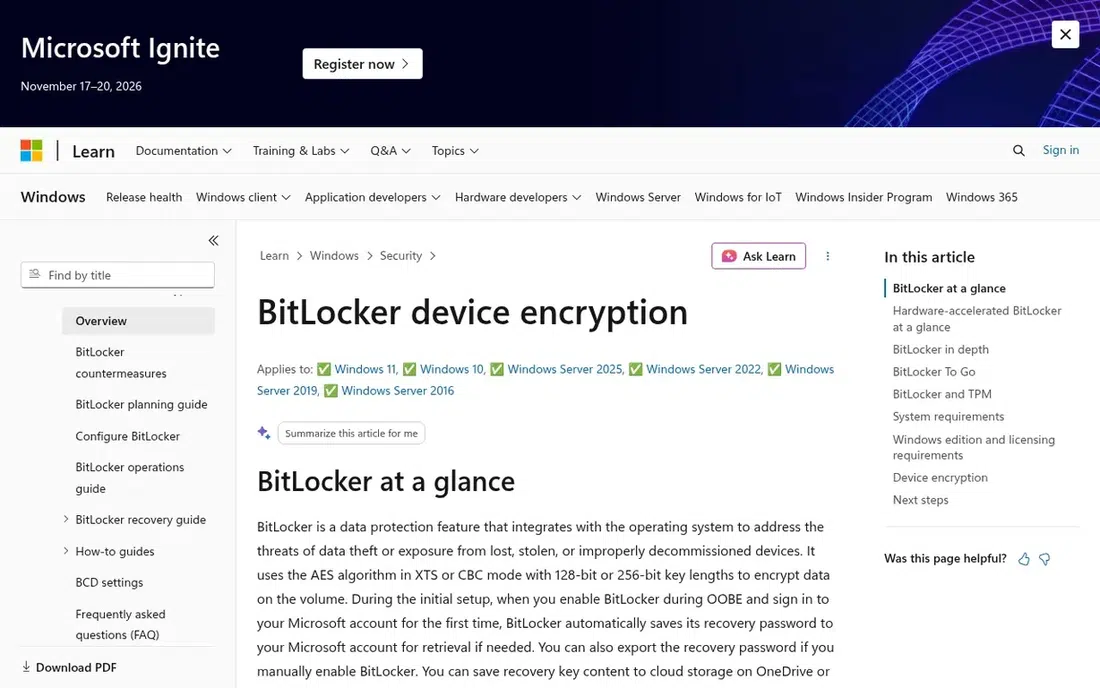
Think of Microsoft BitLocker for built-in full disk encryption on Windows. BitLocker is Microsoft's native device encryption feature for Windows, documented for IT professionals and device administrators.
It spans deployment, configuration, and recovery, making it a natural starting point for organizations already standardized on Windows. Microsoft BitLocker shows no starting price here, so confirm the cost on the vendor site. Free plan details: Not stated.
Points against: Tied to Windows editions and hardware.
- Includes deployment and recovery choices
- Integrated into Windows
- Documentation is IT-focused
VeraCrypt serves open-source disk encryption with capable security. VeraCrypt is open-source disk encryption software for Windows, Mac OS X, and Linux, described by its project as offering capable security for the privacy-minded.
Watch-outs: Interface can feel technical.
Check the vendor site for VeraCrypt pricing; none is listed in this comparison. Free options: Not stated.
- Free and open source
- Offers plausible deniability
- Recovery depends on user discipline
Dell Data Protection Encryption
Best for: Encryption alongside Dell data protection offerings
Dell Data Protection Encryption makes the most sense for Encryption alongside Dell data protection offerings. Since the portfolio spans plenty of products, buyers should confirm exactly which encryption capabilities apply to their environment.
Downsides: Best value within Dell ecosystems.
More specifically, Dell Data Protection Encryption sits within Dell's wider data protection portfolio, which the vendor describes around backup, recovery, archiving, and cloud backup for business-critical data. Consider it when integrated data protection matters more than a single-purpose encryption utility. Pricing for Dell Data Protection Encryption is not stated here, so ask the vendor for current figures. Trial and free access: Not stated.
- Suited to managed IT environments
- Backed by Dell's business focus
- Wide portfolio can be complicated to navigate
How the list was put together
For each of the 6 tools we noted price, free plan or trial, fit for Windows encryption software and the main limit, using vendor pages and documentation. Treat prices as a snapshot: vendors change plans often, so check the vendor site for the figure that applies today. The sequence is a judgement call: typical use case first, then pricing transparency, then free access. Use the profiles to check fit.
Before you commit
- Ask AxCrypt, Sophos Central Device Encryption, Microsoft BitLocker and others for a written quote, since no starting price is shown.
- Test the free plan from Cryptomator against your real workload before relying on it.
- Take the trial from AxCrypt and push a live task through it before you pay.
- Before choosing Cryptomator, weigh its main limit: cloud-focused instead of full disk.
- Add up seats, add-ons and usage charges for Microsoft BitLocker before comparing it with cheaper entries.
- List the apps you already depend on and check that Sophos Central Device Encryption supports each one on the plan you would buy.
FAQ
Is built-in Windows encryption enough, or do I need external software?
BitLocker handles full disk encryption for plenty of Windows devices and is a sensible default for organizations already using Microsoft tooling. External tools become worth considering when you need cross-platform support, file-level encryption, cloud storage protection, or management outside the Microsoft ecosystem.
Can I try these options before paying?
Often, yes. Cryptomator has a free plan and AxCrypt offers a free trial. Use your own data and a real task during the test, and check what the free tier or trial limits before you rely on it.
Which options for Windows encryption software have a free plan?
Cryptomator is the only tool in this list with a free plan. Free plans usually cap users, projects or features, so check the limits on the vendor page. One other tool offers a trial instead.
How are the tools for Windows encryption software ordered?
The order follows typical fit for Windows encryption software, with Cryptomator first and Dell Data Protection Encryption last, then price clarity and free access. It is editorial judgement, not a score, so another team could rank the tools differently.
Is Cryptomator the right pick for everyone comparing windows encryption software?
No single tool suits every team. Cryptomator comes first because it fits Encrypting files stored in the cloud, while AxCrypt suits everyday file encryption and sharing and Sophos Central Device Encryption suits managed full disk encryption across devices. Match the tool to your own size, budget and workflow before deciding.
What is the difference between disk encryption and file encryption?
Disk encryption guards everything on a drive, which helps if a device is lost or stolen. Some users combine both approaches for broader coverage.
Sources
- https://cryptomator.org
- https://www.axcrypt.net
- https://www.sophos.com/en-us/products/encryption
- https://learn.microsoft.com/en-us/windows/security/operating-system-security/data-protection/bitlocker
- https://www.veracrypt.fr
- https://www.dell.com/en-us/dt/data-protection/index.htm