Best Encryption Software in 2026: 8 Tools Compared
Looking for the best encryption software for files, folders, drives and cloud storage? We compare 8 tools on price, ease of use and fit. Read our guide first.
- Editor's choice
 VeraCrypt
Full-disk and container encryption
Starts atFreeVisit veracrypt.frFull review - Great alternative
 Cryptomator
Encrypting cloud storage
Starts atFreeVisit cryptomator.orgFull review - Also consider
 NordLocker
Encrypted cloud storage and local files
Starts atFreeVisit nordlocker.comFull review
TL;DR:
- VeraCrypt and Cryptomator cover most personal needs at no cost, with full-disk and cloud vault options.
- Built-in tools such as BitLocker and FileVault are the simplest choice when your device already supports them.
- File tools such as AxCrypt and Encrypto work better when you share single files or protect one document.
- NordLocker suits people who want encrypted storage and local encryption in one place.
- A lost password can mean lost files, so keep a recovery key or password in a safe place separate from the encrypted data.
Quick comparison
| Tool | Best for | Starts at | Free plan? | |
|---|---|---|---|---|
| VeraCrypt | Full-disk and container encryption | Free | Yes | Visit |
| Cryptomator | Encrypting cloud storage | Free | Yes | Visit |
| NordLocker | Encrypted cloud storage and local files | Free | Yes | Visit |
 AxCrypt | Simple file encryption and sharing | See website | Free trial | Visit |
 BitLocker | Built-in Windows drive encryption | Free | Yes | Visit |
 FileVault | Built-in Mac drive encryption | Free | Yes | Visit |
 Encrypto | Simple file encryption on Mac and Windows | Free | Yes | Visit |
 7-Zip | Encrypted archives for sharing | Free | Yes | Visit |
The best encryption software
Encryption turns readable files into scrambled data that only the right password or key can open again. The right tool depends on what you protect, where it lives, and who else needs access.
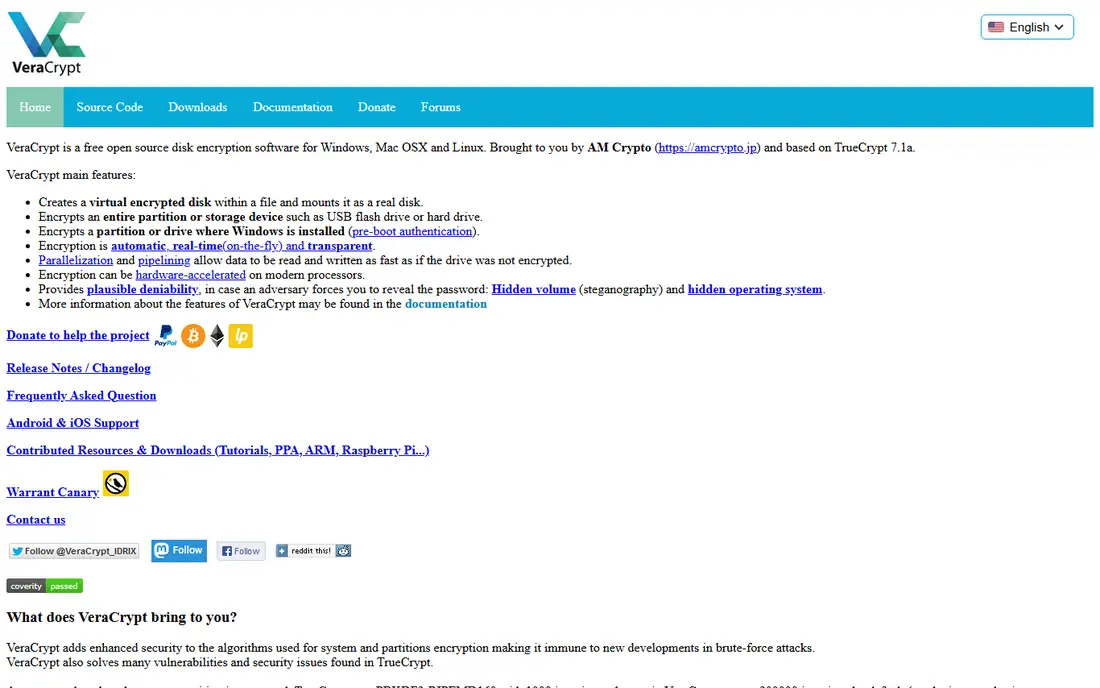
VeraCrypt is our pick for most people who want strong encryption without a subscription. You can create an encrypted container that works like a locked folder, or encrypt a whole drive or system partition. It also supports hidden volumes, which can add a layer of privacy when someone else gains access to a device.
The trade-off is effort. VeraCrypt asks you to choose volume types, algorithms and passwords, and it does not hold your hand through every choice. That control is a strength for careful users, and a hurdle for anyone who wants a quick install and forgets the details. Keep the password and any rescue disk in a safe place, because recovery without them is very hard.
- Free and open source
- Supports encrypted containers and full-disk encryption
- Supports hidden volumes
- Interface feels dated
- Setup takes more care than a one-click app
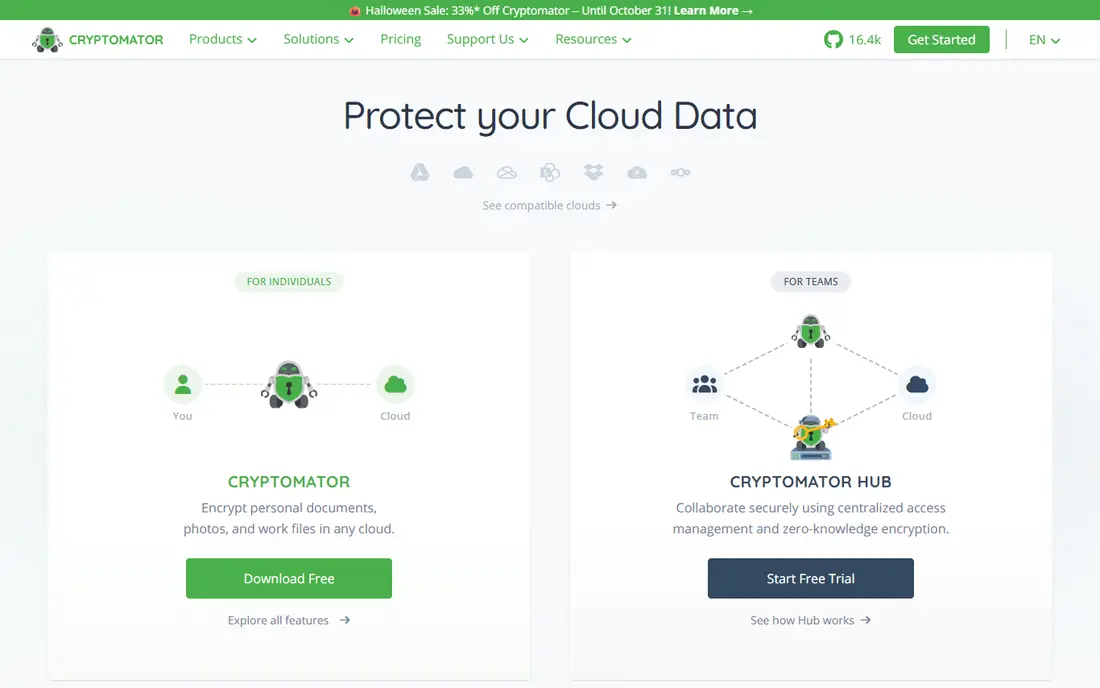
Cryptomator adds a private vault inside the cloud storage you already use, such as Dropbox, Google Drive or OneDrive. You open the vault, drop files in, and the cloud provider stores only scrambled files and scrambled names. That design keeps your files private even if a cloud account is breached.
Desktop use is free, which makes Cryptomator easy to try on a laptop before you commit to anything else. The mobile apps let you view vaults at no cost, but adding files on a phone requires a one-time purchase in many cases. Check that detail before you plan a phone-only workflow.
- Free on desktop and open source
- Works with common cloud folders
- Encrypts file names as well as contents
- Mobile apps charge for adding files
- Cloud sync speed depends on your provider
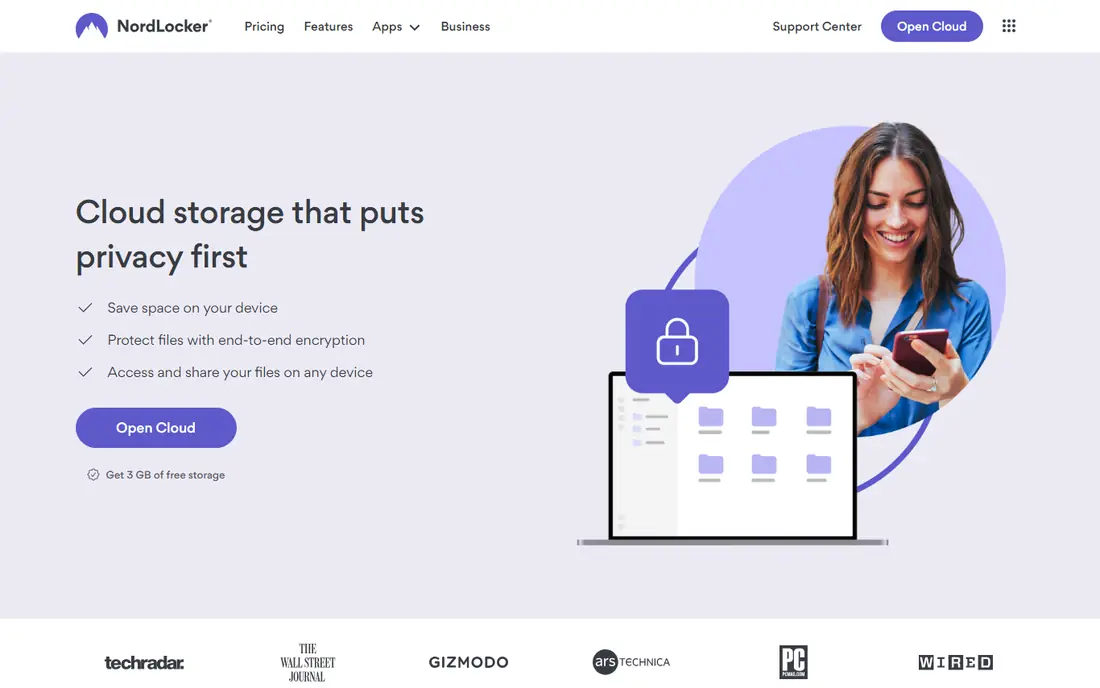
NordLocker takes a different route from Cryptomator, because it pairs local encryption with its own cloud storage. You create lockers, add files, and the app encrypts them on your device before they reach NordLocker servers. That makes it a good fit for people who want one account for both local protection and cloud backup.
The free plan gives a small amount of storage, so it works best for sensitive documents rather than a full photo library. Paid plans add more space, and a money-back period is listed on the vendor site. Read the current plan limits before you move a large archive into it.
- Simple setup
- Free plan includes storage
- Encrypts files on your device before upload
- Free storage is limited
- No published independent audit of its encryption was noted in recent reviews
AxCrypt focuses on one job, and it does that job well. You right-click a file, encrypt it, and share it with someone who can open it with AxCrypt. That workflow suits contracts, tax forms and other single documents that move by email or a shared drive.
It is less useful as a whole-drive tool, and it does not aim to replace VeraCrypt for that purpose. The free trial lets you test the sharing flow, but expect to pay for the full feature set. If you mainly protect a few files at a time, that price may be easier to accept than a full storage subscription.
- Easy file-by-file encryption
- Secure sharing with other AxCrypt users
- Password management features on paid plans
- No Linux desktop app
- Best features sit behind a paid plan
BitLocker is the quiet option for many Windows users, because there is nothing extra to install on a supported edition. Once turned on, it encrypts the drive, and your normal sign-in keeps daily use simple. For a lost or stolen laptop, that whole-drive protection matters more than a locked folder.
Availability is the main catch. BitLocker is tied to Windows edition and hardware support, so check your version before you rely on it. Save the recovery key to your Microsoft account, a USB drive or a printed copy in a safe place, and do not store the only copy on the encrypted drive itself.
- Built into supported Windows editions
- Encrypts whole drives
- Managed easily on work devices
- Not available on every Windows edition
- Recovery key handling needs care
FileVault plays the same role on a Mac that BitLocker plays on Windows. It encrypts the startup disk, so a stolen Mac does not hand over readable files to someone who removes the drive. Turning it on is a short process in system settings, and daily use feels normal after the first encryption pass.
The limit is scope. FileVault protects the Mac itself, not files you send to someone else or store in a shared cloud folder. Pair it with Cryptomator or AxCrypt when files leave the Mac. As with BitLocker, keep the recovery key somewhere safe and separate from the Mac.
- Built into macOS
- Encrypts the whole startup disk
- Works with your Mac login
- Mac only
- Recovery depends on your Apple account or recovery key
Encrypto suits someone who wants to protect a file in seconds without learning a larger system. You drag a file into the app, set a password, add an optional hint, and send the encrypted file. The recipient opens it with Encrypto and the password you share separately.
That simplicity is also its limit. Encrypto does not encrypt a whole drive, and it does not manage a synced vault. For one-off files, that focus is a benefit, because there is little to configure and little to go wrong. For ongoing protection, pair it with a drive or vault tool from this list.
- Free
- Simple drag-and-drop file encryption
- Adds a password hint for recipients
- Single-file focus
- Not a drive or cloud vault tool
7-Zip is not a full encryption suite, and that is part of its appeal. You select files, create an archive, set a password and turn on file name encryption, then send one protected file. The recipient opens it with 7-Zip or another archive tool that supports the same format.
Use it for sending, not for daily protection. Once you extract files, they are readable again on that computer, so 7-Zip does not guard files at rest in the same way as VeraCrypt or FileVault. For a quick, free way to share sensitive documents, it remains hard to beat.
- Free and widely used
- AES-256 archive encryption
- Compresses folders for sending
- Not real-time folder protection
- Recipient needs an archive tool to open files
How we picked these
We compared official feature pages, pricing pages, platform support and public documentation for tools that encrypt files, folders, drives or cloud storage. We favored tools that are still available in October 2026, state their encryption method clearly, and fit a distinct job rather than repeating the same feature set. We did not claim hands-on testing, and we left out tools whose current status or pricing we could not confirm.
What to check before you choose
Start with the data, not the brand. A whole drive needs BitLocker, FileVault or VeraCrypt, while a cloud folder needs Cryptomator or NordLocker, and a single shared file needs AxCrypt or 7-Zip. Matching the tool to the job saves money and avoids a false sense of safety.
Passwords and recovery
Encryption is only as safe as its password. Use a long passphrase you can remember, store it in a password manager, and keep any recovery key apart from the device it protects. Test recovery on a spare file before you encrypt years of work.
Sharing and backups
Think about who else needs access and what happens if you are away. Shared files need a tool both sides can open, and encrypted backups need a restore test. A backup that you cannot decrypt is no backup at all, so keep at least one tested copy in a separate place.
Video and large files
For video files, standard encryption tools work fine, and a container or archive can hold large files without special software. The main cost is time, because encrypting and uploading large video files takes longer than text documents. If you share video often, check file size limits and sync behaviour before you pick a cloud vault.
FAQ
What is the best encryption software for most people?
VeraCrypt is a strong free starting point for full-disk and container encryption, while Cryptomator is a strong free choice for cloud folders. If you want a built-in option, BitLocker on Windows and FileVault on Mac cover whole drives with less setup. Your best choice depends on the device and the files you protect.
What is the best folder encryption software?
Cryptomator gives a vault that works across desktop systems and syncs through common cloud folders. VeraCrypt containers also work like locked folders once you mount them. Pick Cryptomator for cloud folders, and VeraCrypt when you want a local container that stays on one device.
What is the best data encryption software for cloud storage?
Cryptomator is our pick for adding encryption to cloud storage you already pay for, because it encrypts files and names before upload. NordLocker is a good alternative when you want encrypted storage from one provider. Both keep the provider from reading file contents in normal use.
Is free encryption software safe to use?
Free tools such as VeraCrypt, Cryptomator and 7-Zip use published encryption methods and have long public histories, which is a good sign. Safety still depends on a strong password, current software and safe recovery storage. Avoid tools that hide their method, demand odd permissions, or promise protection without a password.
Do I need encryption if I already use a password on my computer?
A login password alone does not protect files if someone removes the drive or boots from another device. Full-disk encryption closes that gap, because the drive contents stay scrambled without the key. File encryption adds protection for files you share or store elsewhere.
Can I encrypt video files with these tools?
Yes, video files encrypt like any other file in a container, vault or archive. Large files take longer to encrypt and sync, so allow extra time for the first pass. If you share video with others, send an encrypted archive and share the password through a separate channel.