Best Encryption Software for USB Drives in 2026: 6 Tools Compared
Best encryption software for USB drives, compared. 6 tools with published prices, free plans and limits. Concise write-ups of every option. Numbers first.
- Editor's choiceKaspersky Endpoint Security
Business endpoint protection with encryption
Starts atPricing on requestVisit kaspersky.comFull review - Great alternativeMcAfee Drive Encryption
Enterprise drive encryption within Trellix offerings
Starts atPricing on requestVisit mcafee.comFull review - Also considerSophos SafeGuard Encryption
Managed full disk encryption for companies
Starts atPricing on requestVisit sophos.comFull review
Direct answer
This list puts Kaspersky Endpoint Security first for business endpoint protection with encryption. McAfee Drive Encryption is better for enterprise drive encryption within Trellix offerings, and Sophos SafeGuard Encryption is better for managed full disk encryption for firms. All 6 tools are compared below on fit, free plan and limits. None of these vendors publish plan prices, so pricing is on request for every option.
TL;DR:
- Kaspersky Endpoint Security takes the first slot, best suited to business endpoint protection with encryption.
- For cross-platform open-source disk encryption, VeraCrypt is worth a look.
- Kaspersky Endpoint Security, VeraCrypt and the 4 others all sell by quote; expect sales conversations before you see a price.
- One limit worth knowing about Sophos SafeGuard Encryption: geared toward business deployments.
Last checked November 2026. Pricing on request: vendors did not publish plan prices when this guide was last checked (November 2026), so ask each vendor for a written quote.
Quick comparison
| Tool | Best for | Starts at | Free plan? | |
|---|---|---|---|---|
| Kaspersky Endpoint Security | Business endpoint protection with encryption | Pricing on request | Not stated | Visit |
| McAfee Drive Encryption | Enterprise drive encryption within Trellix offerings | Pricing on request | Not stated | Visit |
| Sophos SafeGuard Encryption | Managed full disk encryption for companies | Pricing on request | Not stated | Visit |
| GiliSoft USB Encryption | Straightforward password-protected USB private area | Pricing on request | Not stated | Visit |
 BitLocker | Windows-native drive encryption and IT management | Pricing on request | Not stated | Visit |
 VeraCrypt | Cross-platform open-source disk encryption | Pricing on request | Not stated | Visit |
The 6 tools in detail
Short on time? The summary and table above give the quick view of 6 encryption software for USB drives, and the profiles that follow give the detail behind each entry.
Kaspersky Endpoint Security
Best for: Business endpoint protection with encryption
Kaspersky Endpoint Security targets business endpoint protection with encryption. Choose it when encryption should be part of a broader managed security stack.
Also, if your only requirement is encrypting an USB drive, a full endpoint suite is more than needed. This comparison lists no price for Kaspersky Endpoint Security; ask the vendor. As for free access: Not stated.
Drawbacks to consider: Encryption is one part of a suite.
- Broad endpoint security suite
- Business-focused management
- Business licensing model
McAfee Drive Encryption
Best for: Enterprise drive encryption within Trellix offerings
McAfee Drive Encryption serves enterprise drive encryption within Trellix offerings. Individual users should look to more straightforward dedicated choices.
McAfee Drive Encryption appears within the enterprise security portfolio now associated with Trellix, whose site emphasizes operational threat intelligence and automatic detection and response. In daily use, the enterprise framing means procurement and administration are heavier than personal tools, and product branding changes over time warrant checking current documentation. Pricing for McAfee Drive Encryption is not stated here, so ask the vendor for current figures. Free plan details: Not stated.
Where it falls short: Portfolio changes can affect planning.
- Part of a broader security portfolio
- Enterprise-oriented encryption
- Enterprise focus
Sophos SafeGuard Encryption
Best for: Managed full disk encryption for companies
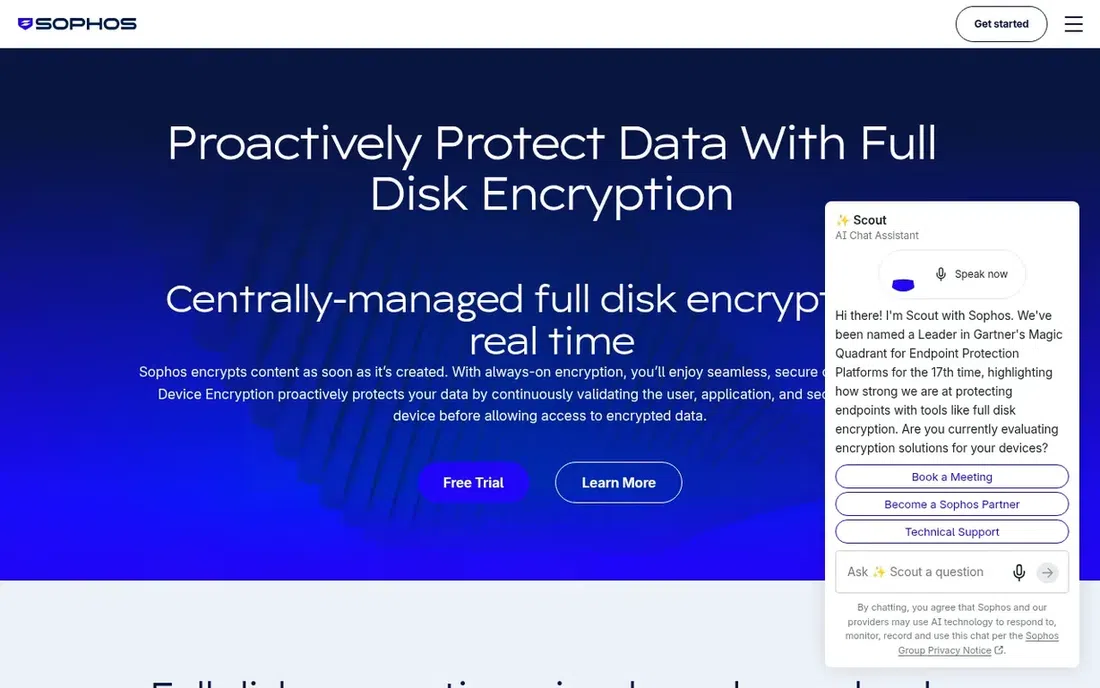
Sophos SafeGuard Encryption is designed for managed full disk encryption for businesses. Sophos SafeGuard Encryption synchronizes full disk encryption and secures files through Sophos Central Device Encryption. It is designed for organizations that want encryption policy managed centrally alongside other endpoint security controls.
Where it falls short: Overhead for single users.
In practice, teams already using Sophos products gain a consistent admin experience, and USB media protection suits into the broader device encryption strategy instead of standing alone. Consider it when you need centralized administration, not for straightforward personal drive encryption. As for the details, for an individual protecting one USB stick, the management layer adds complexity without much benefit. Pricing for Sophos SafeGuard Encryption is not stated here, so ask the vendor for current figures. On free options: Not stated.
- Live synchronized encryption
- Managed through Sophos Central
- Pitched at business deployments
GiliSoft USB Encryption
Best for: Straightforward password-protected USB private area
For simple password-protected USB private area, GiliSoft USB Encryption is a natural candidate. GiliSoft USB Encryption builds a password-protected private area on an USB drive, letting you keep public files shareable whereas opening private files as a Windows drive.
Points against: Windows only.
It is a focused utility for straightforward USB privacy instead of full organizational encryption management. More specifically, the product is Windows-specific and narrow in scope, so it will not include cross-platform access or centralized policy. GiliSoft USB Encryption does not show a starting price in this comparison, so check the vendor site for current pricing. Free access: Not stated.
- Private area opens as a Windows drive
- Keeps public files shareable
- Narrow feature scope
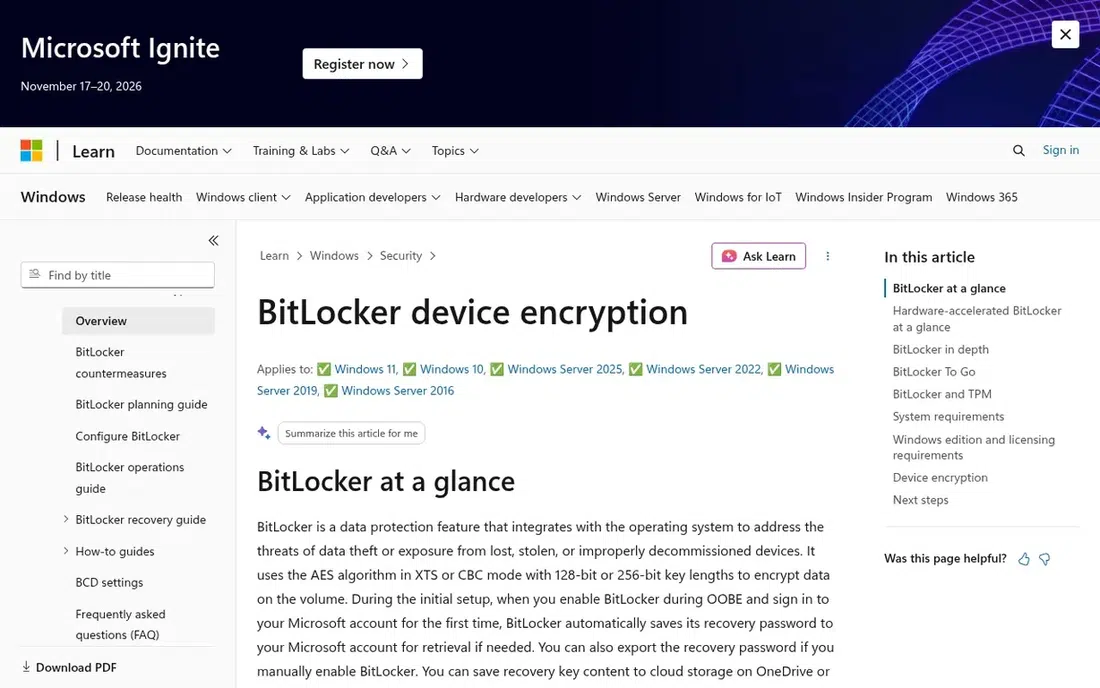
BitLocker is aimed squarely at Windows-native drive encryption and IT management. If your USB encryption needs center on Windows laptops and removable drives managed by IT, BitLocker keeps encryption inside the platform you already administer instead of adding a separate product.
Where it falls short: Recovery setup needs planning.
This comparison lists no price for BitLocker; ask the vendor. As for free access: Not stated.
- Central deployment and recovery choices
- Built into Windows
- Windows-focused
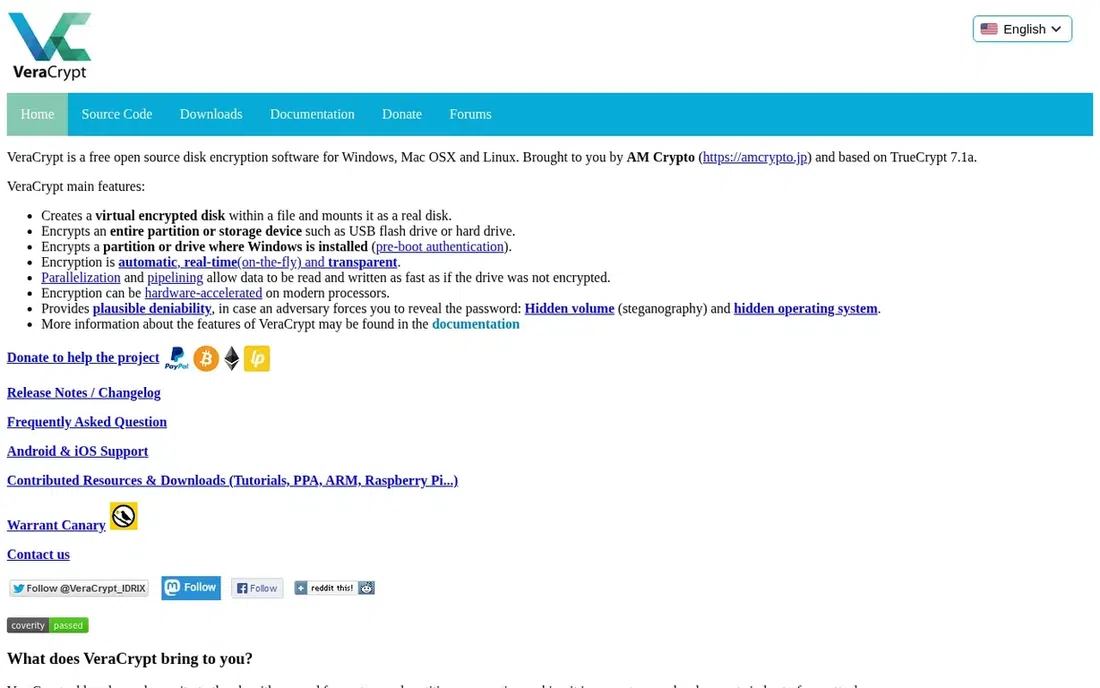
Think of VeraCrypt for cross-platform open-source disk encryption. VeraCrypt is free open-source disk encryption software for Windows, Mac OS X and Linux. Its homepage flags capable security and plausible deniability for cases where an attacker forces a password reveal.
It encrypts disks instead of individual files, which fits users who want an entire USB drive protected behind one passphrase and who are comfortable with a technical setup. Users who want managed policy enforcement or straightforward drag-and-drop tools may prefer a commercial endpoint suite. In daily use, the trade-off is practical configuration and a reliance on your own key and recovery discipline. VeraCrypt shows no starting price here, so confirm the cost on the vendor site. Free access: Not stated.
Downsides: Manual setup.
- Free and open source
- Windows
- Recovery relies on your own backups
Our selection method
For each of the 6 tools we noted price, free plan or trial, fit for encryption software for USB drives and the main limit, using vendor pages and documentation. Prices and plan limits come from vendor pages and can change, so confirm them on the vendor site before you buy. We ordered the tools by general fit, then by how clearly pricing is shown, then by free access. A buyer with unusual needs may reorder them.
What to confirm before you sign up
- Request quotes from Kaspersky Endpoint Security, VeraCrypt and the others; the list shows no fixed prices.
- Before choosing Kaspersky Endpoint Security, weigh its main limit: Encryption is one part of a suite.
- Test the integrations you rely on with McAfee Drive Encryption before committing; some connectors sit on upper tiers.
- Find out whether the entry plan of Kaspersky Endpoint Security covers your must-haves or only a trimmed-down version.
- Ask GiliSoft USB Encryption how an export works before you move any records in; an easy exit lowers the risk.
FAQ
Do companies need a management console for USB encryption?
Organizations with numerous devices typically benefit from centralized policy and recovery, which products like Sophos SafeGuard Encryption and Kaspersky Endpoint Security offer.
Can I try these tools before paying?
Not by default. None of the tools, from Kaspersky Endpoint Security to VeraCrypt, lists a free plan or a free trial here, so ask each vendor for a demo before committing.
Does any tool for encryption software for USB drives here have a free plan?
No tool in this list, Kaspersky Endpoint Security and VeraCrypt included, has a permanent free plan. Trials and quotes are the usual route, so plan a short evaluation period.
Do these tools publish their prices?
No. None of the tools, from Kaspersky Endpoint Security to VeraCrypt, shows a fixed starting price here, so budget time for quotes.
How are the tools for encryption software for USB drives ordered?
Kaspersky Endpoint Security sits first and VeraCrypt last because the order follows typical fit for encryption software for USB drives, then price clarity and free access. It is a judgement call, so read each profile for fit and limits.
Sources
- https://www.kaspersky.com/small-to-medium-business-security/endpoint-security
- https://www.mcafee.com/enterprise/en-us/products/drive-encryption.html
- https://www.sophos.com/en-us/products/encryption
- https://www.gilisoft.com/product-usb-encryption.htm
- https://learn.microsoft.com/en-us/windows/security/operating-system-security/data-protection/bitlocker
- https://www.veracrypt.fr