Best Encryption Key Management Software in 2026: 8 Tools Compared
We compare the best encryption key management software across 8 tools, covering key creation, rotation, access control, HSM support and pricing models.
- Editor's choice
 AWS Key Management Service
Teams running workloads on AWS
Starts at$1 per monthVisit aws.amazon.comFull review - Great alternative
 Azure Key Vault
Teams running workloads on Azure
Starts atSee websiteVisit azure.microsoft.comFull review - Also consider
 Google Cloud Key Management Service
Teams running workloads on Google Cloud
Starts atSee websiteVisit cloud.google.comFull review
TL;DR:
- Cloud key services fit best inside their own cloud. Multi-cloud teams should look at Vault, CipherTrust or Fortanix first.
- Key rotation, access control and audit logs matter more than the number of key types a vendor lists.
- Self-hosted open source tools cost no license fee, but they still cost operator time and infrastructure.
- For regulated data, confirm HSM support, key residency and audit evidence before you choose.
Quick comparison
| Tool | Best for | Starts at | Free plan? | |
|---|---|---|---|---|
| AWS Key Management Service | Teams running workloads on AWS | $1 per month | No | Visit |
| Azure Key Vault | Teams running workloads on Azure | See website | No | Visit |
| Google Cloud Key Management Service | Teams running workloads on Google Cloud | See website | No | Visit |
 HashiCorp Vault | Multi-cloud and platform engineering teams | Free | Yes | Visit |
 Thales CipherTrust | Large enterprises with strict key control needs | See website | No | Visit |
 Fortanix Data Security Manager | Teams wanting central multi-cloud key control | See website | No | Visit |
 IBM Hyper Protect Crypto Services | IBM Cloud and regulated workload teams | See website | No | Visit |
 OpenBao | Open source teams wanting a Vault-style service | Free | Yes | Visit |
The best encryption key management software
Keys protect data only when they are created, stored, rotated and retired with care. Good key management keeps keys out of application code, limits who can use them, and leaves a clear audit trail.
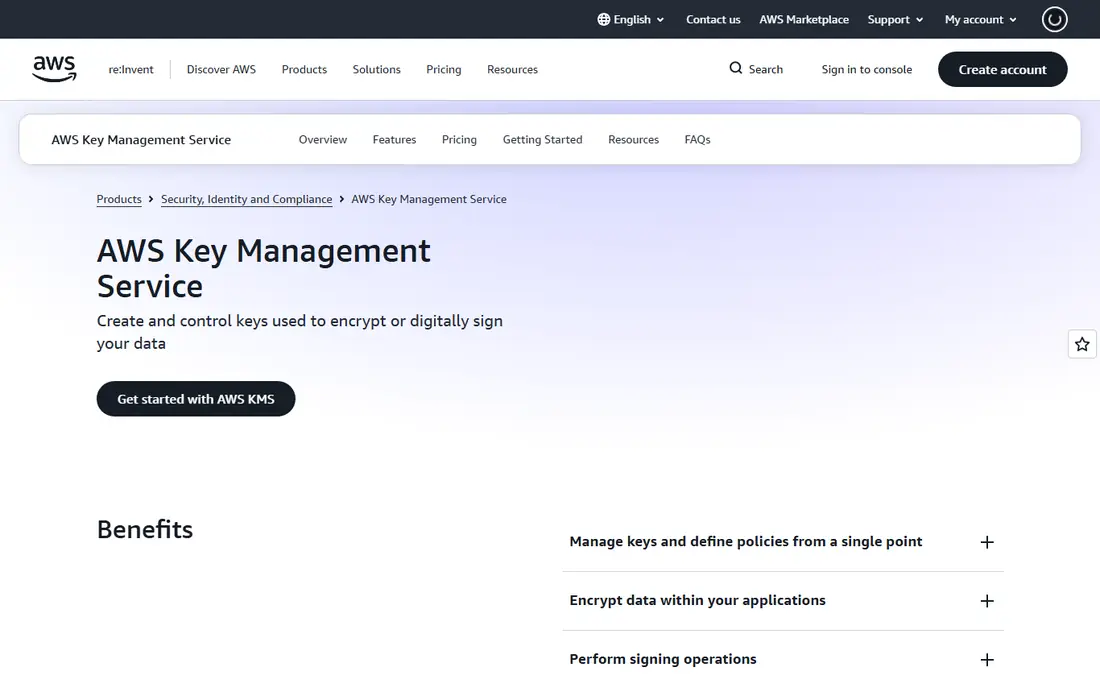
First, consider AWS Key Management Service. AWS Key Management Service fits teams that already run most of their work on AWS and want encryption tied to storage, databases and messaging services.
Its strength is how deeply it links to AWS services. Teams can use customer-managed keys for many services, set key policies, and review use in audit logs without building a separate key service.
Teams with a large multi-cloud estate may find a single cloud key service limiting, and request volume should be watched, since usage charges sit on top of the per-key charge.
- Managed keys with automatic rotation options
- Close AWS service links
- Audit logs
- Use outside AWS takes extra work
- Usage charges add up at scale
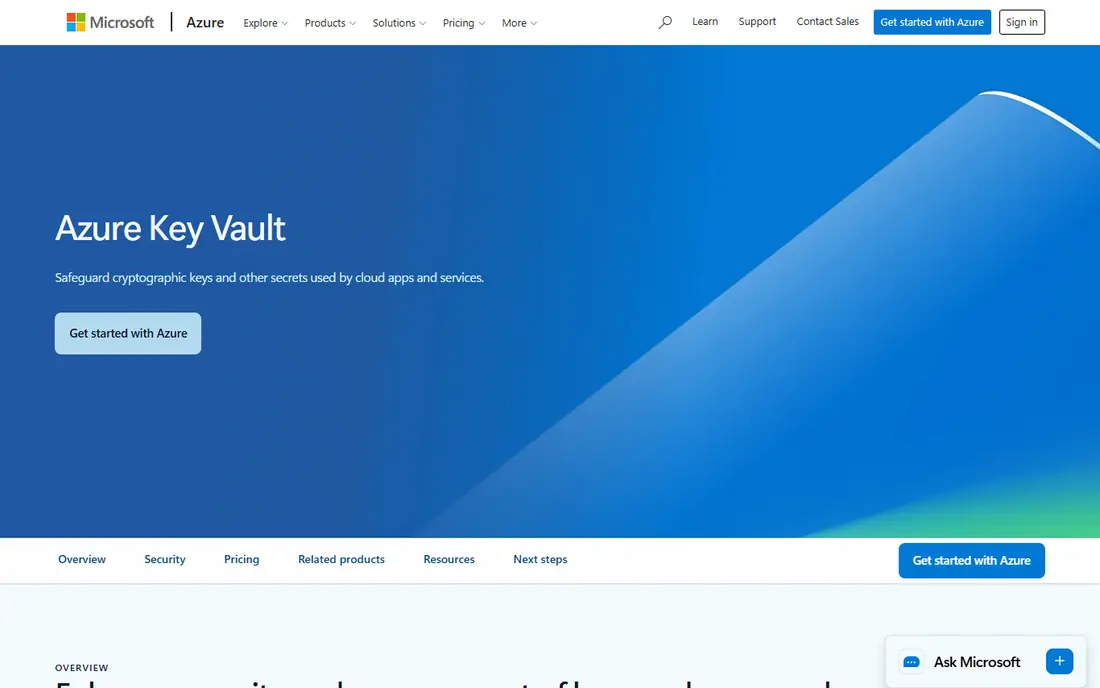
Next, look at Azure Key Vault. Azure Key Vault fits organisations that standardise on Microsoft Entra ID and Azure services, and that want keys, secrets and certificates in one vault.
Access control through Entra ID is a clear plus. Teams can grant narrow permissions, require approval for sensitive operations, and use a managed HSM tier for stricter key protection.
Pricing is based on operations rather than a flat monthly fee, so teams should estimate request volume and key counts before committing to a budget.
- Central vault for keys, secrets and certificates
- Entra ID access control
- Managed HSM option
- Best value stays inside Azure
- Operation-based pricing needs careful estimates
Google Cloud Key Management Service
Best for: Teams running workloads on Google Cloud
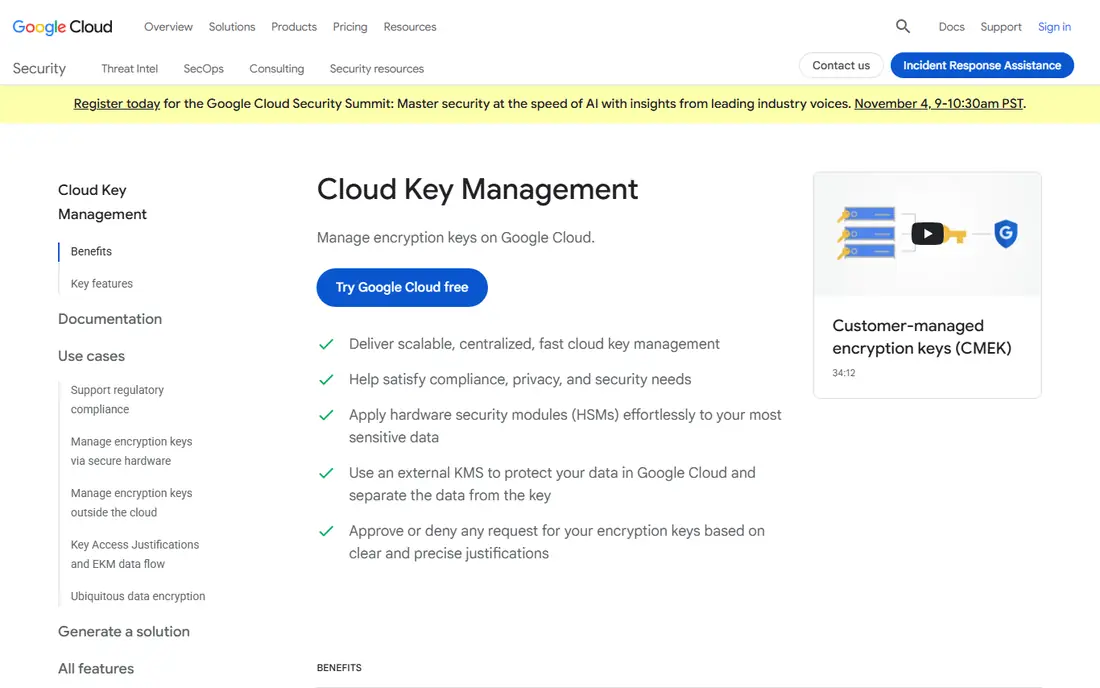
Another strong option is Google Cloud Key Management Service. Google Cloud Key Management Service fits teams that build on Google Cloud and want a managed service for encryption keys across storage and databases.
Its external key manager options help teams that must keep key material outside Google, while IAM controls keep key use separate from general cloud administration.
Teams should compare key protection levels carefully. Software, hardware and external options carry different costs and controls, and the choice is hard to change later.
- Cloud KMS with external key options
- IAM controls
- Audit logging
- Multi-cloud use needs extra design
- Key protection levels affect price
For a different fit, HashiCorp Vault. HashiCorp Vault fits platform teams that need one key and secrets service across clouds, data centers and Kubernetes clusters.
Its broad auth methods and dynamic credentials help teams issue short-lived secrets instead of long-lived passwords, and encryption as a service lets apps encrypt data without holding keys directly.
Vault is not a set-and-forget tool. Backup, unsealing, upgrades and high availability need skilled operators, and smaller teams should weigh managed options first.
- Dynamic secrets and encryption as a service
- Broad auth methods
- Self-hosted option
- Running it well takes operational skill
- Enterprise features need a paid plan
Teams with tighter budgets often check Thales CipherTrust. Thales CipherTrust fits large enterprises that must manage keys across many platforms, with hardware-backed roots of trust.
Central management is the draw. Teams can apply one set of key policies across cloud services, databases and file systems, while hardware modules protect the most sensitive keys.
The scope and quote-based pricing make it a poor fit for a small team that needs only a cloud-native key service. Plan for a guided deployment and a longer buying cycle.
- Central key management across clouds and data centers
- HSM roots
- Broad platform coverage
- Enterprise scope and pricing suit larger budgets
- Deployment planning takes time
Fortanix Data Security Manager
Best for: Teams wanting central multi-cloud key control
A further option is Fortanix Data Security Manager. Fortanix Data Security Manager fits teams that want central control of keys, secrets and tokens across cloud and on-premises systems.
Its confidential computing approach adds a further layer for sensitive workloads, and central policies help teams avoid a separate key store for each platform.
Pricing is quote-based, so buyers should ask for a clear breakdown by key volume, users and deployment model, and run a pilot with their main applications.
- Central key management with confidential computing options
- Cloud and on-premises coverage
- Quote-based pricing
- Smaller teams may need more vendor guidance at setup
If scale matters most, IBM Hyper Protect Crypto Services. IBM Hyper Protect Crypto Services fits teams that run regulated workloads on IBM Cloud and need hardware-backed key custody.
Keys stay protected in hardware-backed modules, and teams can bring their own keys while keeping control of key use through IBM Cloud access policies.
Teams outside IBM Cloud will get less benefit, and buyers should confirm which services and regions support the exact configuration they need.
- Hardware-backed key protection on IBM Cloud
- Bring-your-own-key options
- Audit trails
- Strongest fit stays inside IBM Cloud
- Pricing varies by configuration
Finally, consider OpenBao. OpenBao fits teams that want an open source alternative for secrets and key workflows, with full control over hosting and data.
The absence of a license fee helps budget-conscious teams, and self-hosting keeps key material inside infrastructure the team already controls.
Support comes mainly from the community and documentation, so teams need in-house skill for deployment, backup, monitoring and upgrades.
- Open source key and secrets management
- No license fee
- Self-hosted control
- Community support model
- Operators must handle backup and upgrades
How we picked these
We reviewed official feature pages, pricing pages, app store listings, privacy policies and public user reviews for each product, and kept only tools that are available today and that fit the topic directly. We checked that each product offers the core capability in its category, such as SLA rules, key rotation, work orders, pay cycles, supplier mapping, membership billing, route settlement, dunning or order screening, rather than a related feature in a general tool.
We did not claim hands-on testing, and we did not invent prices, awards or ratings. Where a vendor does not publish a starting price, we show See website, and we note where higher tiers carry the features buyers often need. Prices can change, so we recommend confirming the current price on the vendor site before you buy.
We also looked at whether each vendor explains its security, privacy and support terms in plain language on its own site. A clear privacy policy, a named support route and published status information help buyers judge a vendor before a trial, and they matter most when the tool will hold sensitive customer, employee or payment data.
How to pick a key service without creating a new risk
Start by listing where keys live today. Application code, configuration files and shared documents are common hiding places, and each one is a reason to move keys into a managed vault. Decide who may create, use and delete keys, and keep those roles separate from the people who administer the applications that use them.
Then test rotation and recovery. A key service should rotate keys on a schedule, re-encrypt data where needed, and let you revoke a compromised key quickly. Practice recovery from backup in a test environment, and confirm audit logs show who used each key and when. A service that cannot answer those questions cleanly is not ready for production data.
Before you sign, ask for a written quote that lists every user, module, add-on and support tier you will need in the first year. Confirm what happens when you add users, change plans or cancel, and check whether data export is included. A clear quote makes it easier to compare tools fairly, and it avoids surprises when the first renewal arrives.
FAQ
What does encryption key management software do?
It creates, stores, rotates, backs up and retires encryption keys, and controls who can use them. It keeps keys out of application code and logs each use, so teams can prove who accessed protected data and when. Without it, keys tend to spread across files and servers, where they are hard to rotate or revoke.
Should we use a cloud key service or a central platform?
A cloud key service is often the simplest choice inside one cloud, since it links directly to storage and databases there. A central platform fits multi-cloud or hybrid estates, where one policy should cover many systems. The trade-off is operational effort, since a central platform needs more setup and care.
How often should keys rotate?
Rotation timing depends on the data, the rules that apply to your industry, and the risk if a key leaks. Many teams rotate keys on a regular schedule and rotate at once after a suspected exposure. Check that your chosen tool supports scheduled rotation and re-encryption for the services you use.
Do we need a hardware security module?
A hardware security module, or HSM, protects keys inside tamper-resistant hardware and suits regulated or high-value data. Cloud services offer HSM-backed tiers, and enterprise platforms link to physical HSMs. Smaller teams with lower-risk data may not need one, but they should still use a managed vault rather than files.
What should we check during a trial?
Test key creation, rotation, revocation and audit logs with a real application, not just a demo. Confirm access controls, backup and recovery, and the pricing model for your key count and request volume. Ask for documentation on key residency and compliance evidence that fits your rules.
How long does implementation usually take?
Implementation time varies with team size, data quality and the number of integrations. A small team with clean data can often go live in weeks, while a larger rollout with migration and training can take months. Ask each vendor for a phased plan with clear milestones, and allow time for staff training before the old system is switched off.