Best Agile Software Development Tools for 2026: Our 6 Vetted Picks
Weighing the best agile software development tools? We lined up 6 products by cost, free access and fit. Each profile ends with a plain caveat. Clear verdicts.
- Editor's choice
 Azure DevOps
Integrated planning and delivery in Microsoft stack
Starts atSee websiteVisit azure.microsoft.comFull review - Great alternative
 GitLab
Source control, CI/CD, and lifecycle governance
Starts at$29 per user per monthVisit about.gitlab.comFull review - Also consider
 Monday.com
Adaptable AI workspace for mixed teams
Starts at$9 per seat per monthVisit monday.comFull review
Direct answer
Azure DevOps leads the list, best for integrated planning and delivery in Microsoft stack. Listed starting prices: GitLab from $29 per user per month, Monday.com from $9 per seat per month and ClickUp from $9 per user a month. GitLab fits source control, CI/CD, and lifecycle governance; Monday.com fits flexible AI workspace for mixed teams. All 6 tools are compared below on price, free plan and limits.
TL;DR:
- This list starts with Azure DevOps, which is built for integrated planning and delivery in Microsoft stack.
- For backlog and sprint planning at scale, Jira is worth a look.
- A free plan is available from 4 of the 6 tools: GitLab, Monday.com, ClickUp, Trello.
- Before buying Azure DevOps, weigh this: can feel tied to the Microsoft ecosystem.
Last checked November 2026. Prices and plan details were read from the vendors' own pages in November 2026; vendors change plans often, so confirm the current price on the vendor site before you buy.
Quick comparison
| Tool | Best for | Starts at | Free plan? | |
|---|---|---|---|---|
| Azure DevOps | Integrated planning and delivery in Microsoft stack | See website | Not stated | Visit |
| GitLab | Source control, CI/CD, and lifecycle governance | $29 per user per month | Yes | Visit |
| Monday.com | Adaptable AI workspace for mixed teams | $9 per seat per month | Yes | Visit |
 ClickUp | All-in-one productivity with tasks, docs, and goals | $9 per user a month | Yes | Visit |
 Trello | Straightforward visual boards for small teams | $5 per user a month | Yes | Visit |
 Jira | Backlog and sprint planning at scale | See website | Not stated | Visit |
Every option for agile software development tools explained
This LinkVetted guide covers 6 agile software development tools. Each profile lists a starting price, free plan details, strengths and drawbacks, so you can drop poor fits quickly.
Azure DevOps
Best for: Integrated planning and delivery in Microsoft stack
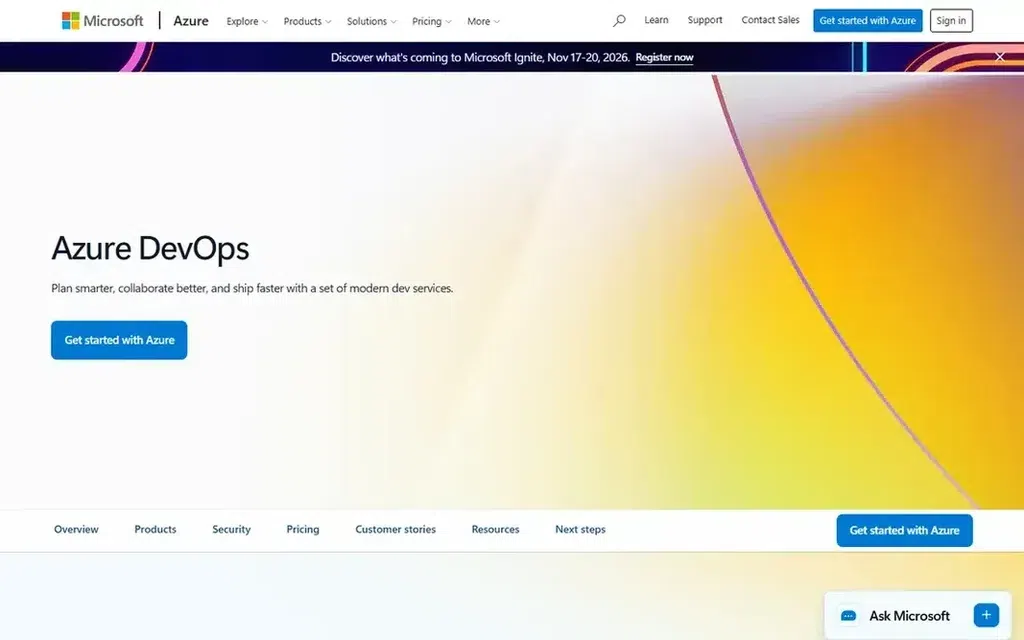
Azure DevOps works best for integrated planning and delivery in Microsoft stack. If you only need boards and lists, a more straightforward work management tool could be a better match than a full delivery system.
Downsides: Wide surface area to learn.
For everyday use, teams outside the Microsoft ecosystem may prefer a more neutral or modular setup. Pricing for Azure DevOps is not stated here, so ask the vendor for current figures. Free options: Not stated.
- Agile tools plus CI/CD in one suite
- Fits Microsoft-centric organizations
- Can feel tied to the Microsoft ecosystem
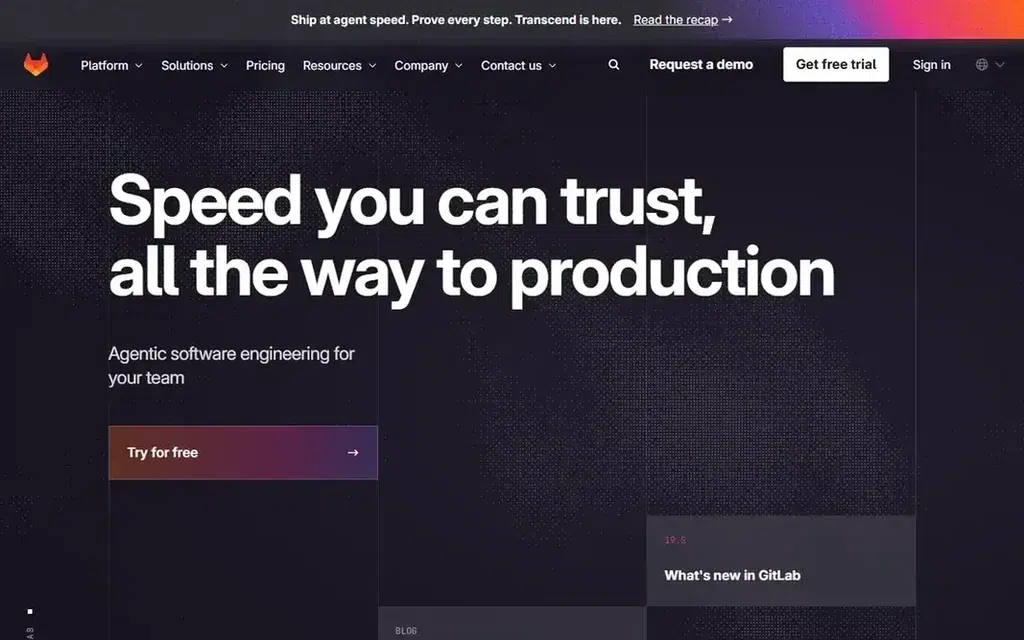
GitLab is a good fit for source control, CI/CD, and lifecycle governance. GitLab describes itself as an intelligent orchestration product with context and governance for the whole software lifecycle, helping teams and agents ship trusted software quicker. As for the details, setup and governance choices take thought.
Where it falls short: Planning features may feel secondary to some.
In practice, teams that treat code and delivery as the center of agile work commonly find it a solid primary system. From a buyer's view, because GitLab centers on the software lifecycle, teams looking for light planning or non-technical work management may find it more than they need. GitLab starts at: $29 per user per month. Free access exists with GitLab.
- Built around source control and CI/CD
- Capable lifecycle orchestration and governance
- Wide product needs deliberate setup
Monday.com is aimed squarely at adaptable AI workspace for mixed teams. It suits organizations that want an adaptable, visual workspace spanning product, marketing, and operations, with room to shape boards around their own processes.
Where it falls short: Not centered on source control or CI/CD.
It is not a software delivery product with built-in pipelines. Entry price for Monday.com: $9 per seat per month. You can start on Monday.com without paying.
- Customizable workspace for numerous workflows
- AI agents alongside people
- Can need configuration to fit agile rituals
Choose ClickUp for all-in-one productivity with tasks, docs, and goals. ClickUp is an everything app for work that brings tasks, docs, goals, and chat together, with a mission to make the world more productive. Also, the breadth of features can mean a ramp-up time and a need for deliberate setup.
It is not a source control or CI/CD system, so engineering teams may still need dedicated development tools. Also, if simplicity is the priority, a narrower tool may be simpler to run. ClickUp cost at the entry level: $9 per user per month. You can start on ClickUp without paying.
What to check first: Not a dedicated CI/CD system.
- Combines tasks, docs, goals, chat
- Supports AI-assisted productivity
- Feature breadth can overwhelm new users
Trello is aimed squarely at straightforward visual boards for small teams. It suits small teams or early-stage projects that want a low-friction way to visualize work and keep tasks moving without heavy configuration.
Points against: Restricted depth for complicated dev workflows.
Trello is not built for deep agile reporting, complicated dependencies, or integrated CI/CD. Entry price for Trello: $5 per user per month. Trello has a free plan.
- Does well on mobile
- Simple board-based organization
- Not a full delivery product
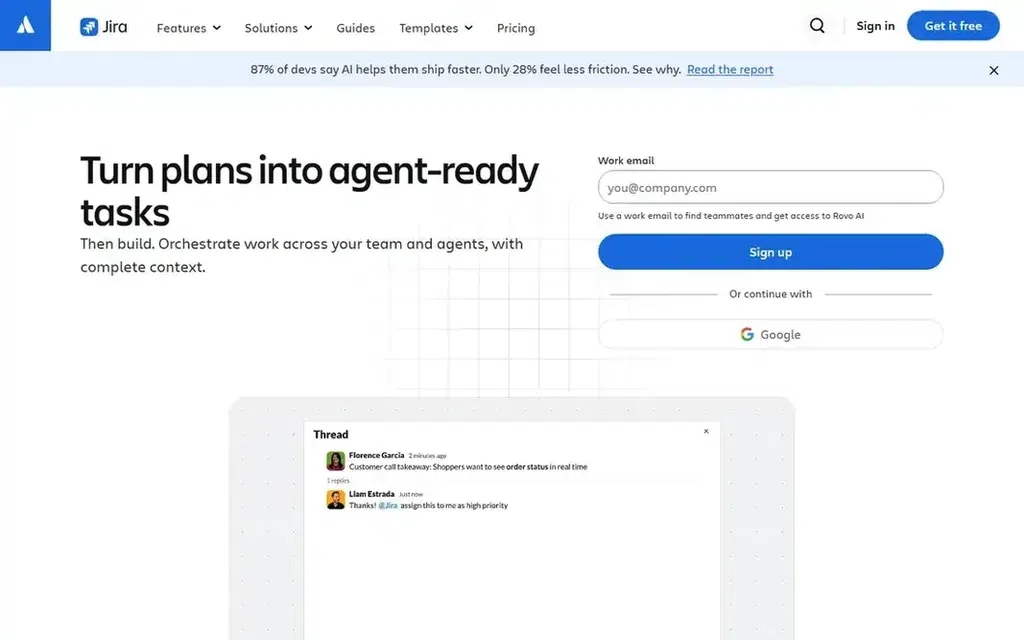
Jira is designed for backlog and sprint planning at scale. Jira is a project management system from Atlassian that brings teams together to plan, track, and orchestrate work. More specifically, consider alternatives if you want planning and delivery tightly bundled, or if you prefer a light board-first approach.
The system is wide, so setup and administration can take effort. Teams that chiefly need straightforward task boards may find it heavier than necessary. It is not a full source control or CI/CD system on its own. Check the vendor site for Jira pricing; none is listed in this comparison. Free access: Not stated.
Where it falls short: Configuration can become complicated.
- AI agents for planning and tracking
- Scales across teams and projects
- Less focused on source control and CI/CD
How we built this list
The comparison looks at four things: starting price, free access, how well the feature set matches agile software development tools, and the main limit of each tool. Where a price is missing, the vendor does not list one publicly or ties it to a quote. Always confirm before budgeting. Tools are placed by general fit for agile software development tools, with price clarity and free access as tie-breakers. A different team can reasonably rank them differently.
Questions to settle before buying
- Confirm the entry price on the vendor page. For Azure DevOps and Jira that means a quote rather than a fixed price.
- Read the fine print on the free plans from GitLab, Monday.com, ClickUp and Trello; seat, project and feature caps differ.
- Read the limits listed for Azure DevOps first: can feel tied to the Microsoft ecosystem.
- Get the contract term, renewal terms and any onboarding fees from Trello in writing.
- Confirm that Azure DevOps connects to the apps your team already uses, on the plan you would actually buy.
FAQ
How are the tools for agile software development tools ordered?
The order follows typical fit for agile software development tools, with Azure DevOps first and Jira last, then price clarity and free access. It is editorial judgement, not a score, so another team could rank the tools differently.
Do these tools publish their prices?
Not all of them. Azure DevOps and Jira publish no starting price, so expect a quote request for those. The rest, GitLab included, show a starting price, though seats and billing terms still change the final cost. All 6 picks in this Agile software development tools comparison list a starting price, free plan details and the main limits on their cards above.
Which options for agile software development tools have a free plan?
On this list, GitLab, Monday.com, ClickUp and Trello include a free plan. Caps on seats, usage or features are common, so test the free plan against your real workload.
Can I try these options before paying?
Often, yes. GitLab, Monday.com, ClickUp and Trello have a free plan. Use your own data and a real task during the test, and check what the free tier or trial limits before you rely on it.
What should we check before adopting an agile tool?
Confirm integrations with your existing stack, the reporting you need, and how much configuration your team can maintain. Pilot with a small team before rolling out widely.
Sources
- https://azure.microsoft.com/en-us/products/devops
- https://about.gitlab.com
- https://monday.com
- https://clickup.com
- https://trello.com
- https://www.atlassian.com/software/jira