5 Visual Studio Code Alternatives Worth Switching To in 2026
Visual Studio Code alternatives: 5 contenders ranked by fit, with entry costs and free tiers. Limits and pricing notes included. Narrow your shortlist.
- Editor's choiceJetBrains WebStorm
JavaScript and TypeScript development
Starts atPricing on requestVisit jetbrains.comFull review - Great alternative
 Neovim
Modern Vim-based editing
Starts atPricing on requestVisit neovim.ioFull review - Also considerJetBrains IntelliJ IDEA
Java and Kotlin development
Starts atPricing on requestVisit jetbrains.comFull review
Direct answer
JetBrains WebStorm comes first here, mainly for JavaScript and TypeScript development. Neovim fits modern Vim-based editing; JetBrains IntelliJ IDEA fits Java and Kotlin development. All 5 tools are compared below on fit, free plan and limits. None of these vendors publish plan prices, so pricing is on request for every option.
TL;DR:
- Number one here is JetBrains WebStorm, a fit for JavaScript and TypeScript development.
- Vim suits Modal editing in the terminal.
- Sublime Text comes with a trade-off: not free for continued use.
- A permanent free plan is missing from all 5 tools, JetBrains WebStorm and Vim included; plan for a trial or a premium start.
- Pricing across the list, from JetBrains WebStorm to Vim, is by quote only.
Last checked November 2026. Pricing on request: vendors did not publish plan prices when this guide was last checked (November 2026), so ask each vendor for a written quote.
Quick comparison
| Tool | Best for | Starts at | Free plan? | |
|---|---|---|---|---|
| JetBrains WebStorm | JavaScript and TypeScript development | Pricing on request | Not stated | Visit |
| Neovim | Modern Vim-based editing | Pricing on request | Not stated | Visit |
| JetBrains IntelliJ IDEA | Java and Kotlin development | Pricing on request | Not stated | Visit |
 Sublime Text | Quick, light text editing | Pricing on request | Not stated | Visit |
| Vim | Modal editing in the terminal | Pricing on request | Not stated | Visit |
The full Visual Studio Code list
This LinkVetted guide covers 5 options for Visual Studio Code. Each profile lists a starting price, free plan details, strengths and drawbacks, so you can drop poor fits quickly.
JetBrains WebStorm
Best for: JavaScript and TypeScript development
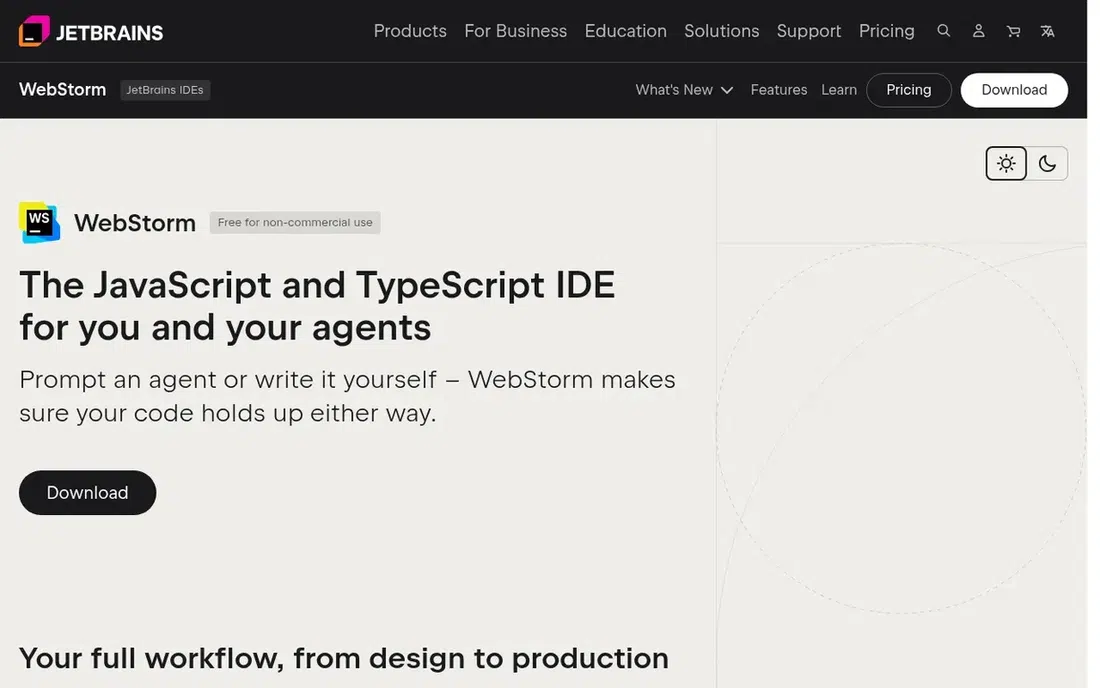
In short, JetBrains WebStorm is for JavaScript and TypeScript development. Choose WebStorm for focused JavaScript and TypeScript development.
Limits to weigh: Commercial license needed for commercial use.
On top of that, WebStorm needs a commercial license for commercial use, though it is free for non-commercial purposes. Check the vendor site for JetBrains WebStorm pricing; none is listed in this comparison. On free options: Not stated.
- Built-in tools for web development
- Smart coding assistance
- Can be slow on large projects
Neovim is built with modern Vim-based editing in mind. Neovim is a hyperextensible Vim-based text editor that aims to boost upon Vim with better plugin architecture, built-in terminal emulation, and support for Language Server Protocol (LSP). It gives you the same modal editing efficiency as Vim but with modern features and a more active development community.
It is right for developers who want a capable, configurable editor that can be shaped into a full IDE-like environment. On top of that, like Vim, Neovim has a steep ramp-up time and needs substantial configuration to unlock its full potential. More specifically, pick Neovim if you are willing to invest time in customization and want a modern take on Vim. Neovim does not show a starting price in this comparison, so check the vendor site for current pricing. Free plan details: Not stated.
Where it falls short: Needs configuration.
- Hyperextensible and configurable
- Built-in terminal and LSP support
- Ramp-up time similar to Vim
JetBrains IntelliJ IDEA
Best for: Java and Kotlin development

For Java and Kotlin development, JetBrains IntelliJ IDEA is a natural candidate. The IDE can be heavy on system resources and may feel overwhelming for straightforward tasks.
Limits to weigh: Resource-intensive.
It also needs a commercial license for full features, though a free version exists. In practice, pick IntelliJ IDEA for serious Java and Kotlin development. JetBrains IntelliJ IDEA shows no starting price here, so confirm the cost on the vendor site. Trial and free access: Not stated.
- Deep code intelligence
- Integrated developer tools
- Commercial license required for full features
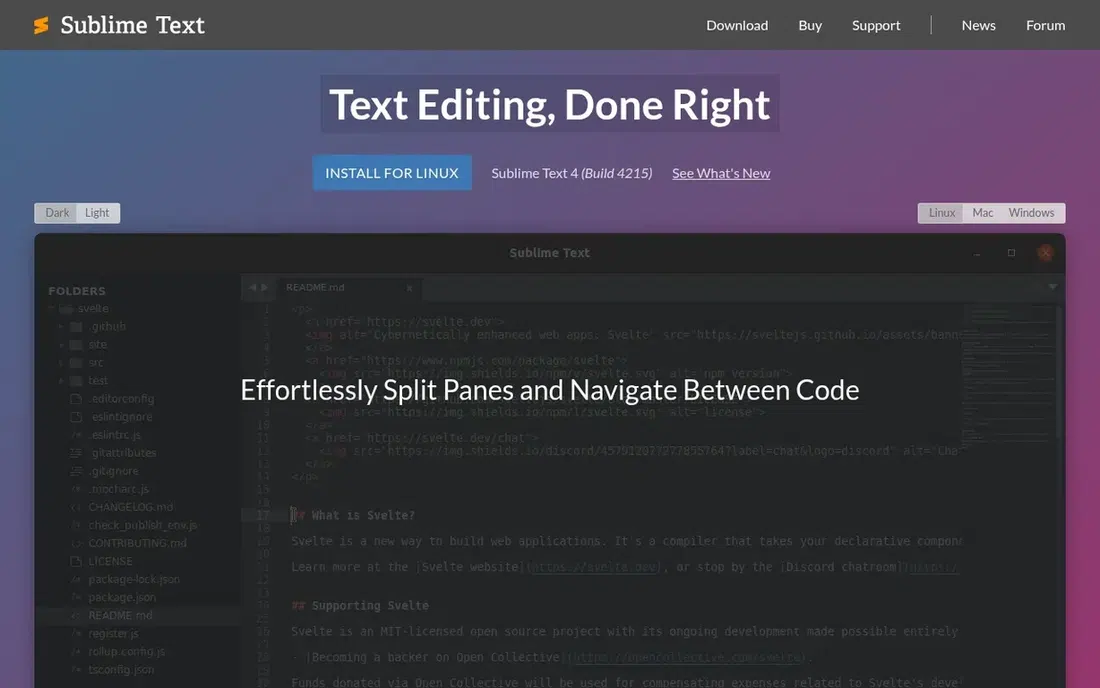
In short, Sublime Text is for quick, light text editing. It supports numerous programming languages through syntax highlighting and has a solid package ecosystem for added functionality.
What to check first: Not free for continued use.
That said, Sublime Text is not free for continued use, and it lacks some of the advanced features found in full IDEs, for example integrated debugging and version control. Choose Sublime Text for fast edits and projects where speed is crucial. Sublime Text does not show a starting price in this comparison, so check the vendor site for current pricing. As for free access: Not stated.
- Highly configurable
- Capable search and navigation
- Restricted built-in IDE features
Vim
Best for: Modal editing in the terminal
Vim was built for Modal editing in the terminal. Choose Vim if you are comfortable with terminal-based tools and want a capable, light editor. Vim is a highly customizable text editor built to enable efficient text editing.
Drawbacks to consider: Restricted out-of-the-box IDE features.
It is well suited to those who value speed and keyboard-centric workflows. It also lacks built-in support for advanced language features without plugins. If you prefer a more guided experience or need integrated debugging, consider IntelliJ IDEA or WebStorm. This comparison lists no price for Vim; ask the vendor. Free options: Not stated.
- Available on almost all Unix systems
- Extensible with plugins
- Steep ramp-up time
How these tools were picked
Selection started from tools commonly considered for Visual Studio Code, then narrowed to 5 that have clear pricing information or a clear quote process. Where a vendor does not publish a price, the entry says quote. Where a price depends on seats or billing term, the entry says so. Position on the page reflects fit for a typical buyer first, with price clarity and free access breaking ties. Treat it as a guide, not a ruling.
What to confirm before you sign up
- Confirm the entry price with every vendor: no tool from JetBrains WebStorm to Vim shows a fixed starting price.
- Before choosing JetBrains WebStorm, weigh its main limit: commercial license needed for commercial use.
- Work out what Sublime Text costs with your real seat count, add-ons and usage, not just the entry price.
- Before rolling out JetBrains IntelliJ IDEA, verify the integrations your workflow depends on.
- Test how quickly Neovim answers a pre-sales question; it hints at how support will feel later.
FAQ
Does any tool for Visual Studio Code here have a free plan?
No tool in this list, JetBrains WebStorm and Vim included, has a permanent free plan. Trials and quotes are the usual route, so plan a short evaluation period.
Can I try these tools before paying?
Not by default. None of the tools, from JetBrains WebStorm to Vim, lists a free plan or a free trial here, so ask each vendor for a demo before committing.
How are the tools for Visual Studio Code ordered?
JetBrains WebStorm sits first and Vim last because the order follows typical fit for Visual Studio Code, then price clarity and free access. It is a judgement call, so read each profile for fit and limits.
Is JetBrains WebStorm the right pick for everyone comparing Visual Studio Code?
No single tool suits every team. JetBrains WebStorm comes first because it fits JavaScript and TypeScript development, while Neovim suits modern Vim-based editing and JetBrains IntelliJ IDEA suits Java and Kotlin development. Match the tool to your own size, budget and workflow before deciding.
Which alternative is a good match for Java development?
Start with JetBrains WebStorm if you need JavaScript and TypeScript development. Neovim is the better match for modern Vim-based editing, and JetBrains IntelliJ IDEA for Java and Kotlin development. The best choice depends on budget, team size and workflow.
What is the best free alternative to Visual Studio Code?
JetBrains WebStorm is the pick this page puts first, mainly for JavaScript and TypeScript development. If your situation differs, Neovim suits modern Vim-based editing, and JetBrains IntelliJ IDEA suits Java and Kotlin development. Compare price and limits before you decide.
Sources
- https://www.jetbrains.com/webstorm
- https://neovim.io
- https://www.jetbrains.com/idea
- https://www.sublimetext.com
- https://www.vim.org