The 6 Best Visual Configuration Software in 2026, Ranked
Shortlisting the best visual configuration software? 6 products compared on cost, free access and ideal buyer. Weak spots flagged for every entry. Plain facts.
- Editor's choice
 Appian
Process orchestration across systems
Starts atSee websiteVisit appian.comFull review - Great alternative
 OutSystems
Enterprise app modernization and AI agents
Starts atSee websiteVisit outsystems.comFull review - Also consider
 Salesforce Platform
Metadata-driven apps within Salesforce
Starts atSee websiteVisit salesforce.comFull review
Direct answer
Start with Appian if you need process orchestration across systems. Listed starting prices: Retool from $10 per builder a month. If your case is different, OutSystems suits enterprise app modernization and AI agents and Salesforce Platform suits metadata-driven apps within Salesforce. All 6 tools are compared below on price, free plan and limits.
TL;DR:
- Appian sits first on this list: process orchestration across systems.
- Retool is the lowest-priced starter here at $10 per builder per month.
- A fair warning about Appian: process-centric rather than general app building.
- Mendix is the one to check for governed workflows and agentic applications.
Last checked November 2026. Prices and plan details were read from the vendors' own pages in November 2026; vendors change plans often, so confirm the current price on the vendor site before you buy.
Quick comparison
| Tool | Best for | Starts at | Free plan? | |
|---|---|---|---|---|
| Appian | Process orchestration across systems | See website | Not stated | Visit |
| OutSystems | Enterprise app modernization and AI agents | See website | Not stated | Visit |
| Salesforce Platform | Metadata-driven apps within Salesforce | See website | Not stated | Visit |
 Retool | Internal tools and admin interfaces | $10 per builder a month | Yes | Visit |
 Microsoft Power Apps | Low-code apps in Microsoft environments | See website | Yes | Visit |
 Mendix | Governed workflows and agentic applications | See website | Not stated | Visit |
Every option for visual configuration software explained
LinkVetted put together this guide to visual configuration software for readers who want a clear shortlist without reading every vendor page. It compares 6 tools on starting price, free plans, who each one suits and where each one falls short.
Pick Appian if this describes you: process orchestration across systems. The system centers on process orchestration, so teams wanting fast custom interfaces may prefer a dedicated app builder.
Complicated orchestration benefits from experienced process design. Worth adding: Appian supplies AI-powered process orchestration across the enterprise, automating critical processes and coordinating AI agents, systems and people without replacing existing systems. Appian shows no starting price here, so confirm the cost on the vendor site. Free plan details: Not stated.
Watch-outs: Complicated orchestration needs skilled design.
Where it shines: Works without replacing existing systems.
- Automation for critical processes
- Orchestrates AI agents
- Process-centric instead of general app building
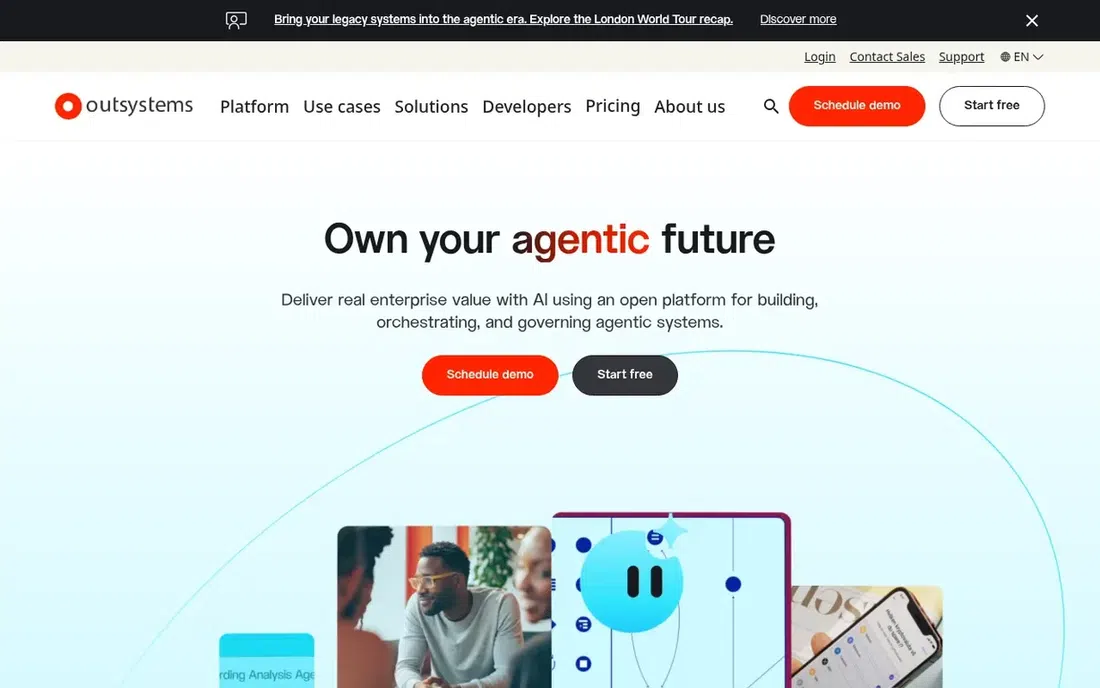
Where OutSystems fits: enterprise app modernization and AI agents. OutSystems is an enterprise product for building apps and AI agents with confidence.
Its stated focus is helping enterprises modernize legacy systems and run custom applications and AI agents that meet customer and regulator demands, which suits bigger organizations with complicated portfolios. Also, if your priority is light internal tools, a more focused builder may be more straightforward to adopt. No starting price is listed for OutSystems here; confirm pricing on the vendor site. Free options: Not stated.
Downsides: Product breadth can take time to learn.
- Legacy system modernization focus
- Enterprise-grade app development
- Geared toward bigger organizations
Salesforce Platform targets metadata-driven apps within Salesforce. It suits organizations already invested in Salesforce that want to extend configuration into connected apps, integrations and data-driven experiences.
Salesforce Platform shows no starting price here, so confirm the cost on the vendor site. On free options: Not stated.
Downsides: Configuration depth needs expertise.
- Supports agentic enterprise use cases
- Metadata and governance foundation
- Most natural inside Salesforce estates
Retool is a good fit for internal tools and admin interfaces. Retool is designed for building internal software better with AI.
What to check first: Needs understanding of data sources.
Results depend on well-understood data sources and access rules. The starting price for Retool: $10 per builder per month. Retool has a free plan.
- APIs and LLMs
- Deploy and handle internal tools
- Centred on internal instead of customer apps
Microsoft Power Apps
Best for: Low-code apps in Microsoft environments
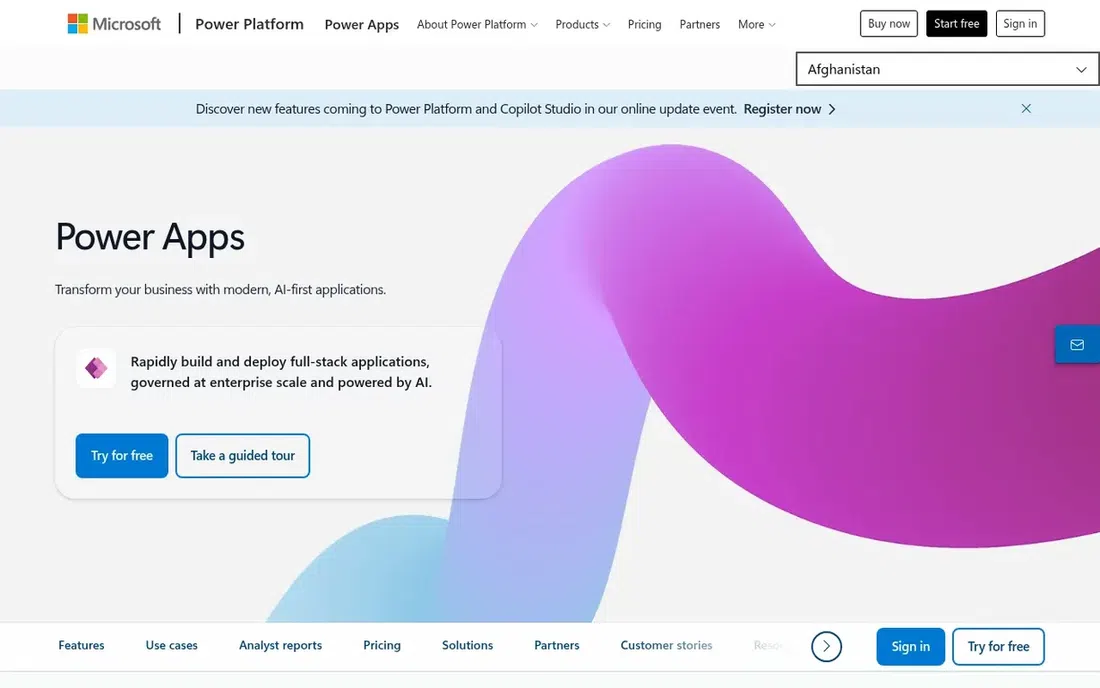
Microsoft Power Apps targets low-code apps in Microsoft environments. Microsoft Power Apps is a low-code app builder for creating custom business apps that simplify processes and boost productivity across an organization.
Its strengths concentrate in Microsoft-centric environments, so organizations standardized elsewhere may find integration less natural. Consider a broader enterprise product when you need deep legacy modernization or heavy process orchestration. No starting price is listed for Microsoft Power Apps here; confirm pricing on the vendor site. Microsoft Power Apps offers a free plan.
Watch-outs: Best value inside the Microsoft ecosystem.
- Aims to simplify processes
- Suits organizations already using Microsoft tools
- Complicated apps may need deeper development
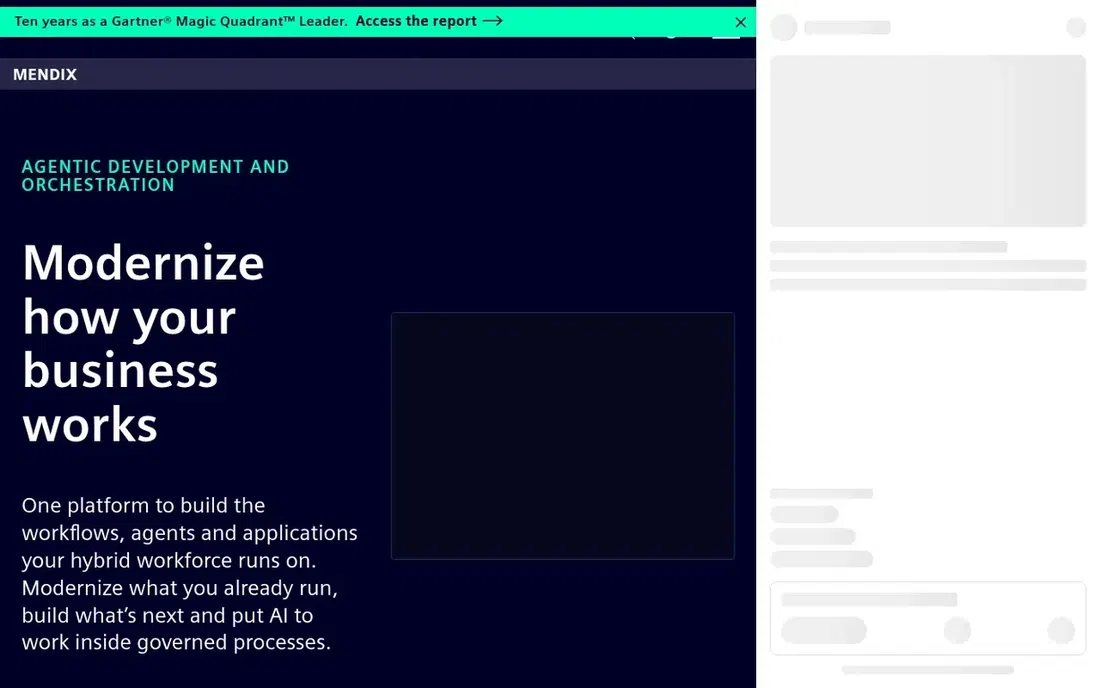
Mendix was built for governed workflows and agentic applications. Governed process work demands up-front modeling and stakeholder alignment, which can slow initial delivery.
For everyday use, smaller teams may find the structure excessive. Mendix shows no starting price here, so confirm the cost on the vendor site. On free options: Not stated.
Where it falls short: Enterprise orientation adds complexity.
- Modernize existing systems
- AI inside governed processes
- Needs governance planning upfront
Selection criteria
The comparison looks at four things: starting price, free access, how well the feature set matches visual configuration software, and the main limit of each tool. Treat prices as a snapshot: vendors change plans often, so check the vendor site for the figure that applies today. Order on the page follows fit for the typical buyer first, then price transparency and free access. Your own requirements should decide the final pick.
A buyer's checklist
- Ask Appian, OutSystems, Salesforce Platform and others for a written quote, since no starting price is shown.
- Look at free plan limits closely: Retool and Microsoft Power Apps have one, and the caps decide whether it is usable for real work.
- Read the limits listed for Appian first: process-centric instead of general app building.
- Map your must-have features to a specific OutSystems plan before you compare prices.
- Ask the daily users to test Mendix on a live task before you roll it out to everyone.
FAQ
Which system is a good match for internal tools?
The first pick on this list is Appian, because it suits process orchestration across systems. OutSystems is better for enterprise app modernization and AI agents, and Salesforce Platform for metadata-driven apps within Salesforce. Check price and limits against your own needs before choosing.
How are the tools for visual configuration software ordered?
The order follows typical fit for visual configuration software, with Appian first and Mendix last, then price clarity and free access. It is editorial judgement, not a score, so another team could rank the tools differently.
Can I try these options before paying?
Often, yes. Retool and Microsoft Power Apps have a free plan. Use your own data and a real task during the test, and check what the free tier or trial limits before you rely on it. All 6 picks in this visual configuration software comparison list a starting price, free plan details and the main limits on their cards above.
Which options for visual configuration software have a free plan?
On this list, Retool and Microsoft Power Apps include a free plan. Caps on seats, usage or features are common, so test the free plan against your real workload. For the full picture, the cards above cover all 6 entries of this visual configuration software list, including price, free plan and limits.
How do enterprise platforms differ from low-code builders?
Systems for example OutSystems, Mendix, Appian, Salesforce Platform and Pega emphasize legacy modernization, process orchestration and governance at enterprise scale. On top of that, bigger platforms generally need more planning and specialist skills.
Is Appian the right pick for everyone comparing visual configuration software?
No single tool suits every team. Appian comes first because it fits process orchestration across systems, while OutSystems suits enterprise app modernization and AI agents and Salesforce Platform suits metadata-driven apps within Salesforce. Match the tool to your own size, budget and workflow before deciding.
Sources
- https://appian.com
- https://www.outsystems.com
- https://www.salesforce.com/platform
- https://retool.com
- https://powerapps.microsoft.com
- https://www.mendix.com