Best Software for Live Design Demos in 2026: 6 Tools Compared
Top software for live design demos: 6 contenders ranked by fit, with entry costs and free tiers. Every pick includes one clear drawback. Skim the table first.
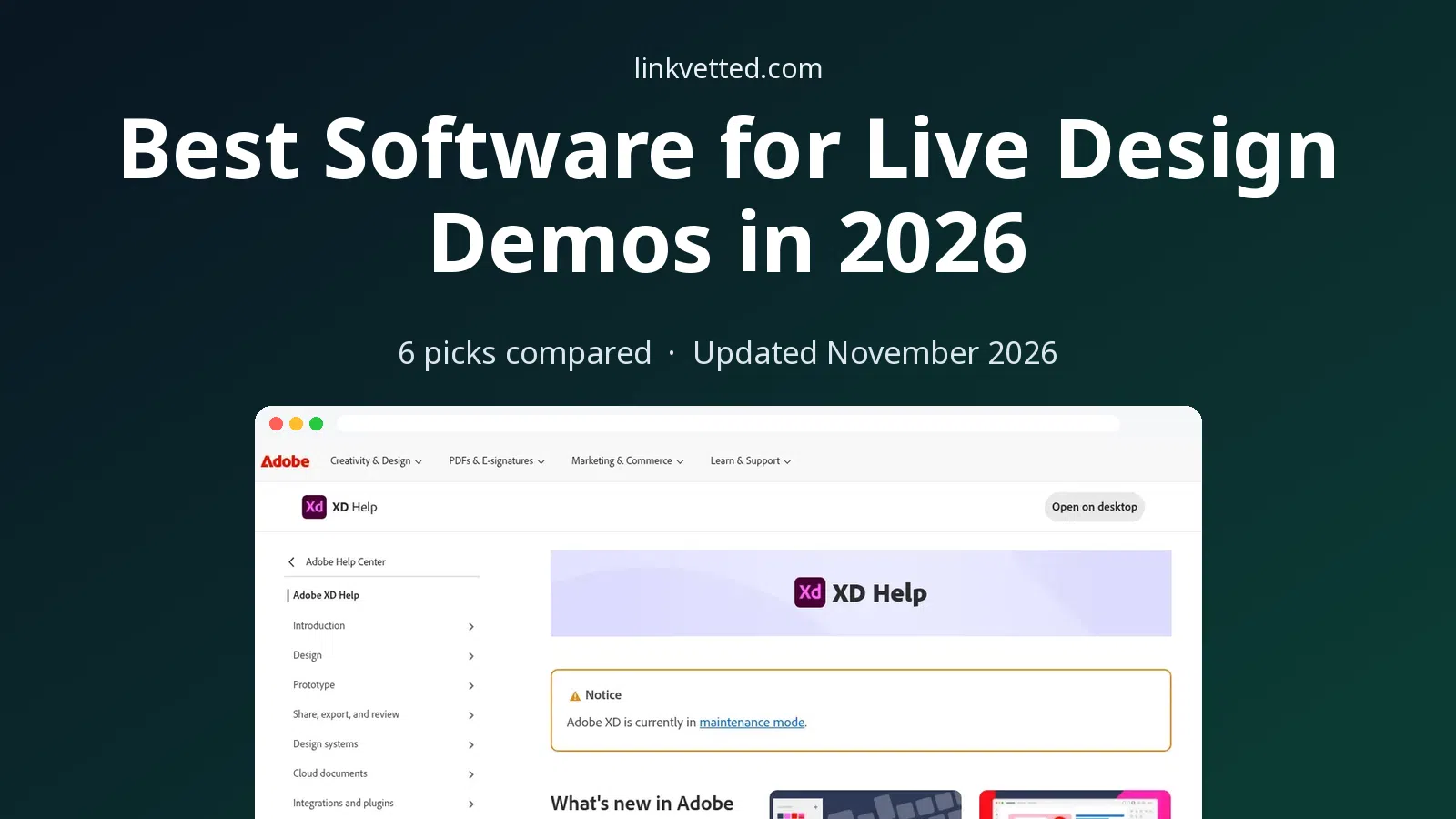
- Editor's choice
 Adobe XD
Designers within the Adobe ecosystem
Starts atSee websiteVisit adobe.comFull review - Great alternative
 Webflow
Professional web design and live publishing
Starts at$15 per monthVisit webflow.comFull review - Also consider
 Mural
Visual collaboration and strategy sessions
Starts at$9.99 per member per monthVisit mural.coFull review
Direct answer
Our first pick is Adobe XD, best for designers within the Adobe ecosystem. Listed starting prices: Webflow from $15 per month, Mural from $9.99 per member per month and Framer from $10 a month. Webflow fits professional web design and live publishing; Mural fits visual collaboration and strategy sessions. Details, prices and limits for the rest of the 6 tools are below.
TL;DR:
- The list opens with Adobe XD, aimed at designers within the Adobe ecosystem.
- For live collaborative design demos, Figma is worth a look.
- The lowest published monthly entry price here is $3 per month, from Figma.
- Check the limits for Adobe XD before you commit: restricted live collaboration compared with Figma.
Last checked November 2026. Prices and plan details were read from the vendors' own pages in November 2026; vendors change plans often, so confirm the current price on the vendor site before you buy.
Quick comparison
| Tool | Best for | Starts at | Free plan? | |
|---|---|---|---|---|
| Adobe XD | Designers within the Adobe ecosystem | See website | Not stated | Visit |
| Webflow | Professional web design and live publishing | $15 per month | Yes | Visit |
| Mural | Visual collaboration and strategy sessions | $9.99 per member per month | Yes | Visit |
 Framer | Designing and publishing live websites | $10 a month | Yes | Visit |
 Sketch | Mac designers who require focused prototyping | $12 per editor a month | Free trial | Visit |
 Figma | Live collaborative design demos | $3 per month | Not stated | Visit |
Tool-by-tool breakdown
LinkVetted put together this guide to software for live design demos for readers who want a clear shortlist without reading every vendor page. It compares 6 tools on starting price, free plans, who each one suits and where each one falls short.
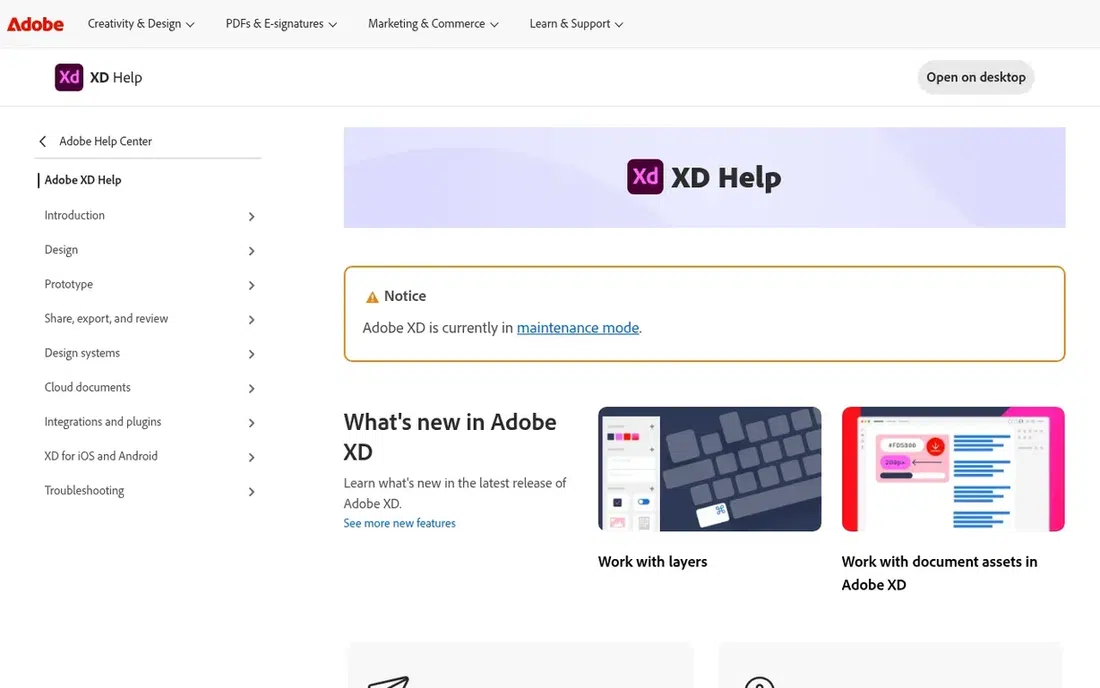
In short, Adobe XD is for designers within the Adobe ecosystem. For live design demos, XD lets presenting prototypes and collecting comments, making it handy for stakeholder reviews within Adobe-centric teams.
Beyond that, Adobe XD is a design and prototyping tool from Adobe, widely known for creating interactive prototypes and sharing them for feedback. From a buyer's view, Adobe XD has seen slower development compared with competitors, and its live collaboration features are less solid than Figma's. Pricing for Adobe XD is not stated here, so ask the vendor for current figures. Free options: Not stated.
Points against: Development has slowed in recent years.
- Familiar interface for Adobe users
- Plugs into other Adobe tools
- Restricted live collaboration compared with Figma
Choose Webflow for professional web design and live publishing. Webflow is an agentic web product for modern firms, as stated on its homepage. It lets you design, build, optimize, and rank in AI search, with enterprise-grade security, CMS, hosting, and AEO built in.
Worth adding: for live design demos, Webflow enables designers to produce and present production-ready websites, making it right for client-facing demos where the website is the core deliverable. On top of that, Webflow has a steeper ramp-up time than more straightforward website builders and is not intended for general UI design or app prototyping. From a buyer's view, Webflow is a good match for teams centred on professional web development and live site demos. On cost, Webflow starts like this: $15 per month. Webflow offers a free plan.
The main drawbacks: Not a general-purpose design tool.
- Visual web development
- Enterprise-grade security
- Steeper ramp-up time
Think of Mural for visual collaboration and strategy sessions. Mural is an AI-powered visual workspace for team collaboration, as described on its homepage.
Trade-offs to know: Restricted design-specific features.
It helps boost collaboration and innovation, allowing teams to plan, strategize, and execute projects smoothly. Beyond that, if you have to present refined designs, Figma or Adobe XD are better choices. The starting price for Mural: $9.99 per member per month. Free access exists with Mural.
- AI-powered collaboration
- Easy-to-learn visual workspace
- Needs internet access
Framer targets designing and publishing live websites. Framer is a free website builder with a design agent that takes you from idea to launch, based on its homepage. In practice, Framer is optimized for websites instead of complicated application prototyping, so it may not handle all UI design needs.
Worth adding: Framer shines when the deliverable is a published, interactive website. For live design demos, Framer allows designers to build and present responsive websites in real time, making it a strong match for client presentations where the final product is a live site. Framer cost at the entry level: $10 per month. Framer offers a free plan.
What to check first: Ramp-up time for advanced features.
- Built-in hosting and CMS
- Design agent for rapid iteration
- Less suited for complicated app prototyping
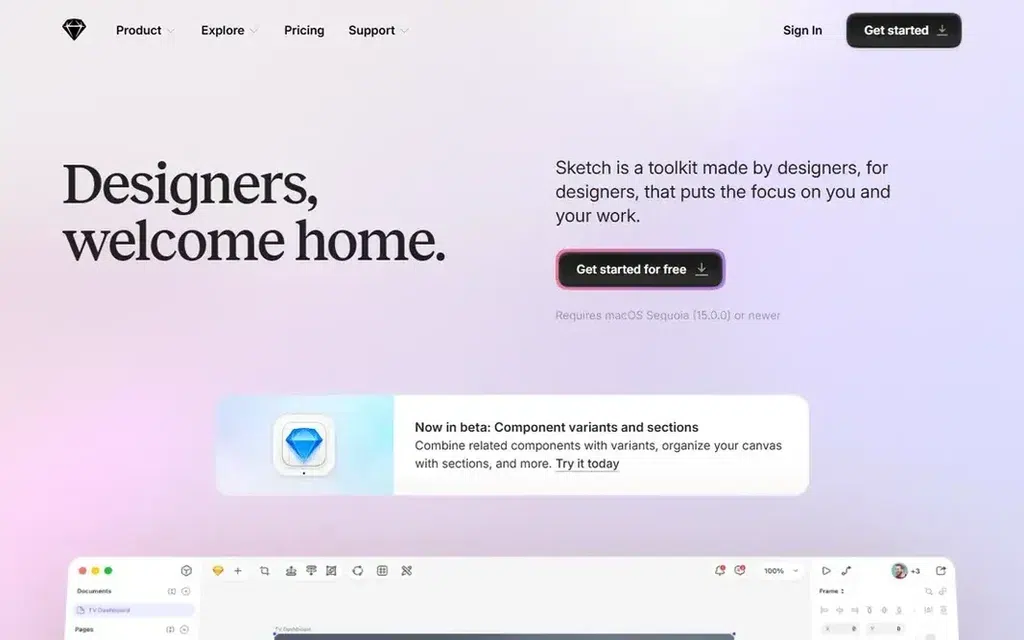
Think of Sketch for Mac designers who require focused prototyping. Sketch is a design, prototype, collaborate, and handoff tool made by designers for designers, as stated on its homepage. It puts the focus back on you and your work.
The main drawbacks: Live collaboration is less smooth than browser tools.
Worth adding: Sketch is only available on Mac, so cross-platform teams may struggle to join live demos. Its collaboration features are less smooth than browser-based tools like Figma. Worth adding: for live design demos on Mac, Sketch gives you a native experience that can feel quick and responsive. On cost, Sketch starts like this: $12 per editor per month. Free access: Free trial.
- Native Mac performance
- Prototyping and handoff tools
- Mac only
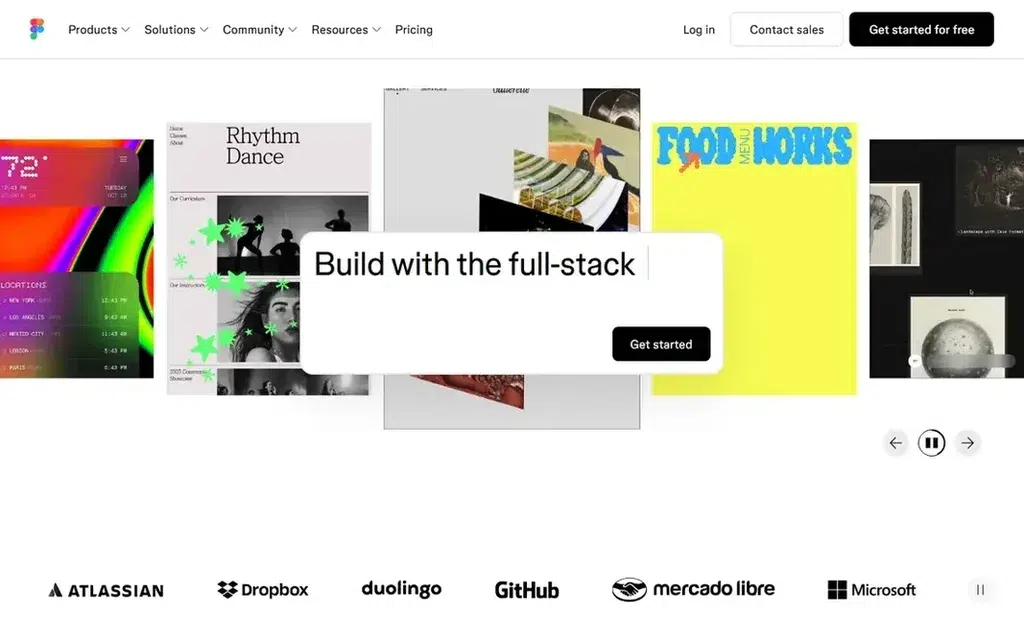
For live collaborative design demos, Figma is a natural candidate. It supports going from concept to production with an entire team in one place.
Points against: Complicated files can slow performance.
This makes it a good fit for live design demos where several stakeholders have to view, comment, or edit in live. Price to start with Figma: $3 per month. Trial and free access: Not stated.
- Browser-based with no install
- Built-in prototyping and handoff
- Needs stable internet
Our selection method
LinkVetted looked at what each vendor publishes: pricing, plan limits, feature coverage for software for live design demos and stated drawbacks. No hands-on testing is claimed. Seat minimums, billing terms and add-ons can move the real cost, so the starting prices here are a guide and not a quote. The ranking is editorial: typical fit first, then clear pricing, then free access. If your needs are unusual, read the profiles rather than relying on position.
A buyer's checklist
- Confirm the entry price on the vendor page. For Adobe XD that means a quote rather than a fixed price.
- Check what the free option really includes: Webflow, Mural and Framer offer a free plan, and usage caps differ.
- Take the trial from Sketch and push a live task through it before you pay.
- Before choosing Adobe XD, weigh its main limit: restricted live collaboration compared with Figma.
- Test the integrations you rely on with Mural before committing; some connectors sit on upper tiers.
- Work out what Webflow costs with your real seat count, add-ons and usage, not just the entry price.
FAQ
What is the cheapest option for software for live design demos in this list?
On published monthly entry prices, Figma is the lowest here at $3 per month. Entry price is only part of the cost, because seats, add-ons and billing terms can change the total. Each of the 6 options in this software for live design demos guide has its own card above with the price, free plan and limits.
How are the tools for software for live design demos ordered?
The order follows typical fit for software for live design demos, with Adobe XD first and Figma last, then price clarity and free access. It is editorial judgement, not a score, so another team could rank the tools differently.
Which options for software for live design demos have a free plan?
On this list, Webflow, Mural and Framer include a free plan. Caps on seats, usage or features are common, so test the free plan against your real workload. One other tool offers a trial instead.
Can I use Sketch for live design demos?
It supplies prototyping and handoff features, but its collaboration capabilities are less smooth than browser-based tools. For cross-platform teams, Figma may be more practical.
Is Adobe XD the right pick for everyone comparing software for live design demos?
No single tool suits every team. Adobe XD comes first because it fits designers within the Adobe ecosystem, while Webflow suits professional web design and live publishing and Mural suits visual collaboration and strategy sessions. Match the tool to your own size, budget and workflow before deciding.
Sources
- https://www.adobe.com/products/xd.html
- https://webflow.com
- https://www.mural.co
- https://www.framer.com
- https://www.sketch.com
- https://www.figma.com