Top 5 Software for Dispatching Field Technicians for 2026 (Prices and Free Plans)
Searching for the top software for dispatching field technicians? Here are 5 options with prices and free plans. Each pick lists its main limit. Costs up front.
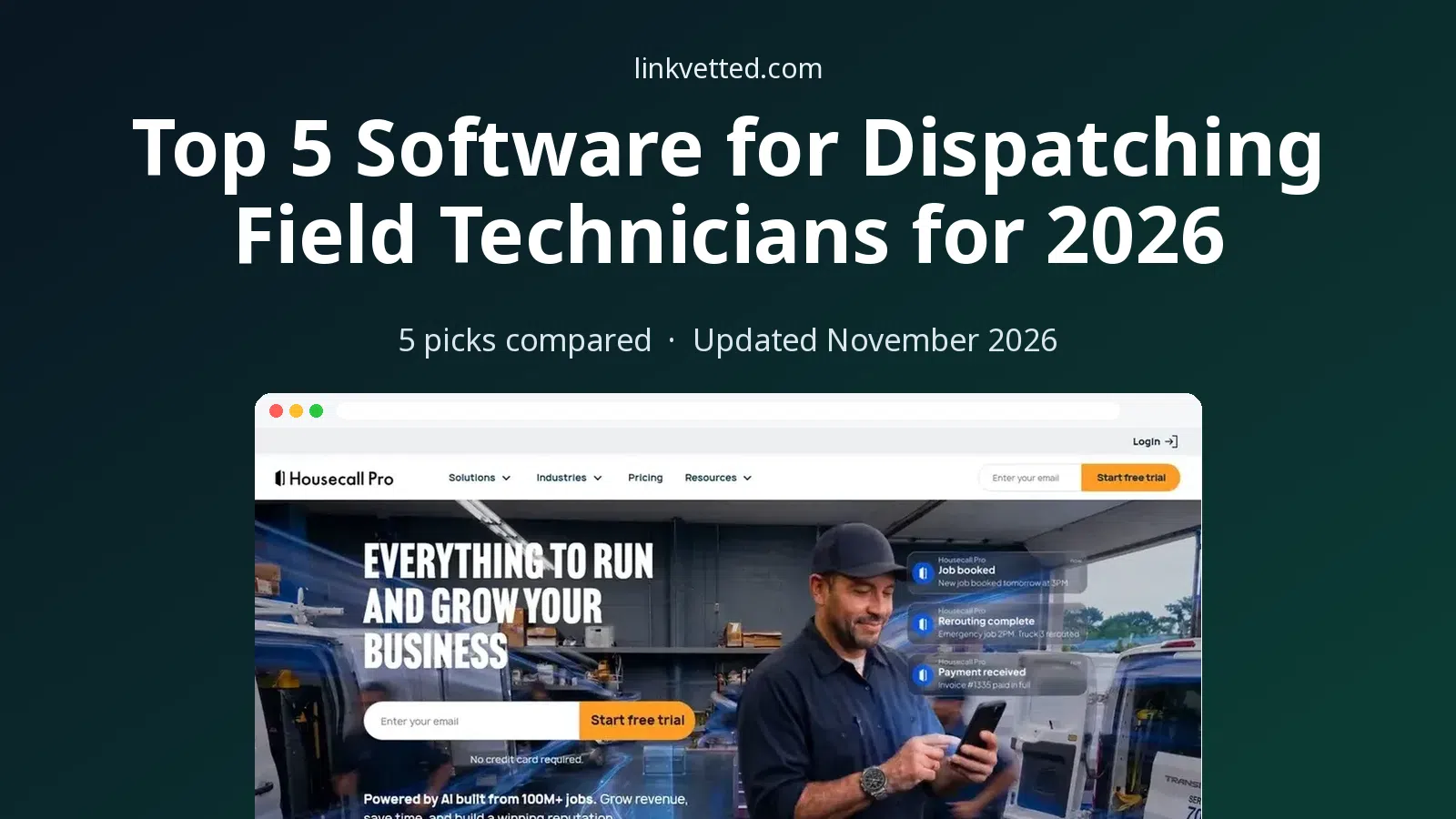
- Editor's choice
 Housecall Pro
Home service companies managing dispatch
Starts at$59 a monthVisit housecallpro.comFull review - Great alternative
 Jobber
Small service companies needing straightforward scheduling
Starts atSee websiteVisit getjobber.comFull review - Also considerMicrosoft Dynamics 365 Field Service
Teams already using Microsoft tools
Starts atSee websiteVisit microsoft.comFull review
Direct answer
For home service firms managing dispatch, Housecall Pro is where this list starts. Listed starting prices: Housecall Pro from $59 a month. If your case is different, Jobber suits small service companies needing straightforward scheduling and Microsoft Dynamics 365 Field Service suits teams already using Microsoft tools. All 5 tools are compared below on price, free plan and limits.
TL;DR:
- The list opens with Housecall Pro, aimed at home service companies managing dispatch.
- Starting prices begin at $59 per month with Housecall Pro.
- FieldEdge fits tracking dispatches and service history.
- Neither Housecall Pro nor FieldEdge, nor any of the other 3 tools, has a permanent free plan; trials and quotes are the norm.
- Check the limits for Housecall Pro before you commit: home services focus may not fit industrial equipment work.
Last checked November 2026. Prices and plan details were read from the vendors' own pages in November 2026; vendors change plans often, so confirm the current price on the vendor site before you buy.
Quick comparison
| Tool | Best for | Starts at | Free plan? | |
|---|---|---|---|---|
| Housecall Pro | Home service companies managing dispatch | $59 a month | Free trial | Visit |
| Jobber | Small service companies needing straightforward scheduling | See website | Not stated | Visit |
| Microsoft Dynamics 365 Field Service | Teams already using Microsoft tools | See website | Not stated | Visit |
 ServiceTitan | Home and commercial trades contractors | See website | Free trial | Visit |
 FieldEdge | Tracking dispatches and service history | See website | No | Visit |
5 software for dispatching field technicians in detail
This LinkVetted guide covers 5 software for dispatching field technicians. Each profile lists a starting price, free plan details, strengths and drawbacks, so you can drop poor fits quickly.
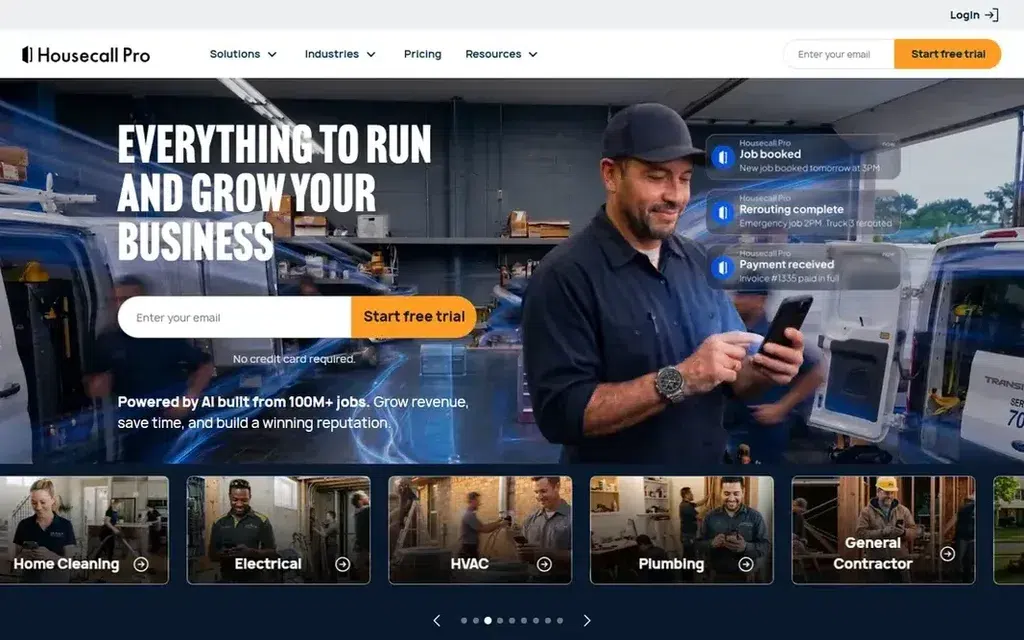
Think of Housecall Pro for home service firms managing dispatch. Housecall Pro is home services business management software targeted at home service firms. It is positioned as an option for field service companies and spans the scheduling and customer service side of dispatch, which suits residential contractors who want a focused tool instead of a wide enterprise system.
Trade-offs to know: Feature depth varies by business size.
On top of that, firms with complicated multi-site operations should compare it against enterprise field service systems before deciding. Since it targets home services, it may not match industrial or asset-heavy equipment servicing needs. Housecall Pro pricing: $59 per month. On free options: Free trial.
- Spans scheduling and customer service
- Made for home service firms
- Home services focus may not fit industrial equipment work
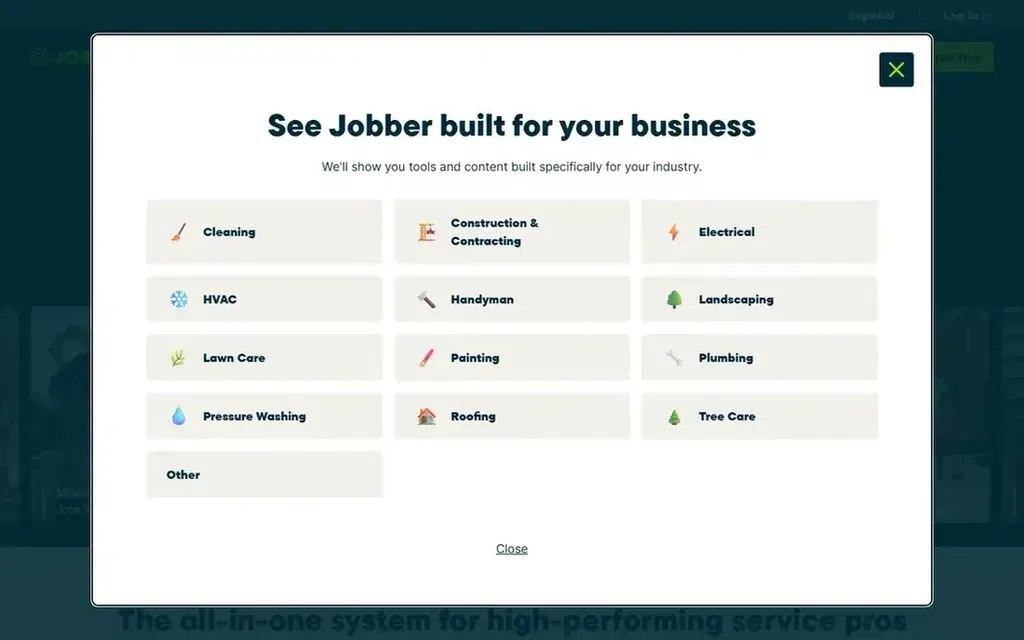
Jobber works best for small service companies needing straightforward scheduling. Jobber is less suited to contractors running large construction projects alongside service calls, where a broader product may fit better.
Trade-offs to know: Advanced needs may need add-on tools.
Pricing for Jobber is not stated here, so ask the vendor for current figures. Free options: Not stated.
Where it shines: Easy-to-use app for operations.
- Invoice in one place
- Supports sales and customer service workflows
- May lack deep project management for large construction work
Microsoft Dynamics 365 Field Service
Best for: Teams already using Microsoft tools
Choose Microsoft Dynamics 365 Field Service for teams already using Microsoft tools. Smaller service firms without an existing Microsoft footprint may find a simpler dispatch app quicker to adopt.
Drawbacks to consider: Needs Microsoft product familiarity.
For everyday use, the system assumes familiarity with Microsoft tools and can need configuration effort. Pricing for Microsoft Dynamics 365 Field Service is not stated here, so ask the vendor for current figures. Free options: Not stated.
- AI-driven self-service scheduling
- Suits the Microsoft ecosystem
- Configuration can be involved for smaller teams
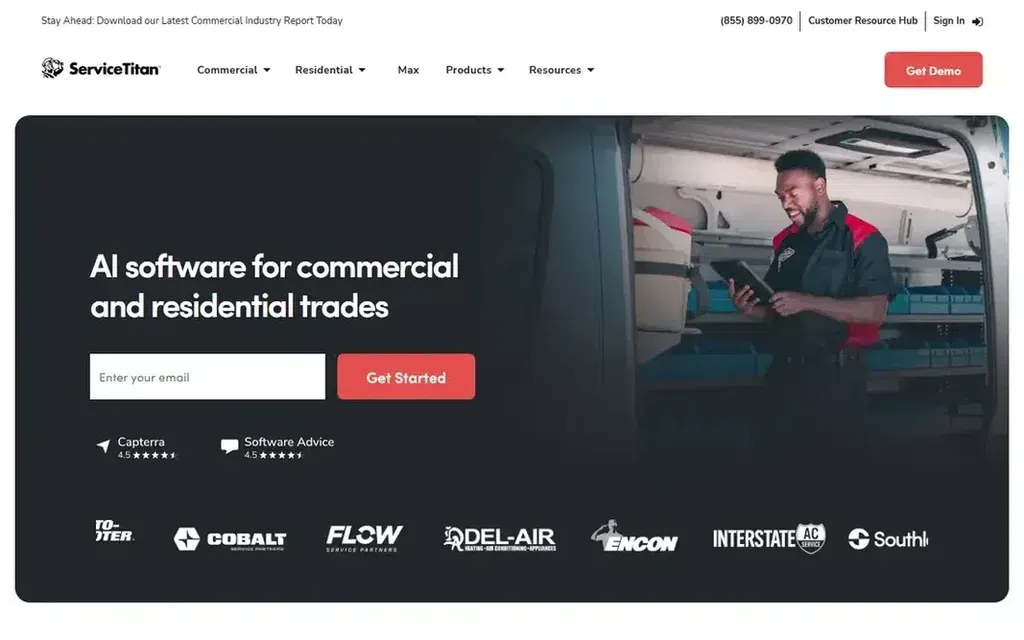
ServiceTitan makes the most sense for home and commercial trades contractors. It is meant to keep service visits and construction projects running smoothly in one place, which fits trades companies that want dispatch, job tracking, and project work under a single system instead of piecing together separate tools.
The breadth of the product can be heavy for very small operations that only need basic scheduling. Pricing for ServiceTitan is not stated here, so ask the vendor for current figures. Free options: Free trial.
Watch-outs: Setup needs planning around your workflows.
- Keeps dispatch and project work in one system
- All-in-one system for service visits and projects
- Wide feature set may be more than small shops need
FieldEdge targets tracking dispatches and service history. Very small teams with entry-level scheduling needs may find lighter tools sufficient, whereas expanding service firms are the better match.
It suits service firms that want dispatch and customer records connected so technicians and office staff work from the same service history. No starting price is listed for FieldEdge here; confirm pricing on the vendor site. FieldEdge has no free plan.
Where it falls short: May be more than very small teams need.
- Demo available to evaluate fit
- Service history
- Needs a demo to assess full fit
Our selection method
Pricing pages, product documentation and feature lists were the main sources, and every entry carries at least one honest drawback. Prices and plan limits come from vendor pages and can change, so confirm them on the vendor site before you buy. Tools are placed by general fit for software for dispatching field technicians, with price clarity and free access as tie-breakers. A different team can reasonably rank them differently.
A buyer's checklist
- Confirm the entry price on the vendor page. For Jobber, Microsoft Dynamics 365 Field Service, ServiceTitan and FieldEdge that means a quote rather than a fixed price.
- Run a trial of Housecall Pro and ServiceTitan with real work before paying for a year; your own workflow is the best test.
- Before choosing Housecall Pro, weigh its main limit: home services focus may not fit industrial equipment work.
- Price FieldEdge for your actual team size; headline prices rarely include add-ons or overage.
- Check how data leaves Jobber: formats, limits and whether exports are available on every plan.
FAQ
What is the cheapest option for software for dispatching field technicians in this list?
On published monthly entry prices, Housecall Pro is the lowest here at $59 per month. Entry price is only part of the cost, because seats, add-ons and billing terms can change the total. All 5 picks in this software for dispatching field technicians comparison list a starting price, free plan details and the main limits on their cards above.
Does any tool for software for dispatching field technicians here have a free plan?
A permanent free plan is not offered by Housecall Pro, FieldEdge or the other tools here. Housecall Pro, ServiceTitan offer a trial. Plan a short evaluation period instead.
Do these tools publish their prices?
Not all of them. Jobber, Microsoft Dynamics 365 Field Service, ServiceTitan and FieldEdge publish no starting price, so expect a quote request for those. The rest, Housecall Pro included, show a starting price, though seats and billing terms still change the final cost.
How do I evaluate dispatch software before committing?
Confirm mobile app support, service history tracking, and integrations on the vendor site, and make sure the tool matches your team size and job types.
Is Housecall Pro the right pick for everyone comparing software for dispatching field technicians?
No single tool suits every team. Housecall Pro comes first because it fits home service businesses managing dispatch, while Jobber suits small service businesses needing simple scheduling and Microsoft Dynamics 365 Field Service suits teams already using Microsoft tools. Match the tool to your own size, budget and workflow before deciding.
Sources
- https://www.housecallpro.com
- https://getjobber.com
- https://www.microsoft.com/en-us/dynamics-365/products/field-service
- https://www.servicetitan.com
- https://www.fieldedge.com