Mobile Field Service Software for Technicians Offline in 2026: The 6 Best Options Side by Side
Best mobile field service software for technicians offline in 2026: 6 contenders with entry costs and free tiers. Plus the drawbacks of each tool. Plain facts.
- Editor's choice
 FieldEdge
Tracking customers, dispatches and service history
Starts atSee websiteVisit fieldedge.comFull review - Great alternative
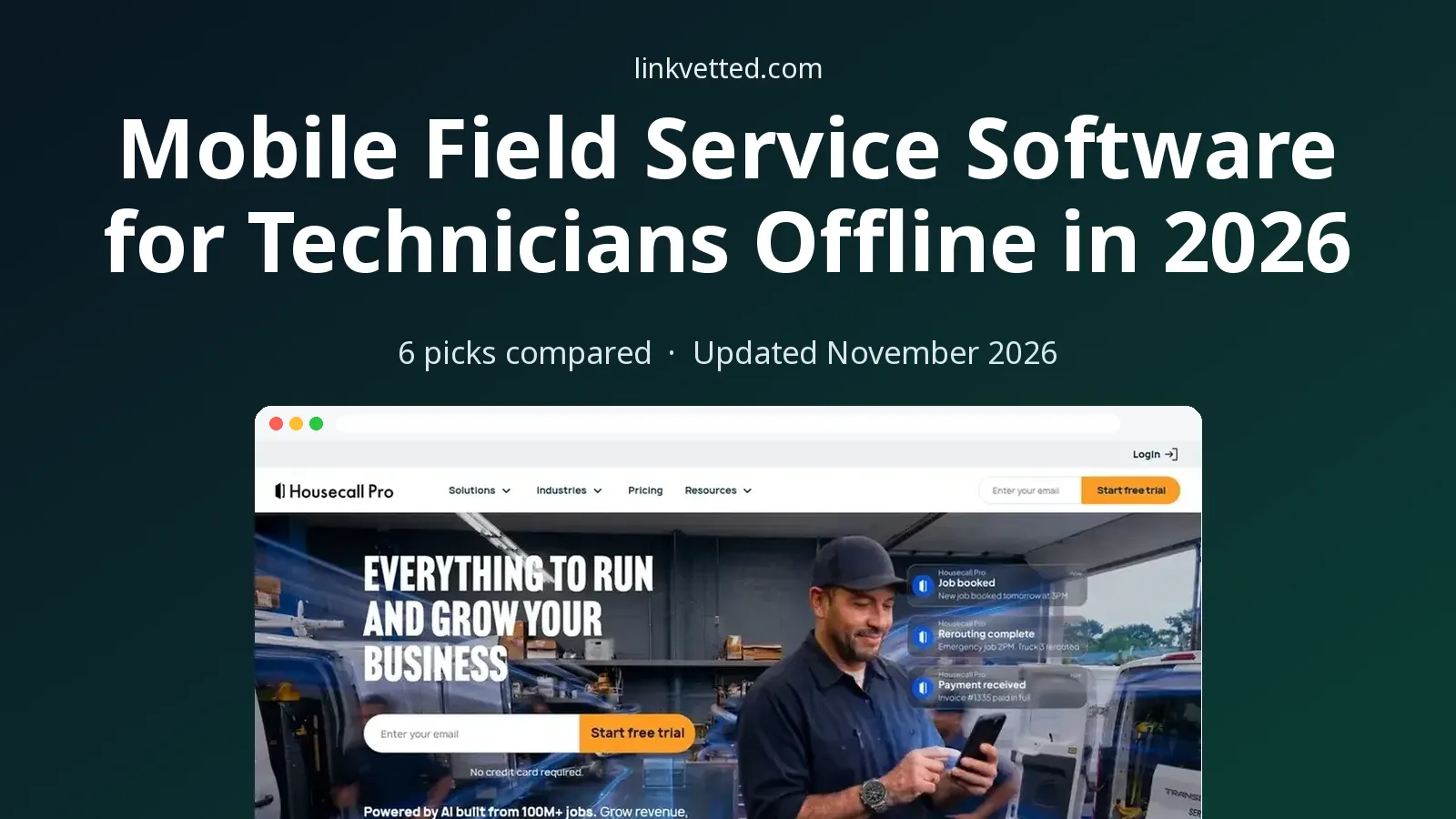
 Housecall Pro
Home service firms managing field teams
Starts at$59 per monthVisit housecallpro.comFull review - Also consider
 ServiceTitan
Home and commercial trade contractors
Starts atSee websiteVisit servicetitan.comFull review
Direct answer
FieldEdge comes first here, mainly for tracking customers, dispatches and service history. Listed starting prices: Housecall Pro from $59 per month. For a different need, Housecall Pro covers home service firms managing field teams and ServiceTitan covers home and commercial trade contractors. Prices, free plans and limits for all 6 tools follow.
TL;DR:
- Number one here is FieldEdge, a fit for tracking customers, dispatches and service history.
- Zoho Desk fits support teams handling field requests.
- The main caution on FieldEdge: demo request required before evaluating.
- A permanent free plan is missing from all 6 tools, FieldEdge and Zoho Desk included; plan for a trial or a premium start.
- Housecall Pro has the lowest monthly starting price in this list: $59 per month.
Last checked November 2026. Prices and plan details were read from the vendors' own pages in November 2026; vendors change plans often, so confirm the current price on the vendor site before you buy.
Quick comparison
| Tool | Best for | Starts at | Free plan? | |
|---|---|---|---|---|
| FieldEdge | Tracking customers, dispatches and service history | See website | No | Visit |
| Housecall Pro | Home service firms managing field teams | $59 per month | Free trial | Visit |
| ServiceTitan | Home and commercial trade contractors | See website | Free trial | Visit |
| Microsoft Dynamics 365 Field Service | Teams already using Microsoft products | See website | Not stated | Visit |
 Jobber | Small service teams wanting straightforward operations | See website | Not stated | Visit |
 Zoho Desk | Support teams handling field requests | See website | Not stated | Visit |
Tool-by-tool breakdown
Short on time? The summary and table above give the quick view of 6 tools for mobile field service software for technicians offline, and the profiles that follow give the detail behind each entry.
Choose FieldEdge for tracking customers, dispatches and service history. Buyers should ask the vendor how the app takes care of jobs when connectivity drops. Worth adding: evaluating FieldEdge starts with a demo request, so plan time for a guided walkthrough instead of instant signup.
More specifically, FieldEdge gives you field service management software with a field service app, offering efficient ways to track customers, dispatches and service history. Beyond that, choose FieldEdge when dispatch tracking and service history are your central needs. No starting price is listed for FieldEdge here; confirm pricing on the vendor site. FieldEdge does not include a free plan.
Watch-outs: Feature depth varies by business size.
- Comes with a field service app
- Tracks customers and dispatches
- Demo request required before evaluating
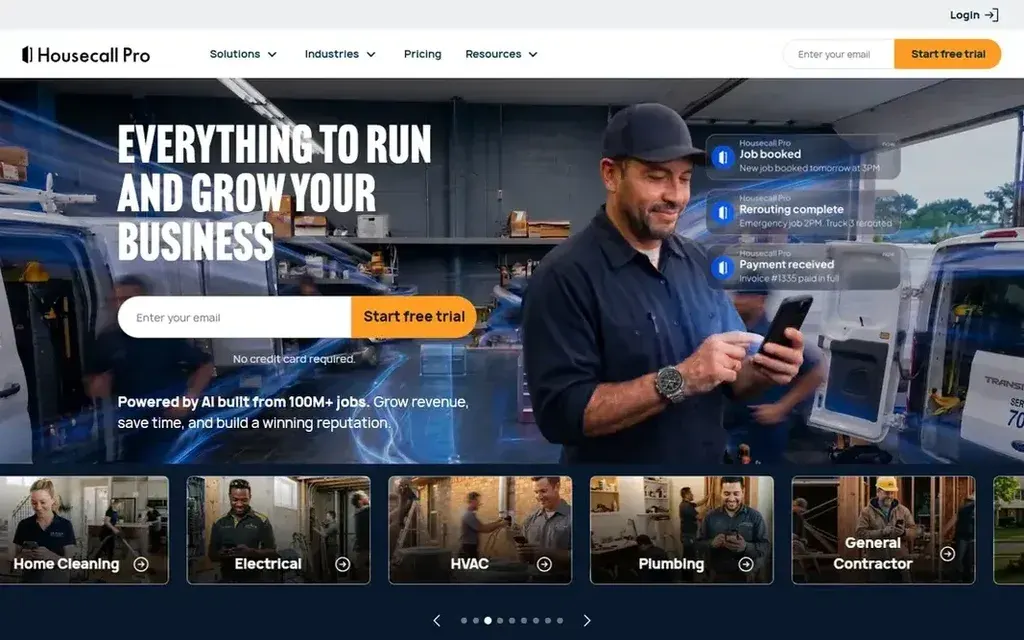
Where Housecall Pro fits: home service firms managing field teams. Teams evaluating offline use should verify how the mobile app behaves without a connection.
Where it shines: Positioned as a top-rated option by the vendor.
Trade-offs to know: Confirm offline workflows straight with the vendor.
The product brings sales, operations and customer service together, which fits plumbing, HVAC, electrical and similar trades that dispatch technicians to homes. On cost, Housecall Pro starts like this: $59 per month. On free options: Free trial.
- Handles sales
- Operations and customer service
- Home services focus may limit other verticals
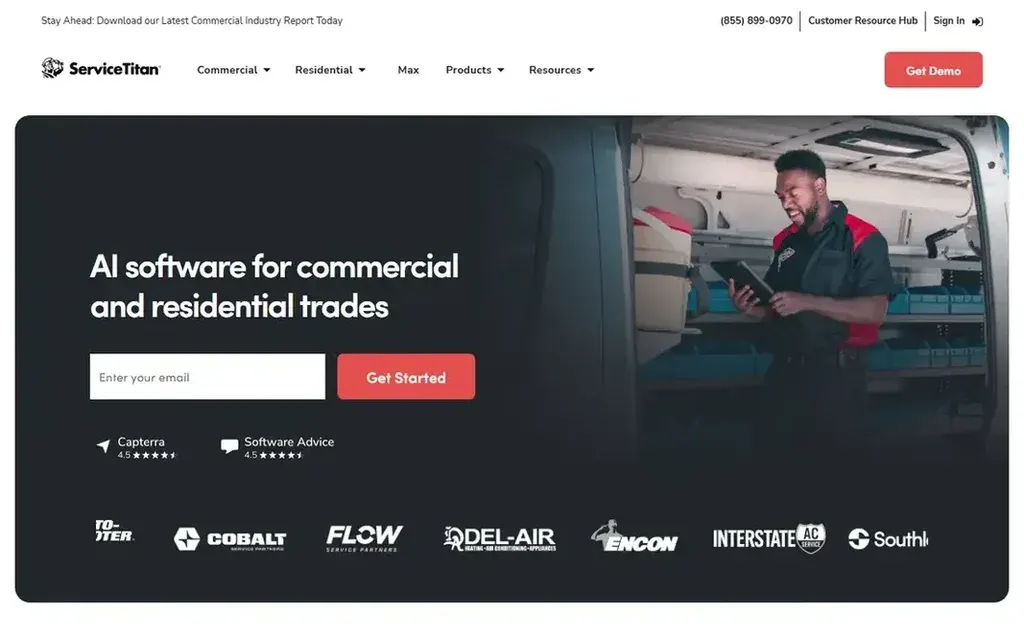
Think of ServiceTitan for home and commercial trade contractors. Teams that require technicians to keep working through patchy coverage should confirm offline behavior with the vendor before committing.
In practice, if you run a lean crew and chiefly want straightforward quoting and invoicing, a lighter tool for example Jobber may fit better. ServiceTitan does not show a starting price in this comparison, so check the vendor site for current pricing. Trial and free access: Free trial.
Watch-outs: Wide suite may feel heavy for small teams.
- Spans service visits and construction projects
- All-in-one system for contractors
- Setup demands a structured rollout
Microsoft Dynamics 365 Field Service
Best for: Teams already using Microsoft products
Microsoft Dynamics 365 Field Service targets teams already using Microsoft systems. Microsoft Dynamics 365 Field Service is field service management software that flags AI-driven self-service scheduling, live data and automatic service reminders. In daily use, smaller service firms without that ecosystem may find lighter tools quicker to deploy.
From a buyer's view, choose Dynamics 365 Field Service when integration with your broader Microsoft stack outweighs the configuration work. Adoption is smoothest for teams comfortable with Microsoft configuration, and setup can take real effort. No starting price is listed for Microsoft Dynamics 365 Field Service here; confirm pricing on the vendor site. Free access: Not stated.
Where it falls short: Configuration effort can be significant.
- AI-driven self-service scheduling
- Automatic service reminders
- Best value inside the Microsoft ecosystem
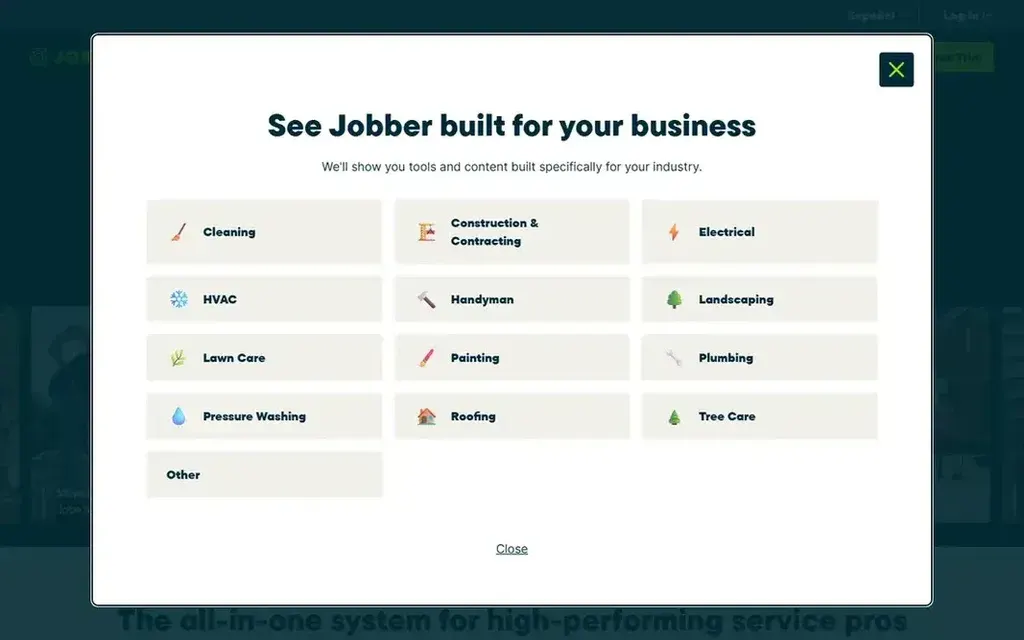
Jobber is designed for small service teams wanting straightforward operations. Jobber leans toward everyday service work instead of complicated asset management, so large commercial contractors with heavy equipment records may outgrow it.
Where it is weaker: Less depth for large commercial contractors.
Jobber describes itself as home and commercial service software that organizes a service business, letting teams quote, schedule, invoice and get premium in one place. Pricing for Jobber is not stated here, so ask the vendor for current figures. Free access: Not stated.
- Easy-to-use app for field work
- Powers sales
- Complicated asset workflows may need another tool
Zoho Desk is aimed squarely at support teams handling field requests. Zoho Desk is a unified help desk system designed for AI-human collaboration, pitched at delivering support at scale. Technicians who require dedicated dispatch and job apps should check how Zoho Desk plugs into field service tools.
In daily use, Zoho Desk centers on support tickets instead of dispatch, scheduling and asset history. So it is not a full field service replacement. In practice, teams needing technician job apps with offline work should look at ServiceTitan, Jobber or FieldEdge. Check the vendor site for Zoho Desk pricing; none is listed in this comparison. Free plan details: Not stated.
Downsides: Help desk focus, not full dispatch.
- AI and human collaboration focus
- Adaptable trial available through vendor
- Field scheduling needs may require other tools
How we compared the tools
We compared the tools on published pricing, free plan or trial availability, feature coverage for mobile field service software for technicians offline, and the limits each vendor documents. Where a vendor does not publish a price, the entry says quote. Where a price depends on seats or billing term, the entry says so. The ranking is editorial: typical fit first, then clear pricing, then free access. If your needs are unusual, read the profiles rather than relying on position.
A buyer's checklist
- Confirm the entry price on the vendor page. For FieldEdge, ServiceTitan, Microsoft Dynamics 365 Field Service and others that means a quote rather than a fixed price.
- Take the trial from Housecall Pro and ServiceTitan and push a live task through it before you pay.
- Read the limits listed for FieldEdge first: demo request required before evaluating.
- Look at the help docs and support options for FieldEdge before you commit.
- Ask Jobber how an export works before you move any records in; an easy exit lowers the risk.
FAQ
Can I try these tools before paying?
Often, yes. Housecall Pro and ServiceTitan offer a free trial. Use your own data and a real task during the test, and check what the free tier or trial limits before you rely on it. Prices, free plan details and limits for all 6 tools in this mobile field service software for technicians offline roundup sit on the individual cards above.
Is FieldEdge the right pick for everyone comparing mobile field service software for technicians offline?
No single tool suits every team. FieldEdge comes first because it fits tracking customers, dispatches and service history, while Housecall Pro suits home service businesses managing field teams and ServiceTitan suits home and commercial trade contractors. Match the tool to your own size, budget and workflow before deciding.
Does any tool for mobile field service software for technicians offline here have a free plan?
No tool in this list, FieldEdge and Zoho Desk included, has a permanent free plan. Housecall Pro, ServiceTitan offer a trial. Trials and quotes are the usual route, so plan a short evaluation period.
Can a help desk tool replace field service software?
Zoho Desk deals with support tickets and customer conversations instead of dispatch, scheduling and technician job apps. For offline technician work, choose a dedicated field service system.
How are the tools for mobile field service software for technicians offline ordered?
FieldEdge sits first and Zoho Desk last because the order follows typical fit for mobile field service software for technicians offline, then price clarity and free access. It is a judgement call, so read each profile for fit and limits.
Sources
- https://www.fieldedge.com
- https://www.housecallpro.com
- https://www.servicetitan.com
- https://www.microsoft.com/en-us/dynamics-365/products/field-service
- https://www.getjobber.com
- https://www.zoho.com/desk