Best Mobile App for Field Service Technicians in 2026: Prices, Free Plans and 6 Picks
6 products for the best mobile app for field service technicians, ranked by fit, with starting costs and free tiers. Short verdicts, no fluff. Straight answers.
- Editor's choice
 Jobber
Small to mid-size service firms
Starts atSee websiteVisit getjobber.comFull review - Great alternative
 FieldEdge
Tracking customers and dispatches
Starts atSee websiteVisit fieldedge.comFull review - Also consider
 Housecall Pro
Home service firms
Starts at$59 a monthVisit housecallpro.comFull review
Direct answer
Jobber leads the list, best for small to mid-size service companies. Listed starting prices: Housecall Pro from $59 a month. Alternatives: FieldEdge for tracking customers and dispatches, and Housecall Pro for home service companies. The other 3 tools in the list cover narrower or pricier cases.
TL;DR:
- This list starts with Jobber, which is built for small to mid-size service firms.
- Jobber, Microsoft Dynamics 365 Field Service and the 4 others all need a premium plan or a trial, since no free plan is listed.
- The lowest published monthly entry price here is $59 per month, from Housecall Pro.
- One limit worth knowing about Jobber: may lack deep asset-centric features.
Last checked November 2026. Prices and plan details were read from the vendors' own pages in November 2026; vendors change plans often, so confirm the current price on the vendor site before you buy.
Quick comparison
| Tool | Best for | Starts at | Free plan? | |
|---|---|---|---|---|
| Jobber | Small to mid-size service firms | See website | Not stated | Visit |
| FieldEdge | Tracking customers and dispatches | See website | No | Visit |
| Housecall Pro | Home service firms | $59 a month | Free trial | Visit |
 ServiceTitan | Home and commercial contractors | See website | Free trial | Visit |
| Zoho FSM | End-to-end field operations automation | See website | Free trial | Visit |
| Microsoft Dynamics 365 Field Service | AI-driven scheduling and live data | See website | Not stated | Visit |
Mobile App for Field Service Technicians profiles
LinkVetted put together this guide to mobile app for field service technicians for readers who want a clear shortlist without reading every vendor page. It compares 6 tools on starting price, free plans, who each one suits and where each one falls short.
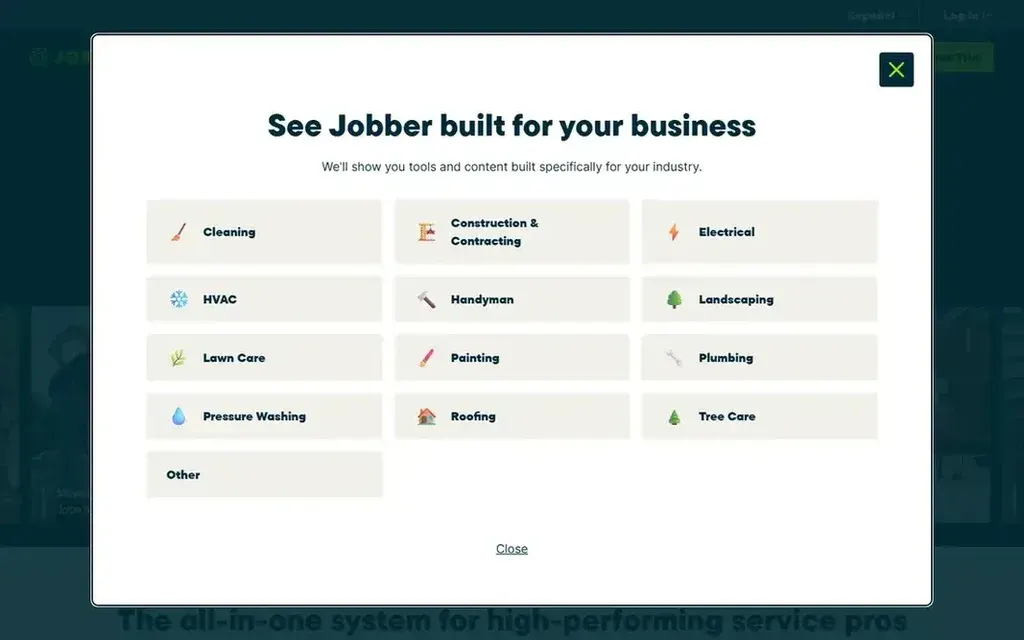
Think of Jobber for small to mid-size service firms. Jobber is designed for service work instead of complicated asset maintenance or large construction projects.
For everyday use, Jobber is home and commercial service software that helps organize a service business. Its mobile app lets technicians quote, schedule, invoice, and get premium in one place, and it powers sales, operations, and customer service. Jobber does not show a starting price in this comparison, so check the vendor site for current pricing. Free options: Not stated.
Watch-outs: Best for home and commercial service, not complicated projects.
- Easy-to-use app for quoting and scheduling
- Invoice and get premium in one place
- May lack deep asset-centric features
Choose FieldEdge for tracking customers and dispatches. It provides efficient ways to track customers, dispatches, service history, and more, helping office staff and field workers stay aligned.
More specifically, FieldEdge asks you to request a demo, so evaluation takes more effort than a self-serve app. It is built around field service workflows, which may not suit every industry. FieldEdge does not show a starting price in this comparison, so check the vendor site for current pricing. FieldEdge has no permanent free option.
Honest limits: Demo required to evaluate fit.
- Tracks customers, dispatches
- Field service app for technicians
- May be less suited to non-trades industries
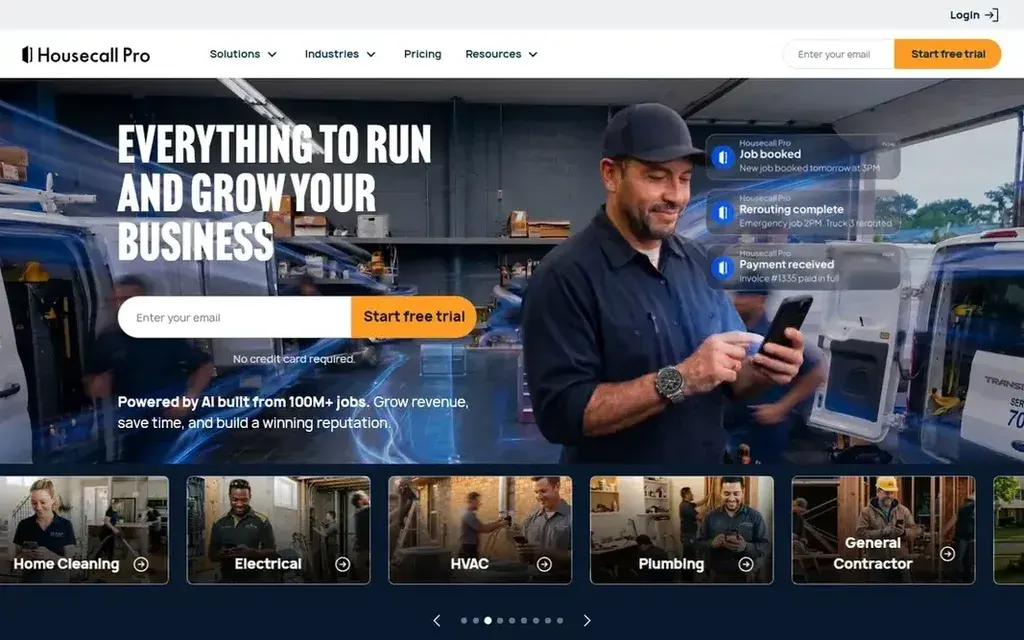
Housecall Pro is built with home service companies in mind. Housecall Pro is a software option for home service companies, with a mobile app that field service professionals use to manage jobs, schedules, and customer interactions.
For everyday use, for usual residential service calls, Housecall Pro includes the essentials. For everyday use, the system is oriented toward home service work, so industrial or asset-heavy operations may find it restricted. Price to start with Housecall Pro: $59 per month. As for free access: Free trial.
The main drawbacks: May not suit industrial asset service.
- Top-rated option for home service firms
- Simplifies scheduling and customer service
- Feature depth varies by business size
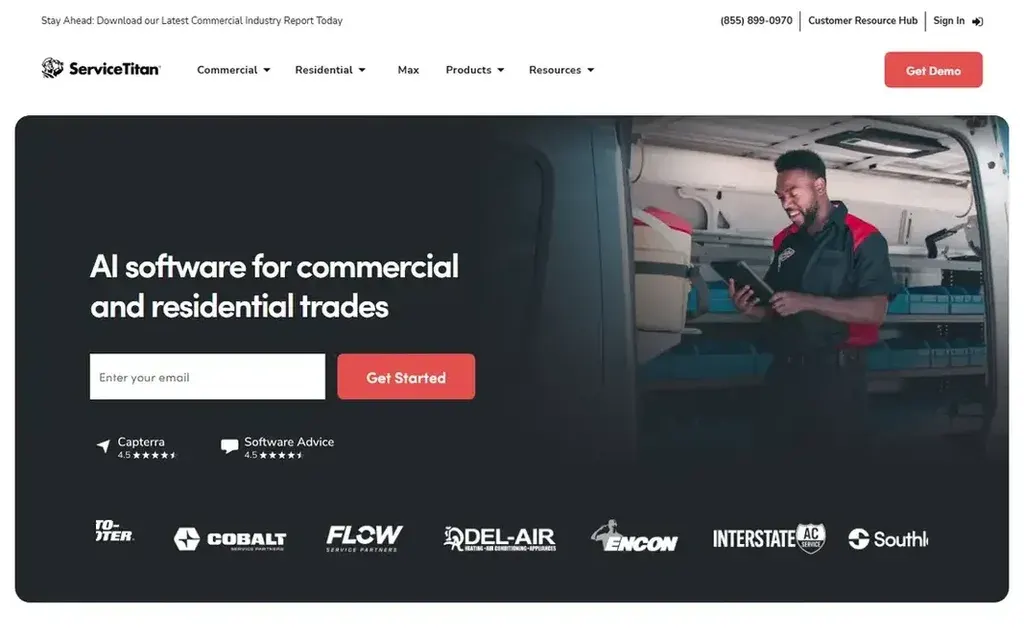
Where ServiceTitan fits: home and commercial contractors. ServiceTitan is an all-in-one software made for home and commercial contractors. Its mobile app supports technicians by keeping service visits and construction projects running smoothly, with tools that link the office to the field.
Watch-outs: May be more than small teams need.
For everyday use, setup and training take time, and the full suite may bundle modules you do not use. In practice, the system is wide, so smaller teams may find it heavier than needed. Pricing for ServiceTitan is not stated here, so ask the vendor for current figures. Trial and free access: Free trial.
- All-in-one software for service visits and projects
- Aimed at home and commercial trades
- Needs commitment to learn full suite
Zoho FSM
Best for: End-to-end field operations automation
Zoho FSM serves end-to-end field operations automation. Its mobile app helps technicians run jobs and schedules within a single system.
Points against: Customization depth varies by need.
Also, Zoho FSM is part of the Zoho suite, so teams unfamiliar with those tools may face a ramp-up time. As for the details, if you want wide automation without deep asset history, Zoho FSM is worth evaluating alongside Jobber and Housecall Pro. Pricing for Zoho FSM is not stated here, so ask the vendor for current figures. As for free access: Free trial.
- Automates the whole spectrum of field operations
- Mobile app for technicians
- May need Zoho ecosystem familiarity
Microsoft Dynamics 365 Field Service
Best for: AI-driven scheduling and live data
Think of Microsoft Dynamics 365 Field Service for AI-driven scheduling and real-time data. Its mobile app supports technicians with job details and scheduling information.
Limits to weigh: May need Microsoft ecosystem alignment.
In practice, Dynamics 365 Field Service is part of a bigger product, so setup and configuration can be involved. From a buyer's view, teams outside the Microsoft ecosystem may prefer a standalone app. No starting price is listed for Microsoft Dynamics 365 Field Service here; confirm pricing on the vendor site. On free options: Not stated.
- Automatic service reminders
- AI-driven self-service scheduling
- Configuration can be involved
How we chose
Selection started from tools commonly considered for mobile app for field service technicians, then narrowed to 6 that have clear pricing information or a clear quote process. Treat prices as a snapshot: vendors change plans often, so check the vendor site for the figure that applies today. Tools are placed by general fit for mobile app for field service technicians, with price clarity and free access as tie-breakers. A different team can reasonably rank them differently.
What to check before you buy
- Get a written quote from Jobber, FieldEdge, ServiceTitan and others; the list shows no starting price for them.
- Take the trial from Housecall Pro, ServiceTitan and Zoho FSM and push a live task through it before you pay.
- Before choosing Jobber, weigh its main limit: may lack deep asset-centric features.
- Look at the renewal terms for Microsoft Dynamics 365 Field Service: auto-renewal, notice periods and price changes can matter more than the first-year price.
- Ask whether ServiceTitan integrates with your current software, and whether that comes standard or as an add-on.
FAQ
How are the mobile app for field service technicians ordered?
Jobber sits first and Microsoft Dynamics 365 Field Service last because the order follows typical fit for mobile app for field service technicians, then price clarity and free access. It is a judgement call, so read each profile for fit and limits.
Can I try these tools before paying?
Often, yes. Housecall Pro, ServiceTitan and Zoho FSM offer a free trial. Use your own data and a real task during the test, and check what the free tier or trial limits before you rely on it.
Do these tools publish their prices?
Not all of them. Jobber, FieldEdge, ServiceTitan and others publish no starting price, so expect a quote request for those. The rest, Housecall Pro included, show a starting price, though seats and billing terms still change the final cost.
What should a field service technician look for in a mobile app?
Offline capability and a clear interface matter for work in the field. Also check that the app syncs steadily with the office system.
Is Jobber the right pick for everyone comparing mobile app for field service technicians?
No single tool suits every team. Jobber comes first because it fits small to mid-sized service businesses, while FieldEdge suits tracking customers and dispatches and Housecall Pro suits home service businesses. Match the tool to your own size, budget and workflow before deciding.
Sources
- https://www.getjobber.com
- https://www.fieldedge.com
- https://www.housecallpro.com
- https://www.servicetitan.com
- https://www.zoho.com/fsm
- https://www.microsoft.com/en-us/dynamics-365/products/field-service