Best Payroll Software for Small Construction Company: 8 Tools Compared
We compare eight tools for the best payroll software for small construction company, covering certified payroll, prevailing wage, time tracking and price.
- Editor's choice
 Gusto
Simple private residential crews
Starts at$49 per month plus $6 per personVisit gusto.comFull review - Great alternative
 QuickBooks Workforce
QuickBooks accounting users
Starts at$50 per month plus $7 per employeeVisit quickbooks.intuit.comFull review - Also consider
 OnPay
One-plan simplicity
Starts at$49 per month plus $6 per personVisit onpay.comFull review
TL;DR:
- Construction payroll is different from office payroll, because certified payroll, prevailing wage and job costing often decide the choice.
- Gusto, OnPay and Square Payroll suit small private residential crews with simple, published pricing.
- QuickBooks Workforce suits firms already running QuickBooks, while ADP RUN and Paychex Flex suit firms planning to grow.
- Dedicated construction tools such as Workyard and Foundation handle certified payroll better, but usually need a payroll partner or a quote.
- Always confirm Davis-Bacon, union fringe and multi-state support before signing, since generic payroll tools may not cover them.
Quick comparison
| Tool | Best for | Starts at | Free plan? | |
|---|---|---|---|---|
| Gusto | Simple private residential crews | $49 per month plus $6 per person | Free trial | Visit |
| QuickBooks Workforce | QuickBooks accounting users | $50 per month plus $7 per employee | Free trial | Visit |
| OnPay | One-plan simplicity | $49 per month plus $6 per person | Free trial | Visit |
 Square Payroll | Hourly field crews | $35 per month plus $6 per employee | Free trial | Visit |
 Patriot Software | Tight budgets | $17 per month plus $4 per employee | Free trial | Visit |
 ADP RUN | Growing firms | See website | No | Visit |
 Paychex Flex | HR-heavy small firms | See website | No | Visit |
 Workyard | Construction time and certified payroll | See website | Free trial | Visit |
The best payroll software for small construction companies
A small construction firm needs more than a pay run. Crews work hourly, move between jobs, earn overtime, and may work on public jobs that require certified payroll reports. We compared tools on construction-specific features first, then on price, tax filing, time tracking and accounting links, so a residential remodeler and a public-works subcontractor can both find a fit.
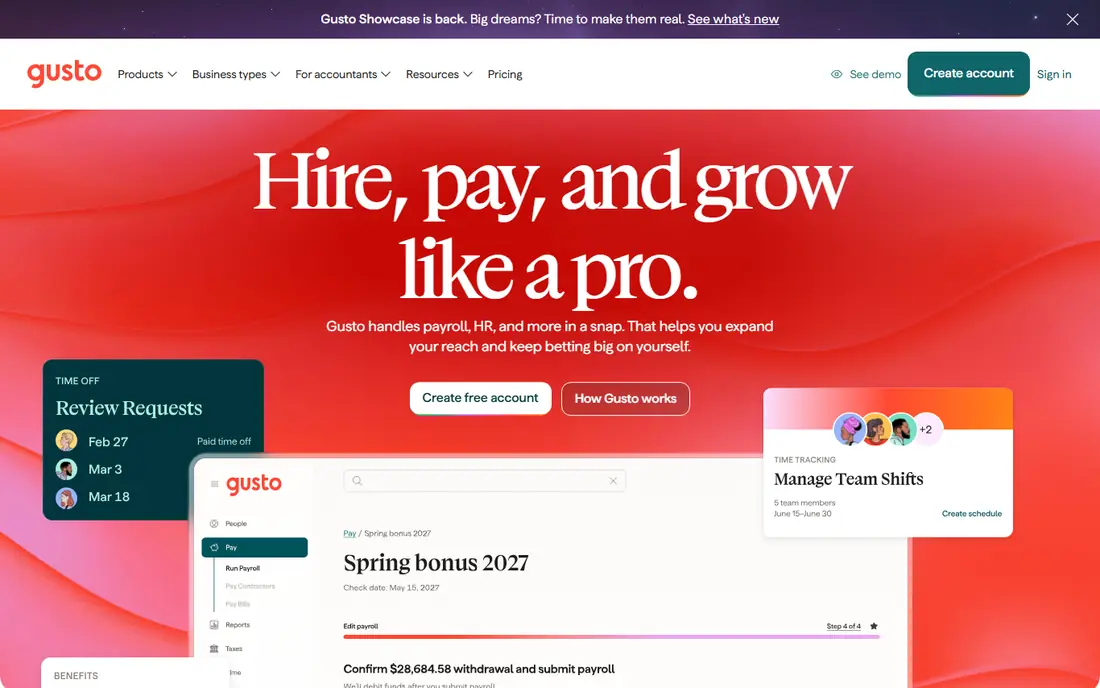
Gusto is the easiest payroll tool for a small contractor doing private residential work, and its Simple plan at $49 per month plus $6 per person includes full-service federal and state tax filing, W-2s and 1099s, and unlimited payroll runs. New hires can complete their own paperwork online, which saves office time when crews turn over, and the interface is clear enough that an owner can run payroll without an accountant on call. It also integrates with QuickBooks, Xero and common time-tracking apps.
The construction catch is important. Gusto does not natively handle Davis-Bacon certified payroll, prevailing wage determinations or union fringe calculations, so any government work will push you back to spreadsheets or a second system. Many residential contractors pair Gusto with a construction time app such as Workyard to get job-level hours into payroll. If your work is private and straightforward, Gusto is hard to beat, but public work needs a different tool.
- Easiest setup in this list
- Transparent pricing
- Full-service tax filing and contractor payments
- No native Davis-Bacon certified payroll
- No union fringe calculations
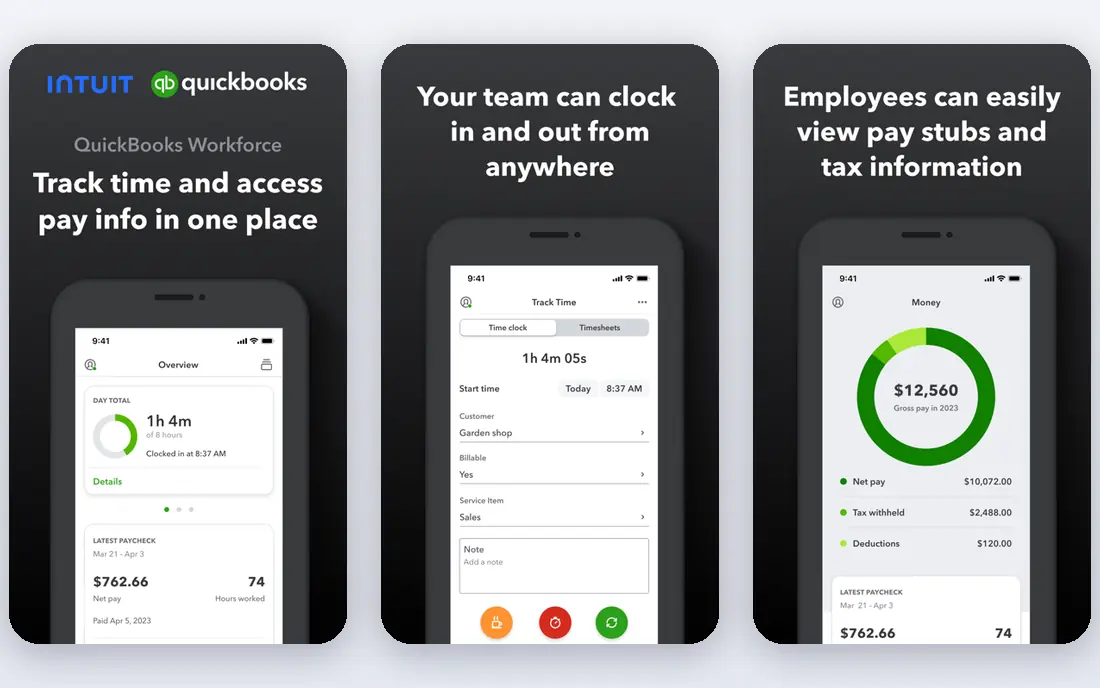
QuickBooks Workforce, formerly QuickBooks Payroll, is the natural pick when your books already live in QuickBooks Online, because payroll posts directly without a separate sync step. The payroll-only plan starts at $50 per month plus $7 per employee, with Premium and Elite tiers adding faster direct deposit and, on Elite, tax penalty protection up to $25,000 a year. For a firm whose accountant already works in QuickBooks, that integration saves reconciliation time every pay period.
The downside is price at small headcounts, since the per-employee fee is higher than Gusto's, and the tool still does not turn into a full construction payroll system on its own. Certified payroll and detailed job costing usually need a connected app or a desktop add-on. If you are committed to QuickBooks and want one system for books and pay, the convenience is worth it, but check the tier carefully before you commit.
- Payroll inside QuickBooks Online
- Penalty protection on top tier
- Familiar for accountants
- Higher per-employee price than Gusto
- Construction features still need add-ons
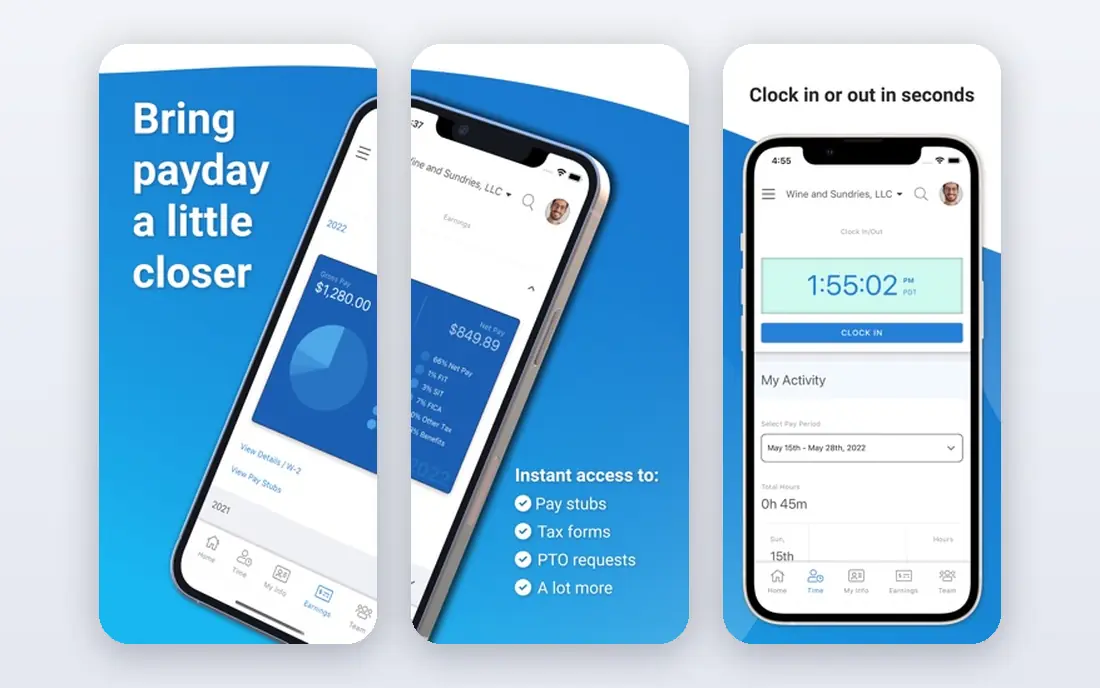
OnPay suits owners who dislike tier charts and just want one clear price. At $49 per month plus $6 per person, the single plan includes full-service payroll, tax filings, new-hire reporting and benefits administration, without forcing you to guess which tier holds the feature you need. Multi-state payroll is handled well, which helps firms that take jobs across state lines, and the interface stays simple for office staff who run payroll alongside other jobs.
The limit is construction depth. OnPay handles hourly pay, overtime and contractor payments well, but it is not a dedicated certified payroll system, so public-works reporting may still need extra work. It also offers fewer HR and hiring extras than ADP or Paychex. For a small firm that values a single predictable bill and clean payroll, OnPay is a strong, low-drama choice.
- Single plan with no tiers to decode
- Full-service tax filing
- Good multi-state support
- Fewer HR extras than larger platforms
- Construction-specific reports are limited
Square Payroll has the lowest starting base price in this list, at $35 per month plus $6 per employee, which makes it attractive for a very small crew. It is built around hourly workers, so time, overtime and tips-style hourly logic feel natural, and it links well with Square's point-of-sale and time tools for firms that also sell retail or run a shop. Full-service tax filing and W-2s are included on the employee plan.
The construction trade-off is scope. Square Payroll is a general small-business payroll tool, not a construction specialist, so certified payroll, prevailing wage and union fringes are not its strengths. Firms with a handful of hourly employees on private jobs will find it simple and cheap, while firms chasing public work should look at a dedicated construction option instead.
- Lowest starting base price here
- Good for hourly teams
- Simple time tracking links
- Fewer construction features
- Contractor-only plan differs from employee plan
Patriot Software is the budget pick for a contractor who watches every monthly fee. Basic payroll starts at $17 per month plus $4 per employee, while the full-service tier, which files taxes for you, costs more but remains among the cheapest full-service options. The software is straightforward, support is US-based, and the company is clear about what each tier includes, which helps owners avoid surprise charges.
The catch is that the cheapest tier does not include tax filing, so you must step up to full service to get the hands-off experience most owners want. Time tracking and HR features are also add-ons rather than built-ins, and construction-specific reporting is limited. For a tiny crew on private jobs with a tight budget, Patriot keeps costs down, but add the full-service tier and any time tool before comparing totals.
- Lowest entry price
- Full-service option available
- US-based support
- Basic payroll tier lacks tax filing
- Time tracking is a separate add-on
ADP RUN is the choice for a construction firm that expects to grow past a small crew and wants a payroll partner that can grow with it. ADP brings deep tax and compliance experience, HR tools, benefits administration and a large support team, and firms can move to larger ADP products without rebuilding payroll from scratch. That depth matters when you add states, workers compensation complexity or more complex benefits.
The downside is transparency and scale. ADP RUN does not publish a simple starting price, so budgeting takes a sales conversation, and the product can feel heavy for a firm with only a few employees. It is also a general payroll platform rather than a construction-only tool, so certified payroll may still need a specialist add-on. For firms planning to hire steadily, ADP RUN is a safe long-term bet.
- Deep compliance and HR depth
- Room to grow into larger ADP products
- Strong support
- Pricing is quoted, not published
- Can feel heavy for a two-person crew
Paychex Flex suits a small construction firm that wants more than payroll, including HR support, benefits help and compliance guidance from a dedicated team. Many owners value having a named contact who understands their account, rather than starting from scratch with support each time. Paychex also handles multi-state payroll and a wide range of HR tasks, which helps as a firm adds office staff alongside field crews.
The trade-offs mirror ADP's. Pricing is quoted rather than published, so you cannot compare it cleanly online, and setup takes longer than a self-serve tool such as Gusto. Construction-specific certified payroll may still require an add-on or a partner product. If you want a service-led payroll partner and plan to use the HR features, Paychex Flex is worth the sales conversation.
- Strong HR, benefits and compliance support
- Named support contacts
- Scalable
- Quoted pricing
- Setup can take longer than self-serve rivals
Workyard is different from the other tools here, because it starts with construction field work rather than office payroll. It offers GPS-based time tracking, job and cost-code tracking, and certified payroll features that general tools lack, which is why many contractors pair it with Gusto or QuickBooks. Crews clock in from the field, managers see hours by job in real time, and office staff spend less time chasing paper timesheets.
The honest limit is that Workyard is primarily a time and workforce tool, so you should confirm exactly how it connects to your payroll provider before buying. Pricing is quoted rather than published, and the value depends on using its job-costing features properly. For firms doing public work, or firms losing money to inaccurate job hours, Workyard can pay for itself even as an add-on.
- Built for construction crews
- GPS time tracking
- Certified payroll and job costing focus
- Pricing is quoted
- Works best alongside a payroll system, not always as a replacement
How we picked these
We compared official pricing pages, construction-specific features, tax filing, time tracking, accounting integrations and public reviews, with extra weight on certified payroll, prevailing wage and job costing. We favoured tools with current, verifiable pricing where published, and we marked quoted pricing clearly rather than inventing a figure. We did not claim hands-on payroll runs we did not perform, and we treated vendor feature lists as claims to confirm in a trial.
What a construction firm should check first
Start with the jobs you actually win. If you work on public or Davis-Bacon jobs, certified payroll and prevailing wage support are non-negotiable, and a general payroll tool alone will not be enough. If you work only on private residential jobs, a simple tool such as Gusto or OnPay will save money and time, and you can add a time app for job costing.
Time, job costing and overtime
Field time is where construction payroll goes wrong, so choose a time method crews will actually use, whether that is a mobile app, a kiosk or GPS tracking. Make sure hours flow to the right job and cost code, overtime rules match your state, and per diem or travel pay is handled cleanly. A tool that forces office staff to re-enter timesheets every week is not saving you anything, no matter how low its monthly fee looks.
Taxes, workers comp and growth
Confirm full-service tax filing in every state where you work, and check how workers compensation class codes are handled, since misclassified field work creates real risk. Ask about contractor payments and 1099s if you use subs, and about how easy it is to add employees, states and benefits as you grow. A short trial with a real past pay run, using your own hours and rates, will reveal problems faster than any demo.
FAQ
What is the best payroll software for a small construction company?
It depends on your work mix. For private residential crews, Gusto or OnPay offer the best balance of price and ease. For public-works firms, a dedicated construction tool such as Workyard, paired with a payroll provider, usually handles certified payroll better. For firms already in QuickBooks, QuickBooks Workforce keeps books and payroll together.
Does Gusto handle certified payroll for construction?
No, Gusto does not natively handle Davis-Bacon certified payroll, prevailing wage or union fringe calculations. Many contractors pair it with a construction time app for job hours, but public-works reporting still needs a specialist tool or manual process. Confirm this before bidding on government work with Gusto alone.
How much does payroll software cost for a small construction firm?
Published plans in this list range from $17 per month plus $4 per employee for Patriot basic payroll to $50 per month plus $7 per employee for QuickBooks Workforce, with Gusto and OnPay at $49 plus $6 per person. Quoted tools such as ADP RUN and Paychex Flex vary by headcount and features. Always add time tracking, workers comp and any certified payroll add-on to get the true total.
Should a construction firm use separate time tracking?
Often yes, because general payroll tools rarely capture job-level hours, GPS location and cost codes as well as a construction time app. A tool such as Workyard can feed accurate hours into payroll and improve job costing. If your crew works on one job at a time and hours are simple, built-in time tracking may be enough.
What is certified payroll and why does it matter?
Certified payroll is a weekly report, usually on form WH-347, that contractors on federally funded jobs must submit to show workers were paid at least the prevailing wage. Errors can delay payment or create penalties, so the report must match hours, classifications and fringe benefits exactly. Firms that do public work should choose software that generates this report correctly.