Best Software for Recoloring Pictures for 2026: Our 6 Vetted Picks
Compare 6 top-rated software for recoloring pictures, with prices, free plans and who each fits. Plus the drawbacks of each tool. Full profiles inside.
- Editor's choice
 Adobe Lightroom
Wide color adjustments plus organization
Starts atSee websiteVisit adobe.comFull review - Great alternative
 Affinity Photo
Professional editing without subscription pressure
Starts atSee websiteVisit affinity.serif.comFull review - Also consider
 ON1 Photo RAW
All-in-one RAW editing and organizing
Starts at$49.99Visit on1.comFull review
Direct answer
This list puts Adobe Lightroom first for wide color adjustments plus organization. Listed starting prices: ON1 Photo RAW from $49.99. If your case is different, Affinity Photo suits professional editing without subscription pressure and ON1 Photo RAW suits all-in-one RAW editing and organizing. The full list of 6 tools follows, with prices and free plan facts.
TL;DR:
- Number one here is Adobe Lightroom, a fit for wide color adjustments plus organization.
- Adobe Photoshop suits in-depth layered recoloring work.
- Adobe Lightroom, Affinity Photo, Skylum Luminar Neo and others: pricing is by quote only, so plan time for a sales conversation.
- The main caution on Adobe Lightroom: less suited to pixel-level edits.
Last checked November 2026. Prices and plan details were read from the vendors' own pages in November 2026; vendors change plans often, so confirm the current price on the vendor site before you buy.
Quick comparison
| Tool | Best for | Starts at | Free plan? | |
|---|---|---|---|---|
| Adobe Lightroom | Wide color adjustments plus organization | See website | Not stated | Visit |
| Affinity Photo | Professional editing without subscription pressure | See website | Not stated | Visit |
| ON1 Photo RAW | All-in-one RAW editing and organizing | $49.99 | Free trial | Visit |
| Skylum Luminar Neo | Straightforward AI-assisted color editing | See website | No | Visit |
| ACDSee Photo Studio | Editing and managing large photo collections | See website | Not stated | Visit |
 Adobe Photoshop | In-depth layered recoloring work | See website | Not stated | Visit |
6 Top-Rated software for recoloring pictures in detail
Short on time? The summary and table above give the quick view of 6 Top-Rated software for recoloring pictures, and the profiles that follow give the detail behind each entry.
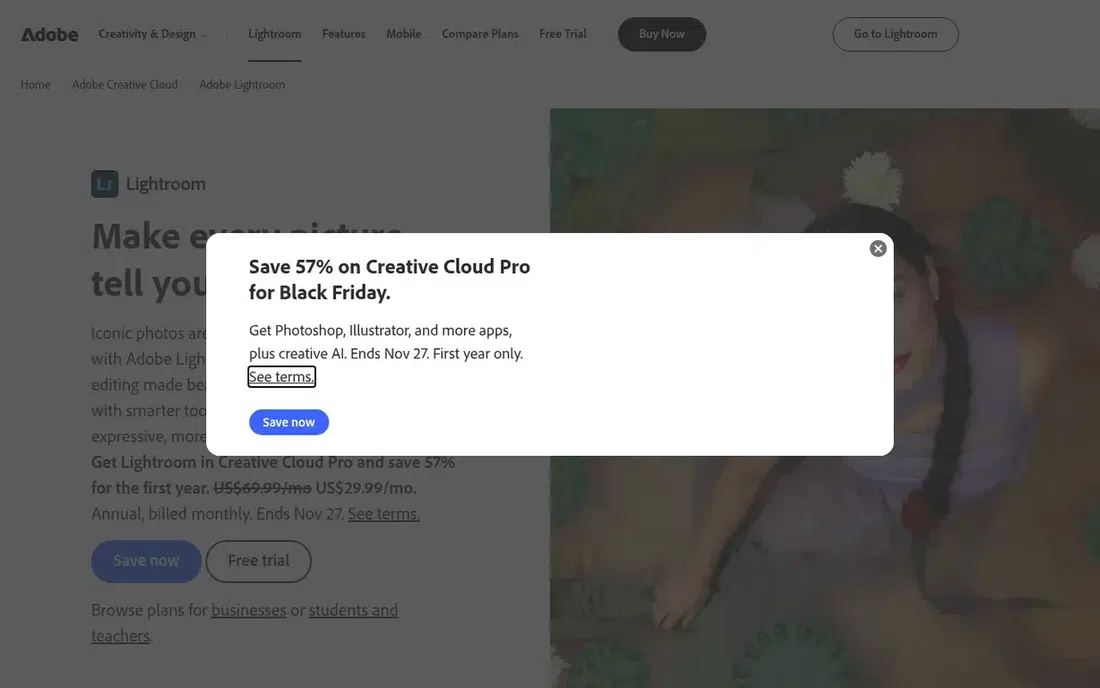
Choose Adobe Lightroom for wide color adjustments plus organization. Adobe Lightroom is photo editing and organizing software for desktop, web and mobile, geared toward professional photographers and enthusiasts.
Downsides: Less suited to pixel-level edits.
In daily use, pick Lightroom when your recoloring is part of a broader editing and organizing workflow across numerous photos. Worth adding: Lightroom is not made for the kind of pixel-level, layered recoloring that a full image editor takes care of. No starting price is listed for Adobe Lightroom here; confirm pricing on the vendor site. Free plan details: Not stated.
- Suited to large photo libraries
- Desktop
- Subscription-based access
Affinity Photo
Best for: Professional editing without subscription pressure
Think of Affinity Photo for professional editing without subscription pressure. Affinity Photo is a professional photo editor made for precision, speed and creative freedom. It gives you a focused environment for retouching and color work, including the kind of layered edits that recoloring frequently needs.
Trade-offs to know: Some tools differ from rivals.
As for the details, choose Affinity Photo when you want solid editing power and a straightforward ownership approach. Users switching from other editors may need time to relearn tool locations. No starting price is listed for Affinity Photo here; confirm pricing on the vendor site. Free access: Not stated.
- Professional-grade photo editor
- simplified
- Fewer ecosystem integrations
ON1 Photo RAW was built for all-in-one RAW editing and organizing. It brings color adjustments and raw processing together in a single application, which fits photographers who want to recolor images whereas keeping their library in order.
As for the details, if your recoloring needs are straightforward and occasional, a lighter tool may be enough. On top of that, choose ON1 Photo RAW when you want raw editing, color work and organization under one roof. Starting cost for ON1 Photo RAW: $49.99. Free access: Free trial.
Limits to weigh: Ramp-up time for advanced tools.
- One-time purchase model
- AI-powered raw editing
- Performance varies by hardware
Skylum Luminar Neo
Best for: Straightforward AI-assisted color editing
Skylum Luminar Neo works best for straightforward AI-assisted color editing. The simplified approach means less depth for complicated, layered color work than a full editor gives you.
Skylum Luminar Neo does not show a starting price in this comparison, so check the vendor site for current pricing. Skylum Luminar Neo has no free plan.
Honest limits: Restricted manual precision tools.
- Straightforward interface for PC and Mac
- AI-assisted editing tools
- Less depth for complicated edits
ACDSee Photo Studio
Best for: Editing and managing large photo collections
ACDSee Photo Studio is a good fit for editing and managing large photo collections. Pick ACDSee when recoloring is one part of a broader photo management routine. For everyday use, the breadth of features means the interface can feel crowded and takes time to learn.
Points against: Wide feature set takes learning.
It merges layered editing, RAW processing and digital asset management, so recoloring work sits alongside cataloging and search. In practice, if you only need fast color changes, a more straightforward editor may be less overwhelming. No starting price is listed for ACDSee Photo Studio here; confirm pricing on the vendor site. On free options: Not stated.
- RAW photo editing
- Layered editing included
- Interface can feel busy
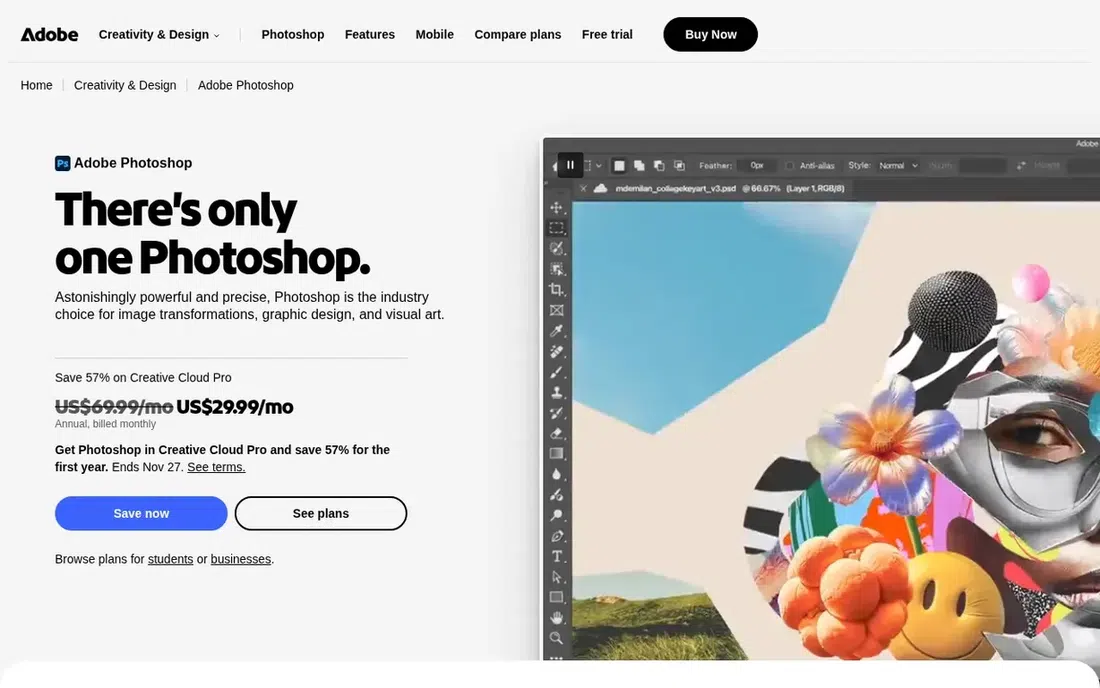
Where Adobe Photoshop fits: detailed layered recoloring work. Adobe Photoshop is a full image editor aimed at custom scenes, complicated edits and combined images, available online and through its mobile app.
From a buyer's view, if you only need wide color adjustments or fast photo organization, a lighter editor may serve you better. The depth of the toolset includes a ramp-up time, and the interface can feel heavy for straightforward hue changes. This comparison lists no price for Adobe Photoshop; ask the vendor. Free access: Not stated.
Points against: Dense interface for beginners.
- Deals with complicated color edits
- Works online and on mobile
- Subscription-based access
How we compared the tools
LinkVetted looked at what each vendor publishes: pricing, plan limits, feature coverage for Top-Rated software for recoloring pictures and stated drawbacks. No hands-on testing is claimed. Plan names, prices and limits change often. Treat the figures here as a starting point and verify them with the vendor. The ranking is editorial: typical fit first, then clear pricing, then free access. If your needs are unusual, read the profiles rather than relying on position.
What to check before you buy
- Get a written quote from Adobe Lightroom, Affinity Photo, Skylum Luminar Neo and others; the list shows no starting price for them.
- Use real work to test the free trial from ON1 Photo RAW, rather than a demo project.
- Read the limits listed for Adobe Lightroom first: less suited to pixel-level edits.
- Check how data leaves Skylum Luminar Neo: formats, limits and whether exports are available on every plan.
- Get the contract term, renewal terms and any onboarding fees from Adobe Lightroom in writing.
FAQ
Do these tools publish their prices?
Not all of them. Adobe Lightroom, Affinity Photo, Skylum Luminar Neo and others publish no starting price, so expect a quote request for those. The rest, ON1 Photo RAW included, show a starting price, though seats and billing terms still change the final cost.
Does any tool for Top-Rated software for recoloring pictures here have a free plan?
No tool in this list, Adobe Lightroom and Adobe Photoshop included, has a permanent free plan. ON1 Photo RAW offer a trial. Trials and quotes are the usual route, so plan a short evaluation period. All 6 picks in this Top-Rated software for Recoloring Pictures comparison list a starting price, free plan details and the main limits on their cards above.
How are the tools for Top-Rated software for recoloring pictures ordered?
Adobe Lightroom sits first and Adobe Photoshop last because the order follows typical fit for Top-Rated software for recoloring pictures, then price clarity and free access. It is a judgement call, so read each profile for fit and limits.
Can I try these tools before paying?
Often, yes. ON1 Photo RAW offers a free trial. Use your own data and a real task during the test, and check what the free tier or trial limits before you rely on it. For the full picture, the cards above cover all 6 entries of this Top-Rated software for Recoloring Pictures list, including price, free plan and limits.
Sources
- https://www.adobe.com/products/photoshop-lightroom.html
- https://affinity.serif.com/en-us/photo
- https://www.on1.com/products/photo-raw
- https://skylum.com/luminar
- https://www.acdsee.com/en/products/photo-studio-ultimate
- https://www.adobe.com/products/photoshop.html