Best Software for Writing Essays (2026): 6 Picks Checked on Vendor Pages
Best software for writing essays: 6 contenders ranked by fit, with entry costs and free tiers. Each tool gets a one-line verdict. Pick with confidence.
- Editor's choice
 Scrivener
Structuring long, research-heavy essays
Starts atSee websiteVisit literatureandlatte.comFull review - Great alternative
 ProWritingAid
In-depth prose and style feedback
Starts at$5 a monthVisit prowritingaid.comFull review - Also consider
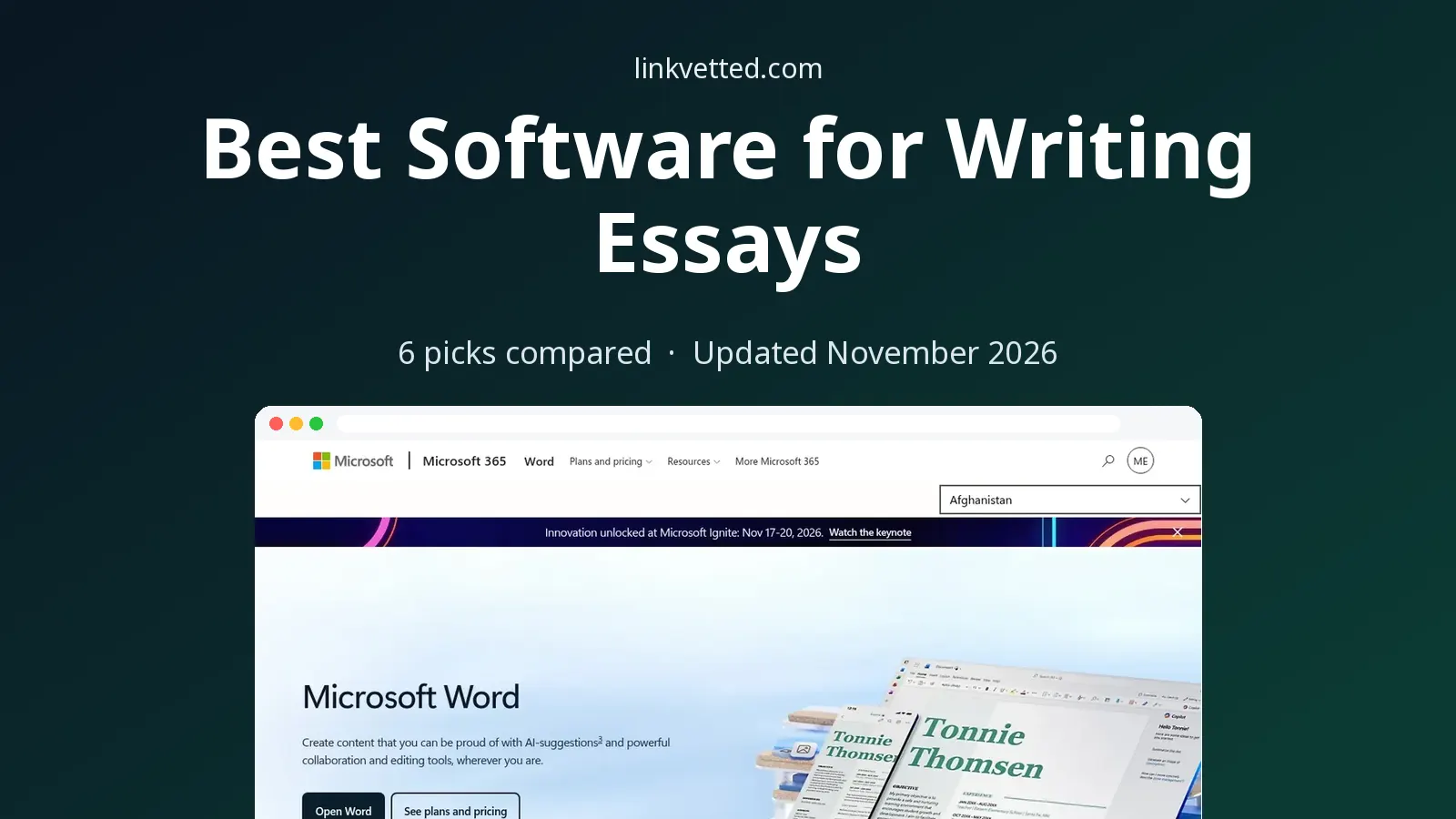
 Microsoft Word
All-around essay drafting and editing
Starts atSee websiteVisit microsoft.comFull review
Direct answer
Scrivener comes first here, mainly for structuring long, research-heavy essays. Listed starting prices: ProWritingAid from $5 a month, Ulysses from $39.99 a year and Notion from $10 per member per month. ProWritingAid is better for detailed prose and style feedback, and Microsoft Word is better for all-around essay drafting and editing. The other 3 tools in the list cover narrower or pricier cases.
TL;DR:
- This list starts with Scrivener, which is built for structuring long, research-heavy essays.
- The lowest published monthly entry price here is $5 per month, from ProWritingAid.
- For live collaborative essay writing, Google Docs is worth a look.
- Free plans exist at 2 of 6 tools (ProWritingAid, Notion).
Last checked November 2026. Prices and plan details were read from the vendors' own pages in November 2026; vendors change plans often, so confirm the current price on the vendor site before you buy.
Quick comparison
| Tool | Best for | Starts at | Free plan? | |
|---|---|---|---|---|
| Scrivener | Structuring long, research-heavy essays | See website | Not stated | Visit |
| ProWritingAid | In-depth prose and style feedback | $5 a month | Yes | Visit |
| Microsoft Word | All-around essay drafting and editing | See website | Not stated | Visit |
 Ulysses | Focused, distraction-free drafting | $39.99 a year | Free trial | Visit |
 Notion | Planning essays alongside notes | $10 per member per month | Yes | Visit |
 Google Docs | Live collaborative essay writing | See website | Not stated | Visit |
The 6 tools in detail
LinkVetted compared 6 software for writing essays. The goal is a practical shortlist: published prices, free plan facts, best-fit use cases and honest limits for every entry.
Scrivener is a good fit for structuring long, research-heavy essays. Scrivener is writing software pitched at novelists and book-length projects, with tools for organizing, drafting and editing long manuscripts. Worth adding: choose Scrivener for long or research-heavy work, and a more straightforward editor for fast assignments.
Drawbacks to consider: Ramp-up time for casual essay writers.
In practice, exporting to a final formatted document can also take additional steps. Writers who like to outline, keep notes and draft in one workspace will find it a solid fit. Pricing for Scrivener is not stated here, so ask the vendor for current figures. Free options: Not stated.
- Tools for organizing long writing projects
- Suited to research-based work
- More structure than a short paper needs
ProWritingAid makes the most sense for in-depth prose and style feedback. ProWritingAid presents itself as a toolkit for enhancing prose and finishing drafts, with reports and suggestions geared toward revision. It is a natural companion for essayists who want a deeper edit than an entry-level spellcheck, handling style, repetition and readability concerns.
Where it is weaker: Feedback volume can overwhelm new writers.
Worth adding: the volume of feedback can overwhelm anyone new to structured editing. It does not replace a word processor for formatting or collaboration. Writers who treat revision as a distinct stage will get the most from it. On cost, ProWritingAid starts like this: $5 per month. Free access exists with ProWritingAid.
- Toolkit aimed at improving prose
- Feedback oriented toward finishing drafts
- Not a document editor for layout

Microsoft Word serves all-around essay drafting and editing. Microsoft Word is a long-standing document editor now offered as an online tool with AI-powered suggestions for grammar, style and clarity. It supports writing, editing and collaboration from several devices, which makes it a practical home base for essays that require formatting, comments and shared review.
Also, if you primarily need a light shared draft, a browser-first editor may be more straightforward. The tradeoff is that the richest features sit behind a Microsoft 365 subscription, and the interface carries more choices than a short essay needs. Beyond that, choose Word when formatting control and a familiar editing workspace matter most. This comparison lists no price for Microsoft Word; ask the vendor. Trial and free access: Not stated.
Downsides: Full feature set tied to a Microsoft subscription.
- Built-in collaboration features
- Style and clarity suggestions
- Interface can feel dense for straightforward essays
For focused, distraction-free drafting, Ulysses is a natural candidate. Ulysses gives you a focused writing environment combined with document management, quick syncing and adaptable export. It is aimed at writers of all kinds who want fewer distractions and a clean library of drafts.
In daily use, choose Ulysses when a focused, synced writing space matters more than teamwork features. Also, Ulysses is designed for the Apple ecosystem, so Windows and Android users are left out. Its collaboration tools are lighter than those in office suites. As for the details, if you need shared editing with classmates, look elsewhere. From a buyer's view, Essayists who write on Apple devices and value a calm, text-first interface will find it well matched to drafting and revising prose. Ulysses starts at: $39.99 per year. Free options: Free trial.
Where it is weaker: Restricted to Apple products.
- Quick syncing and adaptable export
- Focused writing experience
- Fewer collaboration features than office suites
Notion works best for planning essays alongside notes. Notion is an AI workspace for building pages, agents and automations, with search across connected apps.
Best features of Notion: pages and databases.
Drawbacks to consider: Setup effort before drafting begins.
On top of that, pick Notion for planning and research, and pair it with a focused editor for the final draft. As for the details, building a handy setup takes time before any writing happens. Entry price for Notion: $10 per member per month. Free access exists with Notion.
- Adaptable workspace for planning
- Merges notes
- Writing experience is less focused than a word processor
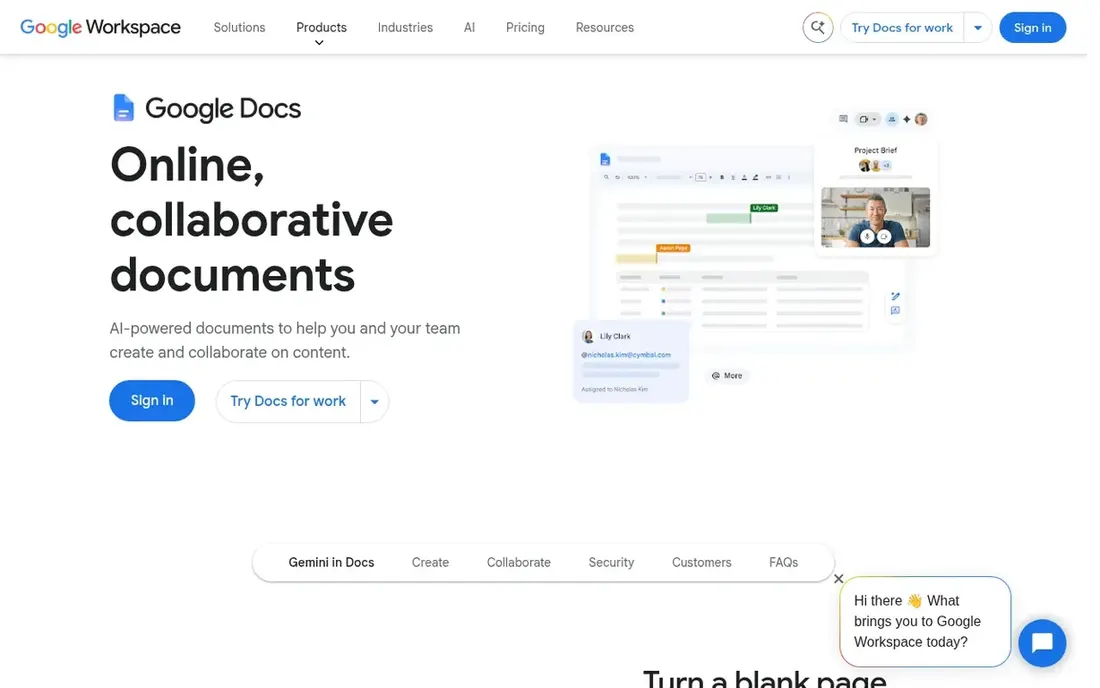
In short, Google Docs is for live collaborative essay writing. Its AI features can generate drafts and templates, and files are accessible from any device with a browser.
Since it lives in the browser, it relies on a Google account and a connection for full use. Its layout tools are lighter than a dedicated desktop editor. No starting price is listed for Google Docs here; confirm pricing on the vendor site. Free plan details: Not stated.
Limits to weigh: Requires a Google account and connection.
- Live collaboration from any device
- AI tools for drafts and templates
- Fewer advanced layout choices than a desktop editor
How we chose
LinkVetted looked at what each vendor publishes: pricing, plan limits, feature coverage for software for writing essays and stated drawbacks. No hands-on testing is claimed. Plan names, prices and limits change often. Treat the figures here as a starting point and verify them with the vendor. Position on the page reflects fit for a typical buyer first, with price clarity and free access breaking ties. Treat it as a guide, not a ruling.
Pre-purchase checklist
- Confirm the entry price on the vendor page. For Scrivener, Microsoft Word and Google Docs that means a quote rather than a fixed price.
- Read the fine print on the free plans from ProWritingAid and Notion; seat, project and feature caps differ.
- Run a trial of Ulysses with real work before paying for a year; your own workflow is the best test.
- Before choosing Scrivener, weigh its main limit: ramp-up time for casual essay writers.
- See whether ProWritingAid offers onboarding or training, and whether it is included in the price.
- Verify that exporting from Microsoft Word is possible on your plan and covers all your records.
FAQ
Is Scrivener the right pick for everyone comparing software for writing essays?
No single tool suits every team. Scrivener comes first because it fits structuring long, research-heavy essays, while ProWritingAid suits detailed prose and style feedback and Microsoft Word suits all-around essay drafting and editing. Match the tool to your own size, budget and workflow before deciding.
What is the cheapest option for software for writing essays in this list?
On published monthly entry prices, ProWritingAid is the lowest here at $5 per month. Entry price is only part of the cost, because seats, add-ons and billing terms can change the total.
Do these tools publish their prices?
Not all of them. Scrivener, Microsoft Word and Google Docs publish no starting price, so expect a quote request for those. The rest, ProWritingAid included, show a starting price, though seats and billing terms still change the final cost.
Can I try these tools before paying?
Often, yes. ProWritingAid and Notion have a free plan and Ulysses offers a free trial. Use your own data and a real task during the test, and check what the free tier or trial limits before you rely on it.
Sources
- https://www.literatureandlatte.com/scrivener
- https://prowritingaid.com
- https://www.microsoft.com/microsoft-365/word
- https://ulysses.app
- https://www.notion.com
- https://workspace.google.com/products/docs