Best AI Book Writing Software in 2026: 8 Tools Compared
We compared the best ai book writing software for fiction and nonfiction, covering drafting, outlining, editing and price, so you can pick a tool for your book.
- Editor's choice
 Sudowrite
Fiction drafting and revision
Starts at$10 per monthVisit sudowrite.comFull review - Great alternative
 Novelcrafter
Planning and series writing
Starts at$4 per monthVisit novelcrafter.comFull review - Also consider
 Squibler
Beginners and visual planning
Starts atFreeVisit squibler.ioFull review
TL;DR:
- Sudowrite and Novelcrafter are the most book-focused AI tools here, with story organisation built around long manuscripts.
- General chatbots such as ChatGPT and Claude are flexible, but they lack built-in manuscript and chapter management.
- ProWritingAid is best used after drafting, for editing and style checks rather than for generating a first draft.
- Watch for usage limits and separate model costs, because a low monthly price can rise quickly on a long book.
- Keep your own notes, outline and rights in mind, and check each tool's terms before you publish AI-assisted work.
Quick comparison
| Tool | Best for | Starts at | Free plan? | |
|---|---|---|---|---|
| Sudowrite | Fiction drafting and revision | $10 per month | Free trial | Visit |
| Novelcrafter | Planning and series writing | $4 per month | Free trial | Visit |
| Squibler | Beginners and visual planning | Free | Yes | Visit |
 NovelAI | Lore-heavy fiction | $10 per month | Free trial | Visit |
 ProWritingAid | Editing a finished draft | Free | Yes | Visit |
 Jasper | Nonfiction and marketing-led books | See website | Free trial | Visit |
 ChatGPT | Brainstorming and outlining | Free | Yes | Visit |
 Claude | Deep editing and revision | Free | Yes | Visit |
The best ai book writing software
These tools help with different stages of a book, from outline to final edit. We compared official feature pages, pricing, manuscript tools and AI features, and we grouped them by the job they do best.

Sudowrite is designed around novels, not short marketing copy. Its Story Bible stores your synopsis, characters, worldbuilding and outline, so the AI can draw on that material while it drafts. Tools for expanding scenes, describing settings and getting feedback sit inside the same workspace, which keeps a long project in one place.
The main limit is credits. Heavy drafting days can use up a monthly allowance quickly, and the higher tiers cost more. Writers who draft in short, planned sessions will get more value than writers who generate large blocks of text at once. For fiction writers who want AI help inside a novel workspace, Sudowrite is our top pick.
- Built for fiction with a Story Bible
- Drafting, rewriting and feedback tools in one place
- Series support for connected books
- Monthly credit limits can run out fast
- Price rises with higher credit tiers
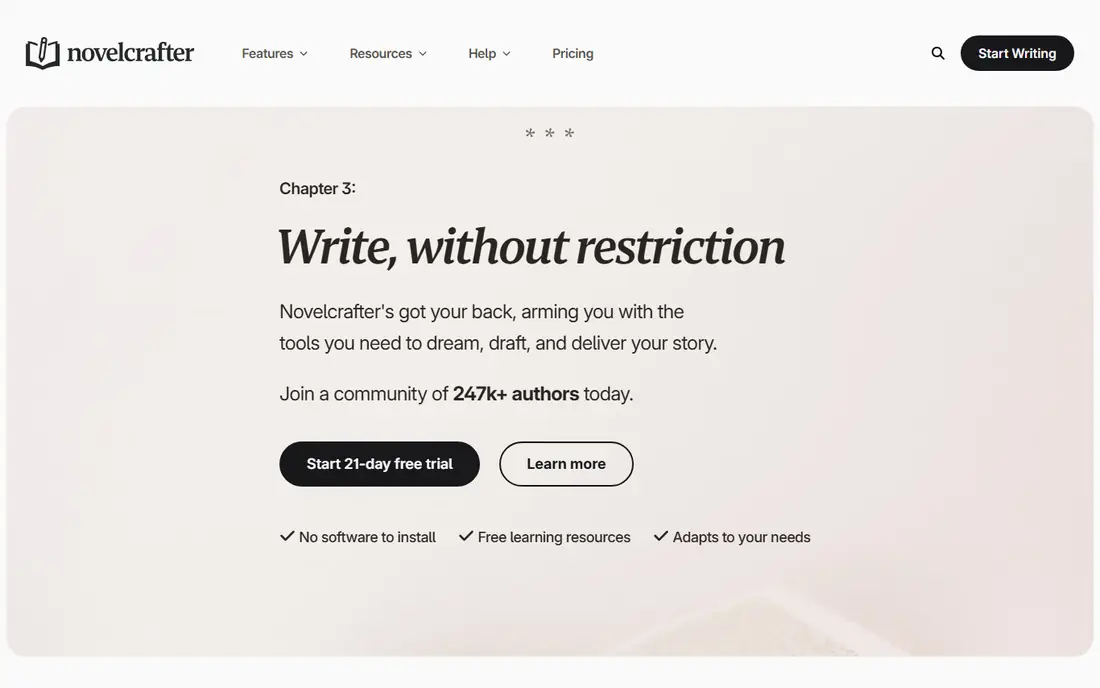
Novelcrafter suits plotters and series writers who keep detailed records. The Codex stores characters, places, items and lore, and scenes can link back to those entries. That structure helps a long series stay consistent, because the AI and the writer can both refer to the same notes.
The trade-off is cost and setup. The base plan has no AI, and AI plans work with your own API key, so model charges sit on top of the subscription. If you already pay for an AI API and you like planning in detail, Novelcrafter offers control that simpler tools cannot match.
- Strong Codex for characters, lore and series continuity
- Lets you choose your own AI model
- Long free trial
- AI plans add separate model costs
- Setup takes longer than simpler tools
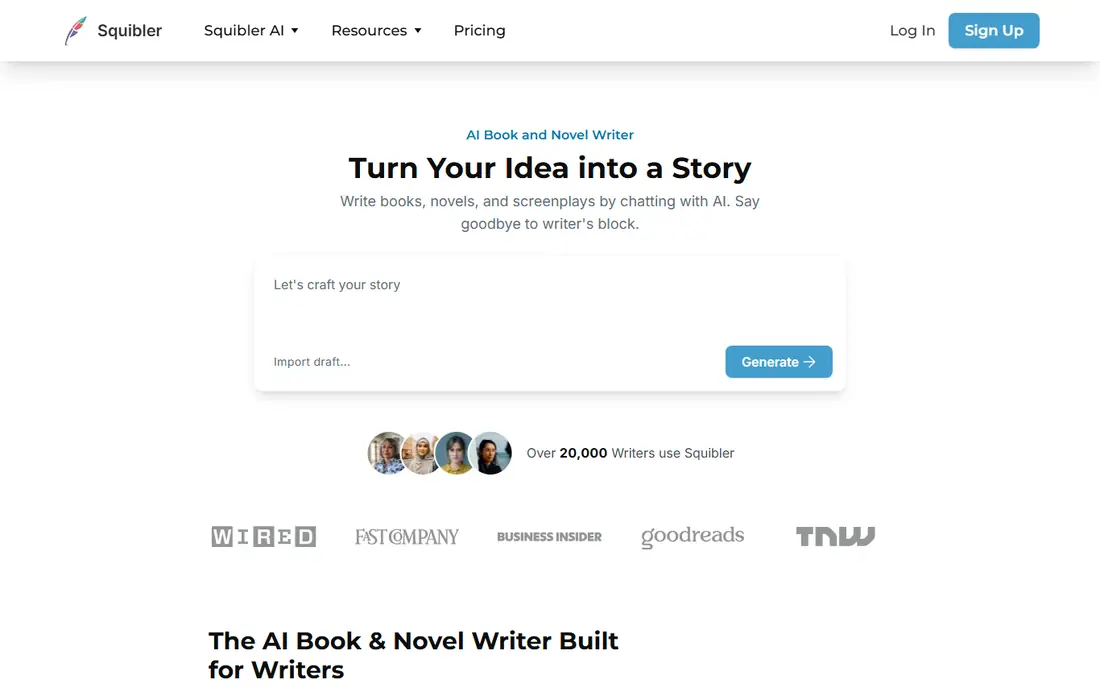
Squibler is a friendly entry point for a first book. It guides you through outlining, chapter planning and drafting without a steep learning curve. Writers who feel lost in a blank document often do better with this kind of guided structure, and the free tier lets you test the workflow before paying.
Experienced series writers may outgrow it, because its worldbuilding tools are lighter than Novelcrafter or Sudowrite. For a first novel, a memoir or a short nonfiction book, that simplicity is a strength rather than a weakness. Start here if you want guidance more than advanced controls.
- Simple book workflow from outline to draft
- Visual planning tools for scenes and chapters
- Free tier to start
- Less depth for large series than Novelcrafter
- AI features are more general than fiction-specific tools
NovelAI is built for writers who build detailed fictional worlds. Its Lorebook stores facts about characters, places and customs, and the AI uses those entries to keep later chapters consistent. Paid tiers offer unlimited text generation, which suits writers who draft in long sessions and dislike credit meters.
The weakness is the rest of the workflow. NovelAI is less polished for editing, compiling and exporting a finished manuscript than a full writing app. Many writers pair it with a separate editor. If lore and long drafting sessions matter most to you, it is a strong specialist choice.
- Lorebook keeps world details consistent
- Unlimited text on paid tiers
- Own models with no separate API bill
- Weaker manuscript and editing workflow than dedicated writing apps
- Interface takes time to learn
ProWritingAid belongs at the editing stage, not the drafting stage. It checks grammar, sentence length, repeated words, pacing and readability, and it explains why a passage may feel weak. That kind of feedback helps writers revise a draft they have already written, whether or not AI helped with the first version.
Do not buy it expecting it to write your book. Its value appears when you have a complete draft and want a careful, structured edit. Pair it with Sudowrite, Novelcrafter or a plain writing app, and use its reports as a second pair of eyes before you send work to beta readers.
- Detailed grammar, style and readability reports
- Works inside common writing apps
- Free tier for basic checks
- Not a first-draft generation tool
- Full reports require a paid plan
Jasper is a general AI writing platform that works well for nonfiction books with a clear structure, such as guides, business books and how-to titles. Templates help you outline chapters, draft sections and repurpose material for articles and social posts. Teams can share a brand voice and keep tone consistent across chapters.
Fiction writers will miss the Story Bible and Codex features of specialist tools. Jasper also prices itself for business users, so solo authors should check the current plan before committing. For a nonfiction author who also needs marketing copy, Jasper covers more of the book business in one tool.
- Strong templates for nonfiction structure and marketing copy
- Brand voice controls
- Team collaboration features
- Less fiction-specific than Sudowrite or Novelcrafter
- Pricing is aimed at businesses and teams
ChatGPT is useful at almost every stage except manuscript management. It can brainstorm premises, test chapter outlines, suggest titles, summarise research and revise a passage in a different tone. The free tier is enough for many writers to test whether AI help suits their process.
The risk is drift. A chat thread does not track your characters, timeline or chapter structure unless you paste that material in each time. Writers who use ChatGPT for a book should keep a separate outline and manuscript file, and paste key context into new sessions. Used that way, it is a flexible and low-cost helper.
- Flexible for ideas, outlines, research and revision
- Free tier is generous
- Large community of writing guides and prompts
- No built-in manuscript organisation
- Long books can drift without your own outline and notes
Claude is a strong choice for revision, feedback and restructuring. It can read a long chapter, point out plot gaps, suggest tighter sentences and help you rewrite a scene in your own voice. Writers who already have a draft often get more value from Claude than from a tool that only generates new text.
Like ChatGPT, it does not manage a manuscript for you. You will need your own system for chapters, notes and versions. Claude also works best when you give it clear instructions and relevant context, such as a chapter summary and character notes. For thoughtful editing help, it is one of the best general tools on this list.
- Strong long-form reasoning and editing
- Handles large passages well
- Free tier for testing
- Chat interface lacks manuscript tools
- Output quality depends on the context you provide
How we picked these
We compared official feature pages, pricing pages and public documentation for tools that support long-form books, not just short articles or ads. We looked for manuscript or chapter tools, outline and note support, editing features, clear pricing and current availability. We did not claim hands-on testing. We favored tools that help writers keep a long project coherent, and we noted where a low headline price hides credit limits or separate model costs.
How to choose an AI tool for your book
Start with the stage you need most help with. Drafting, planning and editing are different jobs, and few tools do all three equally well. A writer stuck on a first draft needs a different tool from a writer with a finished manuscript ready for editing.
Match the tool to your book type
Fiction writers benefit most from a Story Bible or Codex, because characters and world details must stay consistent. Nonfiction writers benefit more from structure templates, research summaries and clear chapter outlines. A general chatbot can help both groups, but it will not track your book for you.
Check credits, limits and export
Read the pricing page for credit limits, word limits and what happens to unused credits. Check whether AI plans need a separate API key, and whether you can export your manuscript in a standard format. Your book should remain yours in a file you can open elsewhere, even if you cancel.
Use AI as a helper, not a replacement
AI works best for brainstorming, drafting a rough passage, beating a block and tightening a draft. Keep your own outline, voice and final decisions. Check facts, names and dates yourself, and read every AI passage before you keep it. For publishing, also check the platform terms and any rules from your publisher or marketplace.
FAQ
What is the best AI tool for writing a book?
For fiction, Sudowrite is our top pick, with Novelcrafter close behind for planners and series writers. For nonfiction, Jasper or a general tool such as Claude may fit better. The best choice depends on whether you need drafting help, planning tools or editing support.
What is the best AI app for writing a book for beginners?
Squibler is the easiest starting point, because it guides you from outline to draft and offers a free tier. Beginners can also use ChatGPT for brainstorming, then keep the manuscript in a simple writing app. Start small, finish a chapter, and only add a paid tool when you know what you need.
Can AI write a whole book for me?
AI can draft large amounts of text, but a coherent book still needs a human outline, consistent characters and careful editing. Long AI drafts often repeat ideas, drift from the premise and need heavy revision. Treat AI as a drafting partner, and plan time to revise, fact-check and shape the final book yourself.
How much do AI book writing tools cost?
Prices vary widely. Some tools start free or at $4 to $10 per month, while higher tiers can reach $20 to $50 per month or more. Tools that use your own API key add model charges on top. Check credit limits and billing terms before you subscribe, and test a free trial first.
Is it legal to publish a book written with AI?
Rules vary by publisher, marketplace and country, and they change over time. Check the terms of the tool you use, the rules of your chosen publisher or store, and current guidance on AI-assisted work in your region. Keep records of your own contributions, and do not present AI output as verified fact without checking it.
What is the best AI tool for writing books without losing my voice?
Sudowrite and Claude both work well when you give them samples of your own writing and clear style notes. Paste a passage you like, describe the tone you want, and revise the output in your own words. No tool will keep your voice on its own, so final revision always matters.