Best Software for Human-AI Collaboration at Work in 2026: Prices, Free Plans and 5 Picks
Best software for Human-AI collaboration at work: 5 contenders ranked by fit, with entry costs and free tiers. Concise write-ups of every option. No filler.
- Editor's choice
 Slack AI
Channel-heavy teams that live in Slack
Starts at$4.38 per user a monthVisit slack.comFull review - Great alternativeAtlassian Intelligence
Teams using Jira and Confluence
Starts atSee websiteVisit atlassian.comFull review - Also consider
 Notion AI
Teams consolidating knowledge and writing
Starts atSee websiteVisit notion.comFull review
Direct answer
If you need channel-heavy teams that live in Slack, Slack AI is the first tool to look at here. Listed starting prices: Slack AI from $4.38 per user a month and Asana AI from $10.99 per user a month. For a different need, Atlassian Intelligence covers teams using Jira and Confluence and Notion AI covers teams consolidating knowledge and writing. Prices, free plans and limits for all 5 tools follow.
TL;DR:
- Slack AI takes the first slot, best suited to channel-heavy teams that live in Slack.
- One limit worth knowing about Slack AI: restricted to the Slack environment.
- Microsoft Copilot is the one to check for teams working inside Microsoft 365.
- Free plans exist at 2 of 5 tools (Slack AI, Asana AI).
Last checked November 2026. Prices and plan details were read from the vendors' own pages in November 2026; vendors change plans often, so confirm the current price on the vendor site before you buy.
Quick comparison
| Tool | Best for | Starts at | Free plan? | |
|---|---|---|---|---|
| Slack AI | Channel-heavy teams that live in Slack | $4.38 per user a month | Yes | Visit |
| Atlassian Intelligence | Teams using Jira and Confluence | See website | Not stated | Visit |
| Notion AI | Teams consolidating knowledge and writing | See website | Not stated | Visit |
 Asana AI | Coordinating projects and agentic workflows | $10.99 per user a month | Yes | Visit |
 Microsoft Copilot | Teams working inside Microsoft 365 | See website | Not stated | Visit |
The 5 tools in detail
LinkVetted compared 5 tools for software for Human-AI collaboration at work. The goal is a practical shortlist: published prices, free plan facts, best-fit use cases and honest limits for every entry.
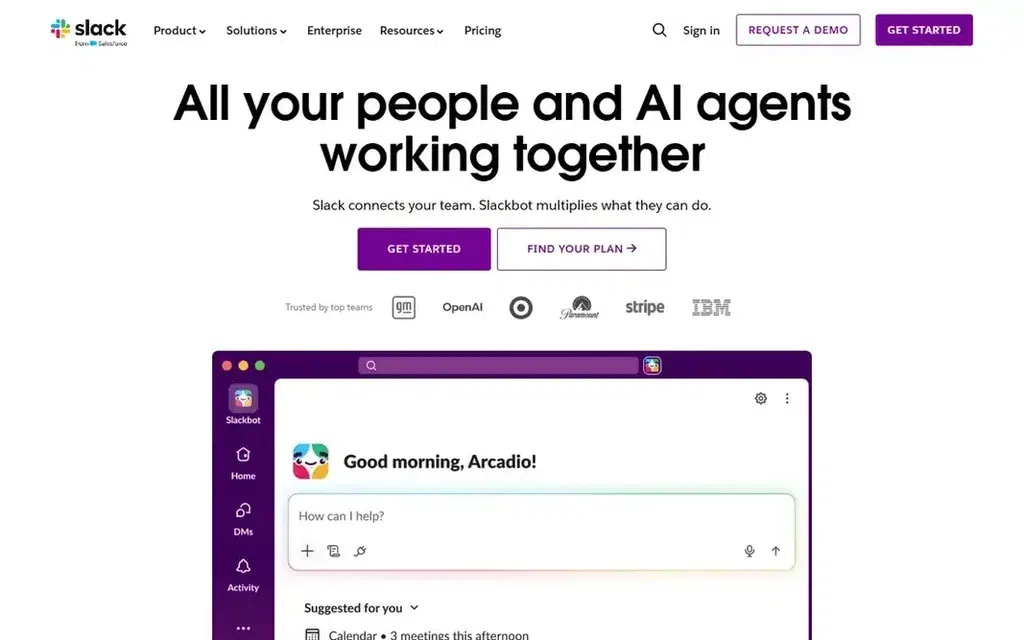
In short, Slack AI is for channel-heavy teams that live in Slack. Slack AI brings AI features and assistant capabilities straight inside Slack, aiming to boost productivity in the place where plenty of teams already talk.
What to check first: Needs organized channel history to be handy.
Its scope is the Slack workspace, so document, project and meeting work still needs other tools. On top of that, results rely on how well channels and history are organized. Slack AI starts at: $4.38 per user per month. Free access exists with Slack AI.
- Keeps assistance where discussion happens
- AI features built into Slack conversations
- Restricted to the Slack environment
Atlassian Intelligence
Best for: Teams using Jira and Confluence
Choose Atlassian Intelligence for teams using Jira and Confluence. It helps teams find and use information spread across their Atlassian tools, supporting collaboration around engineering, service and documentation work.
The main drawbacks: Knowledge quality relies on existing content.
In daily use, answers are shaped by the quality and freshness of existing pages and tickets. More specifically, value is highest inside the Atlassian ecosystem, and teams using other suites may see less benefit. This comparison lists no price for Atlassian Intelligence; ask the vendor. On free options: Not stated.
- Rovo unlocks organizational knowledge with GenAI
- Pitched at connecting knowledge across tools
- Most handy within the Atlassian ecosystem
Think of Notion AI for teams consolidating knowledge and writing. The assistant is only as decent as the workspace behind it, so sparse or messy pages limit usefulness.
In daily use, Notion AI is presented as an AI team member that can search, generate, analyze and chat right inside Notion. From a buyer's view, teams that do not use Notion would have to migrate first. Notion AI does not show a starting price in this comparison, so check the vendor site for current pricing. On free options: Not stated.
Trade-offs to know: Output quality relies on page content. Upsides: analyze and chat in one place.
- Search, produce
- Supports both writing and analysis tasks
- Tied to the Notion workspace
For coordinating projects and agentic workflows, Asana AI is a natural candidate. Asana AI merges AI project management with agentic work management, letting the product coordinate your team and your agents. Its strengths are project-centric, so writing, chat and meeting assistance are better served elsewhere.
Drawbacks to consider: Centred on work management, not documents.
Agentic features rely on clean task data and clear processes. On top of that, if your team primarily needs knowledge search or conversation help, Notion AI or Slack AI may be a more straightforward starting point. Asana AI starts at: $10.99 per user per month. Asana AI offers a free plan.
- Aims to coordinate work automatically
- Agentic work management for teams and agents
- Needs disciplined project data
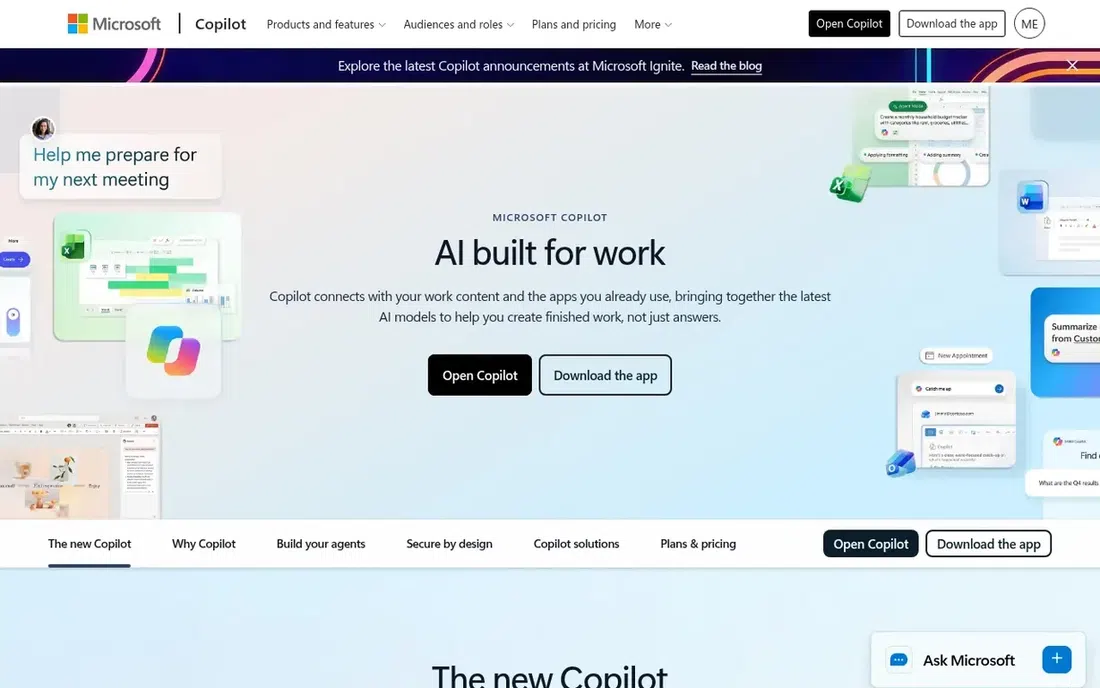
Choose Microsoft Copilot for teams working inside Microsoft 365. It brings access to leading AI models and comes in variants for individuals, business and enterprise.
Upsides: Brings several AI models to work tasks.
From a buyer's view, if your team works primarily in Google Workspace, compare Gemini for Workspace before deciding. As for the details, the experience is most solid when your content and communication already sit in Microsoft 365, so mixed or Google-first environments may see less benefit. Pricing for Microsoft Copilot is not stated here, so ask the vendor for current figures. Free plan details: Not stated.
Drawbacks to consider: Settings and governance need administrative attention.
- Works within the apps employees already use
- Business and enterprise
- Value relies on Microsoft 365 adoption
Selection criteria
We compared the tools on published pricing, free plan or trial availability, feature coverage for software for Human-AI collaboration at work, and the limits each vendor documents. Seat minimums, billing terms and add-ons can move the real cost, so the starting prices here are a guide and not a quote. Order on the page follows fit for the typical buyer first, then price transparency and free access. Your own requirements should decide the final pick.
What to check before you buy
- Confirm the entry price on the vendor page. For Atlassian Intelligence, Notion AI and Microsoft Copilot that means a quote rather than a fixed price.
- Read the fine print on the free plans from Slack AI and Asana AI; seat, project and feature caps differ.
- Before choosing Slack AI, weigh its main limit: limited to the Slack environment.
- Run a one or two week pilot of Microsoft Copilot with the people who will use it every day.
- Confirm you can export your data from Atlassian Intelligence, so leaving later does not mean losing records.
FAQ
Can I try these tools before paying?
Often, yes. Slack AI and Asana AI have a free plan. Use your own data and a real task during the test, and check what the free tier or trial limits before you rely on it.
How are the tools for software for Human-AI collaboration at work ordered?
The order follows typical fit for software for Human-AI collaboration at work, with Slack AI first and Microsoft Copilot last, then price clarity and free access. It is editorial judgement, not a score, so another team could rank the tools differently.
What is human-AI collaboration software?
It is software that embeds AI assistants into the tools where people work, so staff and AI can share context and complete tasks together. Also, the right choice relies on where your team already spends its time.
Which options for software for Human-AI collaboration at work have a free plan?
Slack AI and Asana AI offer a free plan in this list. Free plans usually cap users, projects or features, so check the limits on the vendor page.
Is Slack AI the right pick for everyone comparing software for Human-AI collaboration at work?
No single tool suits every team. Slack AI comes first because it fits channel-heavy teams that live in Slack, while Atlassian Intelligence suits teams using Jira and Confluence and Notion AI suits teams consolidating knowledge and writing. Match the tool to your own size, budget and workflow before deciding.
Sources
- https://slack.com/features/ai
- https://www.atlassian.com/platform/artificial-intelligence
- https://www.notion.com/product/ai
- https://asana.com/product/ai
- https://www.microsoft.com/en-us/microsoft-365/copilot