Best AI Tools for Work Productivity in 2026: 8 Tools Compared
We compared the best ai tools for work productivity, covering planning, notes, meetings, writing, and pricing for busy teams in 2026 in full detail today.
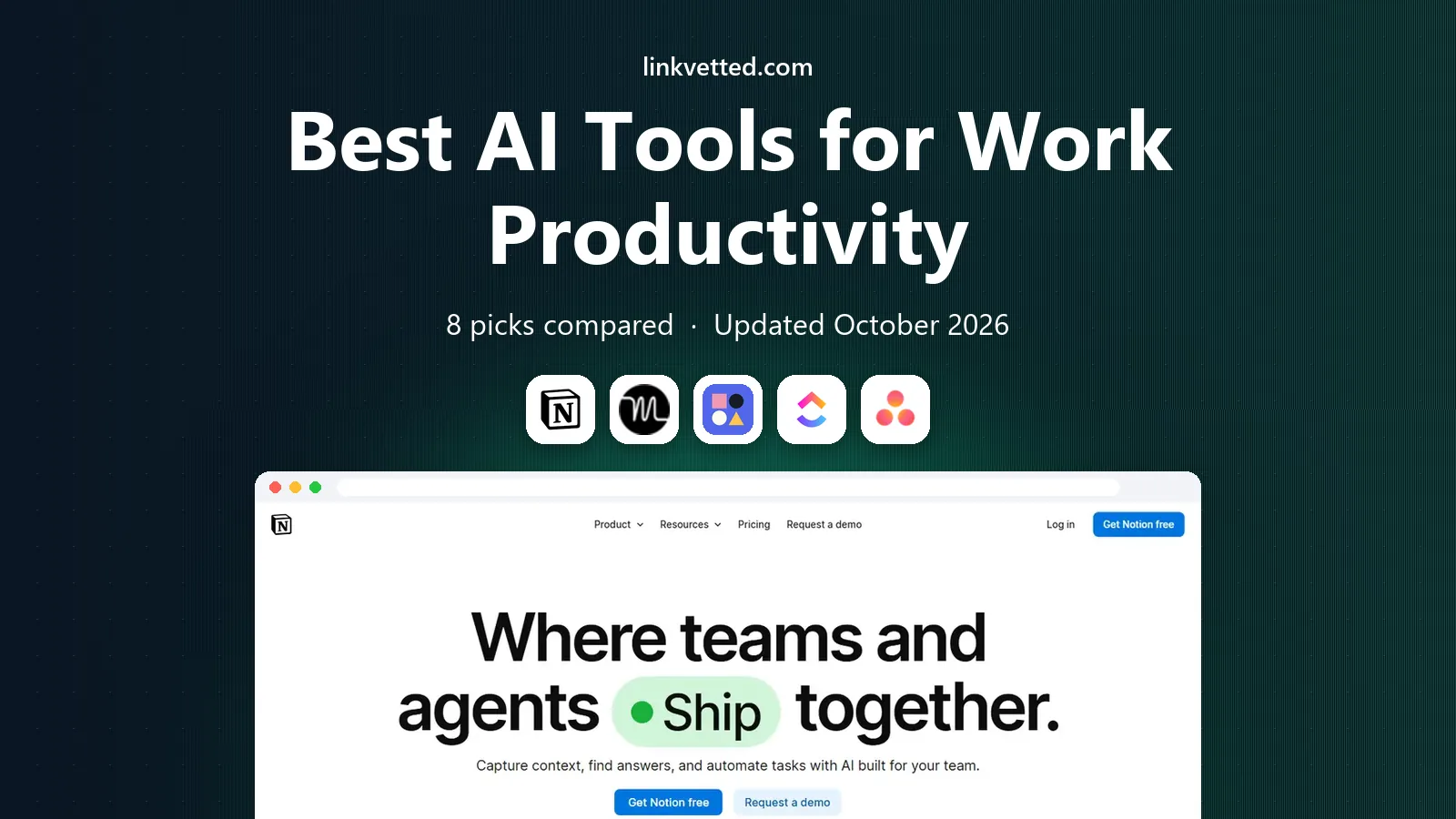
- Editor's choice
 Notion AI
Notes, docs, and tasks in one place
Starts at$10 per monthVisit notion.comFull review - Great alternative
 Motion
Auto-scheduled calendar tasks
Starts at$19 per monthVisit usemotion.comFull review - Also consider
 Reclaim AI
Focus time and calendar defense
Starts at$8 per monthVisit reclaim.aiFull review
TL;DR:
- Notion AI is our pick for most teams, because it links notes, docs, tasks, and AI help in one workspace.
- Motion suits people with packed calendars, since it auto-schedules tasks around meetings and re-plans when the day changes.
- Reclaim AI fits calendar-heavy teams that need focus time, habits, and meeting buffers protected automatically.
- Otter.ai is the best meeting-note choice here, with live transcription and summaries that save follow-up time.
- ClickUp AI and Asana AI both suit teams that already manage work in those platforms, so pick the one your team already uses.
Quick comparison
| Tool | Best for | Starts at | Free plan? | |
|---|---|---|---|---|
| Notion AI | Notes, docs, and tasks in one place | $10 per month | Yes | Visit |
| Motion | Auto-scheduled calendar tasks | $19 per month | Free trial | Visit |
| Reclaim AI | Focus time and calendar defense | $8 per month | Yes | Visit |
 ClickUp AI | AI inside a full work platform | $7 per month | Yes | Visit |
 Asana AI | AI inside team project work | $13.49 per month | Yes | Visit |
 Microsoft 365 Copilot | AI inside Office apps | See website | No | Visit |
 Grammarly | Writing clarity and tone | $12 per month | Yes | Visit |
 Otter.ai | Meeting transcription and summaries | $8.33 per month | Yes | Visit |
The best ai tools for work productivity
Productivity AI should remove busywork, not add another dashboard to check. We compared planning, notes, meeting capture, writing help, and price, and we kept only tools that still work for work teams in 2026.

Notion AI works best for teams that already live in documents. A user can draft a doc, ask AI to summarize a long page, turn meeting notes into tasks, or ask a question across the workspace and get an answer tied to real pages. That link between writing and tasks is why it beats a standalone chatbot for daily work.
The workspace structure also helps. Teams can keep a wiki, a project tracker, and meeting notes in one place, with databases that filter and sort work by owner and due date. Templates for meeting notes, project plans, and goals cut setup time for new teams.
The catch is scope. Notion can do so much that a small team may spend time setting it up when a simple task app would do. Pricing also needs care, since Notion AI is an add-on for paid plans, so check the combined cost for your team size before budgeting.
- Notes, docs, wikis, and tasks in one workspace
- AI writing, summaries, and Q&A over your pages
- Strong templates
- Can feel broad for simple task lists
- AI add-on cost sits on top of a paid plan for larger teams
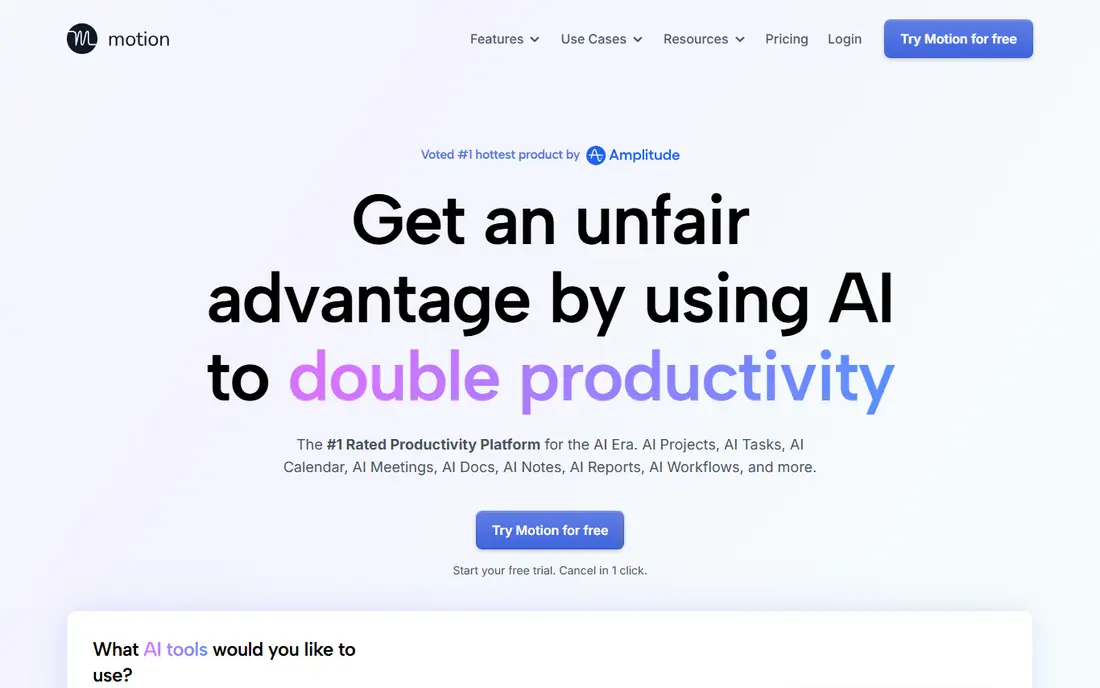
Motion is built for people whose calendars fill up before their task lists do. A user adds tasks with deadlines and priorities, and Motion places them into open calendar slots, then moves them when meetings change. That auto-planning removes the daily puzzle of fitting work around calls.
The tool also covers projects and team work, with views for tasks, calendars, and project timelines. For managers, that means one place to see who is doing what and when it is due, without a separate calendar app and task app.
The limit is input quality. If task durations are guessed badly, the schedule will look neat but feel wrong, and users will need to adjust estimates over time. Motion also offers a trial rather than a permanent free plan, with paid plans starting at $19 per month for individuals.
- Auto-schedules tasks into calendar gaps
- Re-plans automatically when meetings move
- Combines calendar, tasks, and projects
- No permanent free plan, only a trial
- Auto-scheduling needs good task estimates to work well

Reclaim AI focuses on a narrower job than Motion, and it does that job well. It defends time for deep work, habits, lunch, and breaks by auto-blocking calendar slots, then moves those blocks when meetings land on top of them. For calendar-heavy workers, that protection is more valuable than another task list.
The tool syncs tasks from other apps and can schedule them as calendar events, which helps users who already track work elsewhere. It also adds smart buffers around meetings, so back-to-back calls do not eat the whole day.
The trade-off is ecosystem fit. Reclaim AI works best with Google Calendar, and teams on other calendars should check current support before buying. Paid plans start at $8 per month, with a free plan for basic use, so it is also one of the cheaper options here.
- Auto-blocks focus time, habits, and breaks
- Syncs tasks from other tools
- Protects time around meetings
- Best with Google Calendar
- Some advanced features need paid plans
ClickUp AI suits teams that want AI inside the place where work already lives. A user can summarize a long task thread, turn comments into action items, draft a doc, or ask AI to help plan a project, without exporting work to another tool. That in-place help saves the copy-and-paste step that kills many AI workflows.
The platform itself is broad, with tasks, docs, goals, whiteboards, and chat, plus many views for lists, boards, and calendars. Small teams can start on the free plan and add paid features as they grow, with paid plans starting at $7 per user per month.
The weakness is busyness. ClickUp offers so many views and settings that new teams can feel lost, and AI features differ by plan, so check which AI tools sit on the plan you would buy. Teams that want a simpler task app may prefer Asana or Notion for a cleaner start.
- Tasks, docs, goals, and chat in one platform
- AI summaries, action items, and writing help
- Generous free plan
- Feature range can feel busy
- AI features vary by plan
Asana AI fits teams that run work as clear projects with owners and deadlines. AI can draft status updates, summarize project progress, and surface risks, which helps managers report without chasing every task owner for an update. Smart fields and rules can also route work automatically as tasks move.
The structure is the strength. Projects, tasks, subtasks, and timelines stay easy to read, even for large teams, and reporting views help leaders spot overloaded people and slipping deadlines. A free plan covers basic personal and small-team use.
The catch is tiering. The most useful AI features sit on higher paid plans, with Starter pricing at $13.49 per user per month billed annually, so a small team may pay more here than in ClickUp for similar AI help. Teams already on Asana will still get the most value, since switching platforms costs more than the price gap.
- Clear project and task structure
- AI status updates and smart summaries
- Good reporting for managers
- Entry paid price is higher than ClickUp
- AI features sit on higher tiers
Microsoft 365 Copilot is the right pick for teams that already live in Office. It can draft a Word doc from an outline, summarize a long email thread in Outlook, recap a Teams meeting, and help build a PowerPoint deck, all inside the apps people already open. That native fit beats a separate AI tool that needs constant exporting.
The enterprise controls also matter for larger firms. Admins can manage access, data handling, and compliance in ways that a consumer chatbot cannot match, which helps regulated teams adopt AI with clearer guardrails.
The downside is pricing complexity. Copilot access depends on an eligible Microsoft 365 plan, with add-on pricing that varies by plan, billing term, and promotion, so we list it as See website rather than quoting a single number that may not apply to you. Small teams without Microsoft 365 may find Notion AI or ClickUp AI cheaper and simpler.
- AI inside Word, Excel, Outlook, Teams, and PowerPoint
- Drafts, summaries, and meeting recaps in native files
- Enterprise controls
- Requires an eligible Microsoft 365 plan
- Pricing is complex and varies by plan and promo
Grammarly helps with a different kind of productivity, which is writing faster and clearer. It checks grammar, suggests clearer phrasing, adjusts tone for the audience, and works across email, docs, and browsers through extensions and apps. For teams that write a lot of client email and reports, that daily help adds up.
The tool also offers generative AI for drafting and rewriting, plus checks that flag AI-generated text and plagiarism on higher plans. That range makes it useful for editors and managers who review other people's writing, not just their own.
The limit is scope. Grammarly will not plan your day, run your projects, or transcribe meetings, so it works best alongside a planner like Motion or a workspace like Notion. Paid Pro starts at $12 per month billed annually, with a free plan for basic grammar checks.
- Grammar, clarity, and tone suggestions across apps
- Works in email, docs, and browsers
- Plagiarism and AI checks on higher plans
- Not a planner or task manager
- Best writing features need a paid plan
Otter.ai saves the time that meetings usually waste after they end. It joins video calls, transcribes speech live, then produces a summary with action items that a team can review and share. A searchable history means a teammate who missed a call can catch up without asking for a recap.
The integrations cover Zoom, Google Meet, and Microsoft Teams, which covers most work teams. Users can also upload audio and import past meetings, then search across transcripts for decisions and names.
The catch is audio quality. Transcripts are strong with clear audio and one speaker at a time, but they degrade with crosstalk, background noise, or poor microphones. The free Basic plan limits monthly transcription minutes, while Pro starts at $8.33 per month billed annually for higher limits and more features.
- Live transcription for Zoom, Meet, and Teams
- AI summaries and action items
- Searchable meeting history
- Transcription accuracy drops with poor audio or heavy accents
- Free plan limits monthly minutes
How we picked these
We compared official feature pages, pricing pages, and integration lists, and we checked that each tool still offers AI productivity features for work teams in 2026. We favored tools that remove a real daily task, from scheduling to note-taking to writing, rather than tools that only add a chatbot to an existing app. We also kept a mix of planners, workspaces, writing tools, and meeting tools, since productivity work spans all four.
We did not claim hands-on testing. Our comparison rests on published features, pricing, free limits, and public documentation. Teams should trial each shortlisted tool on a real work week before buying, since calendar and writing habits differ a lot by team.
How to get real value from productivity AI
Buy for one painful task first, not for a bundle of features you may never use. A tool that saves 30 minutes a day on scheduling or meeting notes pays for itself, while a tool that only looks impressive in a demo does not.
Start with your biggest time sink
Track where time goes for one week. If meetings eat the day, start with Otter.ai. If scheduling eats the day, start with Motion or Reclaim AI. If writing eats the day, start with Grammarly or Notion AI. Picking by pain point keeps the trial focused and the result easy to judge.
Keep one system of record
AI tools work best when tasks, notes, and calendar events live in one place your team trusts. Avoid running three task apps at once, since AI summaries will then miss half the work. Choose a main workspace, such as Notion, ClickUp, or Asana, and let other tools feed into it.
Review AI output before it goes out
AI drafts, summaries, and action items can contain errors, missed context, or wrong owners. Check summaries against the meeting, check task dates against real deadlines, and check client-facing writing for tone and facts. The review step is short, and it prevents small AI errors from becoming team mistakes.
Measure the saving after two weeks
After a two-week trial, compare time spent on the painful task before and after the tool. Count meetings that needed no recap, tasks auto-scheduled, or drafts that needed less editing. If the saving is small, try a different tool or a different workflow, rather than paying for a tool out of habit.
FAQ
What are the best ai tools for productivity and work for small teams?
Notion AI and ClickUp AI are strong starting points for small teams, because both combine notes, tasks, and AI help in one workspace with a free plan. Reclaim AI is a cheap add-on for calendar protection, and Otter.ai covers meeting notes. Small teams should start with one workspace plus one meeting tool, rather than buying the full list at once.
Is Microsoft Copilot worth it for work?
Microsoft 365 Copilot is worth it for teams that already use Word, Excel, Outlook, Teams, and PowerPoint every day, since it adds AI inside those native apps with enterprise controls. Teams that do not use Microsoft 365, or that mainly need notes and tasks, will usually get better value from Notion AI, ClickUp AI, or Grammarly at a lower cost.
Can AI tools really plan my day?
Tools like Motion and Reclaim AI can schedule tasks and protect focus time automatically, but they work best when task durations and priorities are realistic. Give the tool good inputs for two weeks, review the schedule daily, and adjust estimates as you learn. Auto-planning saves time, but it still needs a human to set priorities.
Do I need to pay for AI productivity tools?
Not always. Notion, ClickUp, Asana, Reclaim AI, Grammarly, and Otter.ai all offer free plans that cover basic use, while Motion and Microsoft 365 Copilot need paid plans or trials. Free plans usually limit AI use, minutes, or features, so heavy daily users will likely need a paid plan for full value.
How do I stop AI tools from becoming another distraction?
Limit yourself to one main workspace, one calendar tool, and one meeting tool, and turn off non-essential notifications. Set a weekly review to clear stale tasks and summaries, and drop any tool that adds checking work without saving time. Productivity AI should reduce open tabs, not increase them.