Best AI Tools for Education in 2026: 9 Tools Compared
Compare ai tools for education best rated in 2026, from Khanmigo and MagicSchool to Brisk Teaching, Diffit and SchoolAI, with privacy notes included here.

- Editor's choice
 Khanmigo
Guided student tutoring and teacher planning
Starts atFreeVisit khanmigo.aiFull review - Great alternative
 MagicSchool
Teachers wanting one broad toolkit
Starts atFreeVisit magicschool.aiFull review - Also consider
 Brisk Teaching
Feedback inside Google Docs and Slides
Starts atFreeVisit briskteaching.comFull review
TL;DR:
- Khanmigo is our pick for student-facing tutoring, since it is free for US teachers and built around guided, Socratic help rather than direct answers.
- MagicSchool is the best all-round teacher toolkit, with more than 80 teacher tools covering lesson plans, rubrics, feedback and differentiation.
- Brisk Teaching suits Google Workspace schools best, since it works inside Docs, Slides and Classroom without a new workflow.
- Diffit leads for reading differentiation, turning one text into leveled versions for mixed-ability classes in under a minute.
- Student-data privacy matters with every tool here. Prefer district-approved tools with signed data agreements, and never paste student names, grades or IEP details into a general chatbot.
Quick comparison
| Tool | Best for | Starts at | Free plan? | |
|---|---|---|---|---|
| Khanmigo | Guided student tutoring and teacher planning | Free | Yes | Visit |
| MagicSchool | Teachers wanting one broad toolkit | Free | Yes | Visit |
| Brisk Teaching | Feedback inside Google Docs and Slides | Free | Yes | Visit |
 Diffit | Leveled reading for mixed-ability classes | Free | Yes | Visit |
 Eduaide | Pedagogy-first lesson and assessment design | Free | Yes | Visit |
 Curipod | Live interactive lessons with student responses | Free | Yes | Visit |
 SchoolAI | Managed student AI spaces and teacher assistants | See website | Free trial | Visit |
 Quizizz | AI-assisted quizzes and interactive practice | See website | Yes | Visit |
 Canva for Education | Visual lessons, slides and classroom materials | Free | Yes | Visit |
The best ai tools for education
AI tools for education fall into two groups: teacher tools that plan, grade and differentiate, and student tools that tutor, practice and create. We compared official product pages, pricing and privacy documentation, favoring tools built for schools with education-specific privacy protections. Where a tool is free for verified teachers, we say so, and where pricing is district-based, we show See website.
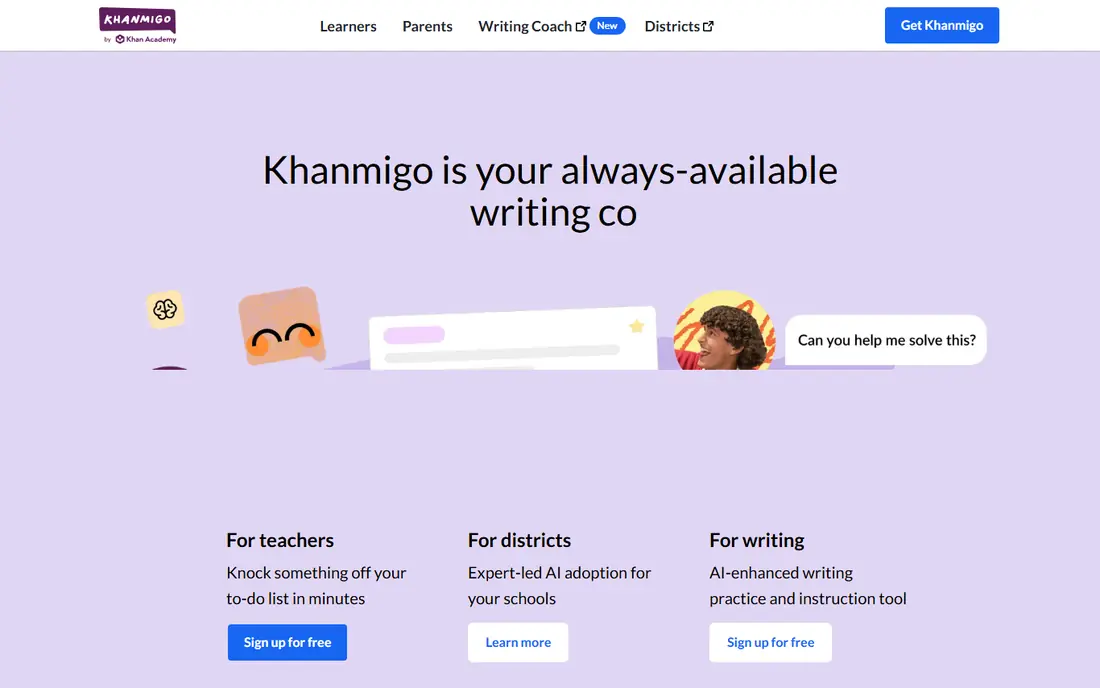
Khanmigo is the student-facing pick because of how it tutors. Instead of handing over an answer, it asks questions, checks understanding and guides the student toward the solution, which preserves the learning that direct-answer tools remove. Teachers also get planning, rubric and feedback tools free, which makes it useful on both sides of the classroom.
District purchase covers student access at scale, so individual teachers should check what their district already provides. For tutoring that actually teaches, Khanmigo remains the benchmark other student tools are measured against.
- Free for US teachers through a nonprofit model
- Socratic tutoring that guides rather than giving answers
- Aligned with Khan Academy content
- Student tutor access for districts is a paid purchase
- Subject coverage is strongest in math and core academics
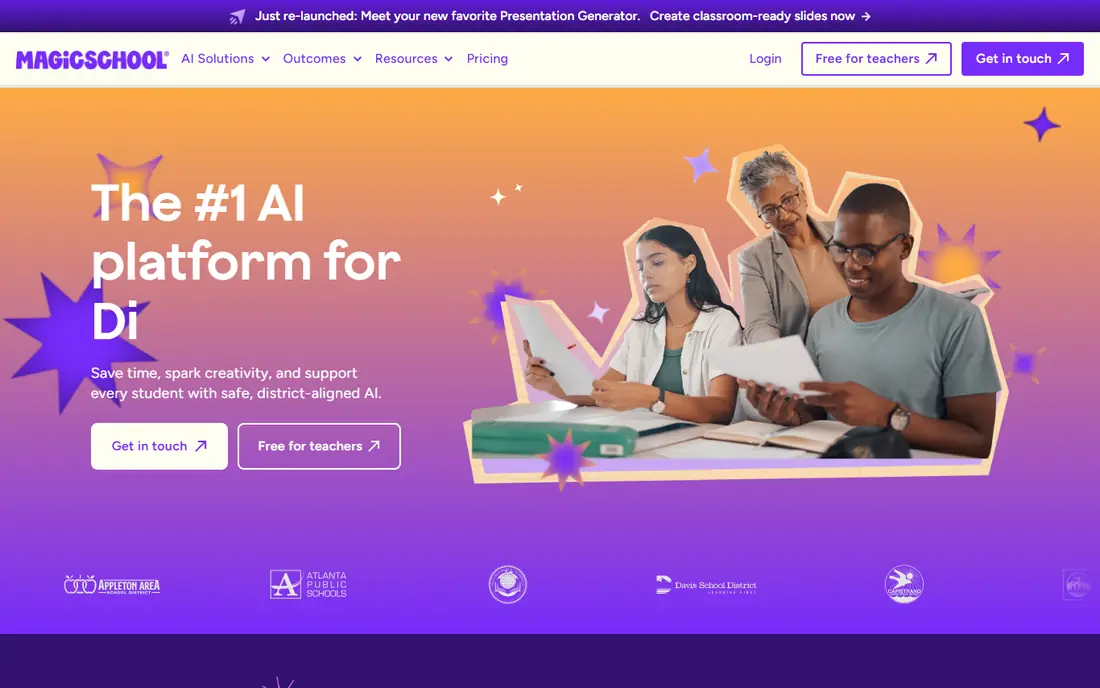
MagicSchool is the tool we would install first if a teacher could only pick one. Lesson plans, rubrics, IEP goal drafts, quizzes, writing feedback, report-card comments and differentiation all live in one dashboard, built for educators rather than adapted from a general chatbot. The free tier covers a normal week's planning for most teachers, with Plus adding higher limits.
Privacy is a genuine strength here, with FERPA and COPPA alignment and a stated policy against using student data for model training. Start with the three or four tools you use weekly, and expand from there rather than trying all 80 at once.
- More than 80 teacher tools plus student tools
- Free tier covers normal weekly planning for most teachers
- Education-specific privacy posture with FERPA and COPPA alignment
- Plus plan at $12.99 per month is needed for higher usage limits
- Breadth can overwhelm new users at first
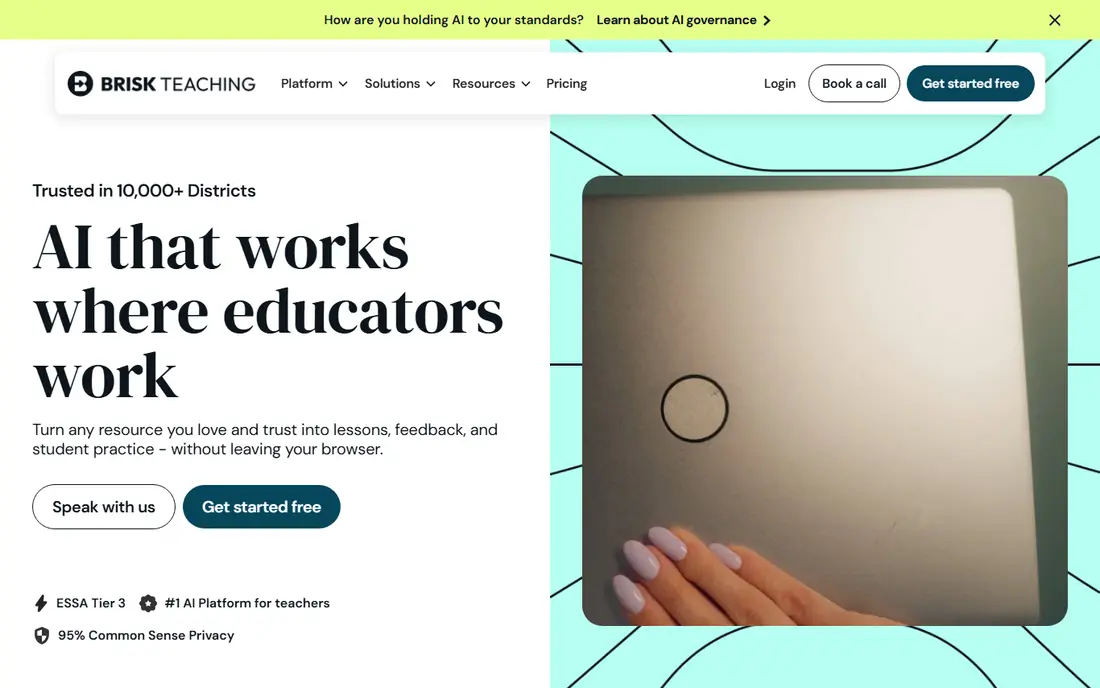
Brisk Teaching wins on workflow. As a browser extension, it lives where teachers already work, so highlighting a paragraph in a Doc can level it, quiz it or turn it into feedback without opening a new tab. Rubric-based feedback inside the document itself saves the copy-and-paste loop that eats grading time.
The Google focus is the limit. Schools on Microsoft or other platforms get less value, and the free tier's daily limits may push heavy users to Pro. For a Google Classroom school, though, Brisk is the fastest grading and differentiation tool on this list.
- Chrome extension that works inside Docs, Slides, PDFs and Classroom
- Free plan includes many tools with usage limits
- Educator Pro at $99.99 per year
- Google Workspace focus means less value outside that ecosystem
- Free tier has daily limits
Diffit solves a daily problem in mixed-ability classrooms: one class, many reading levels. Paste a text or a topic, choose a level, and Diffit produces a leveled passage with vocabulary support and comprehension questions. That turns a 30-minute adaptation task into a few minutes of review.
Teacher review remains essential, since AI leveling can miss nuance, simplify a key concept too far, or introduce errors. Use Diffit to draft, then check the result against your learning goal before handing it out. For differentiation speed, nothing else here matches it.
- Turns any text or topic into leveled readings quickly
- Vocabulary, summaries and questions generated alongside
- Individual premium at $14.99 per month
- Free tier is basic after trial periods
- Quality still needs a teacher review before classroom use
Eduaide appeals to teachers who think in terms of learning objectives, depth of knowledge and instructional frameworks. Its resource library covers worksheets, assessments, feedback and planning with pedagogy built in, rather than generic text generation. The Pro price is among the lowest on this list, which makes it easy to try.
The trade-off is familiarity. Teachers new to instructional design language may find MagicSchool easier at first. Teachers who already plan with frameworks will find Eduaide faster and more precise for the resources they actually use.
- More than 75 resource types with pedagogy frameworks
- Free credits each month
- Pro at $5.99 per month or $49.99 per year
- Smaller user base than MagicSchool
- Interface rewards users who already know instructional design terms
Curipod turns a lesson into a live experience. Students write and respond from their devices, and the teacher sees responses and AI-assisted feedback in real time, which makes writing practice and discussion far more active than a slide deck alone. Engagement is the clear strength, especially for lessons that otherwise stay passive.
Device access is the constraint. Classes without reliable one-to-one devices or connectivity will struggle, and district pricing is custom rather than published. Where devices are available, Curipod is one of the most engaging tools on this list.
- Students respond live from devices with real-time AI feedback
- Strong for writing practice and engagement
- Free tier for trying lessons
- School and district pricing is custom
- Live lessons need reliable devices and connectivity
SchoolAI is built for districts that want students to use AI inside guardrails, not in open chatbots. Teachers create managed spaces with defined tools, prompts and limits, so students get AI help within boundaries the teacher sets. Teacher assistants for planning and feedback round out the platform.
Pricing is district-based, so individual teachers should ask their school about access rather than buying alone. For a district rolling out student AI safely, SchoolAI's control model is a serious advantage over general-purpose tools.
- Teacher-controlled student spaces with guardrails
- Assistants for lesson planning, feedback and grading
- District-focused privacy and controls
- Pricing is school and district based
- Smaller public footprint than Khanmigo or MagicSchool
Quizizz is the practice and assessment pick. Teachers can build quizzes, interactive lessons and homework from a large existing library, with AI help to generate or adapt questions to a topic or reading level. Gamified formats keep practice engaging, and reports show which students need follow-up.
AI-generated questions need the same review as any AI output, since a plausible-sounding wrong answer can confuse a class. Used as a drafting aid with teacher checking, Quizizz saves real preparation time and gives students practice they will actually complete.
- Large library of quizzes and interactive lessons
- AI tools help generate and adapt questions
- Free tier for teachers
- AI generation still needs teacher review for accuracy
- Premium features sit behind school plans
Canva for Education rounds out the list as the design tool every classroom needs. Slides, posters, worksheets, infographics and short videos come together quickly, and AI features in Magic Studio speed up image and layout work. Verified K-12 teachers get the education tier free, which removes the usual budget barrier.
It does not replace a tutoring or planning specialist, and it should not be judged as one. Pair Canva with Khanmigo or MagicSchool: plan and tutor in the specialist tool, then design the materials students see in Canva.
- Free for verified K-12 teachers
- Magic Studio AI tools for slides, images and video
- Integrates with Google Classroom and Canvas
- Design tool first, so lesson planning and tutoring depth are thinner than specialist tools
- Verification required for the free education tier
How we picked these
We compared official product pages, pricing and privacy documentation for tools built for schools and actively used in 2026. We favored tools with education-specific privacy protections, a free teacher tier or district model, and a clear classroom job, and we mixed teacher tools, student tools and design tools rather than ranking on feature count alone.
Student-data privacy: what to check before classroom use
Prefer tools with a signed data processing agreement, FERPA and COPPA alignment, and a clear statement that student data is not used to train models. District approval matters more than a vendor's marketing page, so ask your IT or data privacy officer which tools are already approved before introducing a new one.
Never paste student full names, grades, IEP details or other identifying information into a general chatbot that lacks an education agreement. Use the district-approved version of a tool, keep prompts free of personal data, and teach students the same rule. The safest AI habit in a classroom is to treat every prompt as if it could be seen by someone else.
A practical starter stack
Most teachers need two or three tools, not nine. A good starter stack is MagicSchool for planning, Brisk for feedback in Google Docs, and Khanmigo for tutoring, with Diffit added when differentiation is the bottleneck. Add Curipod or Quizizz for engagement and practice, and Canva for materials. Start small, learn one tool well, and expand only when a real classroom need appears.
FAQ
What is the best AI tool for education overall?
MagicSchool is the best all-round teacher toolkit, while Khanmigo is the best student tutoring tool. Most teachers benefit from one of each rather than a single tool for everything.
Are AI tools for education free for teachers?
Many are. Khanmigo is free for US teachers, MagicSchool and Brisk offer free tiers, and Canva for Education is free for verified K-12 teachers. Paid plans add higher limits or district features.
Is it safe to put student data into AI tools?
Only into district-approved tools with signed data agreements and education privacy protections. Never paste student names, grades or IEP details into a general chatbot without an education agreement.
Can AI replace teachers?
No. AI drafts, differentiates and gives feedback faster, but teachers set learning goals, check accuracy, manage the classroom and build relationships. The best tools save planning time so teachers can spend more time with students.
What is the best AI tool for lesson planning?
MagicSchool leads for breadth, with more than 80 teacher tools, while Eduaide suits pedagogy-focused planners. Brisk is fastest when your work already lives in Google Docs.
How do I choose between Khanmigo and MagicSchool?
Choose Khanmigo first for student tutoring, and MagicSchool first for teacher planning and grading. Many teachers use both, since they solve different jobs.