Best AI Tools for Digital Marketing in 2026: 8 Tools Compared
Discover the best ai tools for digital marketing in 2026, from copy and SEO to social, email, and automation, with prices and free plans compared today.
- Editor's choice
 Jasper
Brand marketing copy at scale
Starts at$49 per monthVisit jasper.aiFull review - Great alternative
 Copy.ai
Marketing workflows and copy
Starts atSee websiteVisit copy.aiFull review - Also consider
 Surfer
SEO content optimisation
Starts at$79 per monthVisit surferseo.comFull review
TL;DR:
- Jasper and Copy.ai lead for repeatable marketing copy, while Surfer and Semrush lead for search content.
- HubSpot is the strongest all-in-one choice when email, CRM, and automation must live together.
- Canva and Zapier are useful even for small teams because they cover visuals and connections cheaply.
- Start with one clear job, such as content or email, before adding a second AI tool.
Quick comparison
| Tool | Best for | Starts at | Free plan? | |
|---|---|---|---|---|
| Jasper | Brand marketing copy at scale | $49 per month | No | Visit |
| Copy.ai | Marketing workflows and copy | See website | Yes | Visit |
| Surfer | SEO content optimisation | $79 per month | No | Visit |
 Semrush | SEO, content, and competitor research | See website | Yes | Visit |
 HubSpot | All-in-one marketing and CRM | See website | Yes | Visit |
 Canva | AI visuals for marketing | Free | Yes | Visit |
 Zapier | Marketing workflow automation | $19.99 per month | Yes | Visit |
 AdCreative.ai | AI ad creative generation | See website | No | Visit |
The best AI tools for digital marketing
AI tools can draft copy, plan content, sort audiences, and connect your apps, but no single tool does every marketing job well. The list below groups tools by job, so you can build a small stack that fits your budget instead of paying for one large platform you only partly use.
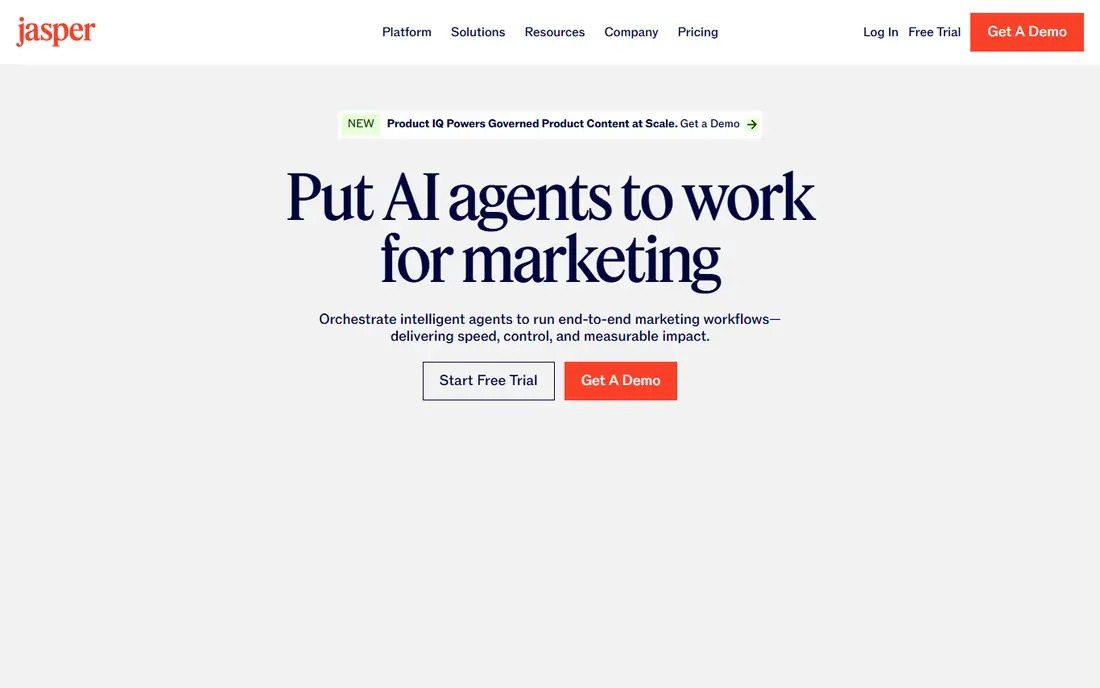
For many readers, this is the first option worth a close look. Jasper is built for teams that produce similar copy often, such as product descriptions, ads, and email sequences, with brand voice settings to keep tone steady. Use it when a team needs steady, on-brand copy every week.
The draft is a starting point, not a finished piece, and the cost only makes sense if you publish often. Before you commit, check the plan limits against the volume you actually expect, and confirm that the features you need most are included at the price shown rather than on a higher tier. That one check prevents most of the disappointment readers report after signing up, because a headline price rarely tells the full story on its own.
- Brand voice controls
- Campaign templates
- Team workspaces
- Output still needs human editing
- Entry price is high for solo users

This one earns its place through a clear, focused job it does well. Copy.ai pairs copy generation with workflows, so repetitive tasks such as briefs, outreach drafts, and social variants can follow a set pattern. Use it for teams that want copy plus automation in one login.
Results depend heavily on the brief you give it, and weak prompts produce generic copy that needs rewriting. Before you commit, check the plan limits against the volume you actually expect, and confirm that the features you need most are included at the price shown rather than on a higher tier. That one check prevents most of the disappointment readers report after signing up, because a headline price rarely tells the full story on its own.
- Workflow automation
- Many copy templates
- Team features
- Advanced features need higher tiers
- Quality varies by prompt
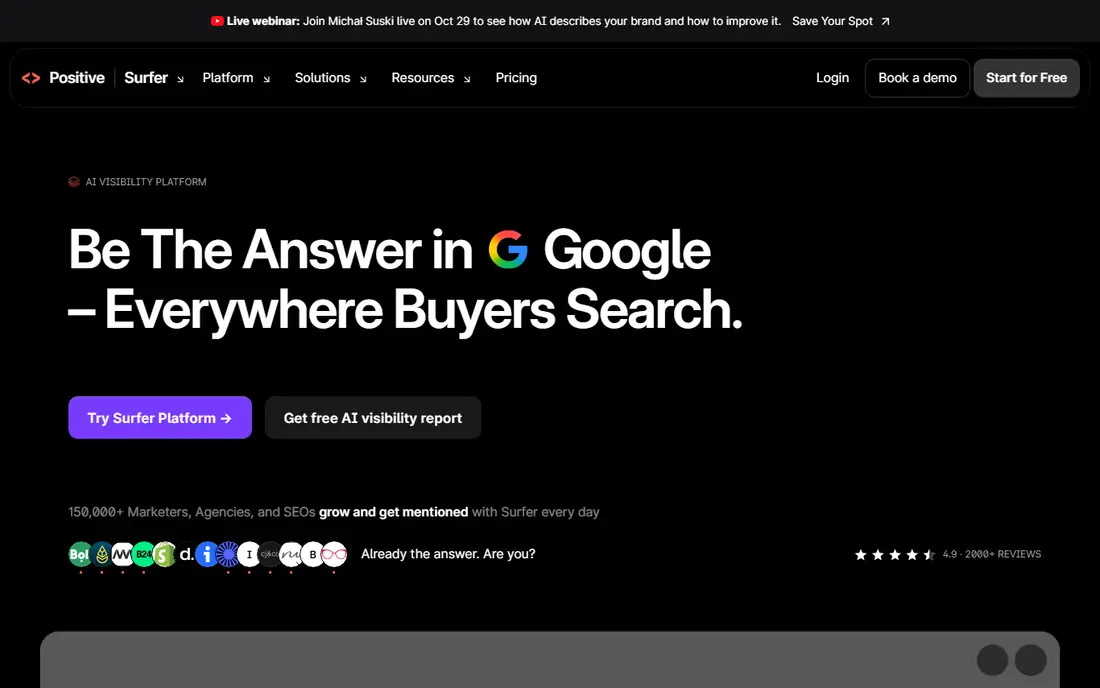
If you want a dependable starting point, start here. Surfer scores a draft against pages that already rank, which gives writers concrete guidance on structure and coverage. Use it when search traffic is a main growth channel.
It does not replace research or expertise, and its price is steep for a solo blogger with a small site. Before you commit, check the plan limits against the volume you actually expect, and confirm that the features you need most are included at the price shown rather than on a higher tier. That one check prevents most of the disappointment readers report after signing up, because a headline price rarely tells the full story on its own.
- Content Editor scoring
- SERP analysis
- AI search guidance
- No free plan
- Credit limits can bind on busy months
This option suits readers who know what they need and want it without fuss. Semrush covers research, tracking, audits, and content planning, which makes it a strong hub for a marketing team. Use it when one platform must serve SEO, content, and competitive research.
Its breadth can overwhelm a beginner, and many features stay unused on small accounts. Before you commit, check the plan limits against the volume you actually expect, and confirm that the features you need most are included at the price shown rather than on a higher tier. That one check prevents most of the disappointment readers report after signing up, because a headline price rarely tells the full story on its own.
- Large keyword and competitor data
- Site audits
- Content tools
- Full pricing rises fast
- Learning curve for new users
A strong choice when the priority is getting a good result quickly. HubSpot brings contacts, email, forms, and automation into one record, so a lead is less likely to fall through a gap between tools. Use it for businesses that want marketing and sales in one system.
The free tier is useful, but serious automation and reporting sit on paid plans that scale with your list. Before you commit, check the plan limits against the volume you actually expect, and confirm that the features you need most are included at the price shown rather than on a higher tier. That one check prevents most of the disappointment readers report after signing up, because a headline price rarely tells the full story on its own.
- CRM, email, and automation together
- AI content assistant
- Strong reporting
- Paid tiers get expensive as contacts grow
- Setup takes time
This is the pick to shortlist when budget and ease matter in equal measure. Canva turns a brief into social visuals, ads, and presentations quickly, which helps small teams keep a steady posting rhythm. Use it for fast, consistent marketing visuals without a designer.
It is a design tool, not a strategy tool, so it will not fix weak messaging on its own. Before you commit, check the plan limits against the volume you actually expect, and confirm that the features you need most are included at the price shown rather than on a higher tier. That one check prevents most of the disappointment readers report after signing up, because a headline price rarely tells the full story on its own.
- Magic Studio tools
- Huge templates
- Easy team sharing
- AI features on free plan are limited
- Brand controls need paid plans
Readers who like a guided setup will find this one comfortable. Zapier moves data between your form, email tool, CRM, and spreadsheet without manual copying, which saves hours each week. Use it to connect tools you already pay for.
Automation only helps when the underlying process is clear, so messy workflows can become messy automations. Before you commit, check the plan limits against the volume you actually expect, and confirm that the features you need most are included at the price shown rather than on a higher tier. That one check prevents most of the disappointment readers report after signing up, because a headline price rarely tells the full story on its own.
- Connects thousands of apps
- AI actions
- Simple automation builder
- Task limits can raise costs at scale
- Complex flows need care
This option stands out for a specific strength that is easy to overlook at first glance. AdCreative.ai produces many ad variants quickly, which helps paid teams test images and headlines without a long design queue. Use it for paid social and display campaigns that need frequent creative tests.
Creative scoring is a guide, not a guarantee, and the best variant still needs a human eye before spend rises. Before you commit, check the plan limits against the volume you actually expect, and confirm that the features you need most are included at the price shown rather than on a higher tier. That one check prevents most of the disappointment readers report after signing up, because a headline price rarely tells the full story on its own.
- Fast ad image and text variants
- Creative scoring
- Platform formats
- Output needs human review for brand fit
- Pricing varies by credits
How we picked these
We compared official feature pages, pricing pages, app store listings, privacy pages, and public reviews for each option, and we kept only products that exist, work today, and fit the topic directly. Where a price could not be confirmed on the vendor site at the time of writing, we wrote See website instead of guessing. We also weighed who each product is really built for, because the best choice for a solo user is often a poor choice for a team, and the reverse is just as true. We did not claim hands-on testing that did not happen. Instead, we focused on facts you can check yourself: what is included, what costs extra, what the free option covers, and where the limits sit. That approach keeps the comparison honest and lets you test the shortlist with your own real project before you pay.
How to build an AI marketing stack without overspending
Pick the bottleneck first. If content is slow, buy a writing tool. If leads are lost, buy CRM and automation. If visuals are slow, buy a design tool. Buying all three at once usually means two of them sit unused.
Start with one job and one metric
Choose a single result to improve, such as published posts per week or email replies, and judge the tool on that result for a month. A tool that helps everywhere on paper often helps nowhere in practice.
Keep a human in the loop
AI drafts, scores, and variants still need editing, fact checks, and brand review. Set a simple rule: no AI copy, image, or email goes live without a named person approving it.
Watch total cost, not headline price
Credits, seats, contacts, and tasks all change the monthly bill. Add those together for your real volume before comparing two tools that look similar at first glance.
FAQ
What is the best AI tool for digital marketing?
There is no single winner, because content, SEO, email, and ads are different jobs. Jasper suits copy at scale, Surfer and Semrush suit search, HubSpot suits all-in-one marketing, and Canva suits visuals.
What is the best AI digital marketing tool for small businesses?
Canva, Copy.ai, and Zapier offer free or low-cost entry points, and HubSpot has a useful free CRM tier. Start with the job that costs you the most time, then add a second tool only after the first one pays off.
Can AI tools replace a marketing team?
No. AI tools speed up drafting, research, and routine tasks, but strategy, brand judgment, and final editing still need people. Teams that treat AI as a helper tend to get better results than teams that publish raw output.
Is there a free AI tool for digital marketing?
Yes. Canva, Copy.ai, HubSpot, and Zapier all offer free tiers with limits, and general chat assistants offer free plans too. Free tiers are good for testing, but regular publishing usually needs a paid plan.
How do I choose between Jasper and Copy.ai?
Jasper fits teams that need steady brand voice across many pieces of copy, while Copy.ai fits teams that also want workflow automation. Trial both with the same brief and compare the editing time, not only the first draft.