Best Cloud-Based Live Streaming Software in 2026: Prices, Free Plans and 5 Picks
Searching for the top Cloud-Based live streaming software? Here are 5 options with prices and free plans. Read the caveats before you buy. Quick to scan.
- Editor's choiceMicrosoft Teams Live Events
Streaming within Microsoft Teams ecosystem
Starts atSee websiteVisit microsoft.comFull review - Great alternativeVimeo Livestream
High-quality streaming with engagement tools
Starts atSee websiteVisit livestream.comFull review - Also consider
 Restream
Multistreaming to several systems
Starts at$239 a monthVisit restream.ioFull review
Direct answer
For streaming within Microsoft Teams ecosystem, Microsoft Teams Live Events is where this list starts. Listed starting prices: Restream from $239 a month and BoxCast from $109 a month. Vimeo Livestream is the stronger choice for high-quality streaming with engagement tools, while Restream suits Multistreaming to several products. The full list of 5 tools follows, with prices and free plan facts.
TL;DR:
- Number one here is Microsoft Teams Live Events, a fit for streaming within Microsoft Teams ecosystem.
- Zoom Webinars fits dependable webinars with audience engagement.
- BoxCast is the lowest-priced starter here at $109 per month.
- Vimeo Livestream is the only tool of the 5 with a free plan.
Last checked November 2026. Prices and plan details were read from the vendors' own pages in November 2026; vendors change plans often, so confirm the current price on the vendor site before you buy.
Quick comparison
| Tool | Best for | Starts at | Free plan? | |
|---|---|---|---|---|
| Microsoft Teams Live Events | Streaming within Microsoft Teams ecosystem | See website | Not stated | Visit |
| Vimeo Livestream | High-quality streaming with engagement tools | See website | Yes | Visit |
| Restream | Multistreaming to several systems | $239 a month | Not stated | Visit |
| BoxCast | Professional streaming with expert support | $109 a month | Free trial | Visit |
 Zoom Webinars | Dependable webinars with audience engagement | See website | Not stated | Visit |
Our 5 picks for Cloud-Based live streaming software
Choosing Cloud-Based live streaming software usually comes down to price, fit and limits. This LinkVetted guide sets 5 tools side by side on those three points, with the facts kept short and checkable.
Microsoft Teams Live Events
Best for: Streaming within Microsoft Teams ecosystem
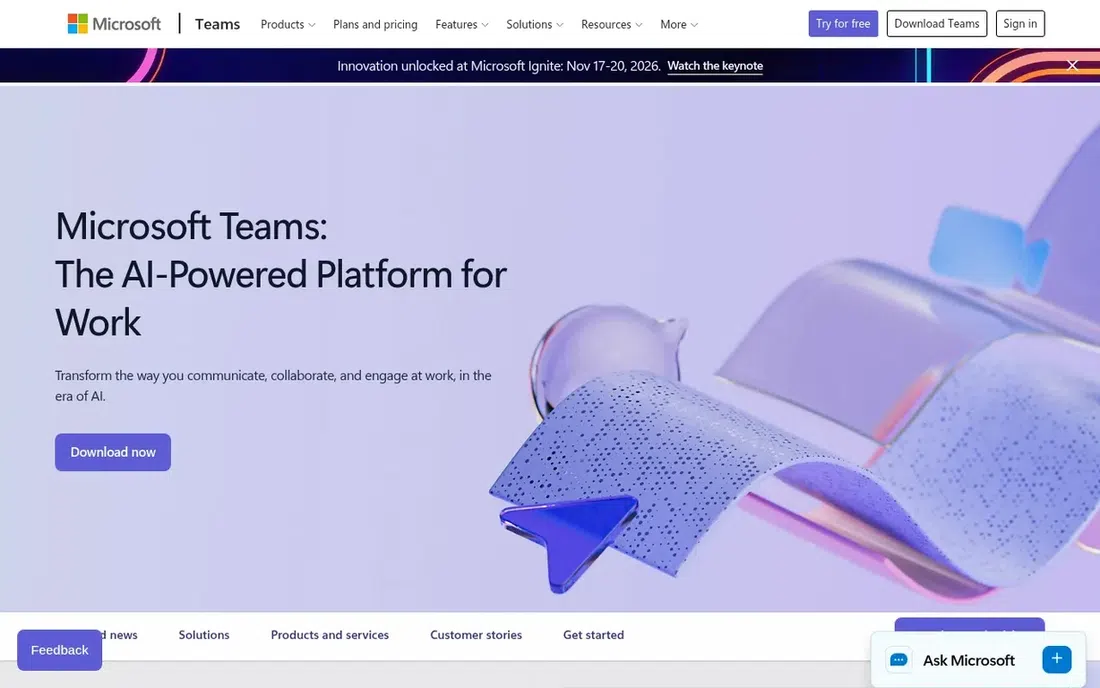
Microsoft Teams Live Events is a good fit for streaming within Microsoft Teams ecosystem. Production features are entry-level compared with dedicated streaming studios. The tool lets you produce live events with moderator controls and audience Q&A, making it a good match for internal communications, training, and company-wide presentations.
Pick it when your audience is internal and you want streaming without leaving Teams. In daily use, Microsoft Teams Live Events extends Teams collaboration with one-to-many broadcasting. It is well suited to organizations already using Microsoft Teams for meetings, chat, and file sharing. Pricing for Microsoft Teams Live Events is not stated here, so ask the vendor for current figures. Trial and free access: Not stated.
Where it falls short: Restricted customization for external broadcasts.
- Familiar interface for Microsoft users
- Supports large audiences
- Needs Microsoft 365 setup
Vimeo Livestream
Best for: High-quality streaming with engagement tools
Choose Vimeo Livestream for high-quality streaming with engagement tools. It emphasizes high-quality, low-latency streaming with engagement tools for example chat and polls. It is a solid fit for creators and companies that want professional-looking streams without heavy software, notably for webinars, conferences, and performances.
As for the details, consider a dedicated multistreaming tool if reaching several social channels is essential. Whereas Vimeo Livestream gives you solid engagement, it may not support advanced multistreaming to plenty of products simultaneously. No starting price is listed for Vimeo Livestream here; confirm pricing on the vendor site. Vimeo Livestream offers a free plan.
Where it falls short: Restricted multistreaming choices.
- Low-latency delivery
- Engagement features for events
- May need Vimeo account
Where Restream fits: Multistreaming to multiple products. If you need complicated scene layouts or advanced audio mixing, you might combine it with other tools.
Trade-offs to know: May need external tools for advanced scenes.
It is aimed at streamers, marketers, and creators who want to maximize reach without managing several encoders. Entry price for Restream: $239 per month. As for free access: Not stated.
- Simultaneous streaming to plenty of channels
- Straightforward setup
- Restricted built-in production features
BoxCast
Best for: Professional streaming with expert support
Pick BoxCast if this describes you: professional streaming with expert support. It is built to ease streaming for organizations that want to link with their community, like sports teams, churches, and educators. As for the details, the integrated system bundles tools for production and distribution.
Drawbacks to consider: Restricted multistreaming choices.
BoxCast may need specific hardware for certain production setups, which can add complexity. It is less centred on multistreaming to numerous social products compared with dedicated multistreaming tools. On cost, BoxCast starts like this: $109 per month. Free access: Free trial.
- Straightforward production workflow
- Integrated video platform
- May need hardware for some features
Zoom Webinars serves dependable webinars with audience engagement. Zoom Webinars is part of Zoom's platform for video meetings, chat, webinars, and events. It is made for organizations that require dependable cloud-based streaming with interactive features like chat, Q&A, and whiteboard.
Downsides: May need extras for full webinar features.
If you need multistreaming to social platforms or sophisticated scene management, consider a dedicated streaming tool. Whereas Zoom Webinars excels at interactive sessions, it may lack advanced production controls for highly refined broadcasts. Zoom Webinars does not show a starting price in this comparison, so check the vendor site for current pricing. As for free access: Not stated.
- Integrated chat and whiteboard
- Part of a broader collaboration suite
- Limited built-in production tools
How the list was put together
What to confirm before you sign up
- Confirm the entry price on the vendor page. For Microsoft Teams Live Events, Vimeo Livestream and Zoom Webinars that means a quote rather than a fixed price.
- Look at the free plan from Vimeo Livestream closely: its caps decide whether it is usable for real work.
- Take the trial from BoxCast and push a live task through it before you pay.
- Read the limits listed for Microsoft Teams Live Events first: needs Microsoft 365 setup.
- Confirm you can export your data from Zoom Webinars, so leaving later does not mean losing records.
- Ask the daily users to test Microsoft Teams Live Events on a live task before you roll it out to everyone.
FAQ
Do these tools publish their prices?
Not all of them. Microsoft Teams Live Events, Vimeo Livestream and Zoom Webinars publish no starting price, so expect a quote request for those. The rest, Restream included, show a starting price, though seats and billing terms still change the final cost.
Can I try these options before paying?
Often, yes. Vimeo Livestream has a free plan and BoxCast offers a free trial. Use your own data and a real task during the test, and check what the free tier or trial limits before you rely on it.
Which tool is a good match for multistreaming to several systems?
The first pick on this list is Microsoft Teams Live Events, because it suits streaming within Microsoft Teams ecosystem. Vimeo Livestream is better for high-quality streaming with engagement tools, and Restream for Multistreaming to several platforms. Check price and limits against your own needs before choosing.
What is the cheapest option for Cloud-Based live streaming software in this list?
On published monthly entry prices, BoxCast is the lowest here at $109 per month. Entry price is only part of the cost, because seats, add-ons and billing terms can change the total.
Is Microsoft Teams Live Events the right pick for everyone comparing Cloud-Based live streaming software?
No single tool suits every team. Microsoft Teams Live Events comes first because it fits streaming within Microsoft Teams ecosystem, while Vimeo Livestream suits high-quality streaming with engagement tools and Restream suits Multistreaming to multiple platforms. Match the tool to your own size, budget and workflow before deciding.
Can I use these tools for internal events?
Yes, Microsoft Teams Live Events and Zoom Webinars are well-suited for internal communications and training. They connect with collaboration suites and offer controls for private audiences.
Sources
- https://www.microsoft.com/en-us/microsoft-teams
- https://livestream.com
- https://restream.io
- https://www.boxcast.com
- https://www.zoom.com