Best Studio Designer Alternatives for 2026 (5 Compared)
Need Studio Designer alternatives? We compare 5 tools on cost, free access and who each suits. Every profile names its biggest catch. Reviewed this month.
- Editor's choice
 Canva
Visual content and client presentations
Starts atSee websiteVisit canva.comFull review - Great alternative
 Dubsado
Creative service business management
Starts atSee websiteVisit dubsado.comFull review - Also consider
 Houzz Pro
Design and construction all-in-one system
Starts atSee websiteVisit houzz.comFull review
Direct answer
Canva comes first here, mainly for visual content and client presentations. Listed starting prices: DesignFiles from $55 a month and Ivy from $199 a month. Alternatives: Dubsado for creative service business management, and Houzz Pro for design and construction all-in-one product. The full list of 5 tools follows, with prices and free plan facts.
TL;DR:
- Number one here is Canva, a fit for visual content and client presentations.
- For simplifying design studio administration, Ivy is worth a look.
- Ivy stands alone as the one tool in this list with a free plan.
- For the cheapest start, look at DesignFiles: $55 per month.
- Check the limits for Houzz Pro before you commit: wide scope may overwhelm small studios.
Last checked November 2026. Prices and plan details were read from the vendors' own pages in November 2026; vendors change plans often, so confirm the current price on the vendor site before you buy.
Quick comparison
| Tool | Best for | Starts at | Free plan? | |
|---|---|---|---|---|
| Canva | Visual content and client presentations | See website | Not stated | Visit |
| Dubsado | Creative service business management | See website | Not stated | Visit |
| Houzz Pro | Design and construction all-in-one system | See website | Not stated | Visit |
| DesignFiles | Full-service and e-design studios | $55 a month | Not stated | Visit |
| Ivy | Simplifying design studio administration | $199 a month | Yes | Visit |
Our 5 picks for Studio Designer
This LinkVetted guide covers 5 options for Studio Designer. Each profile lists a starting price, free plan details, strengths and drawbacks, so you can drop poor fits quickly.
Canva serves visual content and client presentations. Canva does not handle projects, clients, contracts or payments, so it cannot stand in for a business system on its own.
Strengths: Handles social posts.
Downsides: Not a business management system.
From a buyer's view, studios should treat it as a complement to a management tool. In daily use, for design studios, it works as a supporting tool for client-facing visuals, marketing content and mood boards instead of as a replacement for studio management software. Pricing for Canva is not stated here, so ask the vendor for current figures. Free access: Not stated.
- Online graphic design for plenty of formats
- Straightforward entry point for visual work
- Restricted project and client administration
In short, Dubsado is for creative service business management. Design studios that operate as service companies can use it to organize the behind-the-scenes parts of client work, particularly if they want an adaptable system they can shape around their own process.
The main drawbacks: Needs setup to match studio workflows.
Since adaptability frequently means configuration, plan time to set up workflows and verify the specifics on the vendor site. No starting price is listed for Dubsado here; confirm pricing on the vendor site. On free options: Not stated.
- Spans the administrative side of work
- Business management tools for creatives
- Not design-industry specific
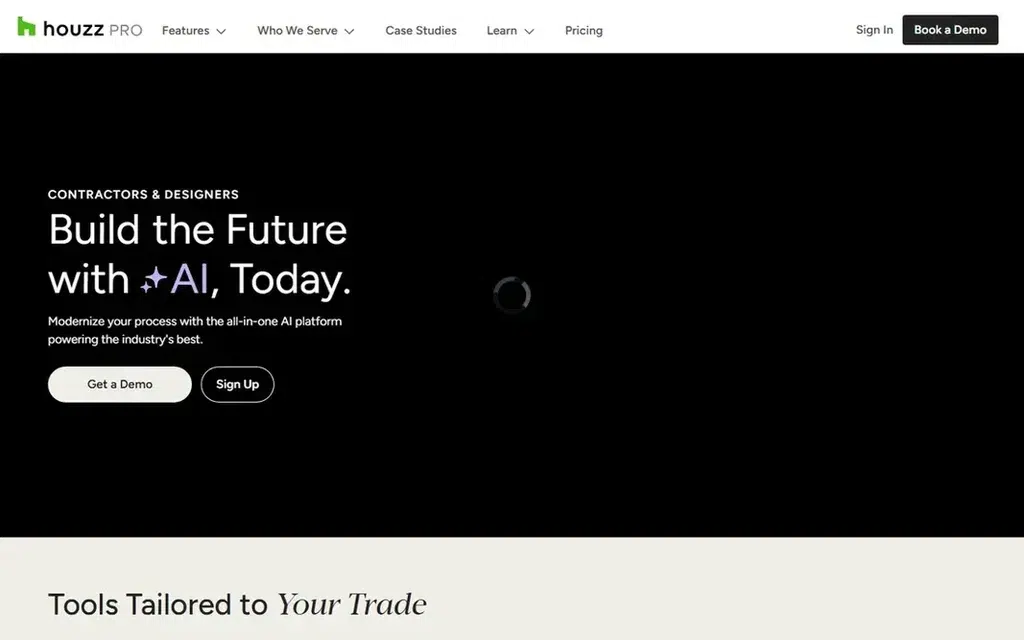
For design and construction all-in-one system, Houzz Pro is a natural candidate. It tends to fit businesses that want one connected system for projects, clients and marketing rather than stitching multiple separate apps together.
Also, confirm which modules match your workflow on the vendor site. No starting price is listed for Houzz Pro here; confirm pricing on the vendor site. Trial and free access: Not stated.
Where it falls short: Wide scope may overwhelm small studios.
- Combines project and client management
- Remodelers and designers
- Feature depth varies by role
DesignFiles
Best for: Full-service and e-design studios
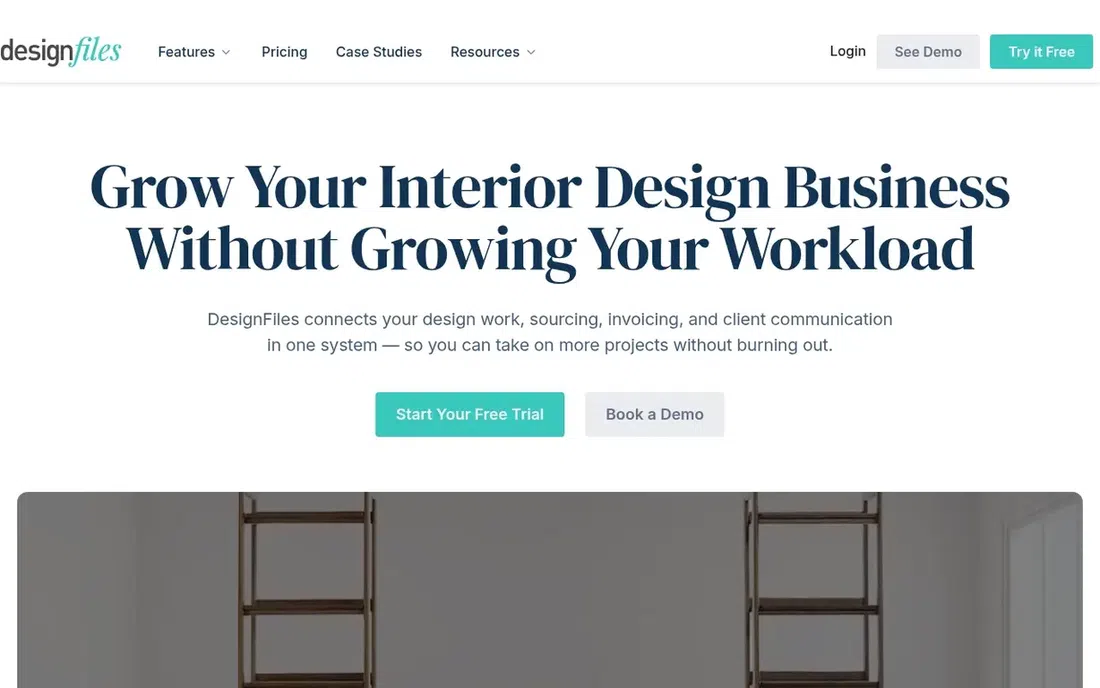
For full-service and e-design studios, DesignFiles is a natural candidate. Review the vendor's feature list to confirm it spans the client presentations and project stages your studio uses.
In practice, studios with large contractor teams may prefer a broader product. DesignFiles is interior design business software targeted at full-service and e-designers, with its vendor page emphasizing revenue growth through the software and its community. DesignFiles starts at: $55 per month. Free options: Not stated.
Limits to weigh: Feature set may not handle construction needs.
- Aimed at interior design businesses
- Serves both full-service and e-designers
- Interior design focus limits other trades
Ivy
Best for: Simplifying design studio administration
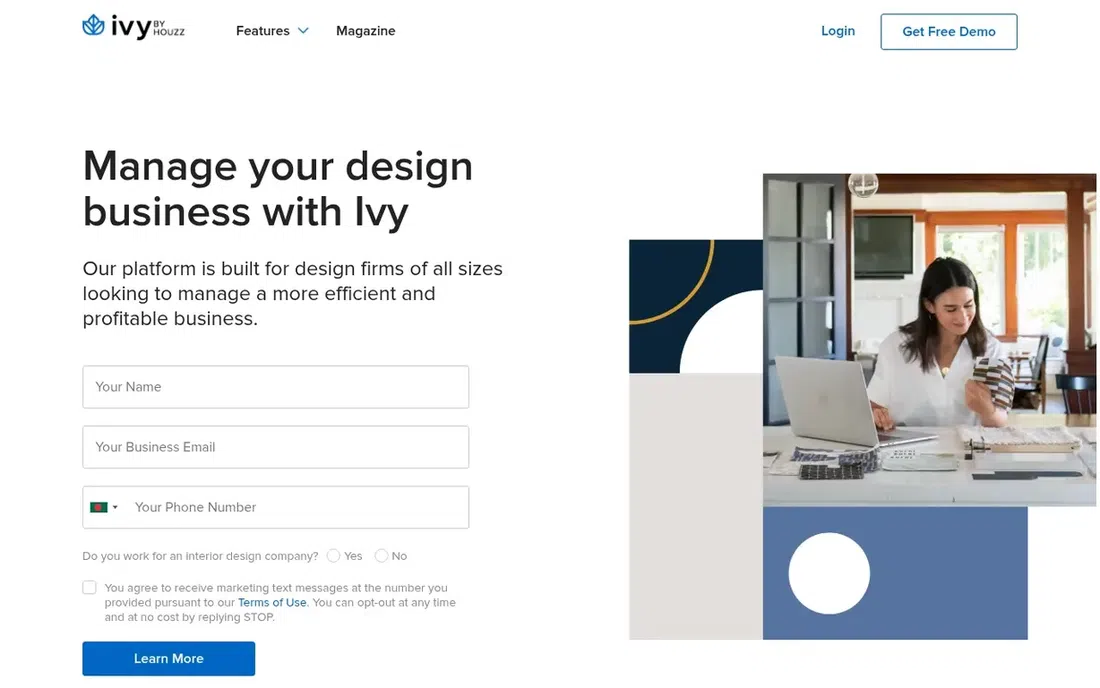
Ivy is designed for simplifying design studio administration. Ivy is business management software designed for designers. Its homepage describes simplifying administrative tasks by managing projects, documents, payments and clients in one place.
That focus makes it a reasonable fit for design studios that want to cut time spent on paperwork and keep client records organized without adopting a large construction-focused product. Check the vendor site for the specific document and payment features you depend on. Also, studios with complicated contractor workflows should compare it against broader products. Ivy concentrates on administration, so teams needing deep estimating, site management or broad visual design tools may want to pair it with other software. Price to start with Ivy: $199 per month. Ivy includes a free tier.
Limits to weigh: Narrower than full construction platforms. What users get: Centred on administrative tasks.
- Documents and payments
- Keeps client details in one place
- Less suited to heavy visual design work
Our selection method
Each tool was reviewed on what its vendor publishes: price, plan limits, core features and stated drawbacks. We did not run hands-on tests. Figures are shown as the vendors publish them. Billing terms, seat minimums and add-ons can change the real cost. Tools are placed by general fit for Studio Designer, with price clarity and free access as tie-breakers. A different team can reasonably rank them differently.
A buyer's checklist
- Confirm the entry price on the vendor page. For Canva, Dubsado and Houzz Pro that means a quote rather than a fixed price.
- Test the free plan from Ivy against your real workload before relying on it.
- Read the limits listed for Canva first: not a business management system.
- Check the support hours and onboarding help DesignFiles offers; smaller vendors vary a lot here.
- The entry price of Ivy is only the starting point; model the full cost with seats and extras.
FAQ
Which options for Studio Designer have a free plan?
Ivy is the only tool in this list with a free plan. Free plans usually cap users, projects or features, so check the limits on the vendor page. All 5 picks in this Studio Designer alternatives comparison list a starting price, free plan details and the main limits on their cards above.
How can I compare these tools before committing?
Confirm details like document handling, payment flow and integrations straight on the vendor sites. A short trial of the top candidates in your own process is the most dependable test.
How are the tools for Studio Designer ordered?
Canva sits first and Ivy last because the order follows typical fit for Studio Designer, then price clarity and free access. It is a judgement call, so read each profile for fit and limits.
Is Canva the right pick for everyone comparing Studio Designer?
No single tool suits every team. Canva comes first because it fits visual content and client presentations, while Dubsado suits creative service business management and Houzz Pro suits design and construction all-in-one platform. Match the tool to your own size, budget and workflow before deciding.
What is the cheapest option for Studio Designer in this list?
On published monthly entry prices, DesignFiles is the lowest here at $55 per month. Entry price is only part of the cost, because seats, add-ons and billing terms can change the total. For the full picture, the cards above cover all 5 entries of this Studio Designer alternatives list, including price, free plan and limits.
What should an interior design studio look for in a Studio Designer alternative?
Then check whether you need design-specific features like sourcing and presentations or a general business system is enough. Matching the tool to your actual workflow matters more than feature count.
Sources
- https://www.canva.com
- https://www.dubsado.com
- https://www.houzz.com/pro
- https://www.designfiles.co
- https://www.ivy.co