Best Studio Software for Music (2026): 6 Picks Checked on Vendor Pages
Best studio software for music, compared. 6 tools with published prices, free plans and limits. Caveats come with every verdict. Built for quick decisions.
- Editor's choice
 Logic Pro
Mac and iPad songwriting and beat-making
Starts atPricing on requestVisit apple.comFull review - Great alternativeFL Studio
Beat-making and electronic music production
Starts atPricing on requestVisit image-line.comFull review - Also considerDigital Performer
Film scoring and immersive mixing
Starts atPricing on requestVisit motu.comFull review
Direct answer
For Mac and iPad songwriting and beat-making, Logic Pro is where this list starts. Alternatives: FL Studio for beat-making and electronic music production, and Digital Performer for film scoring and immersive mixing. The full list of 6 tools follows, with free plan facts. None of these vendors publish plan prices, so pricing is on request for every option.
TL;DR:
- Top of the list is Logic Pro, which targets Mac and iPad songwriting and beat-making.
- Logic Pro, Reason and the 4 others all sell by quote; expect sales conversations before you see a price.
- None of the 6 tools, from Logic Pro to Reason, has a free plan, so budget for a subscription or use a trial.
- Reason suits virtual rack and modular sound design.
- Check the limits for Digital Performer before you commit: complicated interface for beginners.
Last checked November 2026. Pricing on request: vendors did not publish plan prices when this guide was last checked (November 2026), so ask each vendor for a written quote.
Quick comparison
| Tool | Best for | Starts at | Free plan? | |
|---|---|---|---|---|
| Logic Pro | Mac and iPad songwriting and beat-making | Pricing on request | Not stated | Visit |
| FL Studio | Beat-making and electronic music production | Pricing on request | Not stated | Visit |
| Digital Performer | Film scoring and immersive mixing | Pricing on request | Not stated | Visit |
| Ableton Live | Experimental sound design and live performance | Pricing on request | Not stated | Visit |
 Reaper | Budget-friendly and highly configurable DAW | Pricing on request | Not stated | Visit |
| Reason | Virtual rack and modular sound design | Pricing on request | Not stated | Visit |
The full studio software for music list
LinkVetted put together this guide to studio software for music for readers who want a clear shortlist without reading every vendor page. It compares 6 tools on starting price, free plans, who each one suits and where each one falls short.

Logic Pro is aimed squarely at Mac and iPad songwriting and beat-making. The primary limitation is its exclusivity to Apple devices, so Windows users cannot use it. On top of that, the sheer number of features might feel daunting to newcomers.
From a buyer's view, Logic Pro is Apple's flagship digital audio workstation for Mac and iPad, offering a complete music creation experience. Beyond that, if you need cross-platform compatibility, FL Studio or Reaper could be better alternatives. This comparison lists no price for Logic Pro; ask the vendor. As for free access: Not stated.
Downsides: Mac-only product.
- Capable editing and mixing tools
- Full loop library
- Can be overwhelming for beginners
FL Studio
Best for: Beat-making and electronic music production
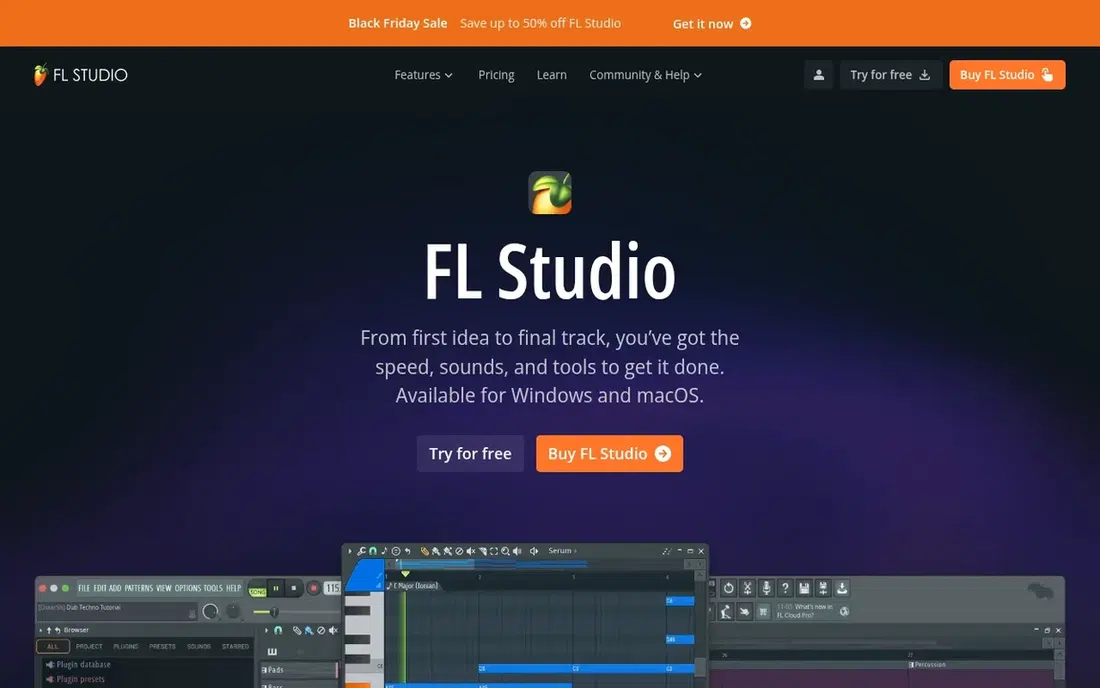
FL Studio is a good fit for beat-making and electronic music production. FL Studio by Image-Line is a digital audio workstation that lets you build, arrange, record, edit, mix, and master music. It is especially widely used among hip-hop and electronic producers for its pattern-based sequencing and deep plugin suite.
Where it is weaker: Less easy-to-learn for audio recording.
On top of that, Whereas FL Studio excels at beat-making, some users find its audio recording and editing less simplified than dedicated recording DAWs. Also, the software contains all features needed for full music production. Check the vendor site for FL Studio pricing; none is listed in this comparison. As for free access: Not stated.
- Pattern-based workflow for fast beats
- Lifetime free updates
- Occasional workflow quirks
Digital Performer
Best for: Film scoring and immersive mixing
Where Digital Performer fits: film scoring and immersive mixing. Digital Performer by MOTU is a digital audio workstation that provides features like immersive mixing in Dolby Atmos, AI-powered stem separation, and the new Arrangement Strip. It is well-suited for film scoring, post-production, and complicated music projects that need advanced mixing capabilities.
Where it falls short: Complicated interface for beginners.
In daily use, the software has a reputation for a steep learning curve and a dense interface, which can be intimidating for new users. If you need a more straightforward workflow for entry-level music production, Ableton Live or FL Studio may be more approachable. Digital Performer does not show a starting price in this comparison, so check the vendor site for current pricing. Free access: Not stated.
- AI-powered stem separation
- Advanced features like Dolby Atmos mixing
- Mac and Windows only
Ableton Live
Best for: Experimental sound design and live performance
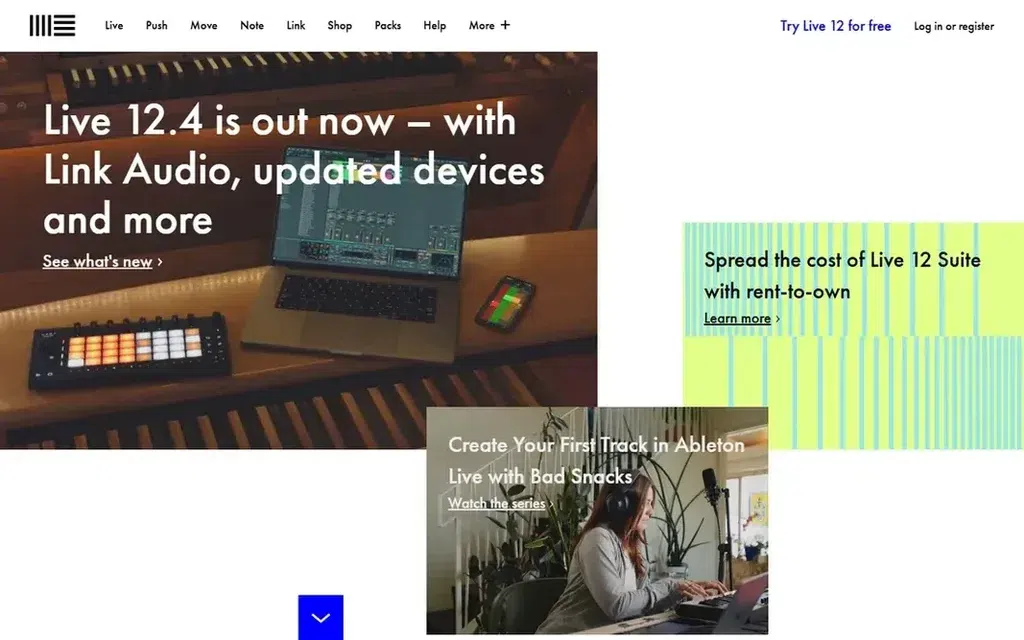
Ableton Live works best for experimental sound design and live performance. Ableton Live is a digital audio workstation known for its nonlinear workflow and creative tools. In daily use, if you require advanced scoring or a more conventional studio setup, consider Logic Pro or Digital Performer instead.
Limits to weigh: Restricted notation features.
The software bundles precision mixing effects and workflow improvements that help bring ideas into focus quickly. Even so, Ableton Live may not be a strong match for those who prefer a traditional linear recording approach or need deep notation capabilities. Ableton Live does not show a starting price in this comparison, so check the vendor site for current pricing. Trial and free access: Not stated.
- Innovative workflow for idea generation
- Smooth integration with hardware
- Ramp-up time for traditional recording
Reaper serves low-cost and highly configurable DAW. Reaper is a digital audio workstation known for its efficiency and adaptability. It provides a full set of features for recording, editing, and mixing, and is highly configurable to suit individual workflows.
From a buyer's view, plenty of users appreciate its small installer size and performance on older hardware. Also, if you need a rich set of built-in sounds and a more guided experience, FL Studio or Logic Pro might be preferable. Reaper shows no starting price here, so confirm the cost on the vendor site. As for free access: Not stated.
The main drawbacks: Sparse built-in instruments and effects.
- Light and efficient
- Adaptable licensing
- Unconventional interface for some
Reason
Best for: Virtual rack and modular sound design
Reason was built for virtual rack and modular sound design. Reason by Reason Studios is a digital audio workstation centered around an iconic virtual rack. This makes it a favorite for sound designers and producers seeking a practical modular experience.
In practice, the rack metaphor can be less efficient for straightforward linear recording and mixing. Also, whereas plugin support has improved, it may not match the openness of other DAWs. More specifically, if you prefer a more conventional workflow, Ableton Live or Logic Pro could be a better fit. Pricing for Reason is not stated here, so ask the vendor for current figures. As for free access: Not stated.
What to check first: External plugin support historically restricted.
- Unique rack-based interface
- Inspirational sound packs and patches
- Limited traditional linear workflow
How these tools were picked
Selection started from tools commonly considered for studio software for music, then narrowed to 6 that have clear pricing information or a clear quote process. Seat minimums, billing terms and add-ons can move the real cost, so the starting prices here are a guide and not a quote. The sequence is a judgement call: typical use case first, then pricing transparency, then free access. Use the profiles to check fit.
Before you commit
- Ask each vendor, from Logic Pro to Reason, for a written quote; none of them publishes a starting price.
- Before choosing Logic Pro, weigh its main limit: Mac-only product.
- Find out whether the entry plan of Reason covers your must-haves or only a trimmed-down version.
- Test how quickly Ableton Live answers a pre-sales question; it hints at how support will feel later.
- The entry price of FL Studio is only the starting point; model the full cost with seats and extras.
FAQ
How are the tools for studio software for music ordered?
The order follows typical fit for studio software for music, with Logic Pro first and Reason last, then price clarity and free access. It is editorial judgement, not a score, so another team could rank the tools differently.
Which DAW is best for beginners?
Logic Pro is the pick this page puts first, mainly for Mac and iPad songwriting and beat-making. If your situation differs, FL Studio suits beat-making and electronic music production, and Digital Performer suits film scoring and immersive mixing. Compare price and limits before you decide.
Does any tool for studio software for music here have a free plan?
No tool in this list, Logic Pro and Reason included, has a permanent free plan. Trials and quotes are the usual route, so plan a short evaluation period.
Do these tools publish their prices?
No. None of the tools, from Logic Pro to Reason, shows a fixed starting price here, so budget time for quotes.
Can I try these tools before paying?
Not by default. None of the tools, from Logic Pro to Reason, lists a free plan or a free trial here, so ask each vendor for a demo before committing.
Sources
- https://www.apple.com/logic-pro
- https://www.image-line.com/fl-studio
- https://motu.com/en-us/products/software/dp
- https://www.ableton.com/en/live
- https://www.reaper.fm
- https://www.reasonstudios.com/reason