Best Subtitle Editing Software for Video Teams for 2026: Our 6 Vetted Picks
Best subtitle editing software for video teams, compared. 6 tools with published prices, free plans and limits. Honest caveats for every entry. Easy to scan.
- Editor's choiceAegisub
Precise subtitle timing and styling
Starts atSee websiteVisit aegisub.orgFull review - Great alternative
 Vimeo
Hosting and adding captions to videos
Starts atSee websiteVisit vimeo.comFull review - Also consider
 Final Cut Pro
Mac and iPad editors needing integrated subtitles
Starts atSee websiteVisit apple.comFull review
Direct answer
This list puts Aegisub first for precise subtitle timing and styling. Listed starting prices: Rev from $25.49 per seat a month. Alternatives: Vimeo for hosting and adding captions to videos, and Final Cut Pro for Mac and iPad editors needing integrated subtitles. All 6 tools are compared below on price, free plan and limits.
TL;DR:
- Aegisub takes the first slot, best suited to precise subtitle timing and styling.
- For the cheapest start, look at Rev: $25.49 per seat per month.
- Free plans exist at 2 of 6 tools (Vimeo, CapCut).
- What to know about Vimeo first: not a full editor.
- CapCut fits quick social media video editing with subtitles.
Last checked November 2026. Prices and plan details were read from the vendors' own pages in November 2026; vendors change plans often, so confirm the current price on the vendor site before you buy.
Quick comparison
| Tool | Best for | Starts at | Free plan? | |
|---|---|---|---|---|
| Aegisub | Precise subtitle timing and styling | See website | Not stated | Visit |
| Vimeo | Hosting and adding captions to videos | See website | Yes | Visit |
| Final Cut Pro | Mac and iPad editors needing integrated subtitles | See website | Not stated | Visit |
 Rev | Transcription and captioning services | $25.49 per seat a month | Not stated | Visit |
 Adobe Premiere Pro | Teams wanting editing and subtitles in one app | See website | Not stated | Visit |
 CapCut | Fast social media video editing with subtitles | See website | Yes | Visit |
Subtitle Editing Software for Video Teams profiles
Choosing subtitle editing software for video teams usually comes down to price, fit and limits. This LinkVetted guide sets 6 tools side by side on those three points, with the facts kept short and checkable.
Aegisub
Best for: Precise subtitle timing and styling
Aegisub targets precise subtitle timing and styling. Aegisub is a free, cross-platform open-source tool specifically for creating and modifying subtitles. It excels at timing subtitles to audio and gives you advanced styling choices, making it a strong match for teams that require accurate, well-designed subtitles.
It links up with video editors via subtitle file export. Its interface may overwhelm newcomers, but for subtitle-focused work, it is highly capable. Aegisub shows no starting price here, so confirm the cost on the vendor site. On free options: Not stated.
Honest limits: Interface can be daunting for beginners.
- Free and open source
- Capable timing and styling tools
- No video editing capabilities
Vimeo serves hosting and adding captions to videos. Vimeo is a video hosting product that lets teams to upload, share, and add captions or subtitles to videos. It is handy for distributing finished content with subtitles, particularly for teams that prioritize presentation quality.
Points against: Restricted subtitle editing features.
On top of that, Vimeo is not a video editing or subtitle creation tool; it only supports adding captions to hosted videos. More specifically, teams needing to build subtitles from scratch should use dedicated software like Aegisub or the subtitle features in Premiere Pro. Pricing for Vimeo is not stated here, so ask the vendor for current figures. Vimeo includes a free tier.
- High-quality video hosting
- Ad-free viewing environment
- Not a full editor
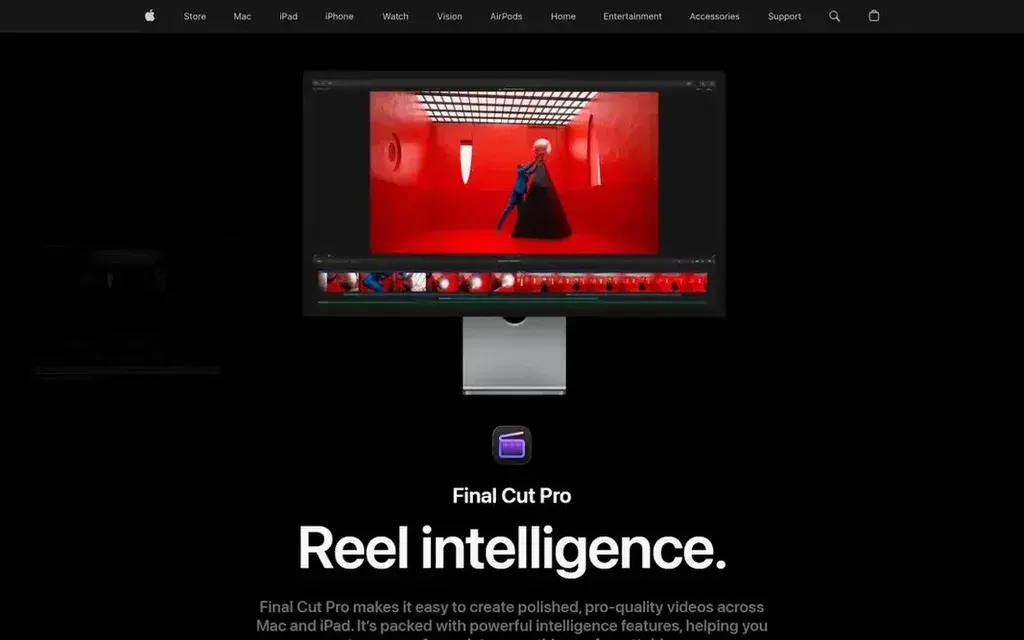
Final Cut Pro serves Mac and iPad editors needing integrated subtitles. Final Cut Pro is Apple's professional video editing software for Mac and iPad, packed with intelligence features that ease editing.
Also, the one-time purchase price might be steep for casual users. This comparison lists no price for Final Cut Pro; ask the vendor. On free options: Not stated.
The main drawbacks: One-time purchase may be high for some.
- Capable intelligence features
- Smooth integration with macOS and iPadOS
- Mac-only
Rev makes the most sense for transcription and captioning services. Rev offers transcription and captioning services, including a legal AI product for investigations. Teams wanting in-house control might prefer Aegisub or built-in editor tools.
What users get: Legal and investigative focus.
Worth adding: costs can add up for high-volume projects, and turnaround times rely on the service level. Worth adding: for video teams, Rev can generate subtitle files from audio, which can then be imported into editing software. From a buyer's view, Rev is a service, not a software tool, so it lacks editing features. Price to start with Rev: $25.49 per seat per month. On free options: Not stated.
What to check first: May be expensive for large volumes.
- Accurate transcription services
- Caption file generation
- Service-based, not software
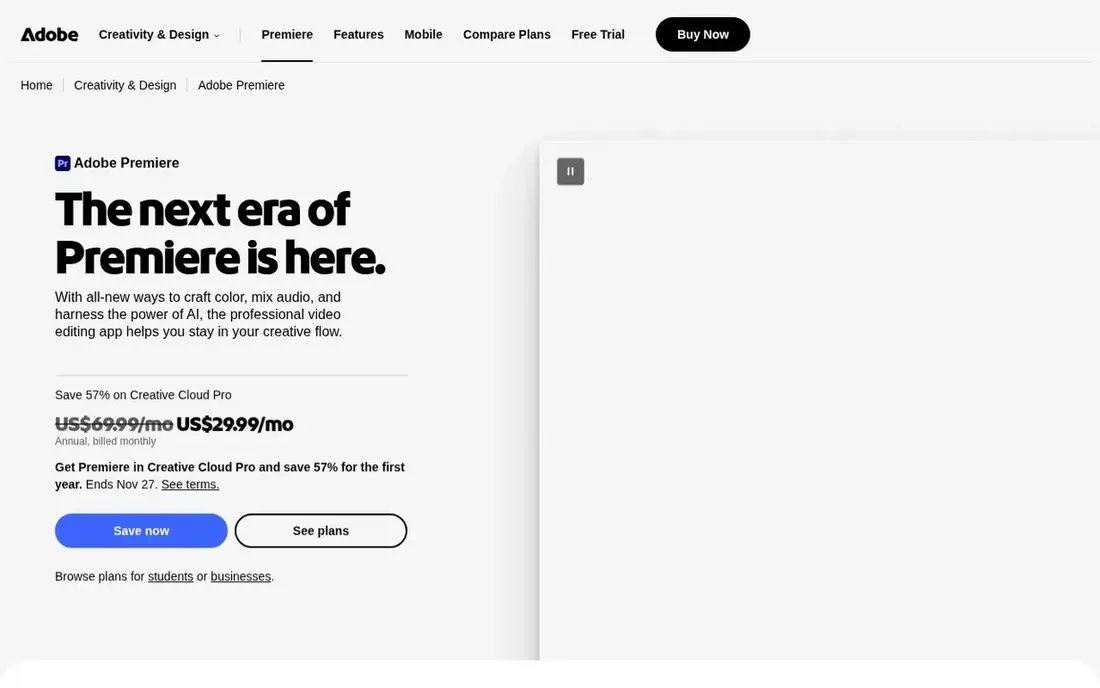
Adobe Premiere Pro is designed for teams wanting editing and subtitles in one app. Adobe Premiere Pro is professional video editing software that bundles subtitle tools alongside trimming, effects, and audio mixing.
The software needs a subscription and may demand significant system resources, which can be a barrier for smaller teams. The integrated workflow cuts the have to switch between programs. Check the vendor site for Adobe Premiere Pro pricing; none is listed in this comparison. Free plan details: Not stated.
Downsides: Subscription-based model.
- Built-in subtitle creation and editing
- Broad format support and effects
- Can be resource-intensive
Pick CapCut if this describes you: fast social media video editing with subtitles. CapCut is an AI-powered video editor made for creating YouTube and Instagram videos, with smart templates and creative effects.
It gives you subtitle features and is accessible on desktop, mobile, and online, making it convenient for teams producing social media content. CapCut does not show a starting price in this comparison, so check the vendor site for current pricing. Free access exists with CapCut.
What to check first: May have watermarks on free version.
- AI-powered editing tools
- Smart templates and effects
- Less advanced than pro suites
Selection criteria
Pre-purchase checklist
- Ask Aegisub, Vimeo, Final Cut Pro and others for a written quote, since no starting price is shown.
- Look at free plan limits closely: Vimeo and CapCut have one, and the caps decide whether it is usable for real work.
- Before choosing Aegisub, weigh its main limit: no video editing capabilities.
- Pick one real project and run it in Final Cut Pro first; a small pilot shows fit faster than a checklist.
- Ask Adobe Premiere Pro whether prices are locked for the first term and what happens at renewal.
FAQ
Can I try these tools before paying?
Often, yes. Vimeo and CapCut have a free plan. Use your own data and a real task during the test, and check what the free tier or trial limits before you rely on it.
Do these tools publish their prices?
Not all of them. Aegisub, Vimeo, Final Cut Pro and others publish no starting price, so expect a quote request for those. The rest, Rev included, show a starting price, though seats and billing terms still change the final cost.
How are the tools for subtitle editing software for video teams ordered?
The order follows typical fit for subtitle editing software for video teams, with Aegisub first and CapCut last, then price clarity and free access. It is editorial judgement, not a score, so another team could rank the tools differently.
What is the cheapest option for subtitle editing software for video teams in this list?
On published monthly entry prices, Rev is the lowest here at $25.49 per seat per month. Entry price is only part of the cost, because seats, add-ons and billing terms can change the total.
What is the best subtitle editing software for video teams?
Aegisub is the pick this page puts first, mainly for precise subtitle timing and styling. If your situation differs, Vimeo suits hosting and adding captions to videos, and Final Cut Pro suits Mac and iPad editors needing integrated subtitles. Compare price and limits before you decide.
Sources
- https://aegisub.org
- https://vimeo.com
- https://www.apple.com/final-cut-pro
- https://www.rev.com
- https://www.adobe.com/products/premiere.html
- https://www.capcut.com