Subtitle Editing Software for Video Translators in 2026: The 6 Best Options Side by Side
Compare 6 best subtitle editing software for video translators, with prices, free plans and who each fits. Short, factual notes on every option. Decide faster.
- Editor's choice
 CapCut
Fast social video editing with captions
Starts atSee websiteVisit capcut.comFull review - Great alternative
 Descript
Text-based editing and transcription
Starts at$16 per person a monthVisit descript.comFull review - Also consider
 Happy Scribe
Multilingual transcription and subtitles
Starts at$17 per monthVisit happyscribe.comFull review
Direct answer
Our first pick is CapCut, best for fast social video editing with captions. Listed starting prices: Descript from $16 per person a month and Happy Scribe from $17 per month. Descript is the stronger choice for text-based editing and transcription, while Happy Scribe suits multilingual transcription and subtitles. The other 3 tools in the list cover narrower or pricier cases.
TL;DR:
- CapCut sits first on this list: fast social video editing with captions.
- Aegisub fits dedicated subtitle timing and styling.
- Check the limits for CapCut before you commit: less precise subtitle control.
- For the cheapest start, look at Descript: $16 per person per month.
- CapCut, Descript, Happy Scribe: these are the 3 tools out of 6 that offer a free plan.
Last checked November 2026. Prices and plan details were read from the vendors' own pages in November 2026; vendors change plans often, so confirm the current price on the vendor site before you buy.
Quick comparison
| Tool | Best for | Starts at | Free plan? | |
|---|---|---|---|---|
| CapCut | Fast social video editing with captions | See website | Yes | Visit |
| Descript | Text-based editing and transcription | $16 per person a month | Yes | Visit |
| Happy Scribe | Multilingual transcription and subtitles | $17 per month | Yes | Visit |
 Adobe Premiere Pro | Integrated video editing with subtitles | See website | Not stated | Visit |
 Final Cut Pro | Mac and iPad video editing with subtitles | See website | Not stated | Visit |
| Aegisub | Dedicated subtitle timing and styling | See website | Not stated | Visit |
The best subtitle editing software for video translators
Short on time? The summary and table above give the quick view of 6 subtitle editing software for video translators, and the profiles that follow give the detail behind each entry.
CapCut works best for fast social video editing with captions. CapCut is optimized for short-form social content, so it gives you less precise subtitle timing and styling than dedicated tools like Aegisub.
Worth adding: choose CapCut for fast social edits, and switch to a specialized tool when frame-accurate subtitle work is required. CapCut shows no starting price here, so confirm the cost on the vendor site. Free access exists with CapCut.
Limits to weigh: Geared toward short-form content.
- Smart templates and effects
- AI-powered editing tools
- Less precise subtitle control
Think of Descript for text-based editing and transcription. Descript is an AI video and audio editor that makes editing as simple as editing text. From a buyer's view, Descript's transcription accuracy can vary by language and audio quality.
It gives you less granular control over subtitle styling and timing than Aegisub. It is also a subscription product. On top of that, for video translators, this text-based approach can simplify the process of creating and correcting subtitles, notably when working from spoken content that needs transcription and translation. What you pay to start with Descript: $16 per person per month. Descript offers a free plan.
Honest limits: Less control over subtitle styling.
- Record, transcribe, edit, publish
- AI-powered audio and video editing
- Transcription accuracy varies
Happy Scribe makes the most sense for multilingual transcription and subtitles. It is built with SOC 2 and GDPR compliance and is made in Europe. Happy Scribe is primarily a transcription service, so it does not offer the video editing or advanced subtitle styling found in Premiere Pro or Aegisub.
Honest limits: Transcription is the core focus.
It also needs a subscription for continuing use. Beyond that, if you have to edit video and subtitles together, pair Happy Scribe with a dedicated editor. For transcription alone, it is a dependable choice. On top of that, for video translators, it can be a handy first step to produce a transcript or subtitle base in the source language before translation and timing adjustments. Happy Scribe cost at the entry level: $17 per month. Happy Scribe includes a free tier.
- AI transcription in numerous languages
- Made in Europe
- Restricted video editing
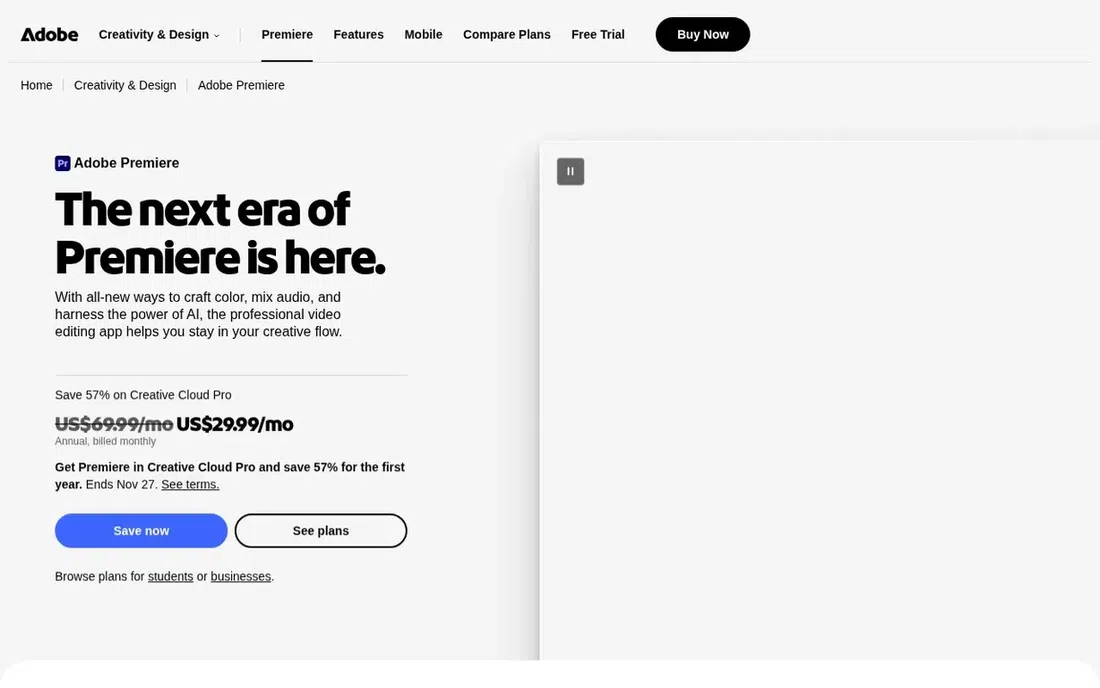
Pick Adobe Premiere Pro if this describes you: integrated video editing with subtitles. Adobe Premiere Pro is professional video editing and postproduction software. As for the details, for video translators, it gives you a way to work with subtitles straight alongside the video, which helps when you have to see the final context whereas adjusting timing and placement.
More specifically, Premiere Pro is a subscription-based product with a ramp-up time that can be steep for those new to video editing. It may be more than needed if your work is purely subtitle timing and styling. Pricing for Adobe Premiere Pro is not stated here, so ask the vendor for current figures. Free options: Not stated.
Limits to weigh: Subscription required.
- Subtitle tools within the editor
- Effects and audio mixing
- Steeper ramp-up time
Think of Final Cut Pro for Mac and iPad video editing with subtitles. It is packed with capable intelligence features that make pro-quality video creation and editing simpler. For video translators working within Apple's ecosystem, it supplies a capable environment for editing video and managing subtitles, with performance tuned for the system.
It is also a general video editor instead of a dedicated subtitle tool, which means some subtitle-specific workflows may be less direct. Also, if you need cross-platform subtitle timing, Aegisub is a better fit; for Mac-centric editing, Final Cut Pro is a solid choice. This comparison lists no price for Final Cut Pro; ask the vendor. As for free access: Not stated.
Downsides: Apple products only.
- Intelligent editing features
- Optimized for Mac and iPad
- One-time purchase
Aegisub
Best for: Dedicated subtitle timing and styling
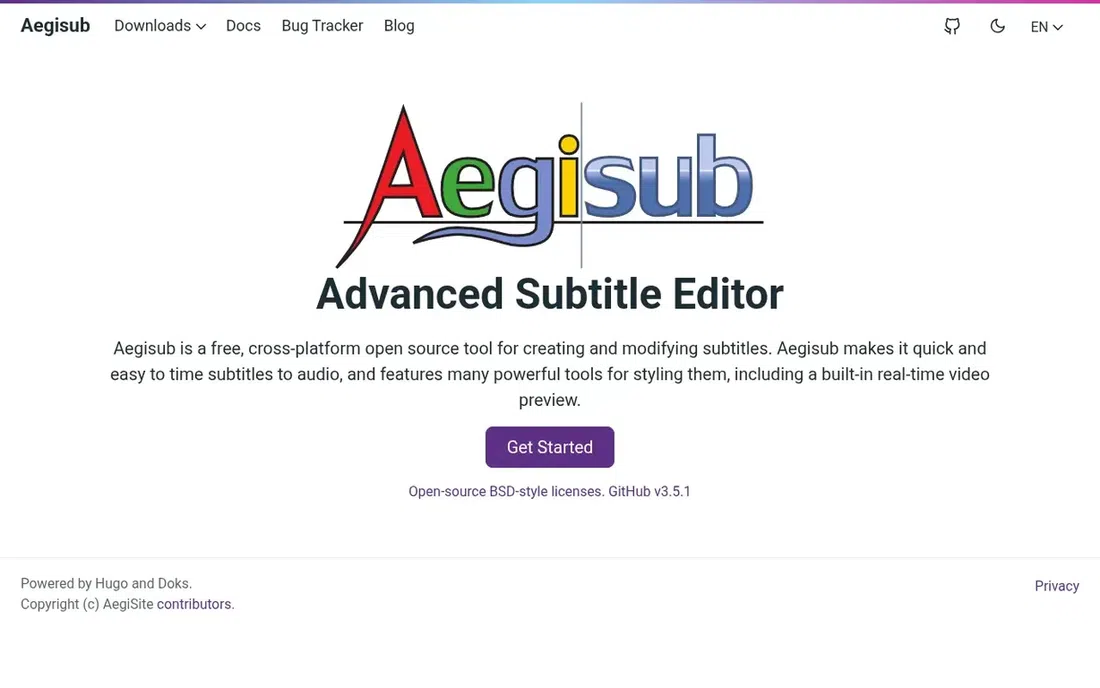
Pick Aegisub if this describes you: dedicated subtitle timing and styling. If you have to edit the video itself or produce subtitles from speech, consider a full editor like Adobe Premiere Pro or a transcription service like Happy Scribe instead. Aegisub is a free, cross-platform open source tool designed for creating and modifying subtitles.
Where it falls short: No built-in transcription.
This makes it a solid fit for video translators who require precise control over subtitle timing and appearance without the overhead of a full video editor. It also does not bundle automatic transcription. Check the vendor site for Aegisub pricing; none is listed in this comparison. On free options: Not stated.
- Cross-platform open source
- Feature-rich styling tools
- Restricted video editing
How we compared the tools
LinkVetted used vendor pricing pages and product documentation as the base, then compared plans, free access and documented limits for 6 tools. Figures are shown as the vendors publish them. Billing terms, seat minimums and add-ons can change the real cost. The order reflects how well each tool fits the most common buying scenario for subtitle editing software for video translators, then price clarity, then free plan access. It is a starting point, not a verdict.
Questions to settle before buying
- Confirm the entry price on the vendor page. For CapCut, Adobe Premiere Pro, Final Cut Pro and Aegisub that means a quote rather than a fixed price.
- Check what the free option really includes: CapCut, Descript and Happy Scribe offer a free plan, and usage caps differ.
- Before choosing CapCut, weigh its main limit: less precise subtitle control.
- Look at the renewal terms for Final Cut Pro: auto-renewal, notice periods and price changes can matter more than the first-year price.
- Look at the help docs and support options for Happy Scribe before you commit.
FAQ
Is CapCut the right pick for everyone comparing subtitle editing software for video translators?
No single tool suits every team. CapCut comes first because it fits quick social video editing with captions, while Descript suits text-based editing and transcription and Happy Scribe suits multilingual transcription and subtitles. Match the tool to your own size, budget and workflow before deciding.
Do these tools publish their prices?
Not all of them. CapCut, Adobe Premiere Pro, Final Cut Pro and Aegisub publish no starting price, so expect a quote request for those. The rest, Descript included, show a starting price, though seats and billing terms still change the final cost.
Can I try these tools before paying?
Often, yes. CapCut, Descript and Happy Scribe have a free plan. Use your own data and a real task during the test, and check what the free tier or trial limits before you rely on it.
Which options for subtitle editing software for video translators have a free plan?
On this list, CapCut, Descript and Happy Scribe include a free plan. Caps on seats, usage or features are common, so test the free plan against your real workload.
Sources
- https://www.capcut.com
- https://www.descript.com
- https://www.happyscribe.com
- https://www.adobe.com/products/premiere.html
- https://www.apple.com/final-cut-pro
- https://aegisub.org