Software to Remove Filler Words from Videos in 2026: The 6 Best Options Side by Side
6 products for the best software to remove filler words from videos, ranked by fit, with starting costs and free tiers. The catches are listed up front.
- Editor's choice
 Veed
Browser-based AI video editing
Starts atSee websiteVisit veed.ioFull review - Great alternative
 Riverside
Recording and editing conversations online
Starts at$24 a monthVisit riverside.fmFull review - Also consider
 Final Cut Pro
Mac and iPad editors
Starts atSee websiteVisit apple.comFull review
Direct answer
Start with Veed if you need browser-based AI video editing. Listed starting prices: Riverside from $24 a month and Descript from $16 per person per month. Riverside fits recording and editing conversations online; Final Cut Pro fits Mac and iPad editors. The full list of 6 tools follows, with prices and free plan facts.
TL;DR:
- Number one here is Veed, a fit for browser-based AI video editing.
- A free plan is available from 3 of the 6 tools: Riverside, Descript, CapCut.
- The cheapest monthly starting price in the list is $16 per person per month, offered by Descript.
- One limit worth knowing about Final Cut Pro: Mac and iPad only.
Last checked November 2026. Prices and plan details were read from the vendors' own pages in November 2026; vendors change plans often, so confirm the current price on the vendor site before you buy.
Quick comparison
| Tool | Best for | Starts at | Free plan? | |
|---|---|---|---|---|
| Veed | Browser-based AI video editing | See website | Not stated | Visit |
| Riverside | Recording and editing conversations online | $24 a month | Yes | Visit |
| Final Cut Pro | Mac and iPad editors | See website | Not stated | Visit |
 Descript | Text-based editing of spoken filler words | $16 per person per month | Yes | Visit |
 CapCut | Fast social video cleanup | See website | Yes | Visit |
 Adobe Premiere Pro | Professional editors wanting manual control | See website | Not stated | Visit |
Software to Remove Filler Words from Videos profiles
LinkVetted put together this guide to software to remove filler words from videos for readers who want a clear shortlist without reading every vendor page. It compares 6 tools on starting price, free plans, who each one suits and where each one falls short.
Veed was built for browser-based AI video editing. Veed is an AI video creation product that moves from idea to video in one workflow, with talking heads, AI editing, dubbing and subtitles. It is aimed at marketers and solopreneurs who want to work in the browser.
The main drawbacks: Browser editing can feel restricted.
Choose Veed when speed and accessibility matter more than deep editing control. Beyond that, AI-assisted editing and subtitle tools help creators clean up spoken content rapidly. It is most solid for short marketing and social content. No starting price is listed for Veed here; confirm pricing on the vendor site. As for free access: Not stated.
- Editing in the browser
- Friendly for marketers and solopreneurs
- Less control for complicated projects
Riverside is built with recording and editing conversations online in mind. As a conversation-focused system, it provides less depth for cinematic or effects-heavy production.
Honest limits: Most useful for interview formats.
Beyond that, Riverside is an online studio for high-quality podcast and video recording and editing, powered by AI and designed for conversations. What you pay to start with Riverside: $24 per month. You can start on Riverside without paying.
- AI-assisted editing
- Aimed at podcast and video talk
- Narrower than full editing suites
Where Final Cut Pro fits: Mac and iPad editors. Final Cut Pro is Apple's professional editing application, packed with intelligence features that make pro-quality video creation simpler on Mac and iPad.
Final Cut Pro does not show a starting price in this comparison, so check the vendor site for current pricing. Free plan details: Not stated.
Where it falls short: Filler removal is mostly manual.
- Responsive editing
- Optimized for Apple hardware
- Mac and iPad only
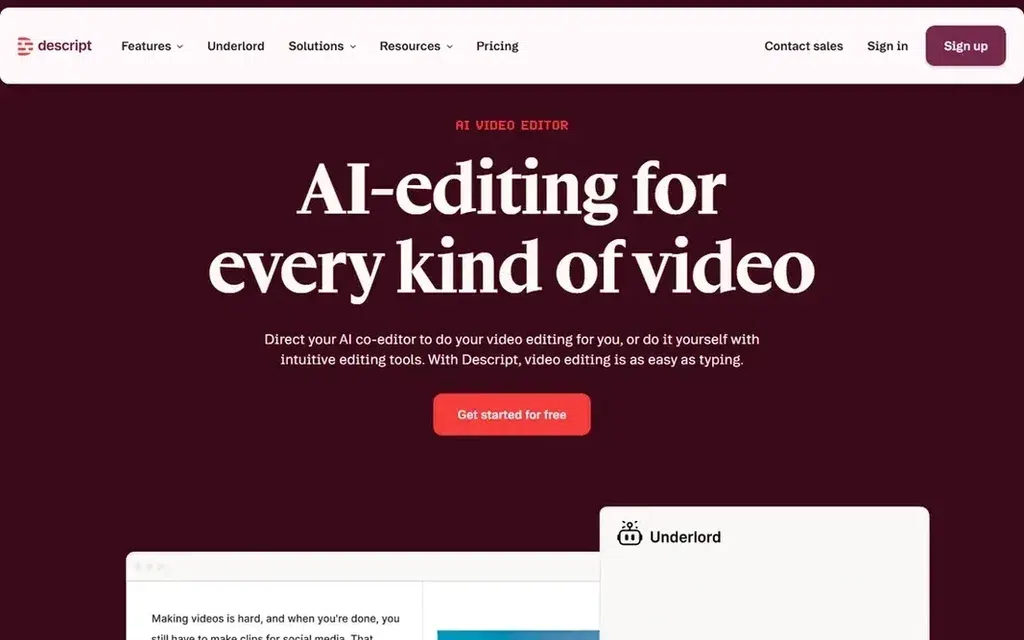
Descript is aimed squarely at text-based editing of spoken filler words. Descript is an AI video and audio editor that makes editing as simple as editing text.
Transcript accuracy relies on recording quality, so noisy audio can mean additional cleanup. For everyday use, editors who require advanced color, effects or multicam control may prefer a traditional suite. Starting cost for Descript: $16 per person per month. Descript offers a free plan.
What to check first: Advanced workflows may feel restricted.
- Edit and publish in one place
- Edit video by editing text
- Best results need clean audio
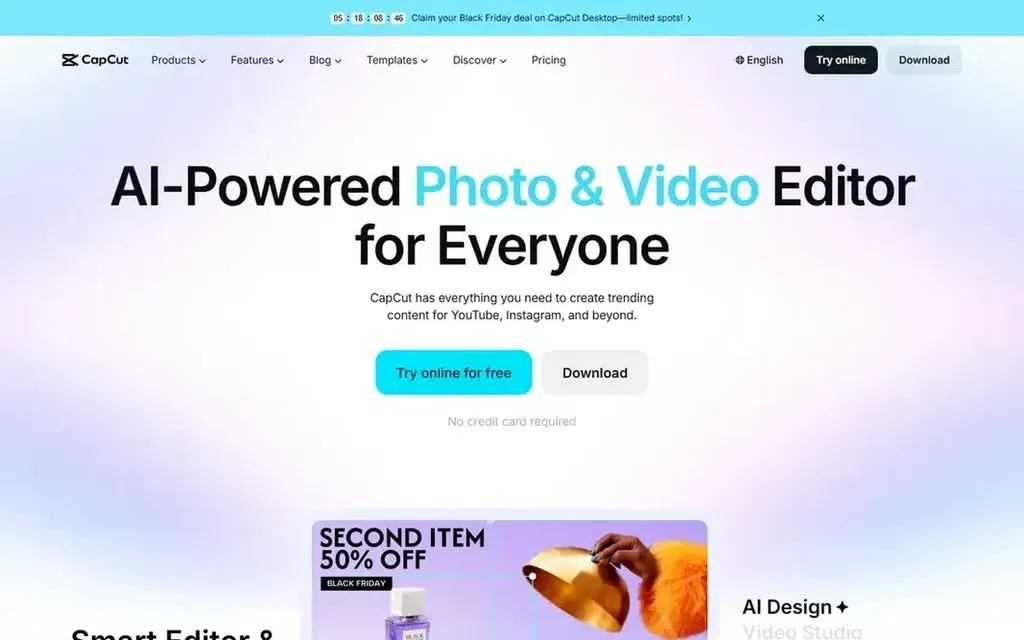
CapCut works best for fast social video cleanup. CapCut is an AI-powered video editor for YouTube and Instagram content, with smart templates and creative effects across desktop, mobile and online.
What CapCut does well: mobile and online editing.
On top of that, choose another editor when you need deep dialogue editing or broadcast-level control. Beyond that, filler word removal is typically handled through trimming and AI-assisted editing features instead of a full transcript workflow. Pricing for CapCut is not stated here, so ask the vendor for current figures. CapCut offers a free plan. Where it is weaker: Less precise for long-form work.
- Approachable for beginners
- Desktop
- Advanced controls are restricted
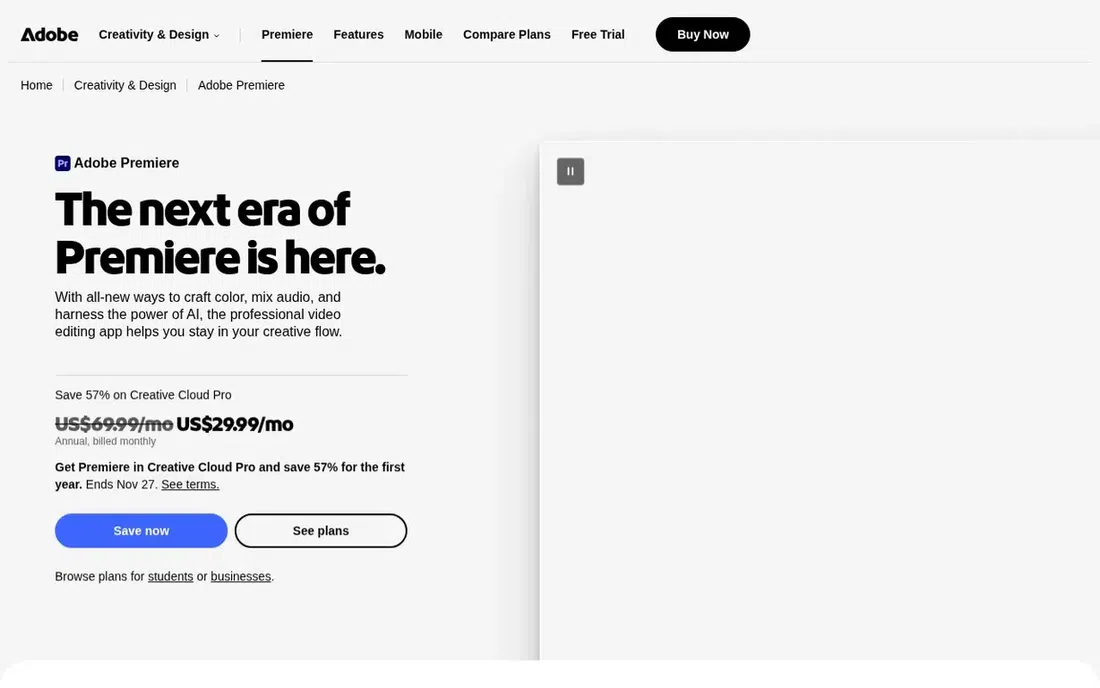
Choose Adobe Premiere Pro for professional editors wanting manual control. If you want filler words handled automatically from a transcript, a text-based editor is a quicker route. Adobe Premiere Pro is professional video editing and postproduction software for trimming, adding effects, mixing audio and more.
Worth adding: the depth of the tool includes a ramp-up time, and casual creators may find it heavy for straightforward talking-head cleanup. More specifically, choose Premiere when precise, manual editing and a full postproduction workflow matter most. This comparison lists no price for Adobe Premiere Pro; ask the vendor. Free options: Not stated.
The main drawbacks: Filler removal is mostly manual.
- Works with numerous file formats
- Broad effects and audio tools
- Ramp-up time is steep
Our selection method
We compared the tools on published pricing, free plan or trial availability, feature coverage for software to remove filler words from videos, and the limits each vendor documents. Plan names, prices and limits change often. Treat the figures here as a starting point and verify them with the vendor. The sequence is a judgement call: typical use case first, then pricing transparency, then free access. Use the profiles to check fit.
Pre-purchase checklist
- Confirm the entry price on the vendor page. For Veed, Final Cut Pro, CapCut and Adobe Premiere Pro that means a quote rather than a fixed price.
- Check what the free option really includes: Riverside, Descript and CapCut offer a free plan, and usage caps differ.
- Before choosing Veed, weigh its main limit: browser editing can feel restricted.
- Add up seats, add-ons and usage charges for Veed before comparing it with cheaper entries.
- Make sure Descript lets you export your data in a format another tool can read.
FAQ
Is Veed the right pick for everyone comparing software to remove filler words from videos?
No single tool suits every team. Veed comes first because it fits browser-based AI video editing, while Riverside suits recording and editing conversations online and Final Cut Pro suits Mac and iPad editors. Match the tool to your own size, budget and workflow before deciding.
Can I try these tools before paying?
Often, yes. Riverside, Descript and CapCut have a free plan. Use your own data and a real task during the test, and check what the free tier or trial limits before you rely on it. Each of the 6 options in this software to remove Filler words from videos guide has its own card above with the price, free plan and limits.
How are the tools for software to remove filler words from videos ordered?
The order follows typical fit for software to remove filler words from videos, with Veed first and Adobe Premiere Pro last, then price clarity and free access. It is editorial judgement, not a score, so another team could rank the tools differently.
What should I check before choosing a tool?
Confirm how filler removal works, which formats are supported and whether editing is browser-based or installed. Testing with a short clip of your own footage is the quickest way to judge fit.
Do these tools publish their prices?
Not all of them. Veed, Final Cut Pro, CapCut and Adobe Premiere Pro publish no starting price, so expect a quote request for those. The rest, Riverside included, show a starting price, though seats and billing terms still change the final cost.
Sources
- https://www.veed.io
- https://riverside.fm
- https://www.apple.com/final-cut-pro
- https://www.descript.com
- https://www.capcut.com
- https://www.adobe.com/products/premiere.html