Best Free Remove.bg Alternatives in 2026: 9 Tools Compared
Looking for free remove.bg alternatives? We compare 9 background removers in 2026, from Adobe Express and PhotoRoom to Pixlr, with free plans and limits.
- Editor's choice
 Adobe Express
Free watermark free cutouts
Starts atFreeVisit adobe.comFull review - Great alternative
 PhotoRoom
Product photos and listings
Starts atFreeVisit photoroom.comFull review - Also consider
 Canva
Design work after cutouts
Starts atFreeVisit canva.comFull review
TL;DR:
- Remove.bg standalone site was scheduled to close on 1 December 2026, as its background removal moves into Canva, so switch now rather than later.
- Adobe Express and Pixlr offer the most useful free background removal for one off images.
- PhotoRoom and Pixelcut suit sellers who need product photos, templates, and batch style workflows.
- Free tiers often cap resolution, add watermarks, or limit commercial use, so check export terms before you rely on one.
- For private or bulk work, a local tool like rembg keeps images on your own machine.
Quick comparison
| Tool | Best for | Starts at | Free plan? | |
|---|---|---|---|---|
| Adobe Express | Free watermark free cutouts | Free | Yes | Visit |
| PhotoRoom | Product photos and listings | Free | Yes | Visit |
| Canva | Design work after cutouts | Free | Yes | Visit |
 Pixlr | Browser editing plus cutouts | Free | Yes | Visit |
 Fotor | Batch edits and design | Free | Yes | Visit |
 Slazzer | Developers and API work | Free | Yes | Visit |
 Removal.AI | Cheap credit based removal | Free | Yes | Visit |
 Clipdrop | Quick portraits and products | Free | Yes | Visit |
 Pixelcut | Mobile product photos | Free | Yes | Visit |
The best free remove.bg alternatives
Remove.bg made one click background removal famous, but its standalone website was scheduled to close on 1 December 2026, with web background removal moving into Canva and API users directed to Leonardo.Ai. The tools below are working alternatives, with a focus on what you can actually do for free.

Adobe Express is our pick for most free users. Its background remover works on the free plan, with no watermark on the result, and the cutout drops straight into a design editor where you can add a new background, text, or a template. That makes it useful for social posts, flyers, and simple product graphics, not just for a transparent PNG.
You need an Adobe account, and Premium at 9.99 dollars per month adds more templates, assets, and features. Batch processing is not a free plan strength, so sellers with large catalogs should look at PhotoRoom or Fotor. For one image at a time, Adobe Express is the easiest free replacement.
- Background removal on the free plan
- No watermark on free removals
- Part of a full design editor
- Needs an Adobe account
- Some advanced features need Premium
- Batch work is limited on free
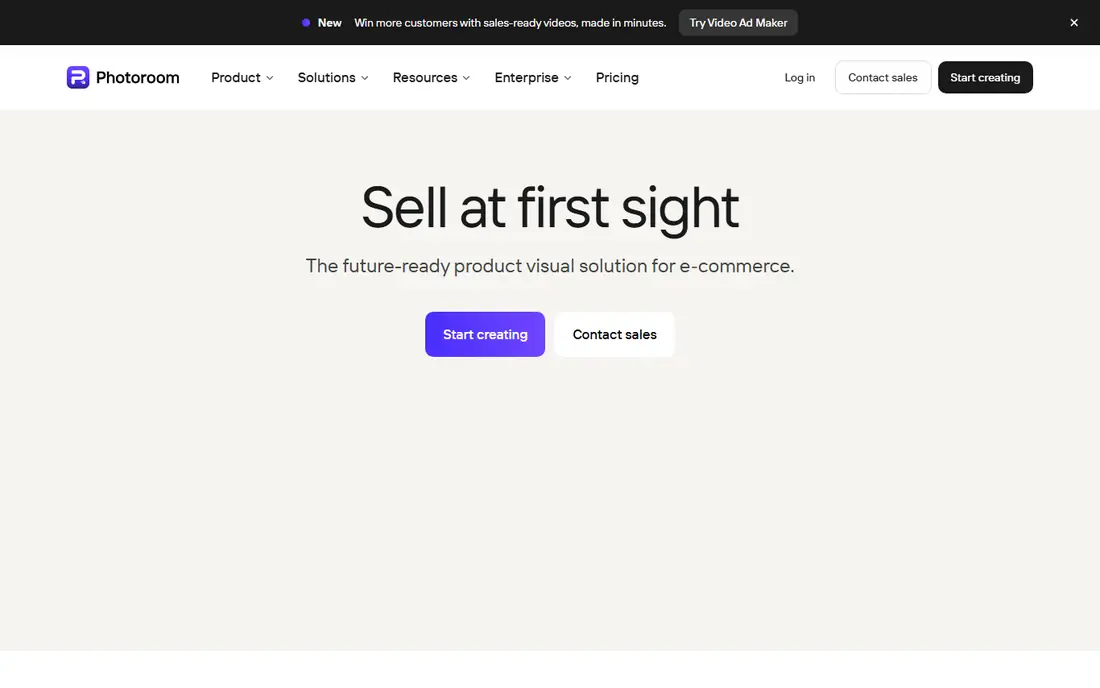
PhotoRoom is built for sellers. You take a product photo, remove the background, and place it on a clean white background, a template, or an AI generated scene, ready for a marketplace listing. The workflow is fast on mobile, and paid plans add batch export, higher resolution, and more templates.
The free plan is useful for testing, but exports can be watermarked and high resolution downloads sit behind Pro, starting around 7.50 dollars per month billed annually in some listings, or higher monthly. Check current pricing on the vendor site, since plans vary by region. If you sell online, PhotoRoom is worth paying for once volume grows.
- Built for product photos
- Templates and AI backgrounds
- Batch export on paid plans
- Free exports can carry a watermark
- High resolution exports need a paid plan
- Mobile first design

Canva is the natural home for former remove.bg web users, since remove.bg technology moved into Canva. Its Background Remover sits inside the editor, so you can cut out a photo and immediately build a post, ad, or presentation around it, with templates and brand tools close at hand. Sharing and team editing are also straightforward.
The catch is price. Background Remover is a Pro feature, with Pro listed at 15 dollars per month in many comparisons, so Canva is not a free alternative for the remover itself. If you already pay for Canva Pro, it is convenient. If you only need free cutouts, Adobe Express or Pixlr will serve you better.
- Huge template library
- Background removal inside the editor
- Easy team sharing
- Background Remover needs a Pro plan
- Free plan limits some exports
- Large files can be downscaled
Pixlr gives you a full photo editor in the browser, with an AI cutout tool alongside layers, adjustments, and filters. That matters when a cutout needs cleanup, since you can refine edges, adjust color, and export without switching apps. Free use is generous for casual editing, and Premium plans start at a low monthly price in many listings.
Free editing includes ads, and some tools and higher resolution exports need a paid plan. Batch processing also sits on paid tiers. For a free user who wants more than a one click result, Pixlr offers the best balance of control and cost.
- Full browser editor
- AI cutout tool
- No install needed
- Generous free use
- Ads on free plan
- Some advanced tools need Premium
- Batch features need paid plans
Fotor combines background removal with batch editing and design tools, which suits marketers and small sellers with many images. You can remove backgrounds, apply a consistent new background, and export a set of images without editing each one by hand. Pro is listed at 8.99 dollars per month billed annually in many comparisons.
The free plan covers basic removal, but higher resolution downloads and fuller batch features need Pro, and the interface packs in many tools that can distract from a simple job. If you process product photos in sets, Fotor paid plan is competitive. For single images, a simpler free tool may be faster.
- Background remover plus batch editing
- Design templates
- Basic free plan
- Full HD and batch features need Pro
- Free plan has limits
- Interface can feel busy
Slazzer suits developers and teams that need background removal inside a workflow. It offers a web tool, a desktop app, and an API, so you can automate removal for product catalogs or user uploads. Free credits let you test quality, and paid plans are credit based, starting around 11 dollars per month for 100 credits in some listings.
It is not a design tool. If you want templates, text, or social layouts, pair Slazzer with an editor like Canva or Adobe Express. If you need reliable, automated removal at volume, Slazzer API and desktop options are a practical remove.bg successor.
- API and desktop app for automation
- Free credits to test
- Good for bulk pipelines
- Free credits are limited
- Full resolution needs credits
- Less of a design editor
Removal.AI keeps the workflow as simple as remove.bg did. Upload an image, get a cutout, download a preview for free, and spend a credit for a high resolution result. Paid plans start around 5.99 dollars per month for 40 credits in some listings, which makes occasional HD downloads cheap.
The free tier is for testing, not production, since previews are low resolution. There is also little editing beyond the cutout itself, so edge cleanup needs another app. For occasional users who want cheap HD results without a subscription, Removal.AI is a good fit.
- Simple upload and download
- Low cost credit plans
- Batch upload support
- Free previews are low resolution
- HD downloads need credits
- Limited editing tools
Clipdrop, part of Jasper, offers a quick background remover alongside other AI image tools like cleanup, upscaling, and relighting. For portraits and product shots, results are usually clean, and the web tool needs no install. That toolkit approach helps when a photo needs more than just a cutout.
Free use is capped, with reports of around 20 removals per 24 hours and high resolution behind Pro at 9.99 dollars per month in some listings. Check current limits on the vendor site, since they change. For light, daily use, Clipdrop is a handy free option.
- Fast web remover
- Part of a wider AI image toolkit
- Good portrait results
- Free use capped per day in many listings
- High resolution needs Pro
- Batch limits on free
Pixelcut is a mobile first tool for sellers who shoot products on a phone. It removes backgrounds, adds templates and AI backgrounds, and prepares images for marketplaces, all from the app. That speed matters for resellers and small shops that photograph stock daily.
Free use is limited, and paid plans, starting around 8 dollars per month billed annually in some listings, open up higher resolution and fuller batch features. The desktop experience is less complete than the mobile app. If your workflow starts on a phone, Pixelcut is a strong free starting point.
- Strong mobile app for sellers
- Templates and AI backgrounds
- Quick product shots
- Free plan has limits
- High resolution and batch features need paid plans
- Desktop experience is thinner
How we picked these
We compared official pricing pages, free plan terms, and public documentation for background removers that work today and offer a free path. We excluded remove.bg itself, since its standalone site was scheduled to close on 1 December 2026, and we noted where a free tier limits resolution, adds a watermark, or requires a paid plan for batch work. We did not claim hands on testing, and prices are vendor listings checked in October 2026, which can vary by region.
How to pick a free remover that stays free
Start with output, not with the demo. A tool that shows a perfect preview but only downloads a tiny file is not free for real work, so download a test image at the size you need before you commit. Check watermark rules and commercial use terms if you will use images in listings or ads.
Hair, batch size, and privacy
Hair, fur, and transparent objects are the hardest edges, so test your awkward images, not just clean product shots. For batches, check whether batch processing is free or paid, and for private photos, consider a local tool or a vendor with clear privacy terms. Keeping a copy of the original image also helps, since you can retry a cutout in another tool if edges fail.
FAQ
Is remove.bg still working?
Its standalone website was scheduled to close on 1 December 2026 at 9:00 am CET, as background removal moves into Canva, with API users directed to Leonardo.Ai. Do not build a new workflow on the standalone site, and use your credits before the closing date if you have any.
What is the best completely free background remover?
Adobe Express is the strongest free option for most people, since its remover works on the free plan without a watermark. Pixlr is a close second, especially if you also want a full browser editor for cleanup.
Do free background removers add watermarks?
Some do, and some limit resolution instead. PhotoRoom free exports can be watermarked, while Removal.AI free previews are low resolution. Adobe Express free removals are reported as watermark free, but always check the downloaded file before publishing.
Can I remove backgrounds in bulk for free?
Real batch processing is usually a paid feature. Fotor, PhotoRoom, and Slazzer offer batch tools on paid plans, while free plans suit one image at a time. For large local batches, an open source tool like rembg can process folders on your own machine.
Which free remover is best for product photos?
PhotoRoom and Pixelcut are built for sellers, with templates, marketplace sizes, and AI backgrounds. Adobe Express is better if you also need design layouts, while Slazzer and Removal.AI suit bulk or API workflows.