Best Company to Remove Personal Information From the Internet in 2026: 8 Services Compared
Find the best company to remove personal information from internet, comparing data broker coverage, rescan frequency, reports, prices, and support today.
- Editor's choice
 Incogni
Hands-off automated removal
Starts at$7.99 per monthVisit incogni.comFull review - Great alternative
 DeleteMe
Detailed human verified removal
Starts atSee websiteVisit joindeleteme.comFull review - Also consider
 Aura
Removal plus identity protection
Starts atSee websiteVisit aura.comFull review
TL;DR:
- Removal is ongoing work, because brokers often republish details within months of a successful removal.
- Incogni suits hands-off automated removal, while DeleteMe suits detailed human verified reports.
- Aura suits people who also want identity theft protection, credit monitoring, and a VPN in one plan.
- Optery suits DIY users who want to see exposures and handle some removals themselves.
Quick comparison
| Tool | Best for | Starts at | Free plan? | |
|---|---|---|---|---|
| Incogni | Hands-off automated removal | $7.99 per month | Yes | Visit |
| DeleteMe | Detailed human verified removal | See website | No | Visit |
| Aura | Removal plus identity protection | See website | Yes | Visit |
 Optery | DIY and transparent exposure reports | See website | Yes | Visit |
 Kanary | Families and guided privacy help | See website | No | Visit |
 Privacy Bee | Digital footprint removal | See website | No | Visit |
 Cloaked | Preventing new exposure with aliases | See website | No | Visit |
 OneRep | Household removal for up to six users | See website | No | Visit |
The best companies to remove personal information from the internet
Data brokers collect and sell personal details such as addresses, phone numbers, and relatives, and removal services submit opt-out requests on your behalf. No service can erase everything, because brokers re-collect data and some records are public by law. We compared services that state their broker coverage, rescan frequency, and reporting clearly.
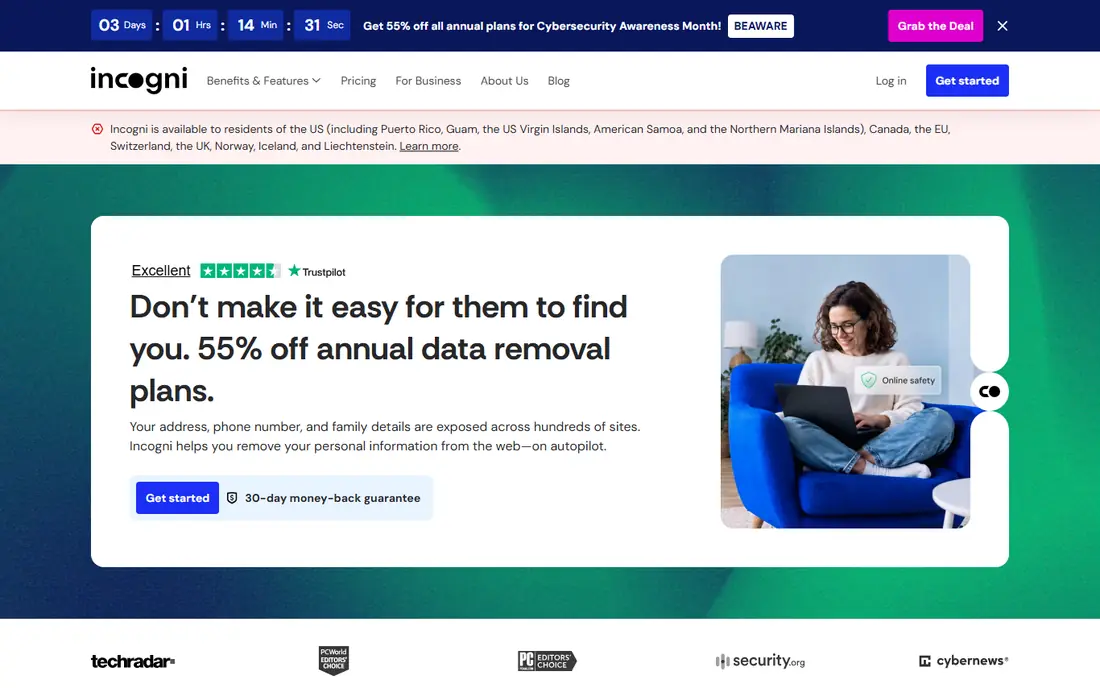
For shoppers who want a clear starting point, Incogni is worth a close look because automated removals across many brokers with regular rescans. In practice, that means Incogni works best for people who want automated removal at a moderate price. The trade off is no credit monitoring, and removal cannot erase public records. Before you commit, check the current terms on the official site, including any fees, limits, and eligibility rules, because those details can change and they matter more than a headline rate or feature list.
- Automated removals across many brokers
- Regular rescans
- Unlimited custom removals on higher tier
- No credit monitoring
- Removal cannot erase public records
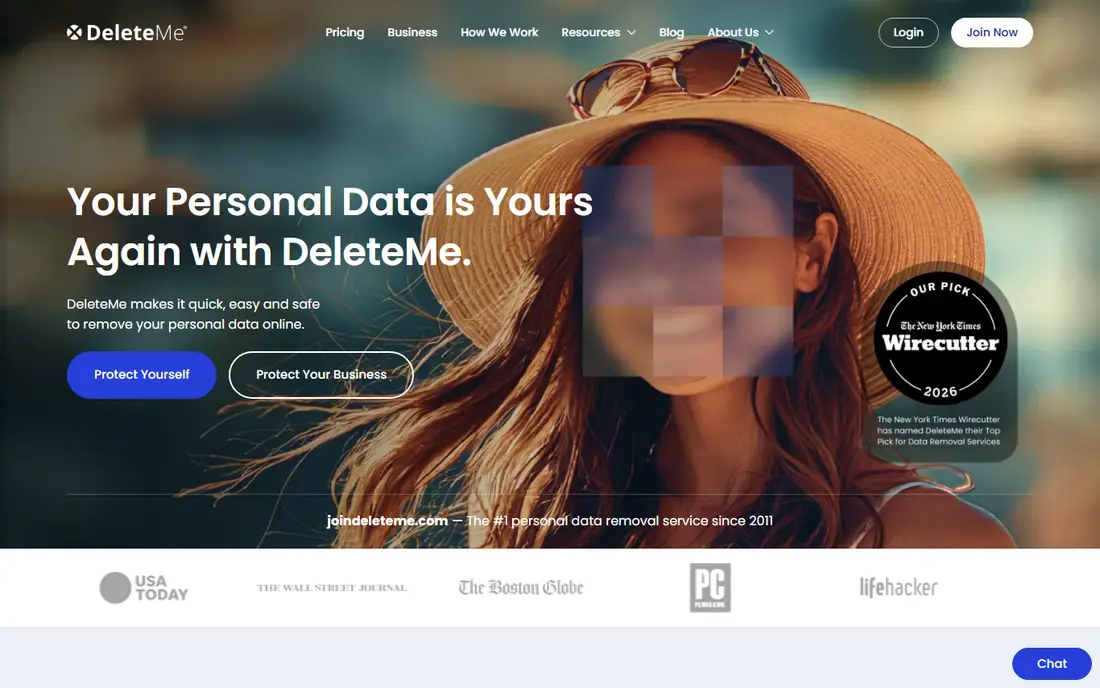
What stands out first about DeleteMe is broad broker coverage with human verified removals and detailed reports. That profile makes DeleteMe a sensible fit for people who want detailed reports and human verification, provided you accept a higher price than some rivals, and reports are quarterly. Read the terms carefully, compare the total cost over the full period, and confirm that the plan still works if your circumstances change partway through.
- Broad broker coverage
- Human verified removals
- Detailed quarterly reports
- Higher price than some rivals
- Reports are quarterly, not monthly
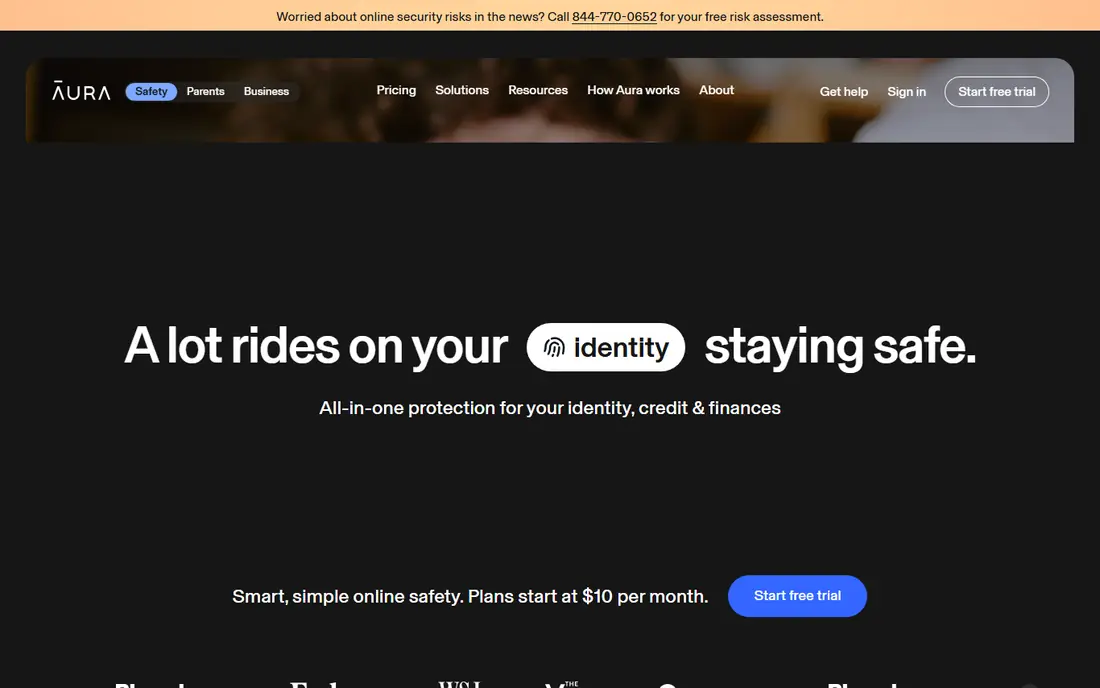
If your main concern is people who want removal plus identity protection, Aura deserves a place on the shortlist. So Aura suits people who want removal plus identity protection who value data removal bundled with credit monitoring, dark web monitoring, and a VPN and can live with removal coverage is narrower than dedicated rivals, and the bundle costs more. Compare it side by side with one or two others on this list before deciding, and keep a note of the renewal, cancellation, and support terms.
- Data removal plus credit monitoring, dark web monitoring, VPN, and antivirus
- Family plans
- Removal coverage is narrower than dedicated rivals
- Bundle costs more than removal alone
We would point DIY users who want to see exposures first buyers toward Optery first, mainly because a free exposure scan with tiered plans from DIY to fully managed. Put simply, Optery is a good match for DIY users who want to see exposures first. The honest catch is fully managed removal costs more, and DIY tiers need your time, so weigh that against the benefit of a free exposure scan with tiered plans from DIY to fully managed before you sign up or place an order.
- Free exposure scan
- Tiered plans from DIY to fully managed
- Broker list transparency
- Fully managed removal costs more
- DIY tiers need your time
Among the options here, Kanary is the one that puts families who want guided privacy help front and center. In practice, that means Kanary works best for families who want guided privacy help. The trade off is a smaller broker list than top rivals, and pricing varies by plan. Before you commit, check the current terms on the official site, including any fees, limits, and eligibility rules, because those details can change and they matter more than a headline rate or feature list.
- Family plans
- Guided privacy management
- Regular monitoring
- Smaller broker list than top rivals
- Pricing varies by plan
A practical reason to consider Privacy Bee is removal from brokers and people search sites with a privacy dashboard. That profile makes Privacy Bee a sensible fit for users who want a dashboard view of their footprint, provided you accept pricing is higher than basic rivals, and coverage needs checking per plan. Read the terms carefully, compare the total cost over the full period, and confirm that the plan still works if your circumstances change partway through.
- Removes data from brokers and people search sites
- Privacy dashboard
- Ongoing monitoring
- Pricing is higher than basic rivals
- Coverage details need checking per plan
For many people, Cloaked will be the simplest match, since email and phone aliases that help prevent new exposure. So Cloaked suits people who want to stop new exposure, not just clean old listings who value email and phone aliases that help prevent new exposure and can live with not a pure removal service, and alias use takes habit change. Compare it side by side with one or two others on this list before deciding, and keep a note of the renewal, cancellation, and support terms.
- Email and phone aliases to mask identity
- Monthly rechecks
- Identity protection tools
- Not a pure removal service
- Alias use takes habit change
The case for OneRep rests on household removal for up to six users with broad alias coverage, paired with a setup that suits larger households that need removal for several people. Put simply, OneRep is a good match for larger households that need removal for several people. The honest catch is price rises for family plans, and the interface is less polished, so weigh that against the benefit of household removal for up to six users with broad alias coverage before you sign up or place an order.
- Family plans for up to six users
- Unlimited name and address aliases on family plans
- Monitoring
- Price rises for family plans
- Interface is less polished than some rivals
How we picked these
We compared official service pages, broker coverage claims, rescan terms, reporting samples, and pricing. We favored services that name the brokers they cover, explain rescan frequency, and state plainly that removal cannot delete public records or data already copied elsewhere. We treated bundle services fairly, but we did not rank a bundle above a dedicated remover on removal alone.
How to choose a removal service that fits your exposure
Start with a free scan. Use a free exposure scanner or the free tier of a service to see where your name, address, and phone number appear. That list tells you whether you need a broad automated service, a family plan, or a bundle with credit monitoring.
Check coverage and rescan frequency. Ask how many brokers are covered automatically, how often the service rescans, and whether custom removals are included. A service that removes once and never checks again will lose ground as brokers republish data.
Keep expectations realistic. Removal reduces searchable exposure, but it does not remove court records, property records, or data already sold and copied. Pair removal with strong passwords, two-factor authentication, and credit freezes where appropriate.
Before you decide, compare the total cost, the contract length, and the support you will actually get, not just the headline feature. Read the current terms on the official site, check whether the service covers your state, region, or use case, and confirm what happens if you cancel, pause, or need help. A short trial, a demo, or a small first order can reveal problems that a sales page will not show, including slow support, unclear billing, or limits that only appear after signup. Keep notes on the options you compared, so you can return to the second choice if the first one does not work out as promised.
FAQ
Can a service remove all my personal information from the internet?
No service can remove everything. Data brokers re-collect information, some records are public by law, and data already copied or sold cannot be recalled. A good service reduces searchable exposure and keeps working over time, but it is not a complete erasure.
How long does data broker removal take?
Initial removals often take weeks, and some brokers are slower than others. Most services rescan on a cycle of one to three months, so full results build over several months rather than days.
Is Incogni or DeleteMe better?
Incogni is usually cheaper and more automated, while DeleteMe offers broader coverage claims and human verified reports. The better choice depends on whether you value automation and price, or detailed reporting and verification.
Do I still need removal if I have identity theft protection?
Yes, the two do different jobs. Removal reduces how easily strangers find your address and phone number. Identity protection monitors credit and the dark web and helps if fraud happens. Aura bundles both, while Incogni and DeleteMe focus on removal.
Can I remove my information myself for free?
Yes, you can submit opt-out requests yourself, and Optery offers a free scan and DIY tools to help. Doing it yourself takes many hours, and brokers often require repeat requests, which is why paid services exist.