Software for Visual Presentation Design in 2026: The 5 Best Options Side by Side
5 products for the best software for visual presentation design, ranked by fit, with starting costs and free tiers. Each listing flags where it falls short.
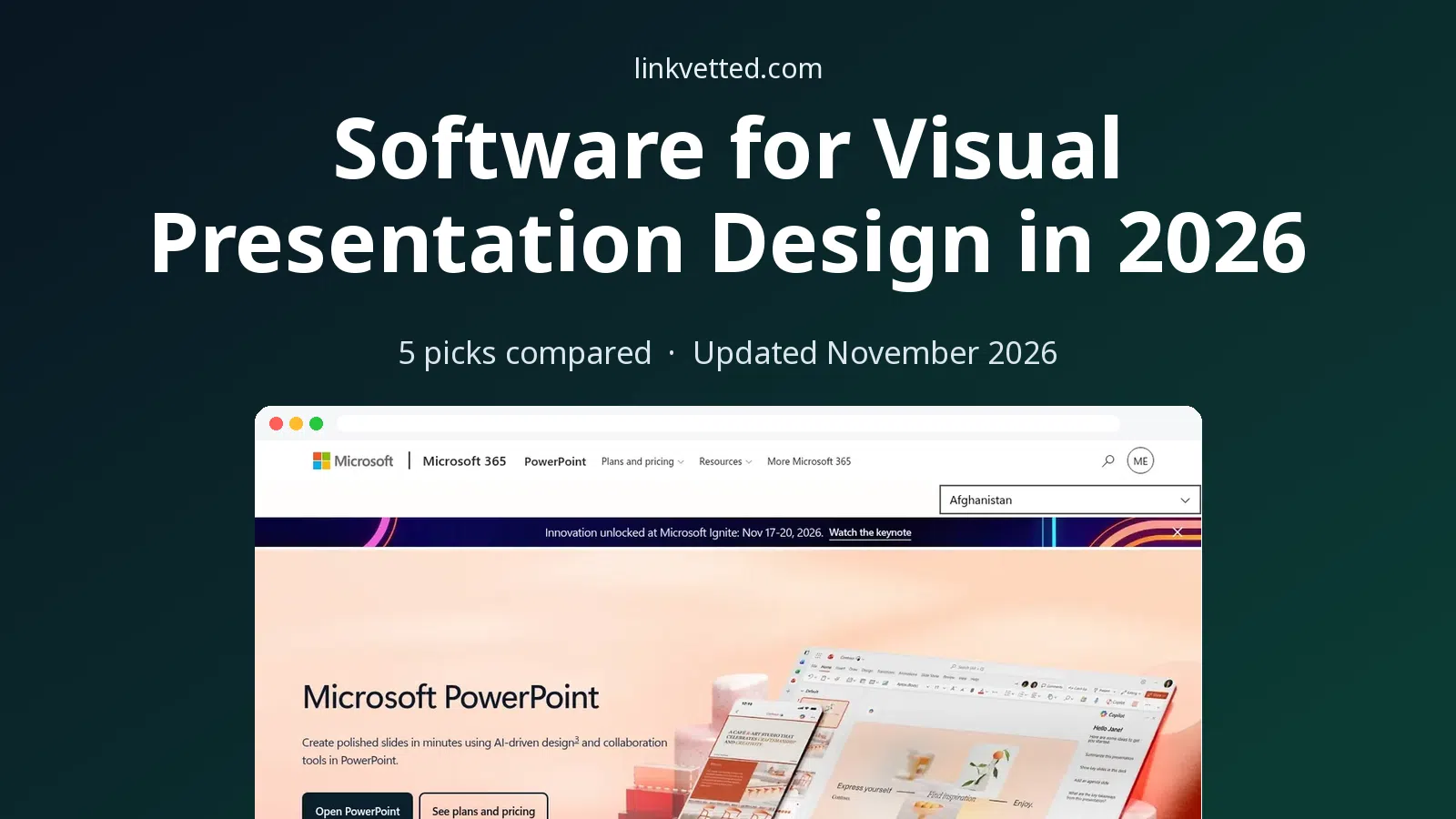
- Editor's choice
 Microsoft PowerPoint
In-depth slide-based storytelling
Starts atSee websiteVisit microsoft.comFull review - Great alternative
 Prezi
Interactive live presentations
Starts atSee websiteVisit prezi.comFull review - Also consider
 Beautiful.ai
Brand-consistent team decks
Starts at$14.50 a monthVisit beautiful.aiFull review
Direct answer
If you need in-depth slide-based storytelling, Microsoft PowerPoint is the first tool to look at here. Listed starting prices: Beautiful.ai from $14.50 a month and Pitch from €10 a month. Prezi fits interactive live presentations; Beautiful.ai fits brand-consistent team decks. The other 2 tools in the list cover narrower or pricier cases.
TL;DR:
- The list opens with Microsoft PowerPoint, aimed at in-depth slide-based storytelling.
- For all-around visual design suite, Canva is worth a look.
- Only Pitch offers a free plan among these 5 tools.
- A fair warning about Prezi: nonlinear canvas takes practice to structure.
- The lowest published monthly entry price here is $14.50 per month, from Beautiful.ai.
Last checked November 2026. Prices and plan details were read from the vendors' own pages in November 2026; vendors change plans often, so confirm the current price on the vendor site before you buy.
Quick comparison
| Tool | Best for | Starts at | Free plan? | |
|---|---|---|---|---|
| Microsoft PowerPoint | In-depth slide-based storytelling | See website | Not stated | Visit |
| Prezi | Interactive live presentations | See website | Not stated | Visit |
| Beautiful.ai | Brand-consistent team decks | $14.50 a month | Free trial | Visit |
 Pitch | Collaborative team presentation workspace | €10 a month | Yes | Visit |
 Canva | All-around visual design suite | See website | Not stated | Visit |
Every option for software for visual presentation design explained
LinkVetted put together this guide to software for visual presentation design for readers who want a clear shortlist without reading every vendor page. It compares 5 tools on starting price, free plans, who each one suits and where each one falls short.
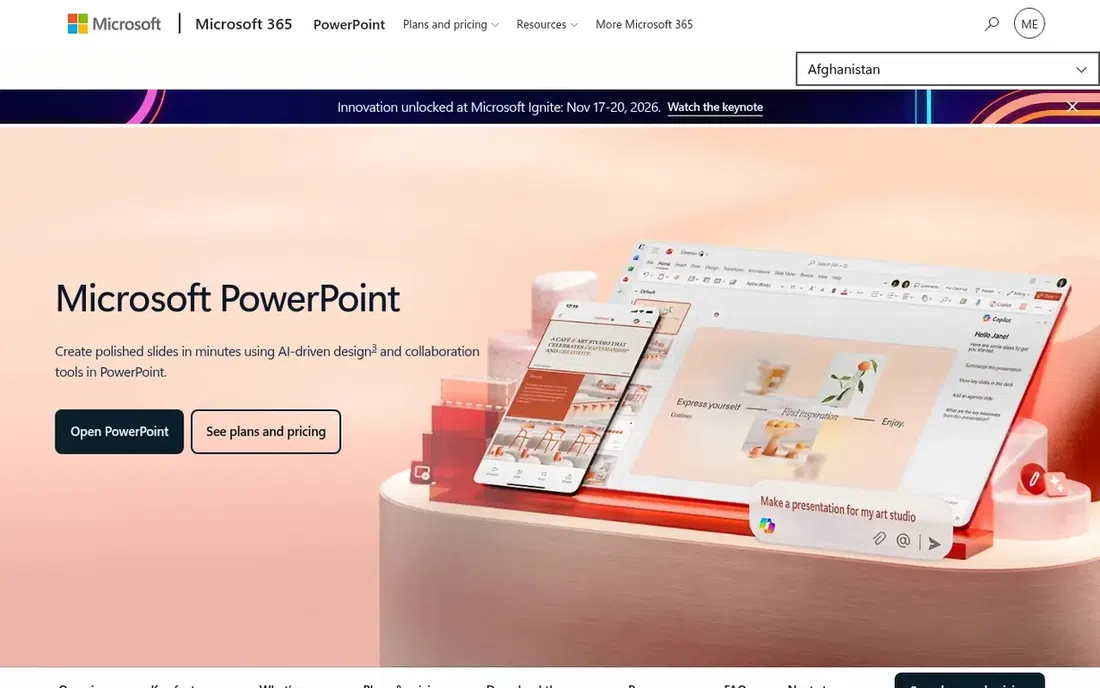
Microsoft PowerPoint is designed for in-depth slide-based storytelling. PowerPoint rewards experience: solid visuals rely on the designer's skill, and less practiced users can produce cluttered slides.
In practice, teams that prioritize live co-editing or automatic layout help may prefer a browser-based or AI-assisted alternative. From a buyer's view, Microsoft PowerPoint is a long-established presentation maker for building clean slideshows and intricate pitch decks. Microsoft PowerPoint does not show a starting price in this comparison, so check the vendor site for current pricing. As for free access: Not stated.
Limits to weigh: Collaboration feels less fluid than browser-first tools.
- Familiar format for business audiences
- Capable slide layout and animation controls
- Visual polish relies on user skill
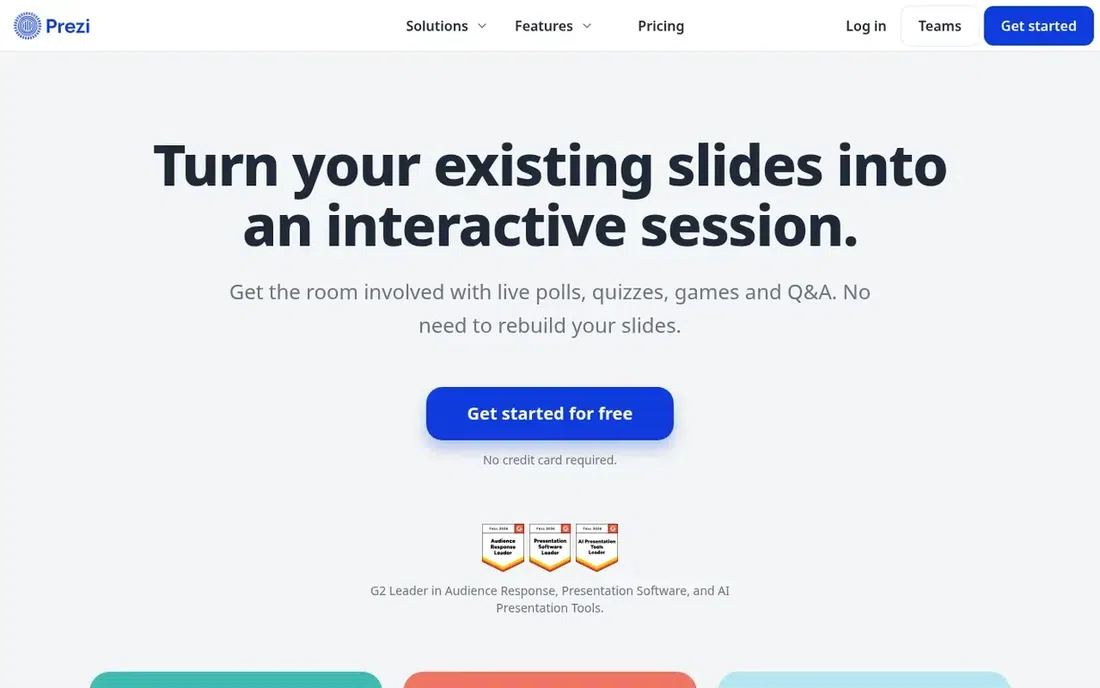
Prezi is built with interactive live presentations in mind. Prezi is an interactive presentation product targeted at educators, trainers and teams.
Downsides: Nonlinear canvas takes practice to structure.
It lets you bring existing slides or describe your content, then run live polls and quizzes that audiences join from their phones, finishing with a shareable link. If you chiefly need static slides for printing or emailing, a conventional slide tool is more straightforward. This comparison lists no price for Prezi; ask the vendor. On free options: Not stated.
- Zooming canvas moves beyond flat slides
- Live polls and quizzes joined from phones
- Less suited to static document-style decks
Beautiful.ai serves brand-consistent team decks. Teams needing interactive or animated content beyond standard business slides should look at other choices.
Beautiful.ai is an AI presentation product designed for enterprise teams, with the goal of keeping every deck on brand and ready to share across a company. Starting cost for Beautiful.ai: $14.50 per month. On free options: Free trial.
The main drawbacks: Less manual control over placement.
- Automatic layout keeps slides aligned
- Made for shared team templates
- Centred on business decks instead of rich media
Pitch is designed for collaborative team presentation workspace. Pitch is a collaborative presentation product for teams that want to build, share and deliver better work in one workspace.
What you pay to start with Pitch: €10 per month. Free access exists with Pitch.
The main drawbacks: Smaller template ecosystem than legacy tools.
- Merges creation
- Built around team collaboration
- Best value for teams instead of solo casual use
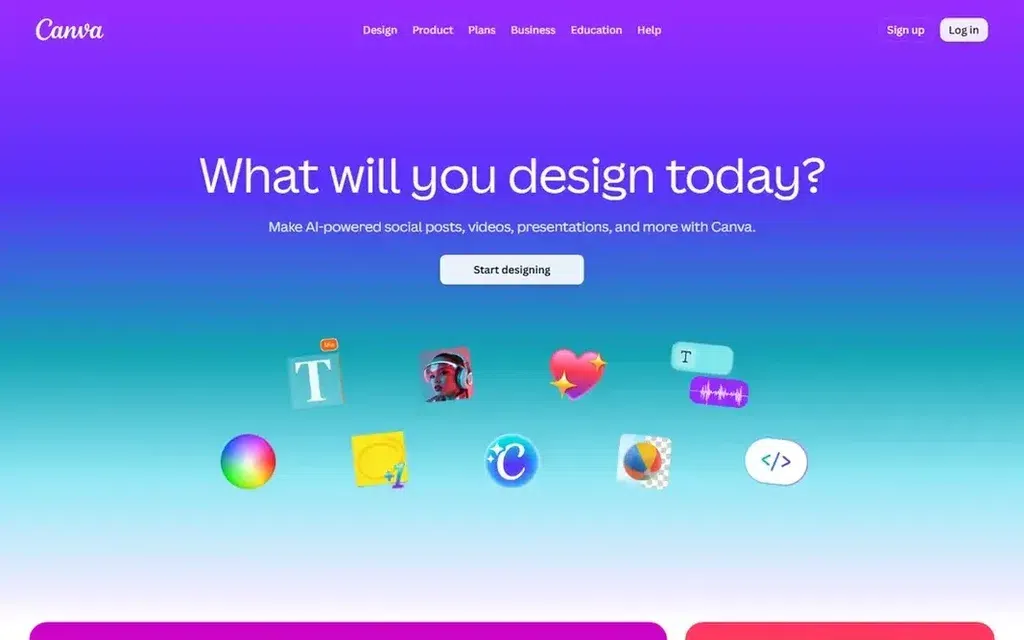
Canva is built with all-around visual design suite in mind. Since Canva favors templates and drag-and-drop editing, it gives you less precise control over layout and animation than dedicated slide software. For everyday use, if you need intricate pitch decks with in-depth transitions or strict corporate formatting, a slide-focused tool may serve you better.
Also, Canva is an online graphic design tool that extends naturally into presentation design, letting you build slides alongside social posts, posters, videos and logos in one place. It does well when presentation design overlaps with broader brand content. Pricing for Canva is not stated here, so ask the vendor for current figures. As for free access: Not stated.
Reasons to shortlist it: social posts. Where it is weaker: Complicated decks can feel template-driven.
- Deals with slides
- Broad range of templates and design formats
- Deep layout control is restricted
Selection criteria
Things to verify first
- Confirm the entry price on the vendor page. For Microsoft PowerPoint, Prezi and Canva that means a quote rather than a fixed price.
- Test the free plan from Pitch against your real workload before relying on it.
- Take the trial from Beautiful.ai and push a live task through it before you pay.
- Read the limits listed for Microsoft PowerPoint first: visual polish relies on user skill.
- Check the integration list for Canva against the tools you run today, and note which ones need a higher plan.
- A short pilot of Beautiful.ai with your real workflow tells you more than a feature table.
FAQ
How are the tools for software for visual presentation design ordered?
The order follows typical fit for software for visual presentation design, with Microsoft PowerPoint first and Canva last, then price clarity and free access. It is editorial judgement, not a score, so another team could rank the tools differently.
Which tool is a good match for visually rich presentations?
Microsoft PowerPoint is the pick this page puts first, mainly for in-depth slide-based storytelling. If your situation differs, Prezi suits interactive live presentations, and Beautiful.ai suits brand-consistent team decks. Compare price and limits before you decide.
Is Microsoft PowerPoint the right pick for everyone comparing software for visual presentation design?
No single tool suits every team. Microsoft PowerPoint comes first because it fits detailed slide-based storytelling, while Prezi suits interactive live presentations and Beautiful.ai suits brand-consistent team decks. Match the tool to your own size, budget and workflow before deciding.
What is the cheapest option for software for visual presentation design in this list?
On published monthly entry prices, Beautiful.ai is the lowest here at $14.50 per month. Entry price is only part of the cost, because seats, add-ons and billing terms can change the total. All 5 picks in this software for visual presentation design comparison list a starting price, free plan details and the main limits on their cards above.
Can I try these tools before paying?
Often, yes. Pitch has a free plan and Beautiful.ai offers a free trial. Use your own data and a real task during the test, and check what the free tier or trial limits before you rely on it. For the full picture, the cards above cover all 5 entries of this software for visual presentation design list, including price, free plan and limits.
Sources
- https://www.microsoft.com/microsoft-365/powerpoint
- https://prezi.com
- https://www.beautiful.ai
- https://pitch.com
- https://www.canva.com