Best Pinnacle Studio Ultimate Alternatives for 2026 (5 Compared)
5 products for Pinnacle Studio Ultimate alternatives, ranked by fit, with starting costs and free tiers. Honest caveats for every entry. Pick by budget.
- Editor's choice
 Filmora
Beginner-friendly AI-powered editing
Starts atSee websiteVisit filmora.wondershare.comFull review - Great alternative
 DaVinci Resolve
All-in-one postproduction with color focus
Starts atSee websiteVisit blackmagicdesign.comFull review - Also consider
 CyberLink PowerDirector
AI-assisted editing with effects
Starts at$54.99 a monthVisit cyberlink.comFull review
Direct answer
Start with Filmora if you need beginner-friendly AI-powered editing. Listed starting prices: CyberLink PowerDirector from $54.99 a month. Alternatives: DaVinci Resolve for all-in-one postproduction with color focus, and CyberLink PowerDirector for AI-assisted editing with effects. The remaining 2 options are covered below with prices and limits.
TL;DR:
- This list starts with Filmora, which is built for beginner-friendly AI-powered editing.
- Adobe Premiere Pro is the one to check for professional editing and Adobe integration.
- CyberLink PowerDirector has the lowest monthly starting price in this list: $54.99 per month.
- The main caution on CyberLink PowerDirector: some advanced features need extras.
- None of the 5 tools, from Filmora to Adobe Premiere Pro, has a free plan, so budget for a subscription or use a trial.
Last checked November 2026. Prices and plan details were read from the vendors' own pages in November 2026; vendors change plans often, so confirm the current price on the vendor site before you buy.
Quick comparison
| Tool | Best for | Starts at | Free plan? | |
|---|---|---|---|---|
| Filmora | Beginner-friendly AI-powered editing | See website | Not stated | Visit |
| DaVinci Resolve | All-in-one postproduction with color focus | See website | Not stated | Visit |
| CyberLink PowerDirector | AI-assisted editing with effects | $54.99 a month | Not stated | Visit |
 Vegas Pro | Windows users needing advanced audio | See website | Not stated | Visit |
 Adobe Premiere Pro | Professional editing and Adobe integration | See website | Not stated | Visit |
Pinnacle Studio Ultimate compared in detail
LinkVetted compared 5 tools for Pinnacle Studio Ultimate. The goal is a practical shortlist: published prices, free plan facts, best-fit use cases and honest limits for every entry.
Think of Filmora for beginner-friendly AI-powered editing. Filmora may not offer the depth required for complicated professional projects, and the free version brings a watermark to exports.
Where it is weaker: Limited advanced features compared with pro tools.
More specifically, if you need advanced features or are working on high-end productions, Adobe Premiere Pro or DaVinci Resolve would be more appropriate. This comparison lists no price for Filmora; ask the vendor. Free plan details: Not stated.
- Easy-to-learn timeline tools
- Available on desktop and mobile
- Watermark on exports in free version
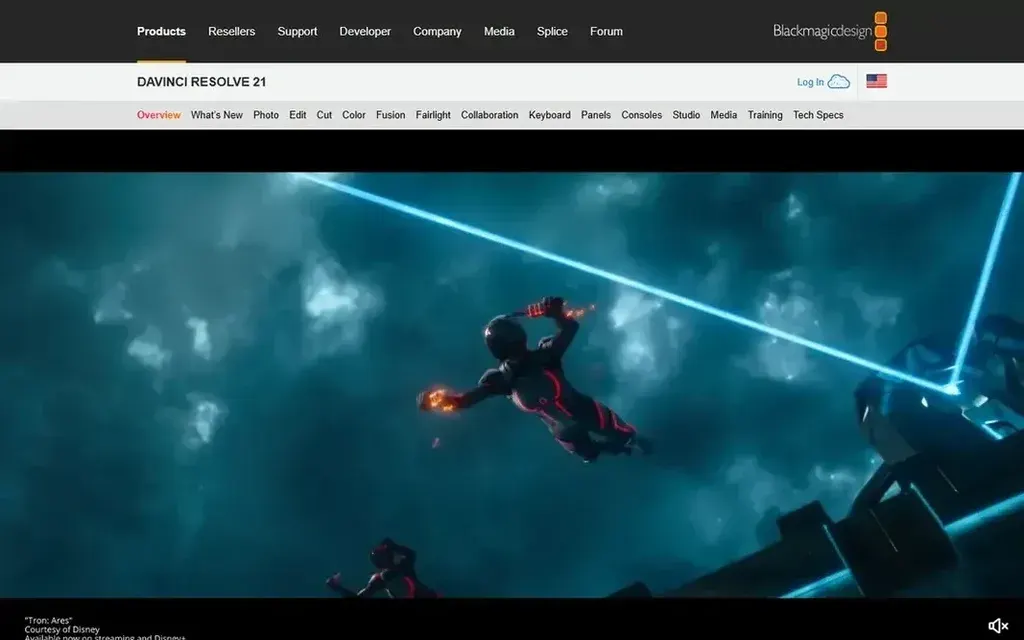
DaVinci Resolve is designed for all-in-one postproduction with color focus. DaVinci Resolve is a professional video editing and postproduction application that integrates editing, color correction, visual effects, and audio postproduction in a single tool. It is available for Mac, Windows, and Linux, with both free and premium versions.
Also, if you need a more straightforward editor or are on a less capable machine, Filmora or PowerDirector might be better choices. For everyday use, the depth of features can be intimidating for beginners, and the free version may lack some advanced collaborative tools. It also demands significant system resources. Check the vendor site for DaVinci Resolve pricing; none is listed in this comparison. As for free access: Not stated.
Watch-outs: Needs feature-rich hardware for smooth performance.
- Available for Mac, Windows, Linux
- Merges editing, color, VFX, audio
- Advanced features have a ramp-up time
CyberLink PowerDirector is a good fit for AI-assisted editing with effects. CyberLink PowerDirector is video editing software with AI tools, pro-grade effects, and a large collection of royalty-free assets. It aims to help users make better videos quicker, making it a good match for editors who want AI assistance and a rich content library without a steep ramp-up time.
Where it is weaker: Some advanced features need extras.
Also, PowerDirector may need additional purchases for certain effects or plugins, and it can be demanding on older hardware. In practice, if you prefer a more simplified editor or need advanced color grading, DaVinci Resolve or Premiere Pro might be better suits. What you pay to start with CyberLink PowerDirector: $54.99 per month. Free access: Not stated.
- AI tools for quicker editing
- Pro-grade effects
- Can be resource-intensive
Vegas Pro was built for Windows users needing advanced audio. Vegas Pro is professional video editing software for Windows with AI tools, color grading, VFX, and audio.
Watch-outs: Can be complicated for beginners.
Check the vendor site for Vegas Pro pricing; none is listed in this comparison. As for free access: Not stated.
- Adaptable timeline-based editing
- Strong audio editing capabilities
- Windows-only
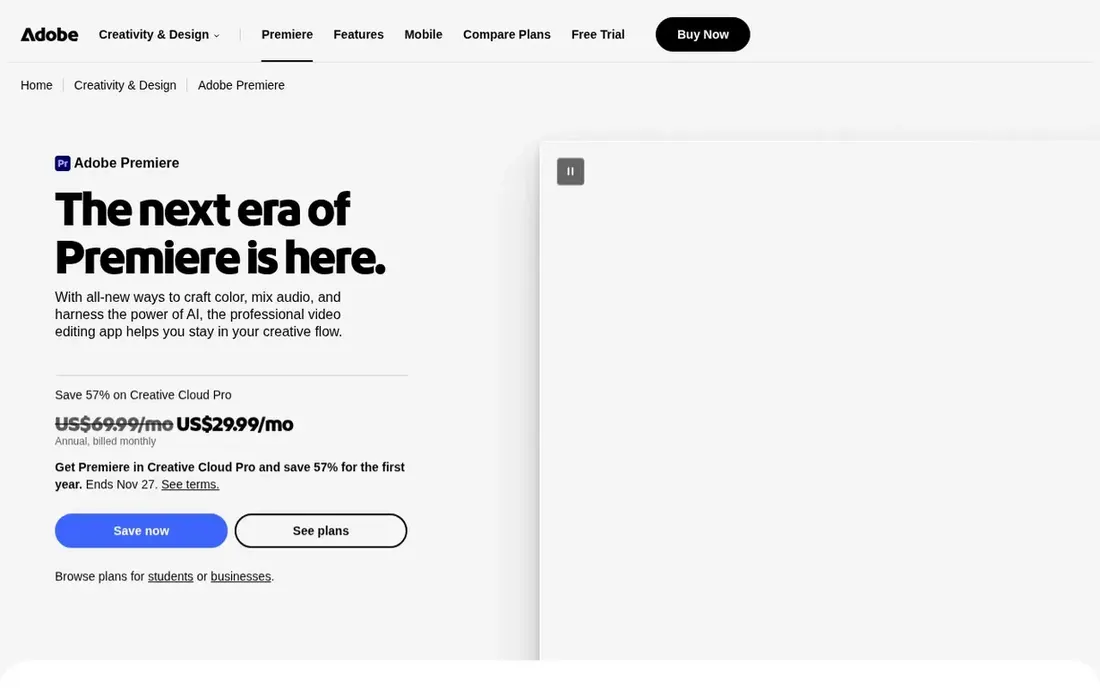
Adobe Premiere Pro targets professional editing and Adobe integration. Adobe Premiere Pro is professional video editing software built for advanced workflows. In practice, if you prefer a one-time purchase or more straightforward interface, consider DaVinci Resolve or Filmora instead.
Premiere Pro has a steep ramp-up time and may overwhelm beginners. Its subscription model and hardware demands can be drawbacks for casual users. No starting price is listed for Adobe Premiere Pro here; confirm pricing on the vendor site. On free options: Not stated.
Trade-offs to know: Subscription-based licensing.
- Thorough editing and postproduction tools
- Supports a wide range of formats and workflows
- Can be demanding on hardware
How we built this list
Pricing pages, product documentation and feature lists were the main sources, and every entry carries at least one honest drawback. Figures are shown as the vendors publish them. Billing terms, seat minimums and add-ons can change the real cost. Tools are placed by general fit for Pinnacle Studio Ultimate, with price clarity and free access as tie-breakers. A different team can reasonably rank them differently.
What to check before you buy
- Confirm the entry price on the vendor page. For Filmora, DaVinci Resolve, Vegas Pro and Adobe Premiere Pro that means a quote rather than a fixed price.
- Read the limits listed for Filmora first: restricted advanced features compared with pro tools.
- List the apps you already depend on and check that CyberLink PowerDirector supports each one on the plan you would buy.
- Check whether DaVinci Resolve bills monthly or annually, and what cancelling early costs.
- Confirm the exact Filmora plan that includes your must-have features.
FAQ
Is Filmora the right pick for everyone comparing Pinnacle Studio Ultimate?
No single tool suits every team. Filmora comes first because it fits beginner-friendly AI-powered editing, while DaVinci Resolve suits all-in-one postproduction with color focus and CyberLink PowerDirector suits AI-assisted editing with effects. Match the tool to your own size, budget and workflow before deciding.
Do these tools publish their prices?
Not all of them. Filmora, DaVinci Resolve, Vegas Pro and Adobe Premiere Pro publish no starting price, so expect a quote request for those. The rest, CyberLink PowerDirector included, show a starting price, though seats and billing terms still change the final cost.
Can I try these tools before paying?
Not by default. None of the tools, from Filmora to Adobe Premiere Pro, lists a free plan or a free trial here, so ask each vendor for a demo before committing. For the full picture, the cards above cover all 5 entries of this Pinnacle Studio Ultimate alternatives list, including price, free plan and limits.
How are the tools for Pinnacle Studio Ultimate ordered?
Filmora sits first and Adobe Premiere Pro last because the order follows typical fit for Pinnacle Studio Ultimate, then price clarity and free access. It is a judgement call, so read each profile for fit and limits.
Sources
- https://filmora.wondershare.com
- https://www.blackmagicdesign.com/products/davinciresolve
- https://www.cyberlink.com/products/powerdirector-video-editing-software/overview_en_US.html
- https://www.vegascreativesoftware.com/us/vegas-pro
- https://www.adobe.com/products/premiere.html