Best Mylio Photos Alternatives for 2026 (5 Compared)
Need Mylio Photos alternatives? We compare 5 tools on cost, free access and who each suits. Strengths and weak spots are spelled out. Updated November 2026.
- Editor's choiceCorel AfterShot Pro
Straightforward RAW workflow
Starts atSee websiteVisit corel.comFull review - Great alternative
 DxO PhotoLab
RAW processing with optical corrections
Starts atSee websiteVisit dxo.comFull review - Also consider
 Adobe Lightroom
Editing and organizing across devices
Starts atSee websiteVisit adobe.comFull review
Direct answer
This list puts Corel AfterShot Pro first for straightforward RAW workflow. Listed starting prices: Dropbox from $9.99 a month and ON1 Photo RAW from $49.99. For a different need, DxO PhotoLab covers RAW processing with optical corrections and Adobe Lightroom covers editing and organizing across devices. The full list of 5 tools follows, with prices and free plan facts.
TL;DR:
- Number one here is Corel AfterShot Pro, a fit for straightforward RAW workflow.
- Corel AfterShot Pro, ON1 Photo RAW and the 3 others all need a premium plan or a trial, since no free plan is listed.
- The main caution on Dropbox: not a photo editor.
- Dropbox has the lowest monthly starting price in this list: $9.99 per month.
Last checked November 2026. Prices and plan details were read from the vendors' own pages in November 2026; vendors change plans often, so confirm the current price on the vendor site before you buy.
Quick comparison
| Tool | Best for | Starts at | Free plan? | |
|---|---|---|---|---|
| Corel AfterShot Pro | Straightforward RAW workflow | See website | Not stated | Visit |
| DxO PhotoLab | RAW processing with optical corrections | See website | Not stated | Visit |
| Adobe Lightroom | Editing and organizing across devices | See website | Not stated | Visit |
 Dropbox | Cloud storage and file sharing | $9.99 a month | Free trial | Visit |
 ON1 Photo RAW | All-in-one editing without subscription | $49.99 | Free trial | Visit |
Mylio Photos, one by one
Choosing Mylio Photos usually comes down to price, fit and limits. This LinkVetted guide sets 5 tools side by side on those three points, with the facts kept short and checkable.
Corel AfterShot Pro
Best for: Straightforward RAW workflow
Think of Corel AfterShot Pro for straightforward RAW workflow. It suits photographers who want a focused RAW editing and management tool without a large connected ecosystem, and who are comfortable with a more traditional desktop approach to processing and organizing images.
Where it is weaker: Less prominent than rivals.
Corel AfterShot Pro does not show a starting price in this comparison, so check the vendor site for current pricing. As for free access: Not stated.
- Part of a wide software portfolio
- Suits batch-oriented work
- Fewer integrated cloud features
Where DxO PhotoLab fits: RAW processing with optical corrections. DxO PhotoLab is widely known as RAW processing software from DxO, recognized for optical corrections and detail-focused image processing.
It tends to appeal to users who edit individual images deeply instead of run large libraries across numerous devices. Its organizing and cloud capabilities are lighter than catalog-centered tools, so heavy library managers may prefer Lightroom. Check the vendor site for DxO PhotoLab pricing; none is listed in this comparison. Trial and free access: Not stated.
The main drawbacks: Organizing is lighter than catalogs.
- Known for lens corrections
- Fits detail-oriented photographers
- Narrower ecosystem
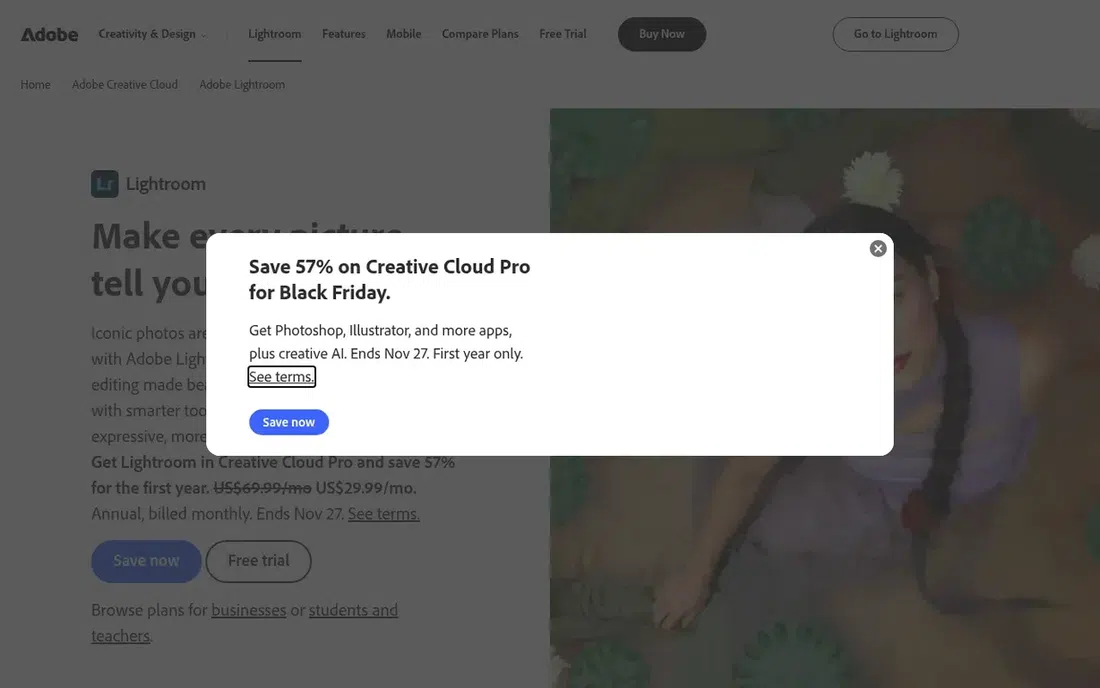
Pick Adobe Lightroom if this describes you: editing and organizing across devices. Its homepage positions it for professional photographers and enthusiasts who want to make photos from anywhere, combining adjustments with catalog-style organization.
Pricing for Adobe Lightroom is not stated here, so ask the vendor for current figures. As for free access: Not stated.
Where it falls short: Less appealing if you avoid cloud services.
- Works on desktop, web, mobile
- Fits professionals and enthusiasts
- Subscription-based model
In short, Dropbox is for cloud storage and file sharing. Treat it as a storage layer alongside an editor instead of a standalone alternative for editing and managing a photo library.
It is not a photo editor, but it can complement a photo workflow by keeping files synchronized and shareable. The starting price for Dropbox: $9.99 per month. As for free access: Free trial.
Where it falls short: No RAW processing or cataloging.
- Syncs files across devices
- Simple sharing and signing
- Not a photo editor
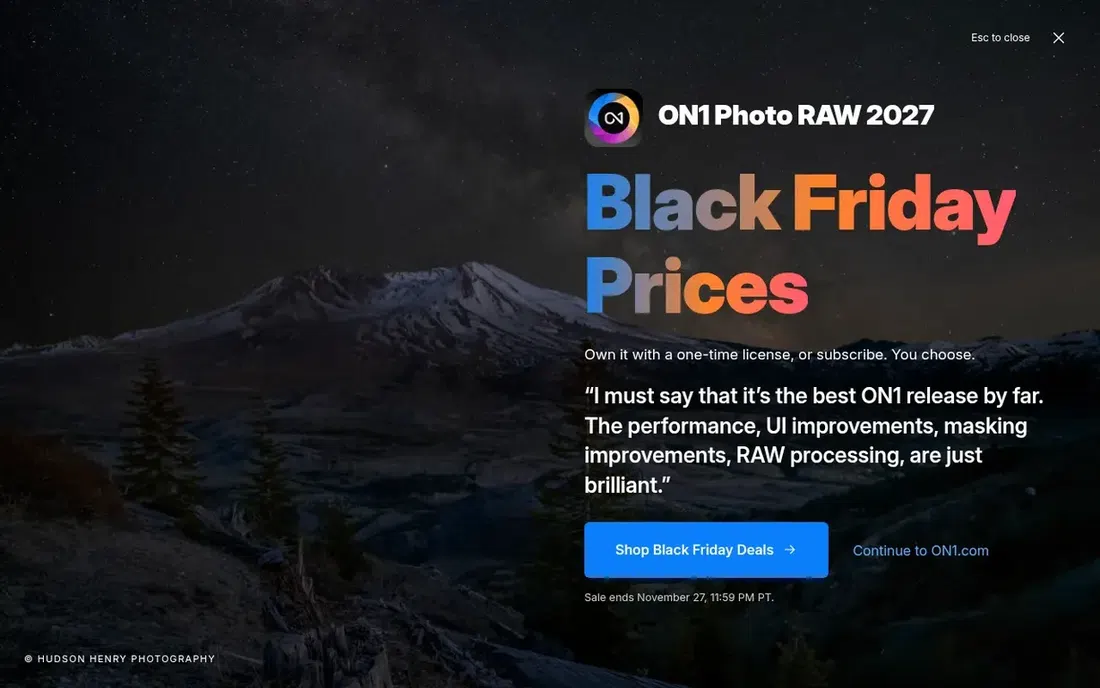
ON1 Photo RAW is a good fit for all-in-one editing without subscription. Consider it when a self-contained desktop app with organizing and RAW processing matters more than wide device coverage.
The main drawbacks: Feature depth varies by workflow.
That makes it a fit for photographers who want a single desktop application including editing and catalog-style organization, and who prefer to avoid recurring subscription commitments whereas still getting modern AI-assisted tools. On cost, ON1 Photo RAW starts like this: $49.99. On free options: Free trial.
- No subscription required
- AI editing and RAW processing
- Smaller ecosystem than Adobe
How we built this list
For each of the 5 tools we noted price, free plan or trial, fit for Mylio Photos and the main limit, using vendor pages and documentation. Where a price is missing, the vendor does not list one publicly or ties it to a quote. Always confirm before budgeting. Position on the page reflects fit for a typical buyer first, with price clarity and free access breaking ties. Treat it as a guide, not a ruling.
Before you commit
- Confirm the entry price on the vendor page. For Corel AfterShot Pro, DxO PhotoLab and Adobe Lightroom that means a quote rather than a fixed price.
- Take the trial from Dropbox and ON1 Photo RAW and push a live task through it before you pay.
- Read the limits listed for Corel AfterShot Pro first: less prominent than rivals.
- Pick one real project and run it in DxO PhotoLab first; a small pilot shows fit faster than a checklist.
- Look at which plan of Dropbox unlocks the features you need; entry tiers are often cut down.
FAQ
Can I try these tools before paying?
Often, yes. Dropbox and ON1 Photo RAW offer a free trial. Use your own data and a real task during the test, and check what the free tier or trial limits before you rely on it.
Is Corel AfterShot Pro the right pick for everyone comparing Mylio Photos?
No single tool suits every team. Corel AfterShot Pro comes first because it fits straightforward RAW workflow, while DxO PhotoLab suits RAW processing with optical corrections and Adobe Lightroom suits editing and organizing across devices. Match the tool to your own size, budget and workflow before deciding.
What is the cheapest option for Mylio Photos in this list?
On published monthly entry prices, Dropbox is the lowest here at $9.99 per month. Entry price is only part of the cost, because seats, add-ons and billing terms can change the total. Prices, free plan details and limits for all 5 tools in this Mylio Photos alternatives roundup sit on the individual cards above.
Does any tool for Mylio Photos here have a free plan?
A permanent free plan is not offered by Corel AfterShot Pro, ON1 Photo RAW or the other tools here. Dropbox, ON1 Photo RAW offer a trial. Plan a short evaluation period instead.
Which alternative is closest to an all-in-one photo organizer and editor?
Adobe Lightroom merges editing and organizing across desktop, web, and mobile, making it a natural comparison point. The better fit relies on whether you prefer a connected ecosystem or a self-contained desktop app.
Sources
- https://www.corel.com
- https://www.dxo.com
- https://www.adobe.com/products/photoshop-lightroom.html
- https://www.dropbox.com
- https://www.on1.com