Switching From GitHub Desktop? 5 Alternatives for 2026
GitHub Desktop alternatives in 2026: 5 contenders with entry costs and free tiers. Every profile names its biggest catch. Last reviewed November 2026.
- Editor's choiceFork
Developers wanting a quick, friendly client
Starts atSee websiteVisit git-fork.comFull review - Great alternativeSublime Merge
Keyboard-driven developers wanting speed
Starts atSee websiteVisit sublimemerge.comFull review - Also considerSourcetree
Teams wanting a wide visual Git client
Starts atSee websiteVisit sourcetreeapp.comFull review
Direct answer
If you need developers wanting a quick, friendly client, Fork is the first tool to look at here. Listed starting prices: Tower from $5.75 per user a month. Sublime Merge is the stronger choice for Keyboard-driven developers wanting speed, while Sourcetree suits teams wanting a wide visual Git client. The full list of 5 tools follows, with prices and free plan facts.
TL;DR:
- Top of the list is Fork, which targets developers wanting a quick, friendly client.
- Tower is the one to check for Mac and Windows users wanting polish.
- The main caution on Sourcetree: can feel heavy for small projects.
- None of the 5 tools, from Fork to Tower, has a free plan, so budget for a subscription or use a trial.
Last checked November 2026. Prices and plan details were read from the vendors' own pages in November 2026; vendors change plans often, so confirm the current price on the vendor site before you buy.
Quick comparison
| Tool | Best for | Starts at | Free plan? | |
|---|---|---|---|---|
| Fork | Developers wanting a quick, friendly client | See website | Not stated | Visit |
| Sublime Merge | Keyboard-driven developers wanting speed | See website | Not stated | Visit |
| Sourcetree | Teams wanting a wide visual Git client | See website | Not stated | Visit |
| SmartGit | Professionals and teams needing visual history | See website | Not stated | Visit |
| Tower | Mac and Windows users wanting polish | $5.75 per user a month | Free trial | Visit |
GitHub Desktop profiles
LinkVetted compared 5 tools for GitHub Desktop. The goal is a practical shortlist: published prices, free plan facts, best-fit use cases and honest limits for every entry.
Fork
Best for: Developers wanting a quick, friendly client
Fork is built with developers wanting a quick, friendly client in mind. Fork is a Git client for Mac and Windows that markets itself as quick and friendly, making it a natural alternative for people who find GitHub Desktop either too restricted or too entry-level.
Fork keeps things focused, so teams needing advanced team-oriented features may want to compare SmartGit or Tower. No starting price is listed for Fork here; confirm pricing on the vendor site. Trial and free access: Not stated.
What to check first: Feature set may be restricted for complicated workflows.
- Available for Mac and Windows
- Concentrated on everyday Git tasks
- Fewer enterprise-oriented extras
Sublime Merge
Best for: Keyboard-driven developers wanting speed
Sublime Merge targets Keyboard-driven developers wanting speed. Sublime Merge is a Git GUI client from the makers of Sublime Text, offering line-by-line staging, commit editing and a focus on performance across Mac, Windows and Linux.
Its minimalist, text-editor-like approach may not suit people who want a guided interface. Worth adding: users on Mac or Windows who prefer a more visual, button-driven client might compare Fork or Tower. Check the vendor site for Sublime Merge pricing; none is listed in this comparison. Trial and free access: Not stated.
Main advantages: Available for Mac.
Honest limits: Less hand-holding for Git newcomers.
- Line-by-line staging and commit editing
- Windows and Linux
- Tied to the Sublime ecosystem in style
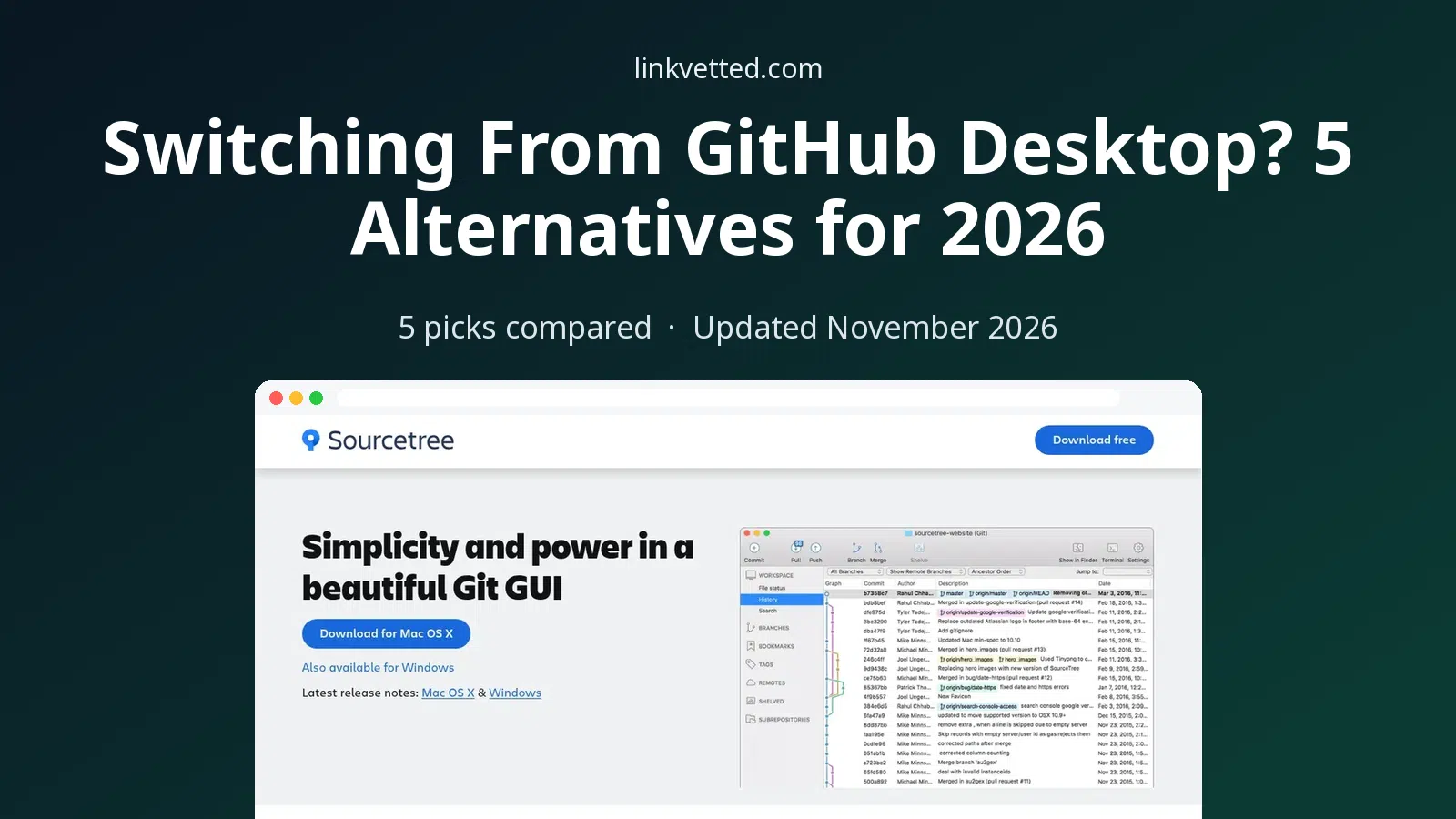
Sourcetree
Best for: Teams wanting a wide visual Git client
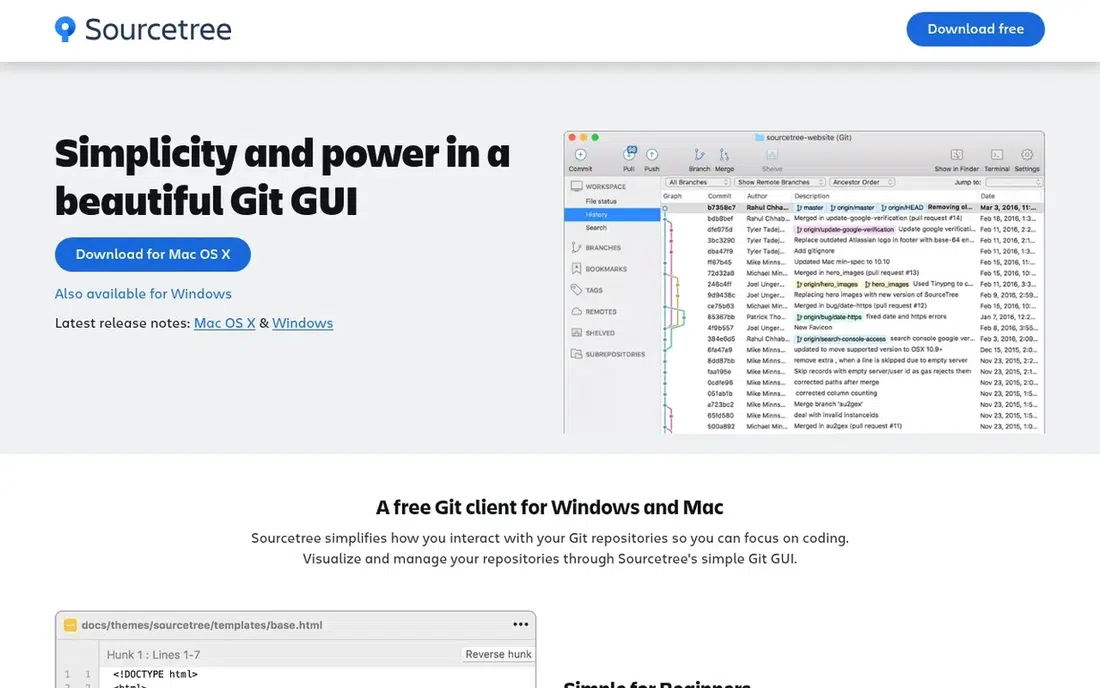
Choose Sourcetree for teams wanting a wide visual Git client. Sourcetree is a desktop Git client from Atlassian that presents branches, commits and history in a visual interface. So you can stage changes and review work without the command line.
More specifically, confirm current system support and requirements on the vendor site. The client carries more interface surface than minimal alternatives, which can slow newcomers. Beyond that, if you prefer a lighter, quicker tool with fewer panels, Fork or Sublime Merge may suit you better. Check the vendor site for Sourcetree pricing; none is listed in this comparison. Free plan details: Not stated.
Watch-outs: Interface may take time to learn.
- Deals with repositories of varying complexity
- Available for Mac and Windows
- Can feel heavy for small projects
SmartGit
Best for: Professionals and teams needing visual history
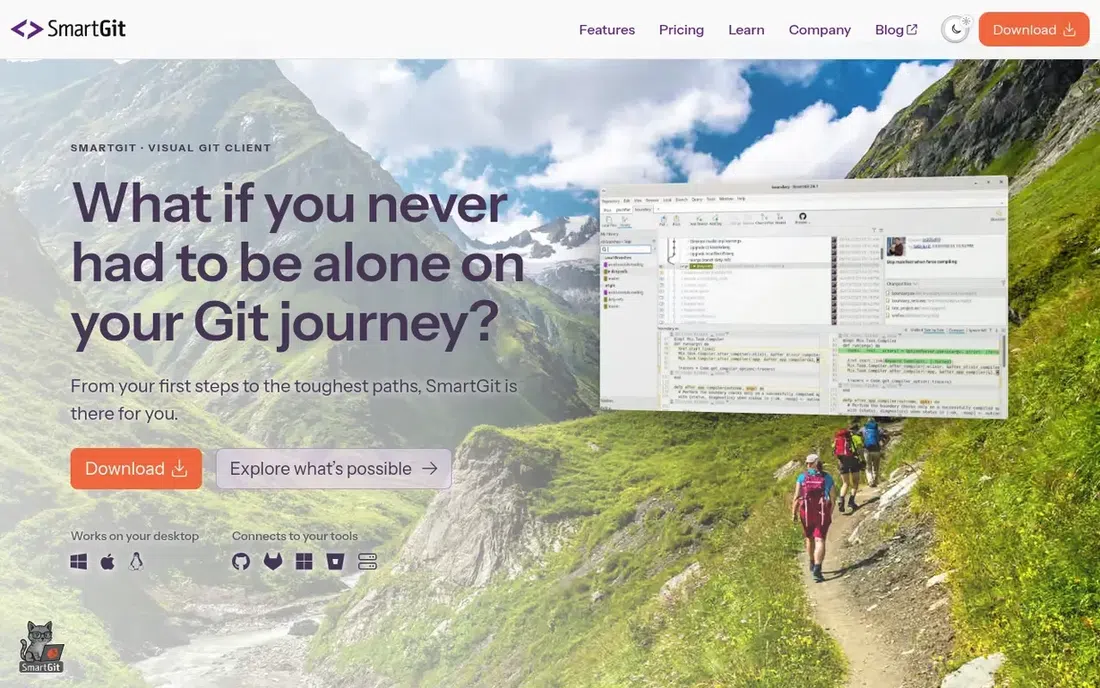
SmartGit is a good fit for professionals and teams needing visual history. SmartGit from Syntevo is a cross-platform Git client geared toward professionals and teams, with a focus on visual history, clean commits and smooth Git workflows.
Limits to weigh: Interface is dense compared with minimal clients.
Its depth means a steeper ramp-up time, and casual users may not need every panel. As for the details, confirm system support and feature details on the vendor page before adopting it. This comparison lists no price for SmartGit; ask the vendor. Trial and free access: Not stated.
- Visual history and clean commit workflows
- Cross-platform Git client
- Feature depth may overwhelm beginners
Tower
Best for: Mac and Windows users wanting polish
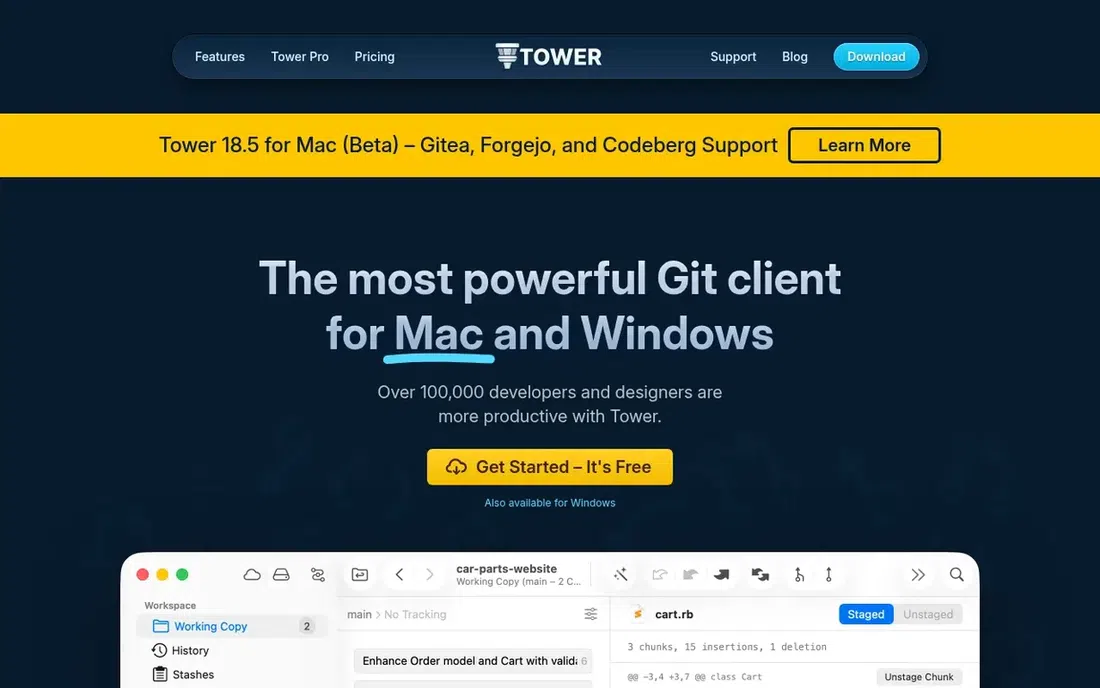
Tower is designed for Mac and Windows users wanting polish. Tower is a commercial client, so check licensing terms on the vendor site before committing.
Downsides: May be more than casual users need.
Also, Tower is a Git client for Mac and Windows that emphasizes a refined, capable interface for everyday version control. More specifically, verify supported Git features against your workflow. On cost, Tower starts like this: $5.75 per user per month. As for free access: Free trial.
- Geared toward productive daily Git work
- Solid visual history and diff views
- Commercial product with licensing to check
How we compared the tools
Questions to settle before buying
- Get a written quote from Fork, Sublime Merge, Sourcetree and SmartGit; the list shows no starting price for them.
- Take the trial from Tower and push a live task through it before you pay.
- Read the limits listed for Fork first: fewer enterprise-oriented extras.
- Price Sublime Merge for your actual team size; headline prices rarely include add-ons or overage.
- Test how quickly SmartGit answers a pre-sales question; it hints at how support will feel later.
FAQ
Is Fork the right pick for everyone comparing GitHub Desktop?
No single tool suits every team. Fork comes first because it fits developers wanting a fast, friendly client, while Sublime Merge suits Keyboard-driven developers wanting speed and Sourcetree suits teams wanting a broad visual Git client. Match the tool to your own size, budget and workflow before deciding.
How are the tools for GitHub Desktop ordered?
Fork sits first and Tower last because the order follows typical fit for GitHub Desktop, then price clarity and free access. It is a judgement call, so read each profile for fit and limits.
What is the best GitHub Desktop alternative overall?
This list starts with Fork, which fits developers wanting a quick, friendly client. For other needs, Sublime Merge is aimed at Keyboard-driven developers wanting speed, and Sourcetree at teams wanting a wide visual Git client. Check each tool's price and main limit first.
What is the cheapest option for GitHub Desktop in this list?
On published monthly entry prices, Tower is the lowest here at $5.75 per user per month. Entry price is only part of the cost, because seats, add-ons and billing terms can change the total.
Does any tool for GitHub Desktop here have a free plan?
No tool in this list, Fork and Tower included, has a permanent free plan. Tower offer a trial. Trials and quotes are the usual route, so plan a short evaluation period.
Are these Git clients free to use?
Pricing and plan details are shown on each vendor site instead of here. Review the terms before adopting a client for team use.
Sources
- https://git-fork.com
- https://www.sublimemerge.com
- https://www.sourcetreeapp.com
- https://www.syntevo.com/smartgit
- https://www.git-tower.com