Best XML Databases for Enterprise (2026): 6 Picks Checked on Vendor Pages
Best XML databases for enterprise in 2026: 6 contenders with entry costs and free tiers. Every profile names its biggest catch. Current for November 2026.
- Editor's choice
 Microsoft SQL Server
Integrated XML and analytics
Starts atPricing on requestVisit microsoft.comFull review - Great alternativeSAP HANA
In-memory analytics and applications
Starts atPricing on requestVisit sap.comFull review - Also considerProgress MarkLogic
Enterprise multi-model data product
Starts atPricing on requestVisit progress.comFull review
Direct answer
Microsoft SQL Server leads the list, best for integrated XML and analytics. SAP HANA is the stronger choice for in-memory analytics and applications, while Progress MarkLogic suits enterprise multi-model data platform. The remaining 3 options are covered below with pricing notes and limits. None of these vendors publish plan prices, so pricing is on request for every option.
TL;DR:
- Microsoft SQL Server takes the first slot, best suited to integrated XML and analytics.
- What to know about Progress MarkLogic first: similar complexity to MarkLogic.
- MarkLogic fits native XML storage and search.
- No starting price is shown for any of the 6 tools, Microsoft SQL Server and MarkLogic included, so plan time for sales calls.
Last checked November 2026. Pricing on request: vendors did not publish plan prices when this guide was last checked (November 2026), so ask each vendor for a written quote.
Quick comparison
| Tool | Best for | Starts at | Free plan? | |
|---|---|---|---|---|
| Microsoft SQL Server | Integrated XML and analytics | Pricing on request | Not stated | Visit |
| SAP HANA | In-memory analytics and applications | Pricing on request | Not stated | Visit |
| Progress MarkLogic | Enterprise multi-model data product | Pricing on request | Free trial | Visit |
 IBM Db2 | AI-powered autonomous database | Pricing on request | Not stated | Visit |
 MongoDB | Adaptable document data system | Pricing on request | Yes | Visit |
| MarkLogic | Native XML storage and search | Pricing on request | Free trial | Visit |
The 6 tools in detail
This LinkVetted guide covers 6 options for XML databases for enterprise. Each profile lists a starting price, free plan details, strengths and drawbacks, so you can drop poor fits quickly.
Microsoft SQL Server is a good fit for integrated XML and analytics. The latest version concentrates on developer-first features and integration with analytics and AI models.
Downsides: Best value within Microsoft ecosystem.
As for the details, Whereas SQL Server deals with XML, it is not a native XML database. So some advanced XML operations may be less efficient than on dedicated platforms. No starting price is listed for Microsoft SQL Server here; confirm pricing on the vendor site. Free options: Not stated.
- Familiar tooling for Microsoft shops
- XML data type and indexing
- XML support is not the primary focus
SAP HANA
Best for: In-memory analytics and applications
SAP HANA targets in-memory analytics and applications. It is recognised for its in-memory processing capabilities, which deliver quick query performance. Whereas it can store XML data, its primary strengths are in analytics and applications within the SAP ecosystem.
Also, SAP HANA is not a native XML database, and its XML handling may be less feature-rich than specialized choices. It is also most valuable for organizations already using SAP software. SAP HANA does not show a starting price in this comparison, so check the vendor site for current pricing. As for free access: Not stated.
The main drawbacks: Tied to SAP ecosystem.
- Cloud deployment choice
- In-memory processing for speed
- XML support is not the primary focus
Progress MarkLogic
Best for: Enterprise multi-model data product
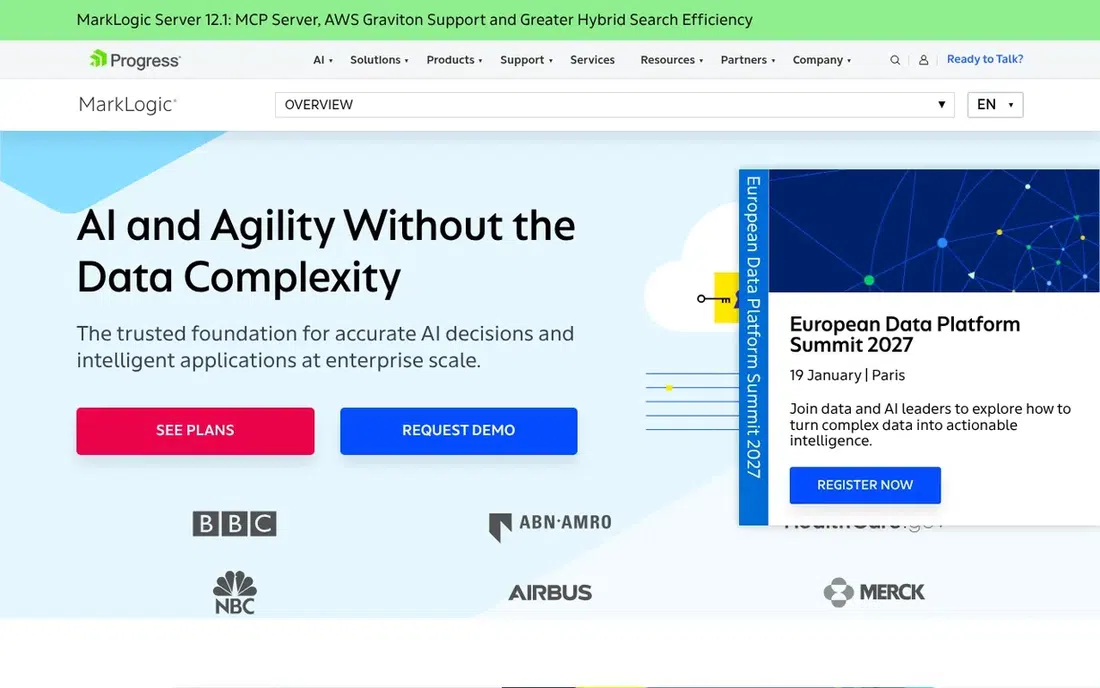
In short, Progress MarkLogic is for enterprise multi-model data product. Progress MarkLogic is the branded version of the MarkLogic system offered by Progress. This choice is right for enterprises that prefer to procure through Progress or are already using Progress products in their stack.
The main drawbacks: Similar complexity to MarkLogic.
From a buyer's view, consider it when you need a proven system and value the Progress ecosystem. Like MarkLogic, Progress MarkLogic can be complicated to deploy and run, and it may need specialized skills. It is not the simplest choice for small teams or entry-level XML storage needs. Progress MarkLogic does not show a starting price in this comparison, so check the vendor site for current pricing. As for free access: Free trial.
- AI-ready data management
- Same core system as MarkLogic
- Needs dedicated training
IBM Db2 targets AI-powered autonomous database. It is a good match for organizations already using IBM technology or seeking an autonomous database with hybrid cloud support.
The main drawbacks: XML capabilities may need extras.
IBM Db2 does not show a starting price in this comparison, so check the vendor site for current pricing. Free plan details: Not stated.
- Live insights
- Autonomous management features
- Complicated pricing structure
Choose MongoDB for adaptable document data system. It is made for live data and rapid application development. More specifically, choose MongoDB when you prioritize an adaptable, scalable document store and can adapt your XML data accordingly.
Points against: Needs data transformation.
From a buyer's view, Whereas MongoDB does not natively store XML, it can deal with XML-derived data after conversion to JSON-like documents, making it a good match for modern applications that require adaptability. More specifically, MongoDB lacks native XML support, so you will have to transform XML data before storage, which may add complexity. It is not a direct replacement for native XML databases. No starting price is listed for MongoDB here; confirm pricing on the vendor site. MongoDB offers a free plan.
- Schema-flexible document model
- Live data processing
- No native XML storage
MarkLogic
Best for: Native XML storage and search
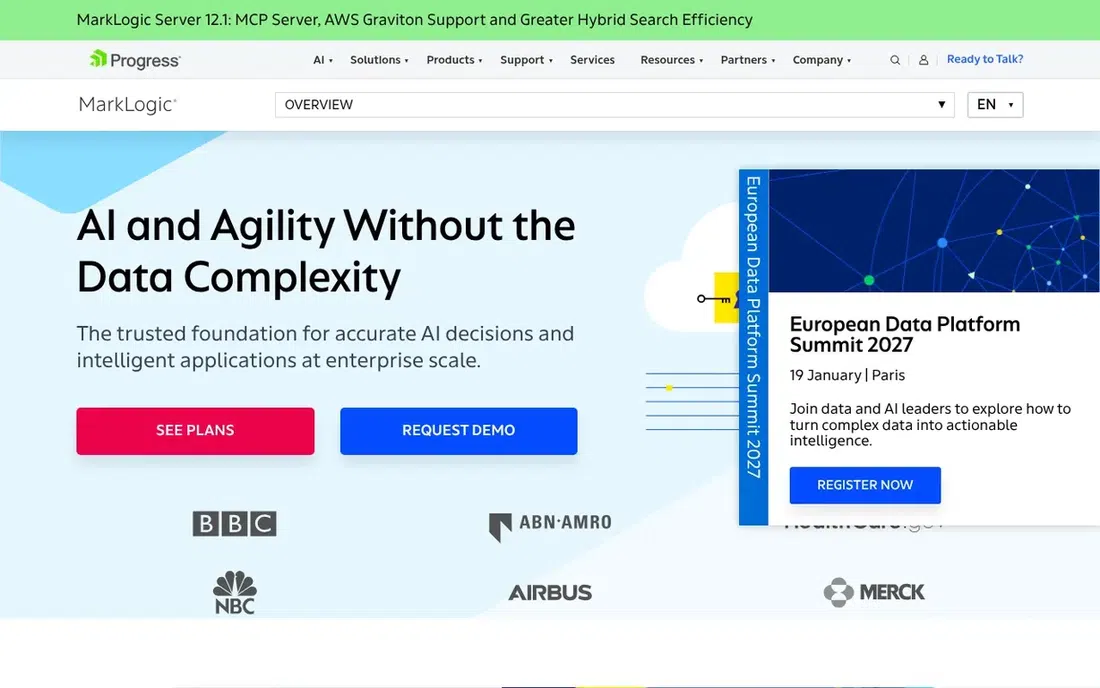
Pick MarkLogic if this describes you: native XML storage and search. Even so, MarkLogic can be complicated to administer and may need specialized expertise.
It is most useful for large-scale, document-centric applications where native XML support is a priority. MarkLogic shows no starting price here, so confirm the cost on the vendor site. Free options: Free trial.
Where it falls short: May need specialized skills.
- Multi-model product with native XML support
- AI-ready data management features
- Can be complicated to administer
How we built this list
We compared the tools on published pricing, free plan or trial availability, feature coverage for XML databases for enterprise, and the limits each vendor documents. Prices and plan limits come from vendor pages and can change, so confirm them on the vendor site before you buy. The sequence is a judgement call: typical use case first, then pricing transparency, then free access. Use the profiles to check fit.
A buyer's checklist
- Ask each vendor, from Microsoft SQL Server to MarkLogic, for a written quote; none of them publishes a starting price.
- Look at the free plan from MongoDB closely: its caps decide whether it is usable for real work.
- Run a trial of Progress MarkLogic and MarkLogic with real work before paying for a year; your own workflow is the best test.
- Read the limits listed for Microsoft SQL Server first: XML support is not the primary focus.
- Make sure Progress MarkLogic lets you export your data in a format another tool can read.
- The entry price of IBM Db2 is only the starting point; model the full cost with seats and extras.
FAQ
Which tool is a good match for native XML storage in enterprises?
This list starts with Microsoft SQL Server, which fits integrated XML and analytics. For other needs, SAP HANA is aimed at in-memory analytics and applications, and Progress MarkLogic at enterprise multi-model data system. Check each tool's price and main limit first.
Do these tools publish their prices?
No. None of the tools, from Microsoft SQL Server to MarkLogic, shows a fixed starting price here, so budget time for quotes.
Is Microsoft SQL Server the right pick for everyone comparing XML databases for enterprise?
No single tool suits every team. Microsoft SQL Server comes first because it fits integrated XML and analytics, while SAP HANA suits in-memory analytics and applications and Progress MarkLogic suits enterprise multi-model data platform. Match the tool to your own size, budget and workflow before deciding.
Which options for XML databases for enterprise have a free plan?
MongoDB is the only tool in this list with a free plan. Free plans usually cap users, projects or features, so check the limits on the vendor page. Several others offer a trial instead.
Can I try these tools before paying?
Often, yes. MongoDB has a free plan and Progress MarkLogic and MarkLogic offer a free trial. Use your own data and a real task during the test, and check what the free tier or trial limits before you rely on it.
How should I choose between a native XML database and a multi-model database?
Choose a multi-model database like MarkLogic or a document database like MongoDB if you have diverse data types and want adaptability. Consider your team's skills, existing infrastructure, and long-term data strategy.
Sources
- https://www.microsoft.com/en-us/sql-server
- https://www.sap.com/products/technology-platform/hana.html
- https://www.progress.com/marklogic
- https://www.ibm.com/products/db2
- https://www.mongodb.com
- https://www.marklogic.com