Best XML Databases Software (2026): 5 Picks Checked on Vendor Pages
Best xml databases software: 5 contenders ranked by fit, with entry costs and free tiers. The weak spots sit next to the strengths. Narrow your shortlist.
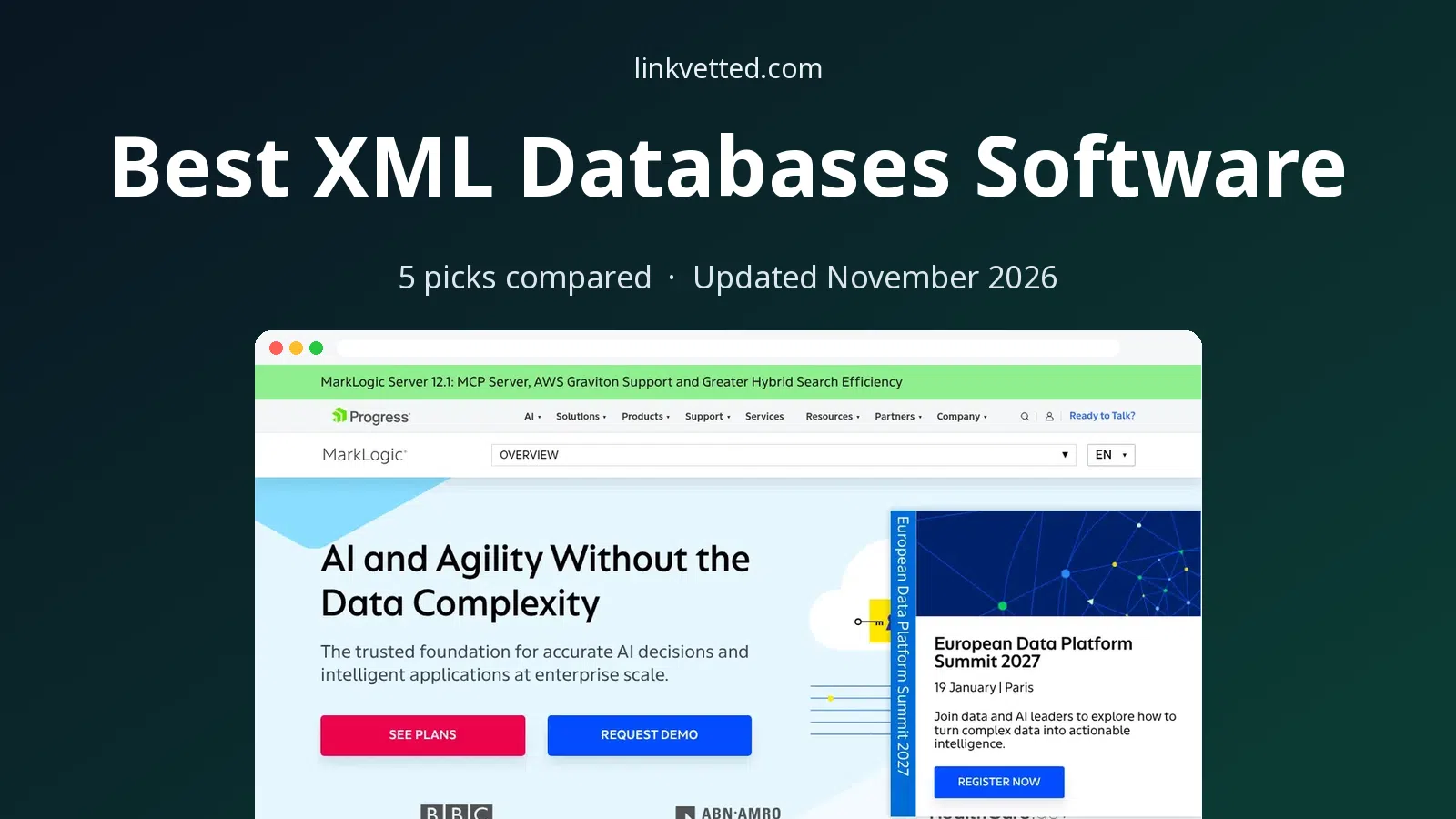
- Editor's choice
 Oxygen XML Editor
Cross-platform XML authoring
Starts atSee websiteVisit oxygenxml.comFull review - Great alternativeStylus Studio
XML IDE with XSLT tooling
Starts atSee websiteVisit stylusstudio.comFull review - Also considerMarkLogic
Complicated multi-model data management
Starts atSee websiteVisit progress.comFull review
Direct answer
For cross-platform XML authoring, Oxygen XML Editor is where this list starts. Listed starting prices: Liquid XML Studio from $155.48. Stylus Studio fits XML IDE with XSLT tooling; MarkLogic fits complicated multi-model data management. All 5 tools are compared below on price, free plan and limits.
TL;DR:
- This list starts with Oxygen XML Editor, which is built for cross-platform XML authoring.
- MarkLogic Server fits deploying the MarkLogic product.
- None of the 5 tools, from Oxygen XML Editor to MarkLogic Server, has a free plan, so budget for a subscription or use a trial.
- What to know about Stylus Studio first: IDE focus, not database storage.
- For Oxygen XML Editor, Stylus Studio, MarkLogic and MarkLogic Server, you have to request a quote because no starting price is shown.
Last checked November 2026. Prices and plan details were read from the vendors' own pages in November 2026; vendors change plans often, so confirm the current price on the vendor site before you buy.
Quick comparison
| Tool | Best for | Starts at | Free plan? | |
|---|---|---|---|---|
| Oxygen XML Editor | Cross-platform XML authoring | See website | Not stated | Visit |
| Stylus Studio | XML IDE with XSLT tooling | See website | Free trial | Visit |
| MarkLogic | Complicated multi-model data management | See website | Free trial | Visit |
| Liquid XML Studio | XML and JSON data integration | $155.48 | Free trial | Visit |
| MarkLogic Server | Deploying the MarkLogic product | See website | Free trial | Visit |
The 5 tools in detail
Choosing xml databases software usually comes down to price, fit and limits. This LinkVetted guide sets 5 tools side by side on those three points, with the facts kept short and checkable.
Think of Oxygen XML Editor for cross-platform XML authoring. Oxygen is an editor and development environment, not a XML database, so it performs best alongside a storage and query engine.
What to check first: Editor-centric scope.
It fits technical writers, developers and documentation teams who require a dependable editor across operating systems. Oxygen XML Editor does not show a starting price in this comparison, so check the vendor site for current pricing. Free options: Not stated.
- Includes authoring and development
- Easy-to-learn editing tools
- Not a database itself
Stylus Studio
Best for: XML IDE with XSLT tooling
Stylus Studio is designed for XML IDE with XSLT tooling. Stylus Studio is described as an innovative XML IDE supplying advanced development tools for XML, XSL, XSLT, XML Schema and more.
For everyday use, choose Stylus Studio when XSLT, XSL and schema development are the heart of your XML work. The IDE approach makes it handy for building and debugging stylesheets and schemas within a XML project. Pricing for Stylus Studio is not stated here, so ask the vendor for current figures. Free options: Free trial.
Drawbacks to consider: Narrower than full data products.
- Innovative XML IDE
- Bundles XML Schema tools
- IDE focus, not database storage
MarkLogic
Best for: Complicated multi-model data management
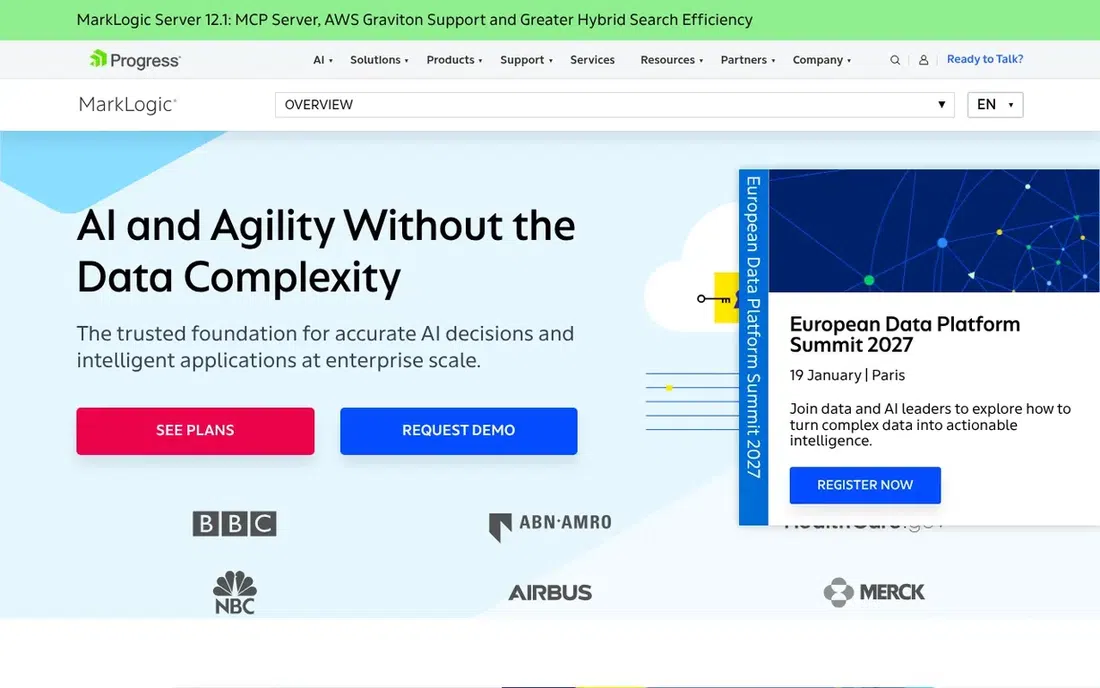
Pick MarkLogic if this describes you: complicated multi-model data management. Choose MarkLogic when multi-model breadth and enterprise data management are central to the plan.
From a buyer's view, teams that require a wide data product instead of a narrow XML store will find it a natural fit, particularly where structured and semi-structured content live side by side. If your requirement is a light XML store with straightforward querying, a more straightforward option may suit you better. MarkLogic shows no starting price here, so confirm the cost on the vendor site. Free access: Free trial.
Where it falls short: Enterprise-oriented scope.
- AI-ready positioning
- Multi-model data system
- Heavier than a straightforward XML store
Liquid XML Studio
Best for: XML and JSON data integration
Choose Liquid XML Studio for XML and JSON data integration. Its products contain a graphical XML editor, XSD editor, JSON editor, JSON Schema editor, WSDL editor and a XML code generator supporting languages like C#.
Also, the toolkit is wide but centred on editing, mapping and code generation instead of serving as a XML database. On cost, Liquid XML Studio starts like this: $155.48. As for free access: Free trial.
Points against: Toolkit scope can be wide.
- Graphical XML and XSD editors
- JSON and JSON Schema support
- Not a XML database engine
MarkLogic Server
Best for: Deploying the MarkLogic product
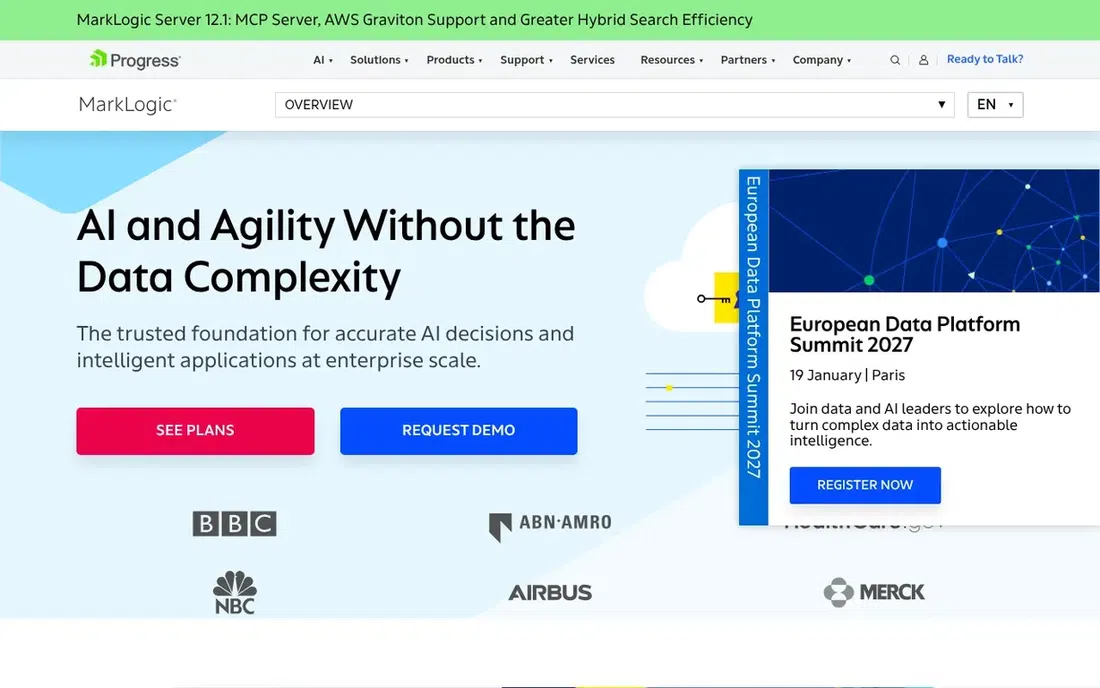
MarkLogic Server targets deploying the MarkLogic product. Teams evaluating the MarkLogic family can treat this as the server-side counterpart to the broader product listing.
Pick MarkLogic Server when you are ready to run the full multi-model system in production. Check the vendor site for MarkLogic Server pricing; none is listed in this comparison. Free options: Free trial.
What to check first: System scope may exceed small needs.
- Same multi-model system
- Server-side deployment focus
- Overlaps with MarkLogic listing
How we built this list
Selection started from tools commonly considered for xml databases software, then narrowed to 5 that have clear pricing information or a clear quote process. Seat minimums, billing terms and add-ons can move the real cost, so the starting prices here are a guide and not a quote. Position on the page reflects fit for a typical buyer first, with price clarity and free access breaking ties. Treat it as a guide, not a ruling.
What to check before you buy
- Get a written quote from Oxygen XML Editor, Stylus Studio, MarkLogic and MarkLogic Server; the list shows no starting price for them.
- Use real work to test the free trial from Stylus Studio, MarkLogic, Liquid XML Studio and MarkLogic Server, rather than a demo project.
- Read the limits listed for Oxygen XML Editor first: not a database itself.
- Involve the people who will use MarkLogic daily; a short pilot beats a long feature checklist.
- Check whether Stylus Studio bills monthly or annually, and what cancelling early costs.
FAQ
What is the difference between a XML database and a XML editor?
A XML database keeps and queries XML collections, commonly with a query language for example XQuery. A XML editor centres on authoring, validating and transforming documents.
Does any tool for xml databases software here have a free plan?
A permanent free plan is not offered by Oxygen XML Editor, MarkLogic Server or the other tools here. Stylus Studio, MarkLogic, Liquid XML Studio, MarkLogic Server offer a trial. Plan a short evaluation period instead.
Do these tools publish their prices?
Not all of them. Oxygen XML Editor, Stylus Studio, MarkLogic and MarkLogic Server publish no starting price, so expect a quote request for those. The rest, Liquid XML Studio included, show a starting price, though seats and billing terms still change the final cost.
How are the tools for xml databases software ordered?
Oxygen XML Editor sits first and MarkLogic Server last because the order follows typical fit for xml databases software, then price clarity and free access. It is a judgement call, so read each profile for fit and limits.
When should I choose a multi-model product like MarkLogic?
It fits organizations whose data spans XML and other models instead of a single format. On top of that, smaller, focused XML projects may do better with a lighter database.
Is Oxygen XML Editor the right pick for everyone comparing xml databases software?
No single tool suits every team. Oxygen XML Editor comes first because it fits cross-platform XML authoring, while Stylus Studio suits XML IDE with XSLT tooling and MarkLogic suits complex multi-model data management. Match the tool to your own size, budget and workflow before deciding.
Sources
- https://www.oxygenxml.com
- https://www.stylusstudio.com
- https://www.progress.com/marklogic
- https://www.liquid-technologies.com
- https://www.marklogic.com