BIM Coordination Software in 2026: The 5 Best Options Side by Side
5 tools for the best BIM coordination software, compared on pricing, free plans and best-fit use. Verdicts stay brief and factual. Updated November 2026.
- Editor's choiceSolibri
BIM quality assurance and validation
Starts at€99 a year per licenseVisit solibri.comFull review - Great alternativeBIMcollab
Issue management and model checking
Starts atSee websiteVisit bimcollab.comFull review - Also considerDalux BIM Viewer
Simple BIM viewing on-site and off
Starts atSee websiteVisit dalux.comFull review
Direct answer
Solibri comes first here, mainly for BIM quality assurance and validation. Listed starting prices: Solibri from €99 a year per license. BIMcollab fits issue management and model checking; Dalux BIM Viewer fits easy BIM viewing on-site and off. The full list of 5 tools follows, with prices and free plan facts.
TL;DR:
- Solibri is the opening pick, best for BIM quality assurance and validation.
- For BIMcollab, Dalux BIM Viewer, Autodesk Navisworks and Navisworks Manage, you have to request a quote because no starting price is shown.
- For advanced clash detection and coordination, Navisworks Manage is worth a look.
- What to know about BIMcollab first: may need several modules.
- None of the 5 tools, from Solibri to Navisworks Manage, has a free plan, so budget for a subscription or use a trial.
Last checked November 2026. Prices and plan details were read from the vendors' own pages in November 2026; vendors change plans often, so confirm the current price on the vendor site before you buy.
Quick comparison
| Tool | Best for | Starts at | Free plan? | |
|---|---|---|---|---|
| Solibri | BIM quality assurance and validation | €99 a year per license | Not stated | Visit |
| BIMcollab | Issue management and model checking | See website | Not stated | Visit |
| Dalux BIM Viewer | Simple BIM viewing on-site and off | See website | Not stated | Visit |
 Autodesk Navisworks | Thorough model review and clash detection | See website | Not stated | Visit |
| Navisworks Manage | Advanced clash detection and coordination | See website | Not stated | Visit |
BIM Coordination Software, one by one
Short on time? The summary and table above give the quick view of 5 tools for BIM coordination software, and the profiles that follow give the detail behind each entry.
Solibri
Best for: BIM quality assurance and validation
For BIM quality assurance and validation, Solibri is a natural candidate. Solibri is specialized for validation and may not handle full coordination.
Limits to weigh: Needs training.
For clash detection, Navisworks is a broader choice. Price to start with Solibri: €99 per year per license. Trial and free access: Not stated.
- Structured model validation
- Eliminates clashes early
- Specialized focus
BIMcollab
Best for: Issue management and model checking
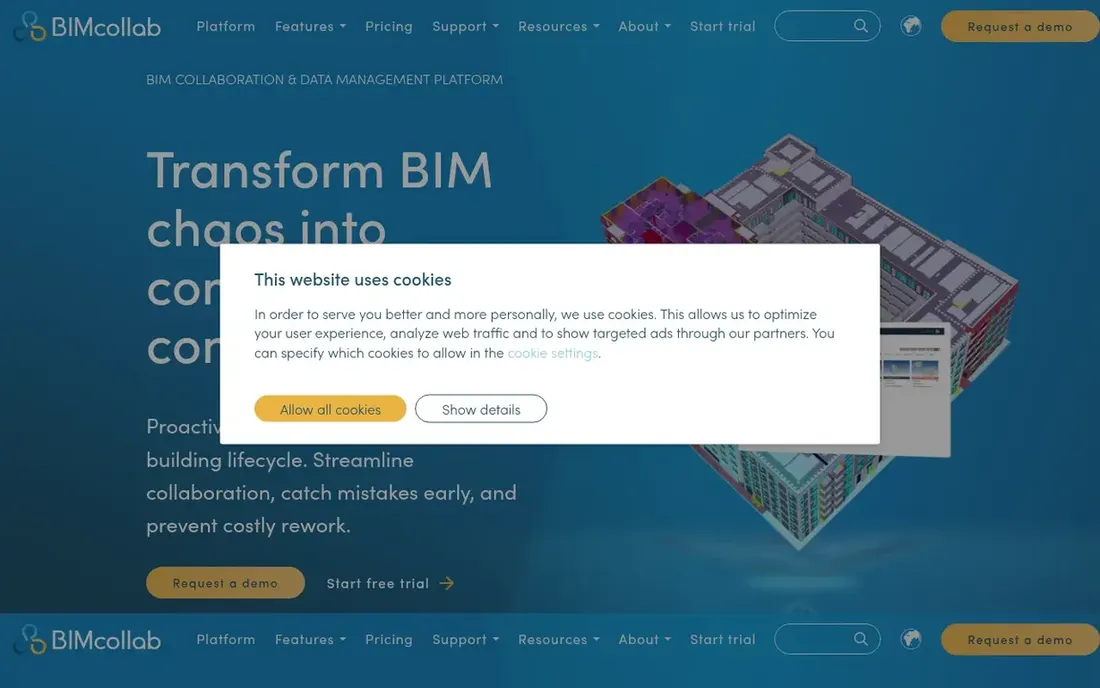
BIMcollab is a good fit for issue management and model checking. The range of products might complicate selection for small teams.
Also, Solibri gives you dedicated quality assurance, whereas BIMcollab excels at issue management. BIMcollab supplies products for BIM coordination, model checking, issue management, takeoffs, document management, and asset management. This comparison lists no price for BIMcollab; ask the vendor. Trial and free access: Not stated.
The main drawbacks: Ramp-up time.
- Issue management
- Systems for BIM coordination
- May need several modules
Dalux BIM Viewer
Best for: Simple BIM viewing on-site and off
Dalux BIM Viewer targets simple BIM viewing on-site and off. Dalux BIM Viewer is part of Dalux software for the construction industry, offering simple BIM tools, mobile apps, and smarter collaboration on-site and off.
Honest limits: May need subscription for full features.
In daily use, Dalux BIM Viewer is a strong match for field teams needing simple BIM access. Worth adding: Dalux may not offer advanced clash detection like Navisworks. No starting price is listed for Dalux BIM Viewer here; confirm pricing on the vendor site. Free plan details: Not stated. What users get: Smarter collaboration.
- Mobile apps
- Simple BIM tools
- Restricted advanced coordination
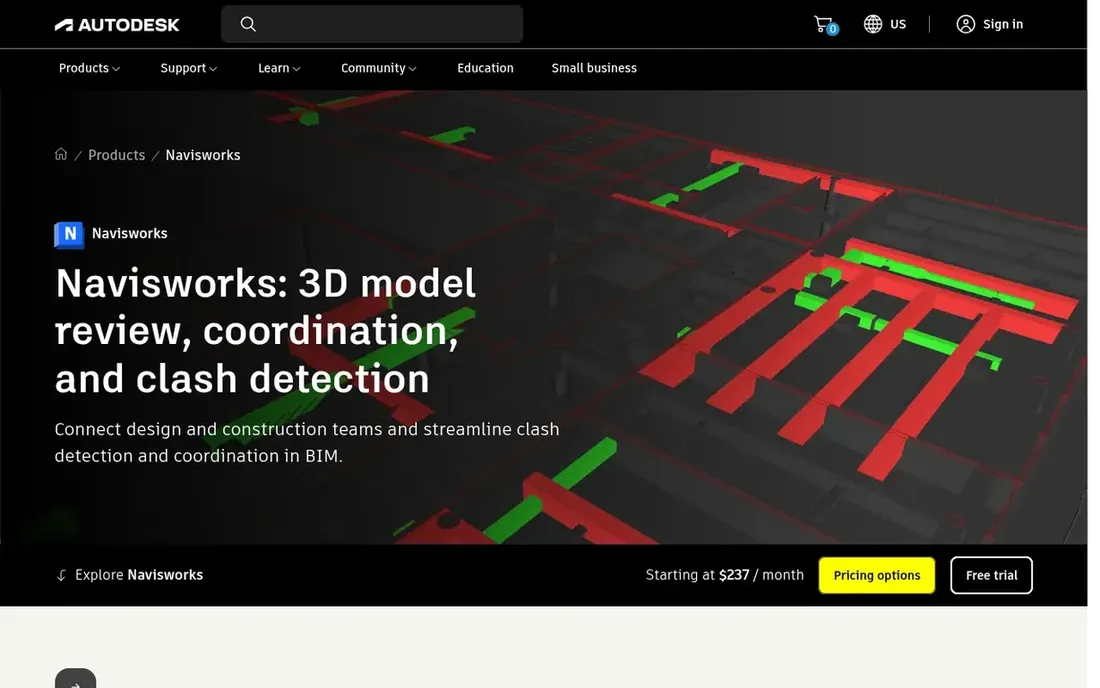
Think of Autodesk Navisworks for thorough model review and clash detection. Consider Navisworks when deep integration with Autodesk tools is essential. As for the details, the software requires a subscription and may be complicated for new users.
On top of that, Autodesk Navisworks is a 3D model review software for architecture, engineering, and construction. More specifically, for more straightforward coordination needs, BIMcollab or Dalux BIM Viewer could be more appropriate. Autodesk Navisworks shows no starting price here, so confirm the cost on the vendor site. On free options: Not stated.
Trade-offs to know: Subscription-based.
- Supports 3D model review
- Clash detection capabilities
- Steep ramp-up time
How we compared the tools
We compared the tools on published pricing, free plan or trial availability, feature coverage for BIM coordination software, and the limits each vendor documents. Seat minimums, billing terms and add-ons can move the real cost, so the starting prices here are a guide and not a quote. The order reflects how well each tool fits the most common buying scenario for BIM coordination software, then price clarity, then free plan access. It is a starting point, not a verdict.
A buyer's checklist
- Ask BIMcollab, Dalux BIM Viewer, Autodesk Navisworks and Navisworks Manage for a written quote, since no starting price is shown.
- Before choosing Solibri, weigh its main limit: specialized focus.
- Confirm you can export your data from Autodesk Navisworks, so leaving later does not mean losing records.
- Ask Dalux BIM Viewer whether prices are locked for the first term and what happens at renewal.
- Let daily users try Navisworks Manage on real work; their feedback beats any feature checklist.
FAQ
Can I try these options before paying?
Not by default. None of the tools, from Solibri to Navisworks Manage, lists a free plan or a free trial here, so ask each vendor for a demo before committing.
How are the tools for BIM coordination software ordered?
The order follows typical fit for BIM coordination software, with Solibri first and Navisworks Manage last, then price clarity and free access. It is editorial judgement, not a score, so another team could rank the tools differently.
Is Solibri the right pick for everyone comparing BIM coordination software?
No single tool suits every team. Solibri comes first because it fits BIM quality assurance and validation, while BIMcollab suits issue management and model checking and Dalux BIM Viewer suits easy BIM viewing on-site and off. Match the tool to your own size, budget and workflow before deciding.
Do these tools publish their prices?
Not all of them. BIMcollab, Dalux BIM Viewer, Autodesk Navisworks and Navisworks Manage publish no starting price, so expect a quote request for those. The rest, Solibri included, show a starting price, though seats and billing terms still change the final cost.
How does Solibri differ from other BIM coordination tools?
Solibri concentrates on BIM quality assurance and model validation, ensuring data integrity and preventing rework. Whereas other tools like Navisworks emphasize clash detection, Solibri concentrates on structured model checking.
Sources
- https://www.solibri.com
- https://www.bimcollab.com
- https://www.dalux.com
- https://www.autodesk.com/products/navisworks
- https://www.autodesk.com/products/navisworks/overview