Collaborative BIM Software for Architects in 2026: The 5 Best Options Side by Side
Best collaborative BIM software for architects: 5 tools compared on price, free plans and fit. Plain-spoken summaries throughout. Budget notes included.
- Editor's choice
 Trimble Connect
Cloud collaboration and shared data
Starts atSee websiteVisit connect.trimble.comFull review - Great alternative
 Vectorworks Architect
Concept-to-construction design adaptability
Starts atSee websiteVisit vectorworks.netFull review - Also consider
 Autodesk Revit
Integrated design, documentation, and coordination
Starts atSee websiteVisit autodesk.comFull review
Direct answer
For cloud collaboration and shared data, Trimble Connect is where this list starts. Listed starting prices: Graphisoft Archicad from $43 per seat a month. Vectorworks Architect fits concept-to-construction design adaptability; Autodesk Revit fits integrated design, documentation, and coordination. Details, prices and limits for the rest of the 5 tools are below.
TL;DR:
- Top of the list is Trimble Connect, which targets cloud collaboration and shared data.
- The lowest published monthly entry price here is $43 per seat per month, from Graphisoft Archicad.
- A permanent free plan is missing from all 5 tools, Trimble Connect and Graphisoft Archicad included; plan for a trial or a premium start.
- Graphisoft Archicad fits Architect-focused BIM with intuitive tools.
- A fair warning about Autodesk Revit: wide feature set takes time to learn.
Last checked November 2026. Prices and plan details were read from the vendors' own pages in November 2026; vendors change plans often, so confirm the current price on the vendor site before you buy.
Quick comparison
| Tool | Best for | Starts at | Free plan? | |
|---|---|---|---|---|
| Trimble Connect | Cloud collaboration and shared data | See website | Not stated | Visit |
| Vectorworks Architect | Concept-to-construction design adaptability | See website | Not stated | Visit |
| Autodesk Revit | Integrated design, documentation, and coordination | See website | Not stated | Visit |
| Bentley OpenBuildings | High-performance sustainable building design | See website | Not stated | Visit |
 Graphisoft Archicad | Architect-focused BIM with easy-to-learn tools | $43 per seat a month | Free trial | Visit |
Collaborative BIM Software for Architects, one by one
LinkVetted compared 5 collaborative BIM software for architects. The goal is a practical shortlist: published prices, free plan facts, best-fit use cases and honest limits for every entry.
Trimble Connect is a good fit for cloud collaboration and shared data. Trimble Connect is a cloud-based collaboration environment positioned as a single source of truth for projects.
Worth adding: Trimble Connect does not offer BIM authoring, so it works alongside design software instead of rather than it. From a buyer's view, choose a full authoring system when the primary need is creating models and drawings, and consider this as the collaboration layer on top. Trimble Connect does not show a starting price in this comparison, so check the vendor site for current pricing. Free access: Not stated.
Where it is weaker: Not a full BIM authoring tool.
- Cloud-based shared environment
- Acts as a single source of truth
- Value relies on team adoption
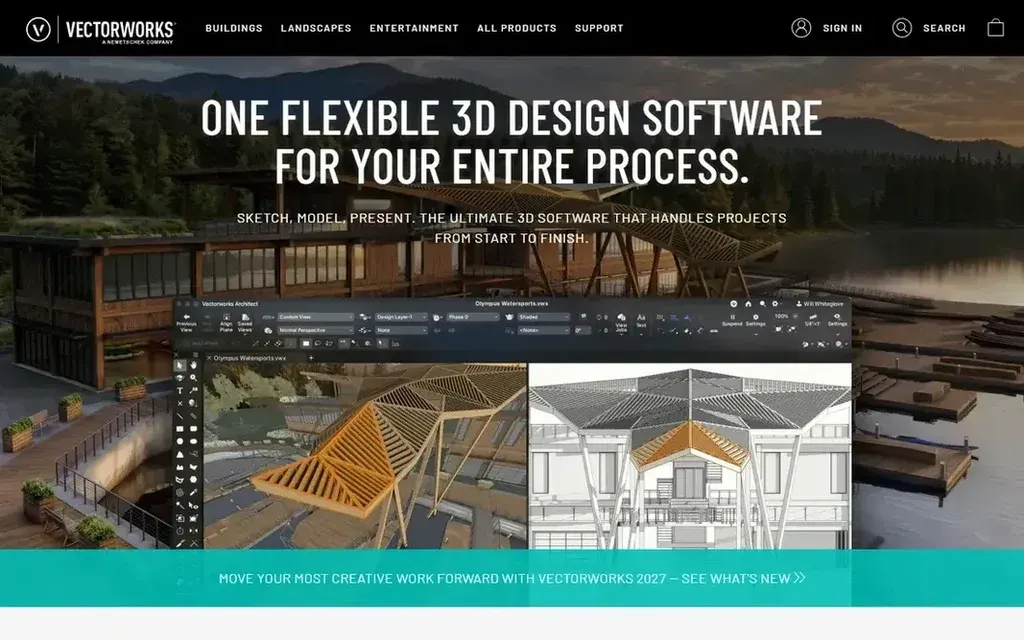
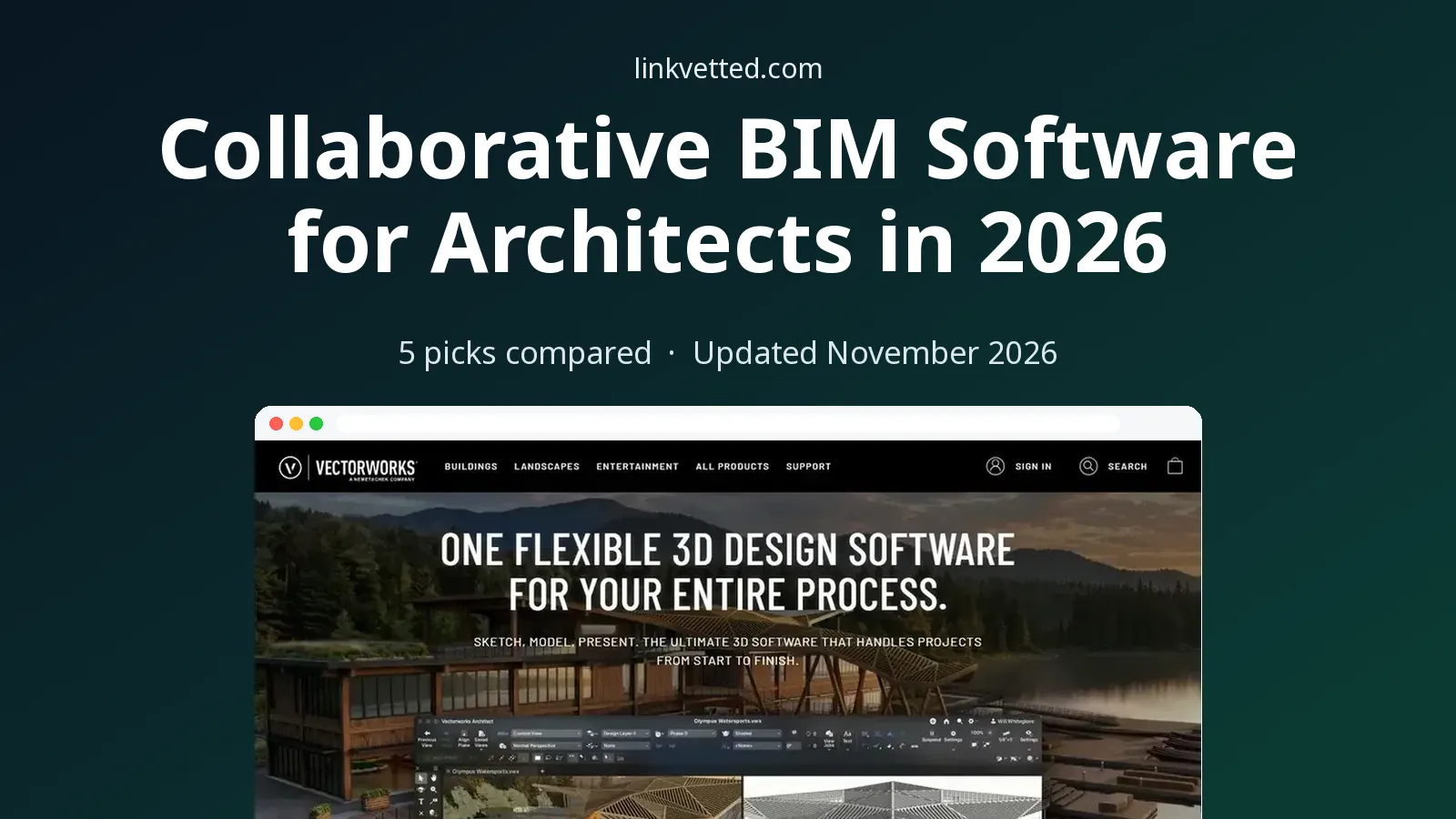
Vectorworks Architect is a good fit for concept-to-construction design adaptability. Businesses that move between early design exploration and in-depth drawings in one environment frequently find the range useful.
Watch-outs: Coordination with engineering tools needs planning.
The product is positioned for architects who value adaptable workflows over rigid templates. Pricing for Vectorworks Architect is not stated here, so ask the vendor for current figures. On free options: Not stated.
- Solid fit for design-led practices
- Adaptable modeling approach
- Adaptability can mean more setup decisions
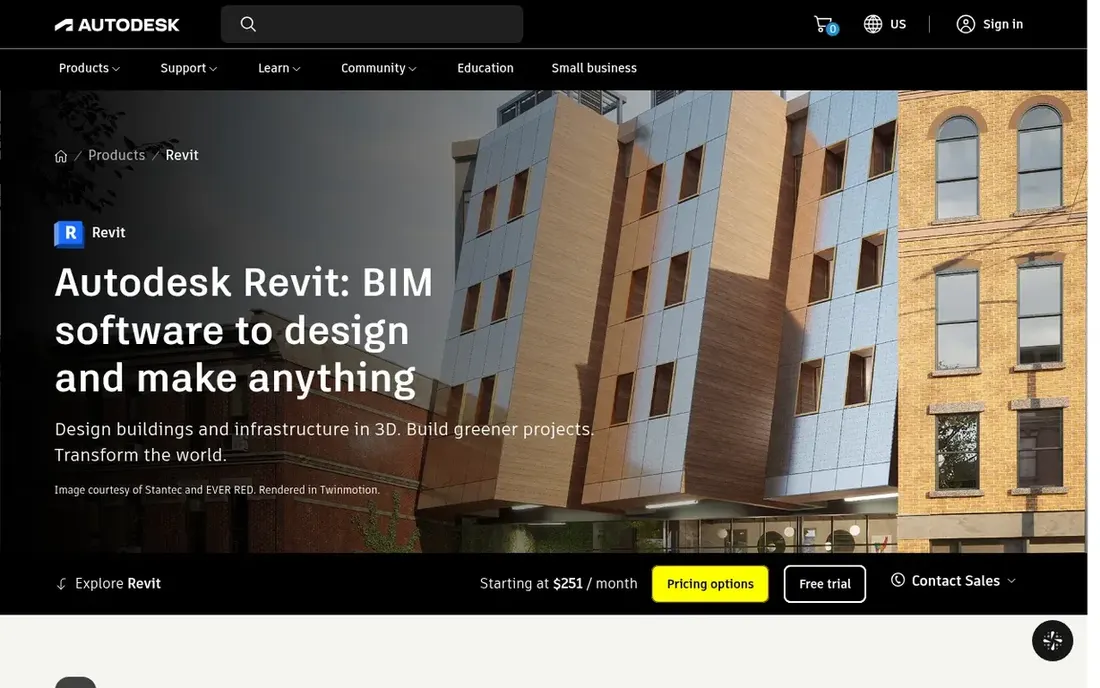
Think of Autodesk Revit for integrated design, documentation, and coordination. Autodesk Revit is a BIM product for designing, documenting, and coordinating projects. It builds intelligent 3D models that keep drawings synchronized, which fits architecture businesses that want design and documentation in one environment.
Drawbacks to consider: Wide feature set takes time to learn.
Businesses that chiefly need concept design or straightforward documentation may find it heavier than necessary. Worth adding: teams working alongside structural and MEP consultants frequently value its coordination focus, and optional AI-assisted workflows add adaptability for practices exploring newer tools. Worth adding: the breadth of Revit means a steeper ramp-up time and more demanding hardware than lighter tools. Autodesk Revit does not show a starting price in this comparison, so check the vendor site for current pricing. Free options: Not stated.
- Solid coordination across disciplines
- Intelligent 3D models update drawings immediately
- Heavier demands on hardware
Bentley OpenBuildings
Best for: High-performance sustainable building design
Bentley OpenBuildings is aimed squarely at high-performance sustainable building design. Bentley OpenBuildings is described as an all-in-one BIM software for designing, analyzing, and visualizing high-performance and sustainable buildings. Teams working on complicated building types may find the combined environment handy.
Consider alternatives when the priority is a light interface or when collaboration happens mainly through a separate cloud service. In practice, the product can carry a ramp-up time and may fit bigger or specialized practices better than small studios. Bentley OpenBuildings shows no starting price here, so confirm the cost on the vendor site. Free options: Not stated.
Limits to weigh: May suit bigger or specialized practices.
- All-in-one building design environment
- Focus on sustainable buildings
- Ramp-up time for new users
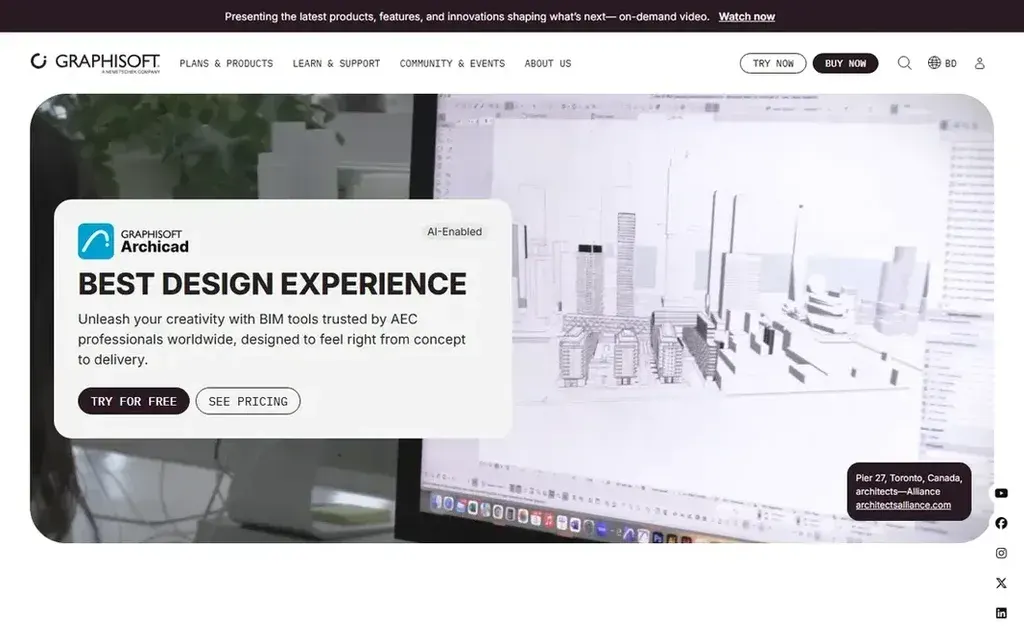
Graphisoft Archicad is aimed squarely at Architect-focused BIM with easy-to-learn tools. Practices with heavy multi-discipline requirements should weigh how models exchange with consultants.
What to check first: Fewer native choices for some engineering disciplines.
Designers who value a clean interface commonly find it approachable for daily project work. Graphisoft Archicad starts at: $43 per seat per month. Free options: Free trial.
- Efficient BIM workflow for architects
- Capable suite of built-in tools
- Interoperability with other BIM tools needs care
What went into this list
LinkVetted used vendor pricing pages and product documentation as the base, then compared plans, free access and documented limits for 5 tools. Prices and plan limits come from vendor pages and can change, so confirm them on the vendor site before you buy. Tools are placed by general fit for collaborative BIM software for architects, with price clarity and free access as tie-breakers. A different team can reasonably rank them differently.
What to confirm before you sign up
- Get a written quote from Trimble Connect, Vectorworks Architect, Autodesk Revit and Bentley OpenBuildings; the list shows no starting price for them.
- Take the trial from Graphisoft Archicad and push a live task through it before you pay.
- Before choosing Trimble Connect, weigh its main limit: not a full BIM authoring tool.
- Test the integrations you rely on with Vectorworks Architect before committing; some connectors sit on upper tiers.
- A short pilot of Bentley OpenBuildings with your real workflow tells you more than a feature table.
FAQ
Which BIM software is a good match for architects collaborating with engineers?
Trimble Connect comes first here and is built for cloud collaboration and shared data. Buyers with other needs may prefer Vectorworks Architect (for concept-to-construction design adaptability) or Autodesk Revit (for integrated design, documentation, and coordination). Compare costs and limits first.
Does any tool for collaborative BIM software for architects here have a free plan?
No tool in this list, Trimble Connect and Graphisoft Archicad included, has a permanent free plan. Graphisoft Archicad offer a trial. Trials and quotes are the usual route, so plan a short evaluation period.
Can I try these tools before paying?
Often, yes. Graphisoft Archicad offers a free trial. Use your own data and a real task during the test, and check what the free tier or trial limits before you rely on it.
Can these platforms support sustainable and performance-driven design?
Other systems can support performance work through analysis and coordination workflows. Check which analysis capabilities are built in compared with handled by partner tools.
What is the cheapest option for collaborative BIM software for architects in this list?
On published monthly entry prices, Graphisoft Archicad is the lowest here at $43 per seat per month. Entry price is only part of the cost, because seats, add-ons and billing terms can change the total.
Do I need a separate collaboration tool if I already use BIM software?
Not always, but plenty of teams add a cloud layer for example Trimble Connect to act as a single source of truth across participants. This helps when several tools and stakeholders are involved. Evaluate whether your authoring product already spans shared review and data exchange.
Sources
- https://connect.trimble.com
- https://www.vectorworks.net/en-US/architect
- https://www.autodesk.com/products/revit
- https://www.bentley.com/software/openbuildings
- https://graphisoft.com/solutions/archicad