Choosing Windows Hardware Monitoring Tool in 2026: 5 Options Compared
Shortlisting the best windows hardware monitoring tool? 5 products compared on cost, free access and ideal buyer. Each pick lists its main limit. Decide faster.
- Editor's choiceSpeccy
Fast system specs overview
Starts atPricing on requestVisit ccleaner.comFull review - Great alternativeHWiNFO
In-depth diagnostics and reporting
Starts atPricing on requestVisit hwinfo.comFull review - Also considerMSI Afterburner
GPU overclocking and monitoring
Starts atPricing on requestVisit msi.comFull review
Direct answer
Speccy comes first here, mainly for fast system specs overview. HWiNFO fits in-depth diagnostics and reporting; MSI Afterburner fits GPU overclocking and monitoring. Free plan facts and limits for all 5 tools follow. None of these vendors publish plan prices, so pricing is on request for every option.
TL;DR:
- Top of the list is Speccy, which targets fast system specs overview.
- Open Hardware Monitor fits Open-source sensor monitoring.
- Pricing across the list, from Speccy to Open Hardware Monitor, is by quote only.
- What to know about HWiNFO first: interface can be overwhelming.
Last checked November 2026. Pricing on request: vendors did not publish plan prices when this guide was last checked (November 2026), so ask each vendor for a written quote.
Quick comparison
| Tool | Best for | Starts at | Free plan? | |
|---|---|---|---|---|
| Speccy | Fast system specs overview | Pricing on request | Not stated | Visit |
| HWiNFO | In-depth diagnostics and reporting | Pricing on request | Not stated | Visit |
| MSI Afterburner | GPU overclocking and monitoring | Pricing on request | Not stated | Visit |
| HWMonitor | Straightforward sensor monitoring | Pricing on request | Not stated | Visit |
| Open Hardware Monitor | Open-source sensor monitoring | Pricing on request | Not stated | Visit |
Every option for Windows hardware monitoring tool explained
If you are comparing windows hardware monitoring tool, this page covers 5 tools in one place: what each is best for, what it costs to start, whether it has a free plan, and the main limit to know about.
Speccy
Best for: Fast system specs overview
Speccy is aimed squarely at quick system specs overview. Speccy is a tool for finding details about your computer's specs, helping you spot issues or find compatible upgrades.
It presents system information in a clear, organized manner, making it accessible for users who want a snapshot of their hardware without deep technical dives. This comparison lists no price for Speccy; ask the vendor. Free access: Not stated.
What to check first: Fewer sensor details than competitors.
- Handy for spotting upgrade choices
- Easy-to-read system information
- Restricted live monitoring
HWiNFO
Best for: In-depth diagnostics and reporting
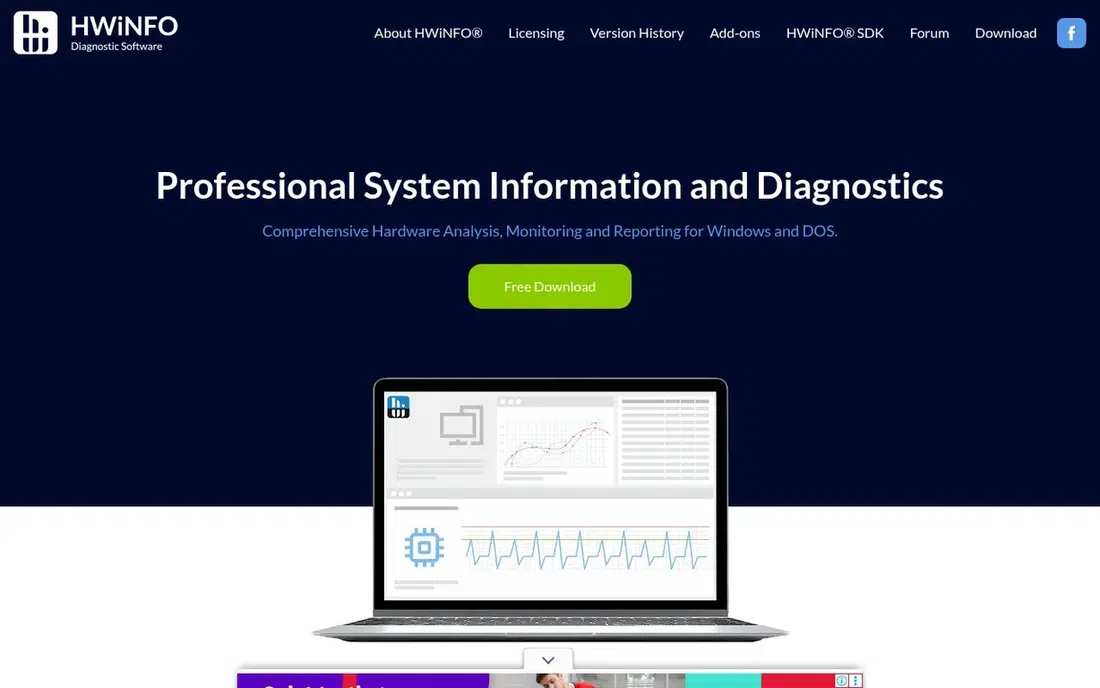
HWiNFO is built with in-depth diagnostics and reporting in mind. HWiNFO is a free tool for hardware analysis, monitoring, and reporting. It offers in-depth hardware information and live system monitoring, making it a good match for enthusiasts and professionals who require in-depth insights.
Honest limits: Interface can be overwhelming.
For a more straightforward experience, HWMonitor or Speccy might be more appropriate. Also, the software supports a broad set of sensors and can produce reports for troubleshooting or documentation. From a buyer's view, choose HWiNFO when you need thorough data and are comfortable with a ramp-up time. Check the vendor site for HWiNFO pricing; none is listed in this comparison. On free options: Not stated.
- Full hardware information
- Reporting capabilities
- Plenty of choices may confuse beginners
MSI Afterburner
Best for: GPU overclocking and monitoring
MSI Afterburner is designed for GPU overclocking and monitoring. MSI Afterburner is a graphics card overclocking utility that offers a detailed overview of your hardware and bundles features like customizing fan profiles.
Trade-offs to know: Focuses primarily on graphics cards.
Whereas it excels at GPU-related tasks, MSI Afterburner offers less coverage for other system sensors like motherboard voltages or fan accelerates. This comparison lists no price for MSI Afterburner; ask the vendor. On free options: Not stated.
- Overclocking and fan profile customization
- Widely used by gamers
- Less full for other components
HWMonitor
Best for: Straightforward sensor monitoring
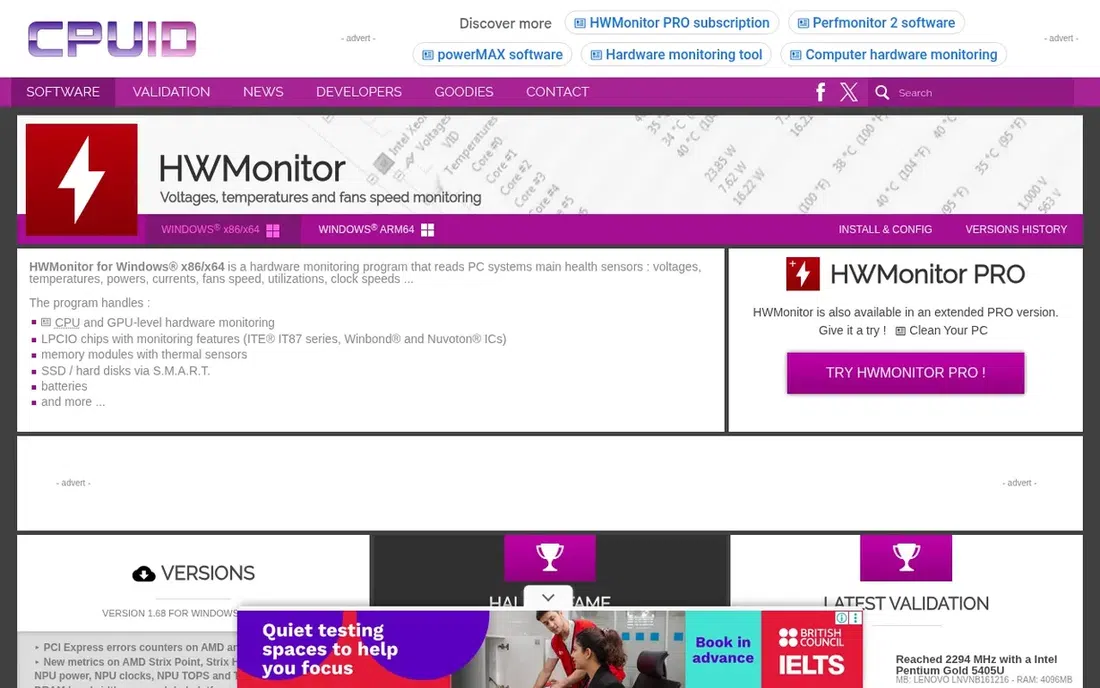
HWMonitor works best for straightforward sensor monitoring. HWMonitor does not offer extensive logging or alerting features, so it may not suit advanced users who require historical data or configurable warnings.
This comparison lists no price for HWMonitor; ask the vendor. As for free access: Not stated.
What to check first: Lacks advanced logging.
- Light and straightforward to use
- Reads voltages, temperatures
- Restricted customization
Open Hardware Monitor
Best for: Open-source sensor monitoring
Open Hardware Monitor targets Open-source sensor monitoring. As an open-source project, it may not receive updates as often as commercial alternatives, potentially missing support for the latest hardware.
Highlights: Free and open-source.
Where it is weaker: May lack support for newer hardware. It is an open-source project, which appeals to users who prefer community-driven tools. Check the vendor site for Open Hardware Monitor pricing; none is listed in this comparison. Free plan details: Not stated.
- Fan speed, voltages
- Light
- Interface is entry-level
Our selection method
The comparison looks at four things: starting price, free access, how well the feature set matches windows hardware monitoring tool, and the main limit of each tool. Seat minimums, billing terms and add-ons can move the real cost, so the starting prices here are a guide and not a quote. Position on the page reflects fit for a typical buyer first, with price clarity and free access breaking ties. Treat it as a guide, not a ruling.
What to confirm before you sign up
- Confirm the entry price with every vendor: no tool from Speccy to Open Hardware Monitor shows a fixed starting price.
- Before choosing Speccy, weigh its main limit: restricted live monitoring.
- Pick one real project and run it in HWiNFO first; a small pilot shows fit faster than a checklist.
- Confirm the exact MSI Afterburner plan that includes your must-have features.
- Before you load data into Open Hardware Monitor, check what an export looks like and who can run it.
FAQ
Can I try these tools before paying?
Not by default. None of the tools, from Speccy to Open Hardware Monitor, lists a free plan or a free trial here, so ask each vendor for a demo before committing.
How are the tools for Windows hardware monitoring tool ordered?
The order follows typical fit for Windows hardware monitoring tool, with Speccy first and Open Hardware Monitor last, then price clarity and free access. It is editorial judgement, not a score, so another team could rank the tools differently.
Is Speccy the right pick for everyone comparing windows hardware monitoring tool?
No single tool suits every team. Speccy comes first because it fits quick system specs overview, while HWiNFO suits in-depth diagnostics and reporting and MSI Afterburner suits GPU overclocking and monitoring. Match the tool to your own size, budget and workflow before deciding.
Does any tool for Windows hardware monitoring tool here have a free plan?
A permanent free plan is not offered by Speccy, Open Hardware Monitor or the other tools here. Plan a short evaluation period instead.
What is the best free hardware monitoring tool for Windows?
Speccy is the pick this page puts first, mainly for fast system specs overview. If your situation differs, HWiNFO suits in-depth diagnostics and reporting, and MSI Afterburner suits GPU overclocking and monitoring. Compare price and limits before you decide.
Sources
- https://www.ccleaner.com/speccy
- https://www.hwinfo.com
- https://www.msi.com/Landing/afterburner
- https://www.cpuid.com/softwares/hwmonitor.html
- https://openhardwaremonitor.org