6 Best Hardware Testing Software for 2026, Vetted and Compared
Comparing the best hardware testing software? 6 contenders, each with entry cost, free tier and best-fit buyer. Short verdicts, no fluff. Reviewed this month.
- Editor's choiceKeysight PathWave Test Executive
Organizing automatic test sequences and stations
Starts atSee websiteVisit keysight.comFull review - Great alternativeETAS INCA
Automotive calibration, diagnostics and validation
Starts atSee websiteVisit etas.comFull review - Also considerNI TestStand
Test sequencing and production test management
Starts atSee websiteVisit ni.comFull review
Direct answer
Start with Keysight PathWave Test Executive if you need organizing automatic test sequences and stations. Listed starting prices: NI LabVIEW from $39. Look at ETAS INCA for automotive calibration, diagnostics and validation, and at NI TestStand for Test sequencing and production test management. Details, prices and limits for the rest of the 6 tools are below.
TL;DR:
- This list starts with Keysight PathWave Test Executive, which is built for organizing automatic test sequences and stations.
- Check the limits for NI TestStand before you commit: best value within NI ecosystem.
- NI LabVIEW fits graphical programming for automatic test systems.
- Keysight PathWave Test Executive, NI LabVIEW and the 4 others all need a premium plan or a trial, since no free plan is listed.
Last checked November 2026. Prices and plan details were read from the vendors' own pages in November 2026; vendors change plans often, so confirm the current price on the vendor site before you buy.
Quick comparison
| Tool | Best for | Starts at | Free plan? | |
|---|---|---|---|---|
| Keysight PathWave Test Executive | Organizing automatic test sequences and stations | See website | Not stated | Visit |
| ETAS INCA | Automotive calibration, diagnostics and validation | See website | Not stated | Visit |
| NI TestStand | Test sequencing and production test management | See website | Free trial | Visit |
| MathWorks Simulink Test | Simulation-based and regression testing of models | See website | Free trial | Visit |
| Altium | Unified electronics design and development | See website | Not stated | Visit |
| NI LabVIEW | Graphical programming for automatic test systems | $39 | Free trial | Visit |
The best hardware testing software
LinkVetted put together this guide to hardware testing software for readers who want a clear shortlist without reading every vendor page. It compares 6 tools on starting price, free plans, who each one suits and where each one falls short.
Keysight PathWave Test Executive
Best for: Organizing automatic test sequences and stations

In short, Keysight PathWave Test Executive is for organizing automatic test sequences and stations. It suits teams using Keysight instruments and related PathWave tools that want a structured way to run test flow, sequencing and execution across production or validation environments.
Keysight PathWave Test Executive does not show a starting price in this comparison, so check the vendor site for current pricing. Trial and free access: Not stated.
Trade-offs to know: Ecosystem fit matters.
- Part of the PathWave software family
- Targeted at production and validation test
- Details vary by configuration
ETAS INCA
Best for: Automotive calibration, diagnostics and validation
ETAS INCA serves automotive calibration, diagnostics and validation. The product family handles typical calibration and diagnostic workflows instead of general-purpose instrument programming.
Watch-outs: Narrow automotive focus.
More specifically, INCA is specialized for automotive calibration and diagnostics, so it is not the right tool for general electronics bench testing or model simulation. On top of that, ETAS INCA is a collection of software for efficient calibration, diagnostics and validation of automotive electronic systems. ETAS INCA does not show a starting price in this comparison, so check the vendor site for current pricing. On free options: Not stated.
- Wide product collection
- Validation of automotive electronic systems
- Specialized workflows
NI TestStand
Best for: Test sequencing and production test management
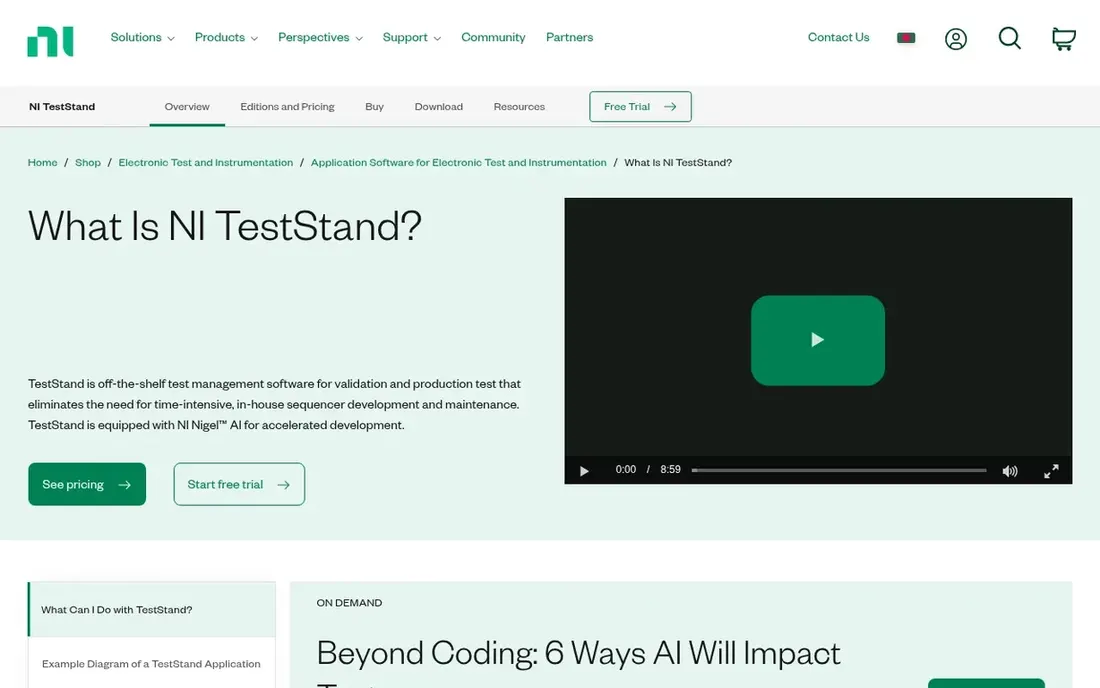
Think of NI TestStand for Test sequencing and production test management. It is a natural fit for manufacturing and validation groups that already build test code in LabVIEW or other environments and want a consistent execution layer across stations. TestStand is a test executive, not a programming environment, so you still need code modules and instrument drivers behind it.
If your primary need is graphical test development instead of orchestration, LabVIEW or a simulation tool may be the better starting point. Teams without NI tooling may find the ramp-up time and ecosystem fit less convenient. This comparison lists no price for NI TestStand; ask the vendor. On free options: Free trial.
Where it falls short: Best value within NI ecosystem.
- Handles validation and production test
- Organizes test sequences and reporting
- Needs setup and test development effort
MathWorks Simulink Test
Best for: Simulation-based and regression testing of models
MathWorks Simulink Test is designed for simulation-based and regression testing of models. As for the details, the tool is centered on model-based design, so it is not a general instrument control or production test executive.
Pick it when simulation, generated code and regression coverage are central, and look to a test executive or LabVIEW when physical hardware testing is the central task. On top of that, teams without Simulink models will get restricted value. No starting price is listed for MathWorks Simulink Test here; confirm pricing on the vendor site. As for free access: Free trial.
Where it is weaker: Needs Simulink familiarity.
- Supports baseline and regression testing
- Runs and executes simulation tests
- Centred on model-based workflows
Altium
Best for: Unified electronics design and development
Altium is a good fit for unified electronics design and development. Altium is an electronics design system, not a test executive or instrument automation tool, so it does not replace software that runs and sequences tests.
Consider Altium when the design-to-manufacturing workflow is the priority and testing is a downstream step. Altium shows no starting price here, so confirm the cost on the vendor site. As for free access: Not stated.
Limits to weigh: Not a test sequencing tool.
- Links design
- Wide electronics development system
- Design-focused instead of test execution
NI LabVIEW
Best for: Graphical programming for automatic test systems
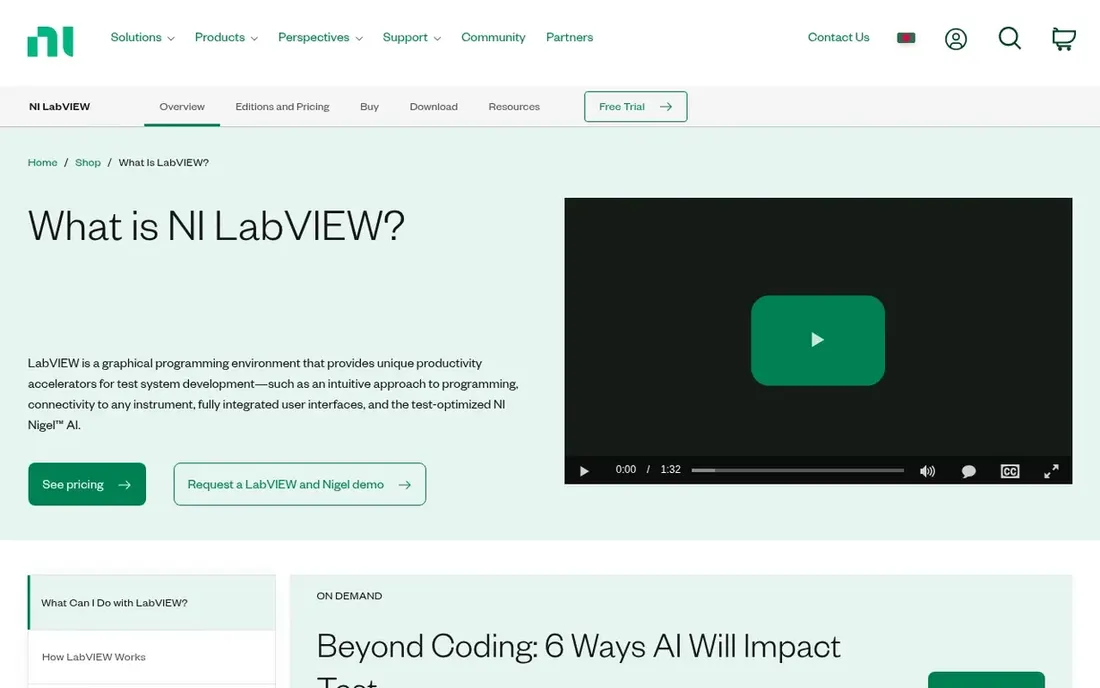
NI LabVIEW targets graphical programming for automated test systems. NI LabVIEW is a graphical programming environment that engineers use to develop automatic production, validation and research test systems.
What to check first: Graphical paradigm takes adjustment.
LabVIEW is a programming environment, so it demands design discipline and staff skills, and very large applications can become complicated to maintain. Also, choose it when custom test logic and instrument integration are the core requirement. The starting price for NI LabVIEW: $39. On free options: Free trial.
- Graphical programming environment
- Capable instrument control focus
- Large systems need disciplined structure
What went into this list
For each of the 6 tools we noted price, free plan or trial, fit for hardware testing software and the main limit, using vendor pages and documentation. Seat minimums, billing terms and add-ons can move the real cost, so the starting prices here are a guide and not a quote. Tools are placed by general fit for hardware testing software, with price clarity and free access as tie-breakers. A different team can reasonably rank them differently.
What to check before you buy
- Ask Keysight PathWave Test Executive, ETAS INCA, NI TestStand and others for a written quote, since no starting price is shown.
- Use real work to test the free trial from NI TestStand, MathWorks Simulink Test and NI LabVIEW, rather than a demo project.
- Before choosing Keysight PathWave Test Executive, weigh its main limit: details vary by configuration.
- Check how data leaves NI LabVIEW: formats, limits and whether exports are available on every plan.
- Before rolling out NI TestStand, verify the integrations your workflow depends on.
FAQ
Do these tools publish their prices?
Not all of them. Keysight PathWave Test Executive, ETAS INCA, NI TestStand and others publish no starting price, so expect a quote request for those. The rest, NI LabVIEW included, show a starting price, though seats and billing terms still change the final cost.
Is Keysight PathWave Test Executive the right pick for everyone comparing hardware testing software?
No single tool suits every team. Keysight PathWave Test Executive comes first because it fits organizing automated test sequences and stations, while ETAS INCA suits automotive calibration, diagnostics and validation and NI TestStand suits Test sequencing and production test management. Match the tool to your own size, budget and workflow before deciding.
Can I try these options before paying?
Often, yes. NI TestStand, MathWorks Simulink Test and NI LabVIEW offer a free trial. Use your own data and a real task during the test, and check what the free tier or trial limits before you rely on it.
Does any tool for hardware testing software here have a free plan?
A permanent free plan is not offered by Keysight PathWave Test Executive, NI LabVIEW or the other tools here. NI TestStand, MathWorks Simulink Test, NI LabVIEW offer a trial. Plan a short evaluation period instead.
What is the difference between a test executive and a programming environment?
A programming environment like NI LabVIEW is where you build the test logic and instrument control code. Numerous teams use both together.
Sources
- https://www.keysight.com/us/en/products/software/pathwave-test-software/pathwave-test-executive.html
- https://www.etas.com/en/products/inca_software_products.php
- https://www.ni.com/en/shop/electronic-test-instrumentation/application-software-for-electronic-test-and-instrumentation-category/what-is-teststand.html
- https://www.mathworks.com/products/simulink-test.html
- https://www.altium.com
- https://www.ni.com/en/shop/labview.html